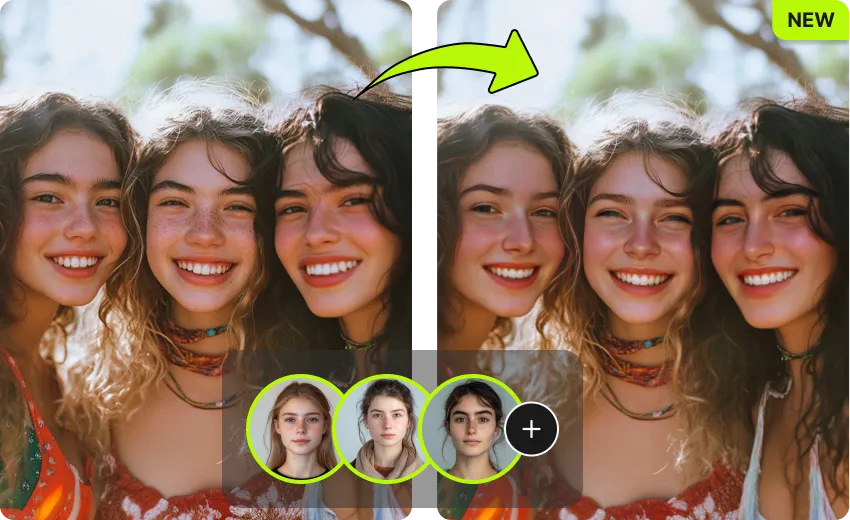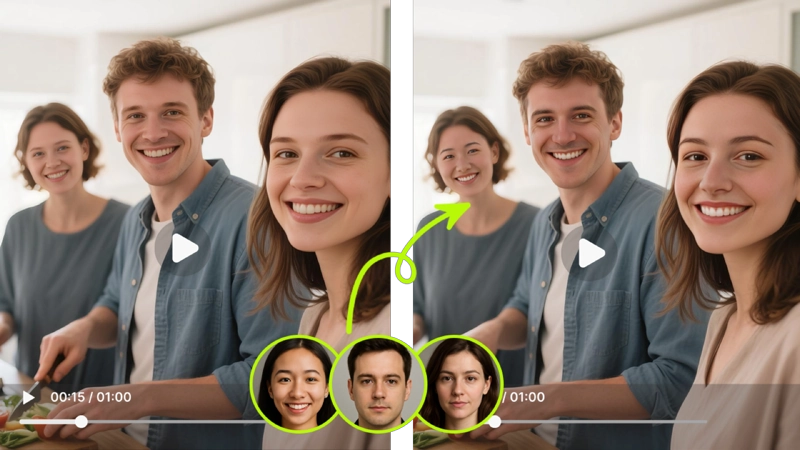
VidMage lets you deepfake face swap in photos, videos, and GIFs with AI. Realistic results, no signup required, free to try.
 123
123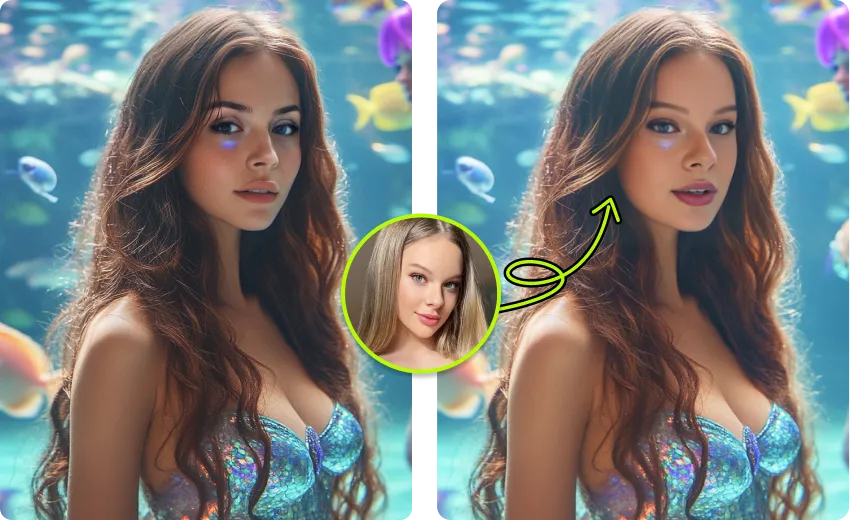
You can go from upload to finished deepfake face swap in three simple steps and under a minute.
Choose the media you want to work with. VidMage supports photos in PNG, JPG, and WEBP, and videos in MP4 and MOV. For the best result, pick a clip or image with a clear, well-lit face. Free users can work with videos up to 20 seconds; paid plans support up to 5 minutes.
Upload a photo of the face you want to swap in. A front-facing portrait with good lighting works best. The AI detects the face automatically, so you don't need to trace, crop, or manually select anything.
Click generate and VidMage handles the rest. The AI maps the new face onto every frame, matching expressions, head movement, and lighting throughout the clip. Your deepfake face swap result is ready to download in seconds.
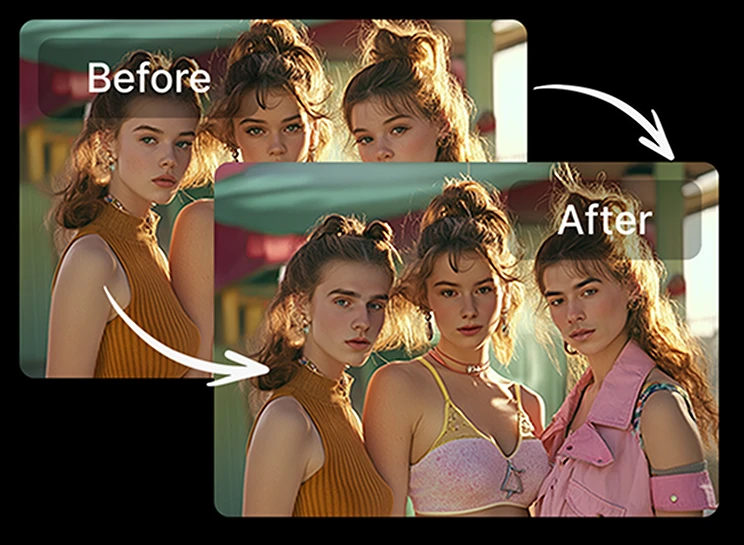
From realistic AI blending to local offline processing, here is what makes VidMage different.
No GPU, no Python, no command line. VidMage runs in your browser and delivers realistic deepfake face swaps in minutes. The AI handles skin tone matching, lighting blending, and expression tracking automatically.
You can upload and generate a deepfake face swap right now without creating an account. Free users get 15 daily photo swaps and 20 seconds of video, with no watermark on the trial output.
Working on a clip with more than one person? VidMage can detect and replace up to 4 faces simultaneously in a single video, each with a different target identity. No need to run the same video through the tool multiple times.
If you need to keep footage off cloud servers, the VidMage Mac app processes everything on your device. Nothing is uploaded. This is useful for studios, agencies, or anyone handling sensitive or client-facing footage.
Whether you are making content for social media or a professional project, VidMage covers the core deepfake face swap use cases.
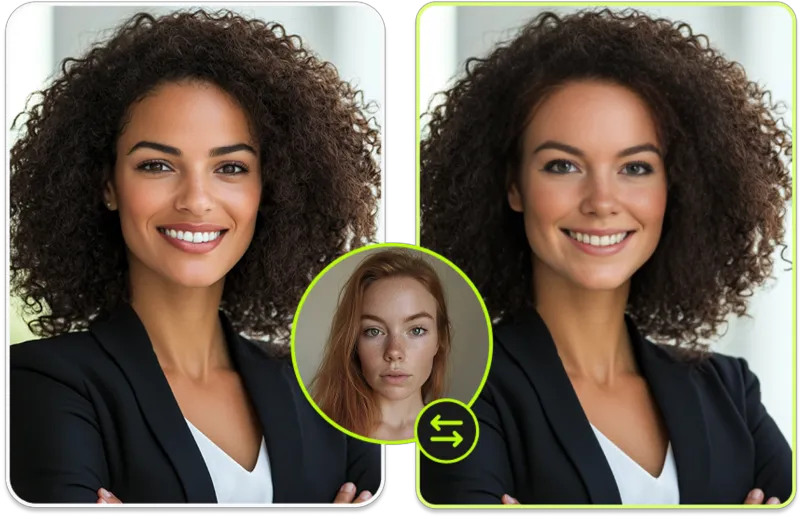
Upload a photo and a target face, and VidMage replaces the face in seconds. The AI detects facial landmarks, adjusts for lighting and skin tone, and blends the result so it looks natural, not pasted on. This works well for memes, holiday cards, viral images, and social profile fun. You can also swap multiple faces in a single group photo. Photo swaps are fast and require no video editing knowledge. If you want to try deepfake face swap without committing to a full video project, this is the easiest starting point.
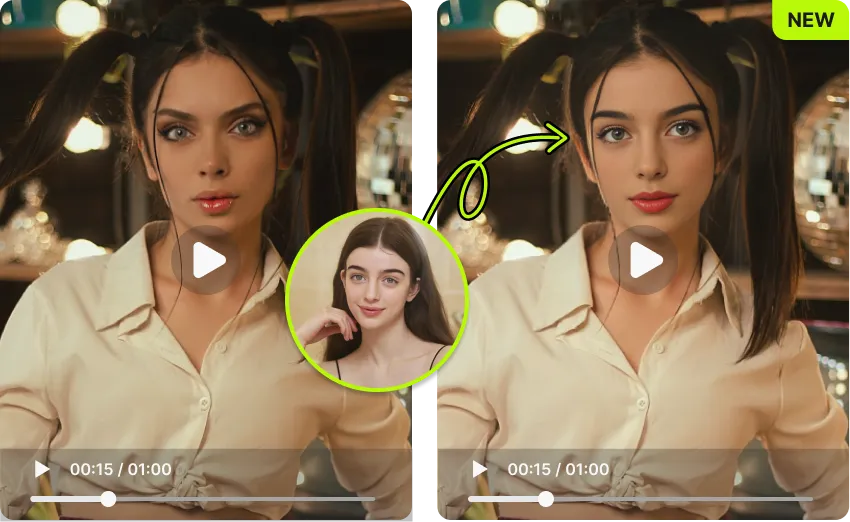
Put any face into any video clip with AI. VidMage tracks facial movement, head rotation, expressions, and lighting changes frame by frame to keep the result consistent throughout the clip. This is good for skits, reaction videos, movie scene recreations, and short-form social content. The web version supports videos up to 20 seconds free, with paid plans handling up to 5 minutes. Processing takes around 1 minute per second of video, so a 15-second clip is typically ready in about a minute.
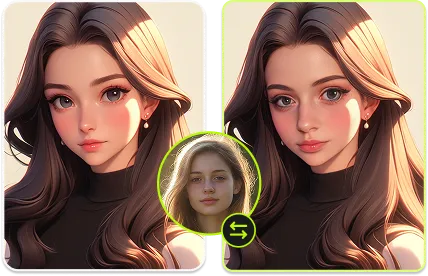
The most common problem with deepfake tools is flickering or boundary artifacts that make the swap obvious. VidMage's AI model processes each frame individually, tracking facial landmarks and adjusting blend edges to reduce visible seams. The result is smoother across motion, different angles, and light changes than what you would get from basic face replacement tools. If you have tried other tools and found the results looked artificial, the difference is usually in how the model handles motion consistency.
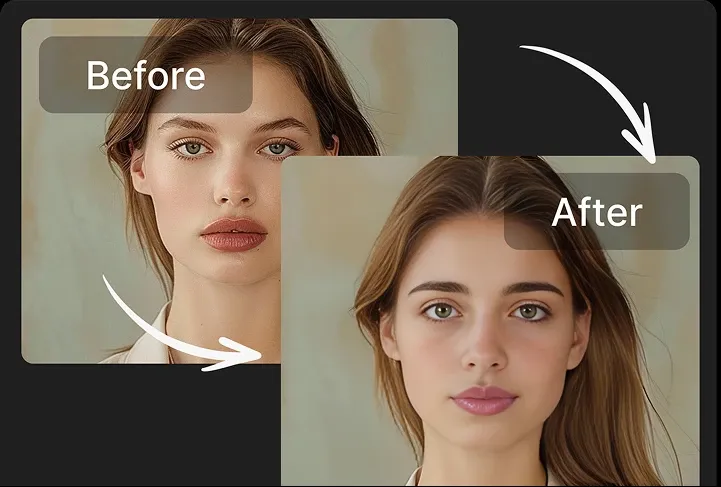
VidMage supports animated GIFs as an input format. If you have a classic reaction GIF or meme template and want to swap in a different face, you can do it directly without converting to video first. This is useful for Discord, group chats, Reddit posts, and any content where GIFs are the preferred format. The result downloads as a GIF ready to share. For quick content that doesn't require video editing, GIF face swap is often the fastest path from idea to output.

When you need high-resolution output for a commercial project, advertisement, or professional production, the VidMage Mac app supports 4K export. Most browser-based deepfake tools cap output at 1080p or lower. The Mac app runs the AI model locally on Apple Silicon, which allows for higher resolution without a cloud processing bottleneck. If you are creating content that needs to hold up on large screens or will be used in a professional context, the Mac app gives you the quality headroom you need.
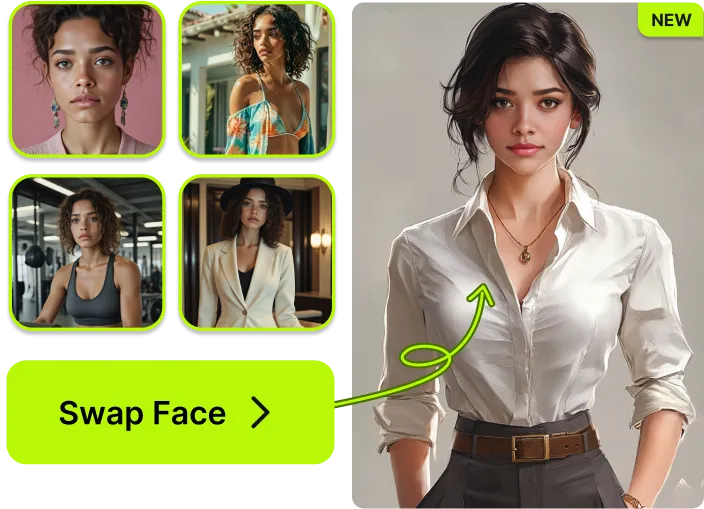
For creators who produce content at scale, running one video at a time is a bottleneck. VidMage's Mac app supports batch processing, letting you queue multiple files and run them simultaneously. Combined with multi-face support for up to 4 faces per video, this makes VidMage a practical option for agencies, studios, and high-volume content teams. You can process a day's worth of content in a single session, rather than babysitting each job individually.
Here is a direct comparison across the features that matter most when choosing a deepfake face swap tool.
| Feature | VidMage | DeepSwap | Remaker AI | Reface | FaceFusion (OSS) |
|---|---|---|---|---|---|
| Free trial (no signup) | Yes, no signup | No | No | Limited | Yes (self-hosted) |
| No watermark on free trial | Yes | No | No | No | Yes (self-hosted) |
| Price per second of video | ~$0.01 | ~$0.01–$0.05 | Subscription only | Subscription only | Free (GPU required) |
| Multi-face support | Up to 4 faces | Up to 6 faces | Limited | No | Yes (manual config) |
| 4K output | Yes (Mac app) | No | No | No | Yes (GPU required) |
| Local / offline processing | Yes (Mac app) | No | No | No | Yes |
| Real-time face swap | Yes (Mac app) | No | No | No | Yes (GPU required) |
| GIF support | Yes | Yes | Yes | Yes | No |
Common questions about deepfake face swap, how it works, and what VidMage can do.

VidMage is designed so you stay in control of your content.
Every file you upload is automatically deleted from VidMage's servers within 2 hours of processing. Download your result promptly to keep a copy.
VidMage does not use your photos, videos, or prompts to train AI models or share them with any third party. Your content stays yours.
All file uploads and downloads use encrypted connections to protect your content in transit from upload to download.
The VidMage Mac app processes everything on your device. Nothing leaves your machine, giving you complete data control for sensitive footage.
No signup required. Upload a photo or video, add a target face, and see realistic results in under a minute.