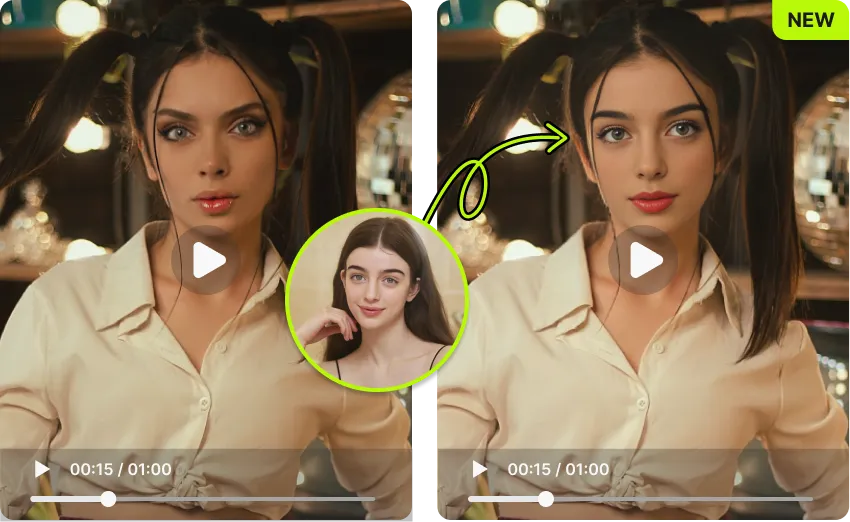
Upload your photo and swap faces with your favorite celebrity in seconds. Realistic AI results, no editing skills needed, no sign-up required.
 123
123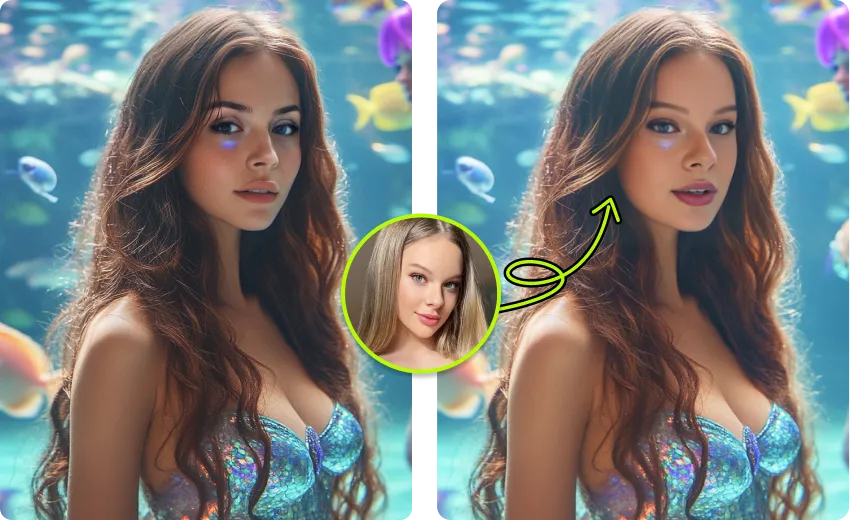
It only takes three simple steps to get a realistic celebrity face swap result in under 30 seconds.
Choose a clear photo of yourself or the face you want to use. A front-facing, well-lit portrait works best. VidMage detects the face automatically. No manual selection or cropping needed.
Upload a photo of your favorite celebrity, actor, athlete, or any famous person you want to swap with. A high-resolution, clear image gives you the most realistic result.
Click generate and let the AI do the work. VidMage blends the facial features, lighting, and skin tone to create a seamless result. Your celebrity face swap is ready to download and share in seconds.
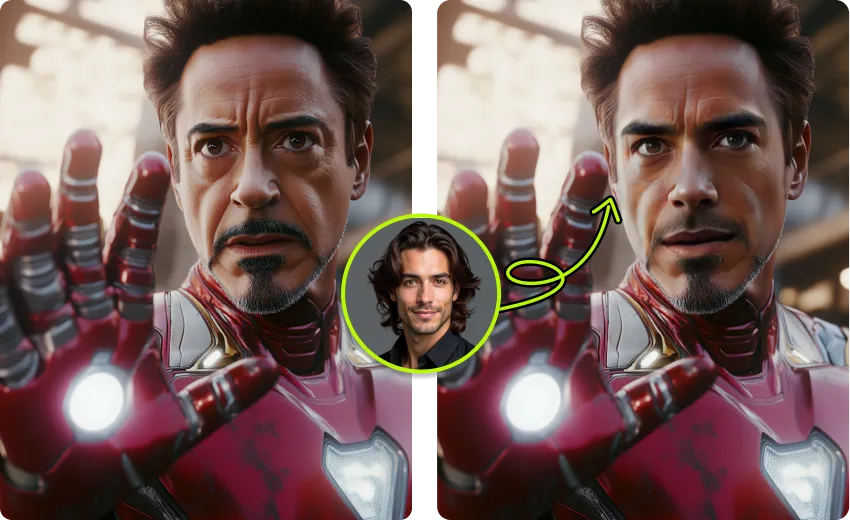
From realistic AI blending to a privacy-first design, here's what makes VidMage different.
VidMage preserves facial details, skin texture, and lighting when swapping faces. The result looks natural and accurate, not obviously fake or blurry around the edges.
You can try VidMage's celebrity face swap right away without creating an account. Free users get 15 face swaps per day with no watermark on the output.
Upload any celebrity photo, including actors, musicians, athletes, K-pop idols, or any public figure. VidMage works with whatever face you provide, with no restrictions on who you can swap with.
VidMage does not store your uploaded photos. All images are cleared within 2 hours of processing. Nothing is saved, shared, or used for AI training.
From quick memes to fan tributes, here are the ways creators use VidMage's celebrity face swap every day.
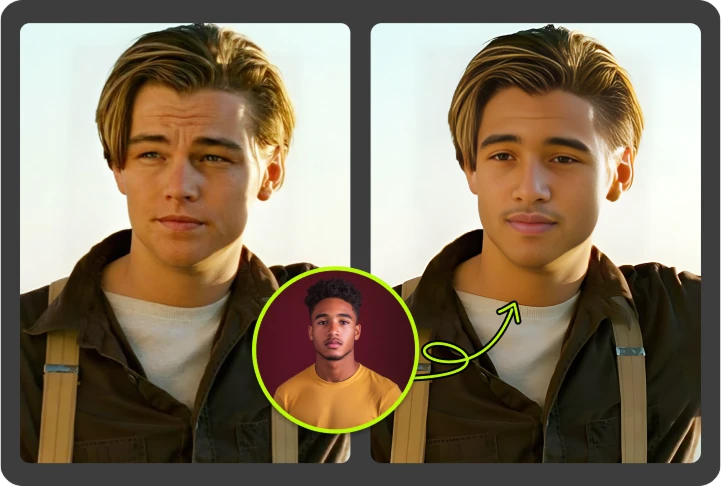
See what you'd look like as your favorite movie star, musician, or athlete. VidMage's AI analyzes both faces and creates a seamless blend that preserves natural skin tone, lighting, and facial proportions. The result is realistic enough to share directly on social media. This is the most popular use case for casual users and fans who want a fun, high-quality output without any editing knowledge. No design tools, no Photoshop. Just upload two photos and get your celebrity face swap in seconds.
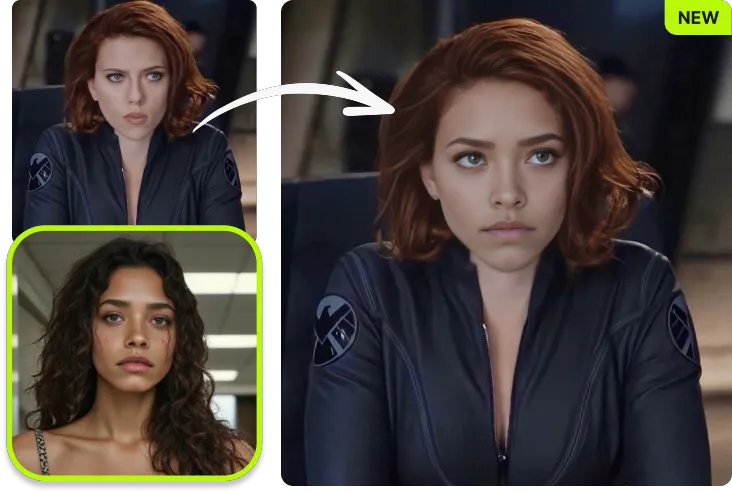
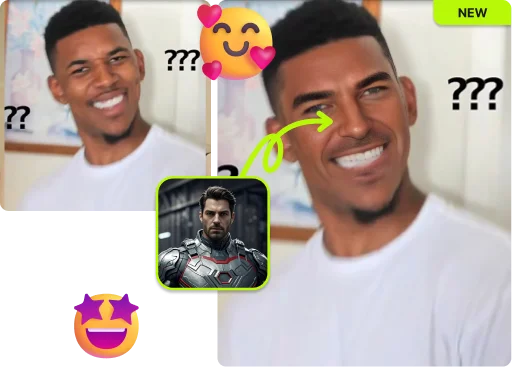
Celebrity face swaps are one of the most shareable types of social content. Whether you're swapping a friend's face onto a famous red carpet moment, dropping your own face into an iconic scene, or building a meme around a trending celebrity image, VidMage gives you the output quality to make it look real. Users on TikTok, Instagram, and WhatsApp regularly use AI celebrity face swaps to create content that gets reactions. The faster and more realistic the tool, the more content you can create and share.
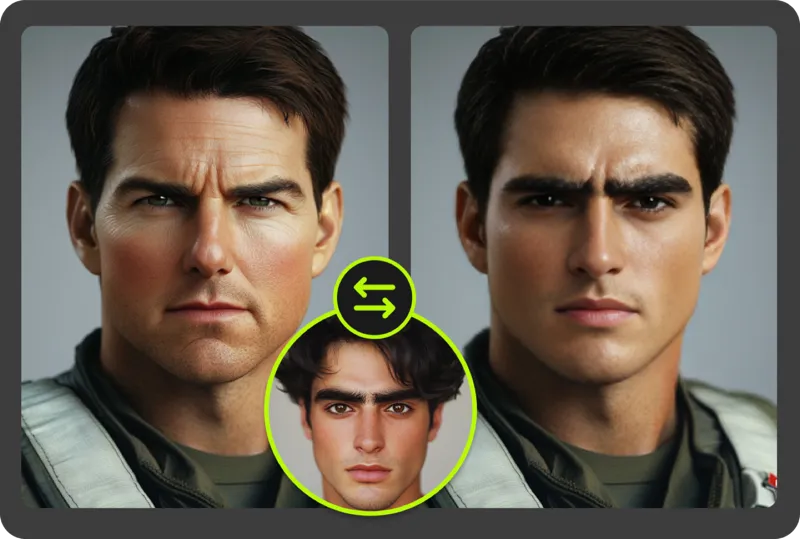
VidMage works in both directions. You can swap your face onto a celebrity's body, or you can place a celebrity's face onto your own photo. This flexibility is useful for fan edits, personalized birthday cards, creative posts, or just exploring how you'd look in a celebrity's context. Many tools only support one direction. VidMage handles both accurately, keeping the skin tone, shadow, and facial proportions consistent regardless of which direction the swap goes.
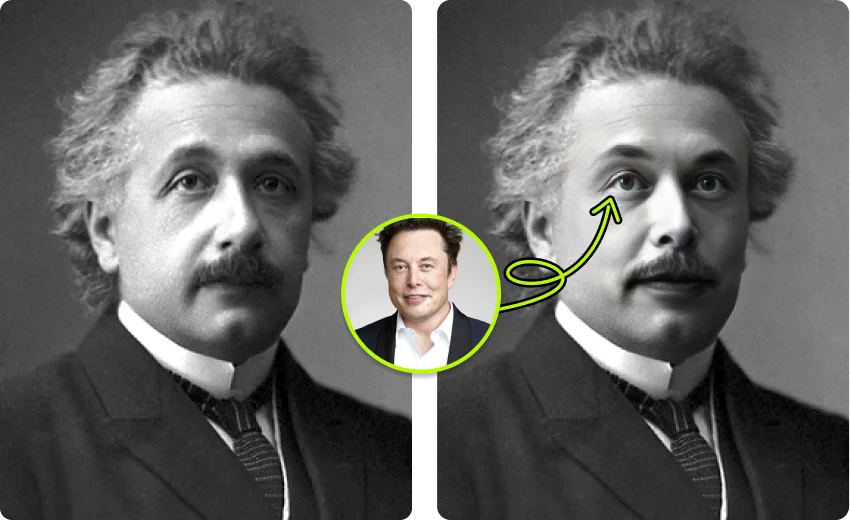
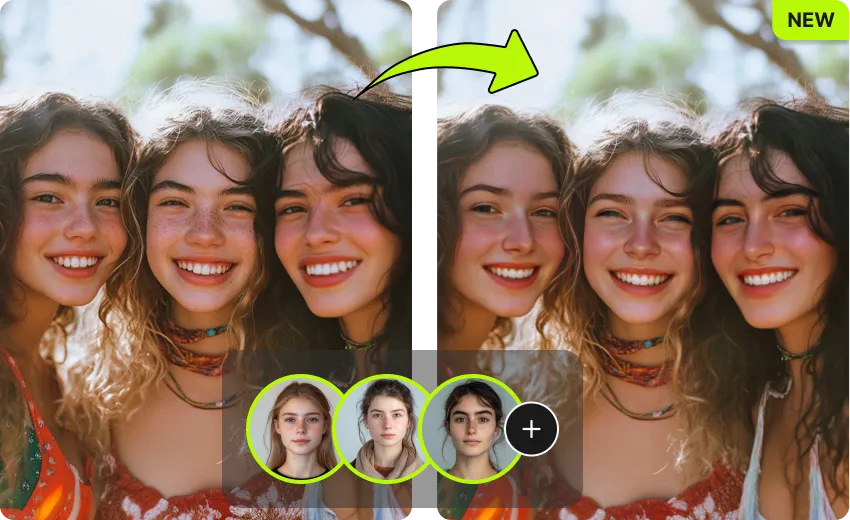
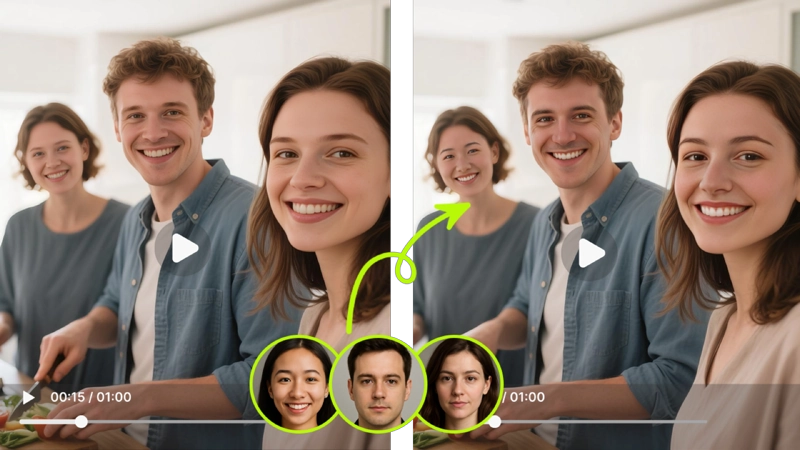
Working with a photo that has multiple people in it? VidMage supports swapping up to 4 faces in a single image at the same time. This is useful for group memes, fan edits with multiple celebrities, or any scene where you want to replace more than one person. Each face is processed independently, so you can assign different celebrities to different people in the same photo. The result is consistent across all faces in a single output.
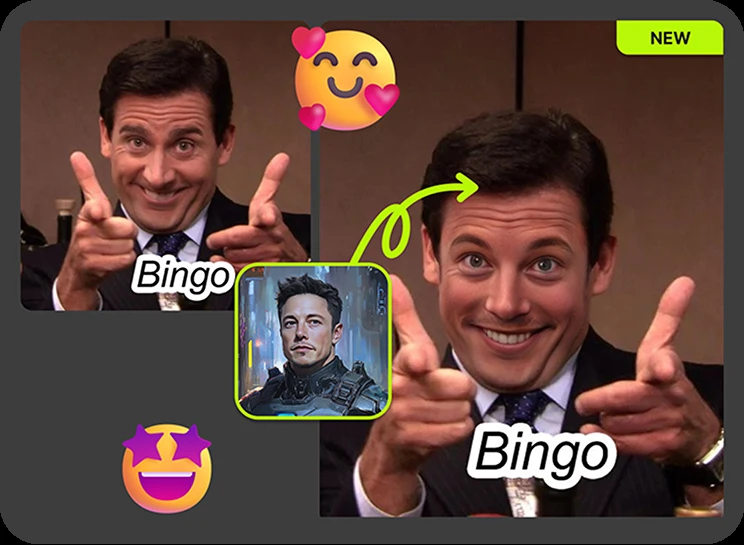
If you create fan art, tribute posts, or creative content around celebrities, output quality matters. VidMage produces sharp, clean results that hold up when posted at full resolution. For users who need even higher quality, the VidMage Mac app supports 4K output and local processing, which means better resolution and no file upload required. This makes it a good option for content producers and fan account creators who want their celebrity face swap content to look polished and professional.
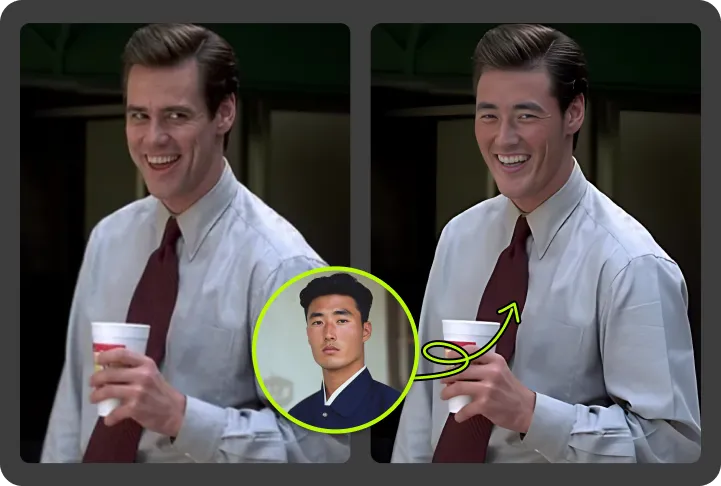
Trends move fast. When a new celebrity moment goes viral, you want to remix it and share it quickly before the moment passes. VidMage processes photos in 5 to 10 seconds, so you can create and post celebrity face swap content while it's still trending. Whether you're contributing to a meme format, responding to a celebrity news moment, or just sending something funny to a friend, the fast turnaround means you're always ready to participate.
Here's a direct look at how VidMage stacks up against the most commonly used celebrity face swap alternatives.
| Feature | VidMage | DeepSwap | Remaker AI | Reface | AIFaceSwap |
|---|---|---|---|---|---|
| Free trial (no sign-up) | ✓ Yes | ✗ No | ✗ No | Limited | ✓ Yes |
| No watermark on free tier | ✓ Yes | ✗ No | ✗ No | ✗ No | ✓ Yes |
| Photo celebrity face swap | ✓ Yes | ✓ Yes | ✓ Yes | ✓ Yes | ✓ Yes |
| Video celebrity face swap | ✓ Yes | ✓ Yes | Limited | Limited | ✗ No |
| Multi-face support | Up to 4 | Up to 6 | Limited | ✗ No | ✗ No |
| Privacy: files deleted | Within 2 hrs | 7-day retention | Unclear | Unclear | Unclear |
| Mac local processing | ✓ Yes (Mac app) | ✗ No | ✗ No | ✗ No | ✗ No |
| 4K output | ✓ Yes (Mac app) | ✗ No | ✗ No | ✗ No | ✗ No |

VidMage processes your uploaded photos to generate your result and deletes them afterward. We don't store images, use them for AI training, or share them with third parties.
Your uploaded photos and generated results are automatically cleared within 2 hours of processing. We don't hold on to your images.
Your photos are never used to train or improve VidMage's AI models. What you upload stays private and is not used for any purpose beyond generating your result.
VidMage does not share your uploaded images with any third party, advertiser, or external service. Your content is processed and discarded.
The VidMage Mac app processes everything on your own device. No upload, no cloud, no exceptions. Ideal if you want complete control over your files.
Upload your photo and swap faces with any celebrity in seconds. No account, no editing skills, no watermark on your first try.