Put your face into your favorite meme in seconds. Upload a photo, pick a meme template, and let VidMage AI do the rest, no editing skills needed.
By continuing, you confirm consent.
Swap videos up to 4K / 1GB / 5 min with VidMage Pro (+400 credits/mo)
VidMage handles your files securely and deletes them automatically. Your memes are yours, not ours.
All uploaded photos, GIFs, and videos are permanently deleted from VidMage servers within 2 hours of processing. We don't hold onto your files.
VidMage never uses your uploaded photos or videos to train AI models or improve the system. Your face is yours.
Your files are not shared with, sold to, or processed by any third party. Only VidMage's own systems handle your content during the swap.
The VidMage Mac app processes everything on your own device. Nothing leaves your computer. This is the strongest privacy option for users who prefer full local control.
It takes three quick steps and about ten seconds. No account required, no watermark on your result.
Choose a classic meme template from the built-in library, or upload your own image. You can use a static meme photo, an animated GIF, or a short video clip as the base. VidMage supports PNG, JPG, JPEG, WEBP, GIF, and MP4 formats.
Upload a clear photo of the face you want to insert. Use your own face, or a friend's face with their permission. The AI needs one good frontal photo to work with. The clearer the face, the more realistic the result.
Hit the Swap button and wait a few seconds. VidMage AI automatically detects the face in the meme, aligns the new face to match lighting and angle, and blends it in naturally. Download your finished meme and share it anywhere.
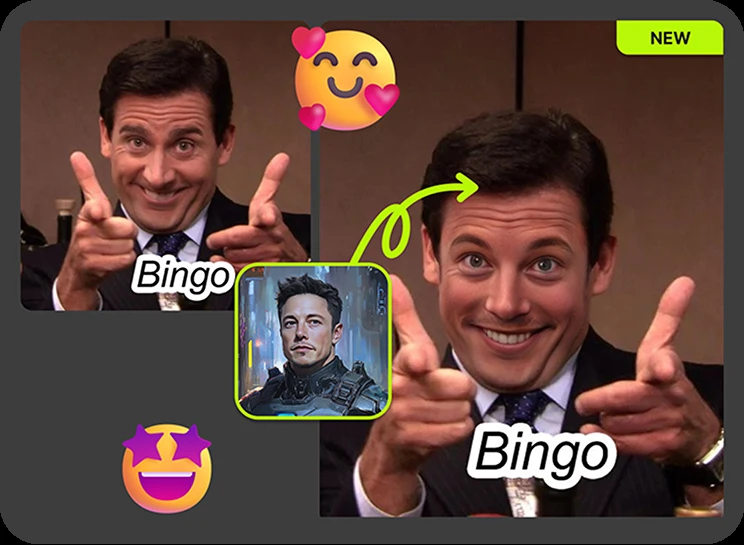
VidMage gives you realistic results fast, with no sign-up required and no watermark on your output.
VidMage uses advanced face recognition to match lighting, skin tone, and angles automatically. Your meme looks natural, not like an obvious cut-and-paste job that ruins the joke.
Most face swap tools only handle static images. VidMage supports photo memes, animated GIF memes, and short video clips all in one place. Upload whichever format you have and the AI handles the rest.
Start swapping immediately without creating an account. Your finished meme downloads clean, with no logo stamped on it. Free users get 15 image swaps per day, so casual creators can do a lot without spending anything.
Photo face swaps finish in 5 to 10 seconds. GIF and video memes take about one minute depending on length. You spend more time choosing the meme than you do waiting for the result.
VidMage combines AI face swap with full format support so your memes look great and reach everywhere.
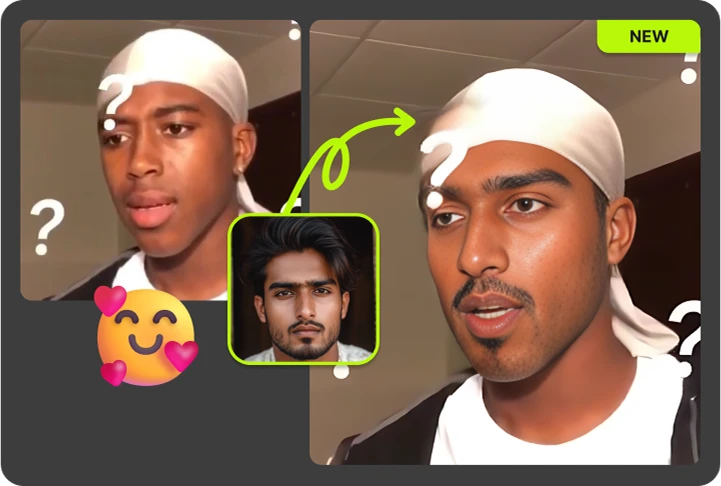
Want to put your face on the Distracted Boyfriend, Crying Jordan, or Surprised Pikachu? Just upload your meme image and a face photo, and VidMage handles the rest. The AI blends the new face into the existing scene, matching the angle and lighting of the original, so the result looks intentional rather than slapped together. Ideal for anyone who wants to make quick, funny personalized memes to share on Instagram, Twitter, or in group chats.
Animated memes get more reactions than static images. VidMage lets you swap faces in GIF meme templates, replacing the face across every single frame so the swap stays consistent throughout the animation. This is especially useful for reaction GIFs, viral loops, and the kind of content that fits perfectly in Discord servers and Reddit threads. You can upload any GIF from your device and swap it in seconds.
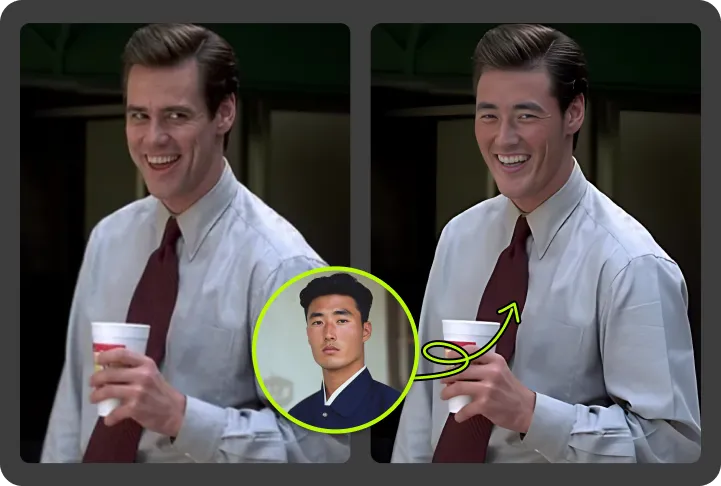
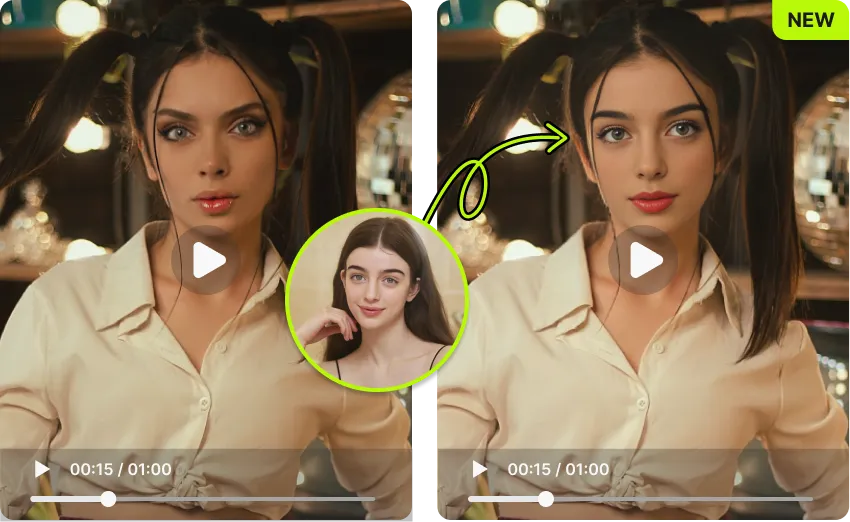
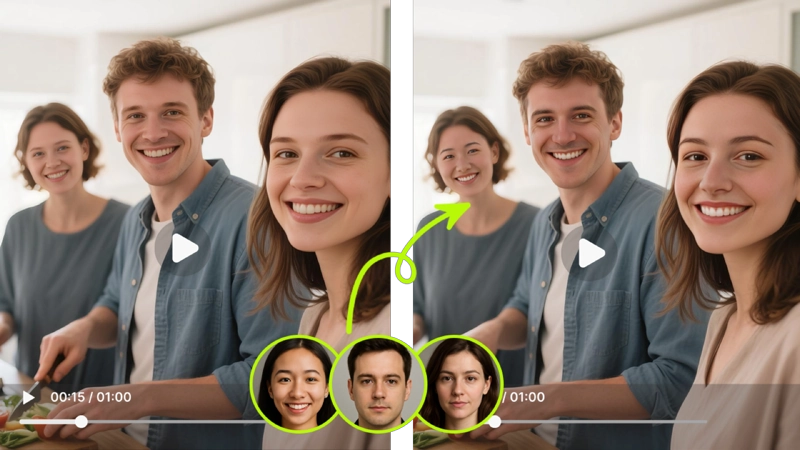
VidMage also supports video meme face swap directly in this tool. Upload a short MP4 clip, such as a movie scene, a sports highlight, or a viral moment, and VidMage tracks the face across every frame, keeping the swap consistent as the person moves. Great for turning any video clip into a personalized meme without switching tools.
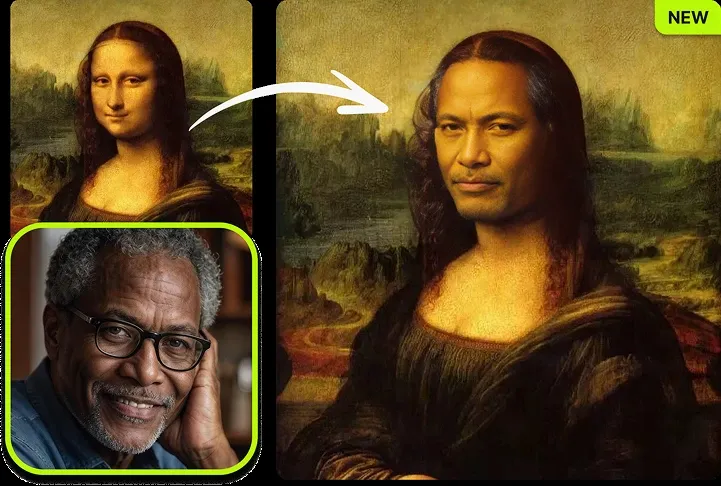
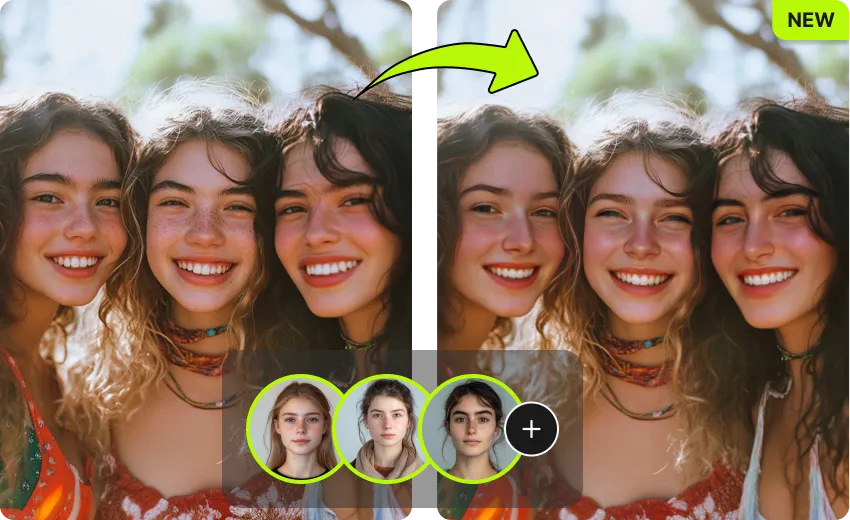
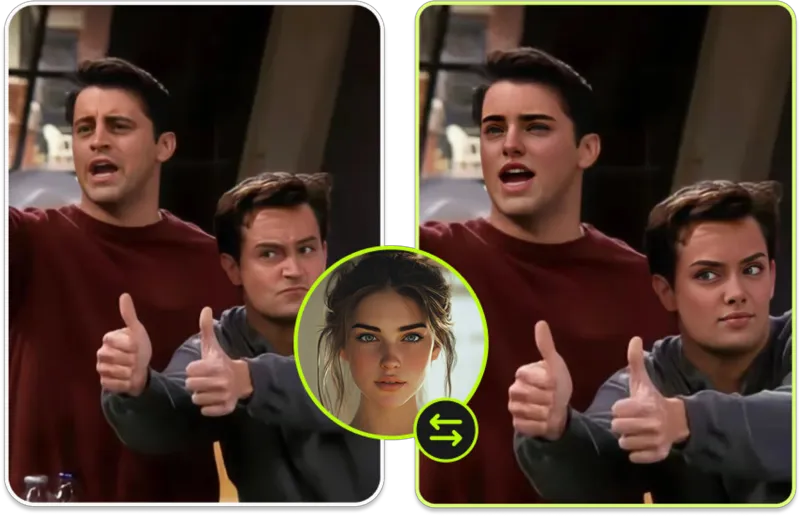
Swap yourself and up to three friends, with everyone's permission, into a classic group-photo meme. VidMage supports up to 4 simultaneous face swaps in a single image, so you can create group memes without having to edit each face individually. This makes birthday memes, team roasts, and friend-group content much faster to produce.
You do not need to register or hand over your email to use VidMage. Open the tool, upload your meme, swap the face, and download the result. Paid plans unlock higher usage and longer video support, but the free tier is generous enough for casual meme creators who just want to make something funny and share it.
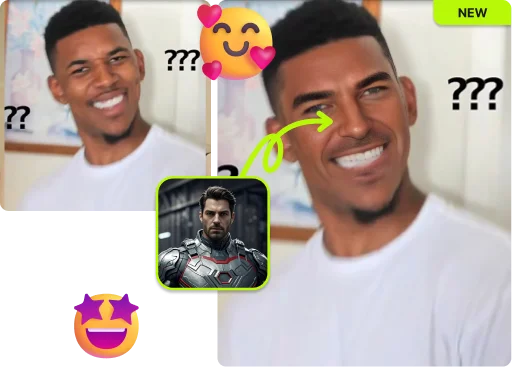
If you create memes regularly and want more control, the VidMage Mac app processes everything locally on your device. There's no cloud upload, which means full privacy. You also get 4K output quality, batch processing for producing multiple meme variants at once, and real-time face swap for live content. It runs natively on Apple Silicon and works offline, making it a strong option for content creators who treat meme production as a regular workflow.
See how VidMage stacks up against popular face swap meme tools on the features that matter most.
| Feature | VidMage | GoEnhance AI | insMind | MemeMe App | Remaker AI |
|---|---|---|---|---|---|
| Free to use | Yes | Yes | Yes | Freemium | Yes |
| No sign-up required | Yes | No | Yes | No | Yes |
| No watermark (free) | Yes | No | Yes | No | No |
| GIF meme support | Yes | No | No | Yes | No |
| Video meme support | Yes | No | No | No | No |
| Multi-face swap | Yes (up to 4) | No | No | No | Yes (up to 6) |
| Mac offline/local processing | Yes | No | No | No | No |
| Photo processing time | 5-10 seconds | 10-30 seconds | 10-30 seconds | 5-15 seconds | 10-30 seconds |
Selected feedback on meme templates, reaction edits, parody posts, fast creation, and recognizable results made for sharing across social channels. Each card opens the original third party source.
“A meme does not always need cinematic realism.”
“Social media creators looking to produce engaging content will find it useful for meme creation and entertainment posts.”
“Face swaps on trending clips or memes can dramatically boost engagement.”
“Quickly create viral content by placing your face or a friend's onto popular meme templates.”
“someone starring in a Marvel scene, a friend showing up in a meme template”
“Creating memes and viral content for TikTok, Reels, YouTube Shorts”
“Meme pages and parody content”
“VidMage AI is designed for creators, social media users, meme makers, and anyone who wants to create fun or realistic AI face swap content fast.”
“Have fun crafting hilarious memes and short videos to share with friends or on community forums.”
“It is great for making funny memes, social media posts, and short videos.”
“short face-swap clips, and Mac-based face-editing workflows.”
“I randomly came across this site called Vidmage ai while looking for something fun to do with old videos.”
Upload any meme image, add a face, and get a funny result in seconds. Free to try, no sign-up needed.