


VidMage is a native Apple Silicon face swap app for Mac. Swap faces in photos, videos, GIFs, and live calls, fully offline with no upload.
Apple Silicon M1 or later
The VidMage Mac app is designed so your photos and videos never leave your device, by default.
Every face swap runs directly on your Mac. Photos, videos, GIFs, and target faces are never sent to any external server or cloud service.
VidMage does not use your media, prompts, or any input for AI model training. Your files are not shared with third parties, ever.
You can download VidMage Mac and start swapping faces without creating an account. No email, no password, no personal data collected at entry.
Once installed, VidMage runs face swap with no internet connection. No data leaves your Mac during processing, even when you are online.
Download VidMage, drop your media in, and get a clean face swap in under a minute. No coding, no cloud upload, no setup hassle.
Get the VidMage Mac app from vidmage.ai/face-swap-mac and drag it into Applications. It runs natively on Apple Silicon (M1, M2, M3), so there is no Rosetta layer and no extra setup.
Open the app and drag in the file you want to edit. Add the face you want to swap in. The AI detects faces automatically. You do not need to mark, crop, or outline anything by hand.
Click swap. VidMage processes the file on your Mac, with no upload to a server. Photos finish in about 10 seconds. Short videos take about 1 minute. Save in full resolution with no watermark.
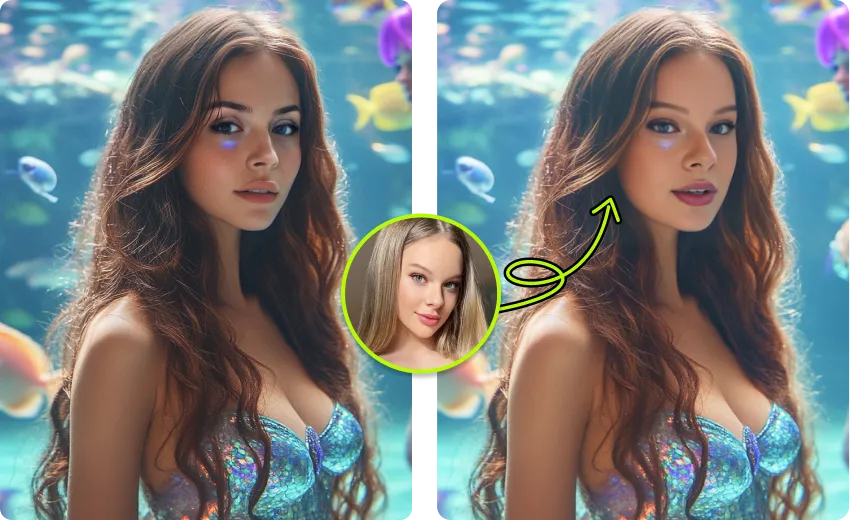
VidMage is built for Mac users who want speed, privacy, and high quality, without giving up the simple drag-and-drop feel of a real Mac app.
VidMage runs natively on M1, M2, and M3 chips. No emulation, faster processing, lower fan noise, and better battery life on any recent MacBook or Mac desktop.
Every face swap runs on your Mac with no internet connection required. Your photos and videos never leave your device, never reach a server, and are never used to train AI.
Web tools cap uploads at 50 to 100 MB and compress your output. VidMage Mac has no file size limit, exports up to 4K, and adds no watermark.
Open-source Mac tools need Python, Conda, and ONNX Runtime. VidMage is a signed Mac app. Drag in a file, click swap, and the AI handles the rest.
From quick photo edits to 4K video, live calls, and studio batch jobs, VidMage covers every face swap use case Mac users actually have.

Swap faces in any video on your Mac and export up to 4K. VidMage maintains quality through expression changes, head angles, and lighting shifts, so the result holds up on a large screen, not just a phone preview. Well suited for short-form creators producing TikTok, YouTube Shorts, and Reels content, as well as anyone who needs clean swapped footage for client work or marketing material. Processing runs locally, with no upload time and no server-side file size limit. You stay in control of the source media at every step.
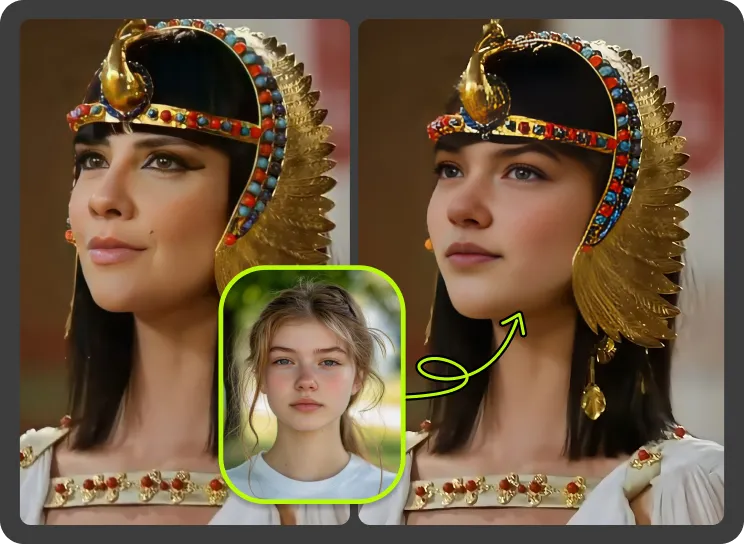
VidMage installs a virtual camera on your Mac, so you can appear as a different face during a live call or stream. It plugs into Zoom, FaceTime, Google Meet, Microsoft Teams, OBS, and Discord by selecting VidMage as the camera source. Useful for streamers building a character persona, presenters running role-play sessions, online instructors who want a consistent on-camera look, and anyone who prefers privacy on calls. Latency stays low because everything runs on Apple Silicon, not a remote GPU.
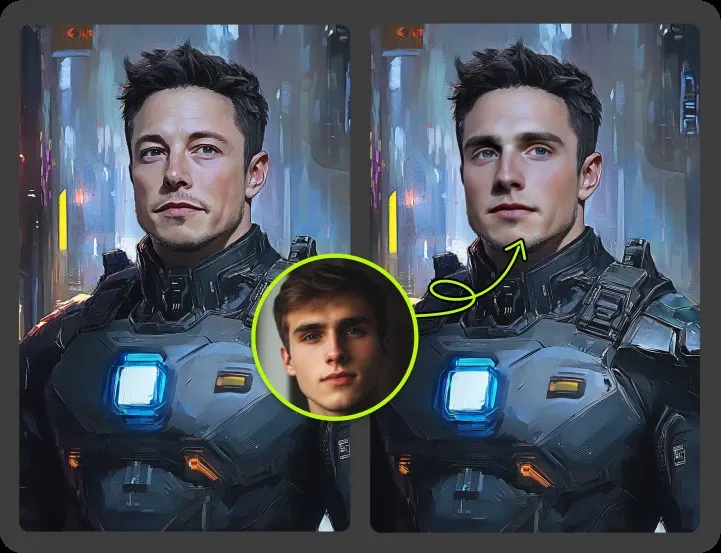
When a photo or video shows more than one person, VidMage can swap each face separately. You assign a different target face to each person in the frame, and the AI handles them in a single pass, up to four faces at a time. Great for group selfies, team headshots, family photos, multi-character scenes in a short film, or meme content that needs more than one swapped face. Everything runs locally on your Mac with no upload, even for high-resolution group shots.
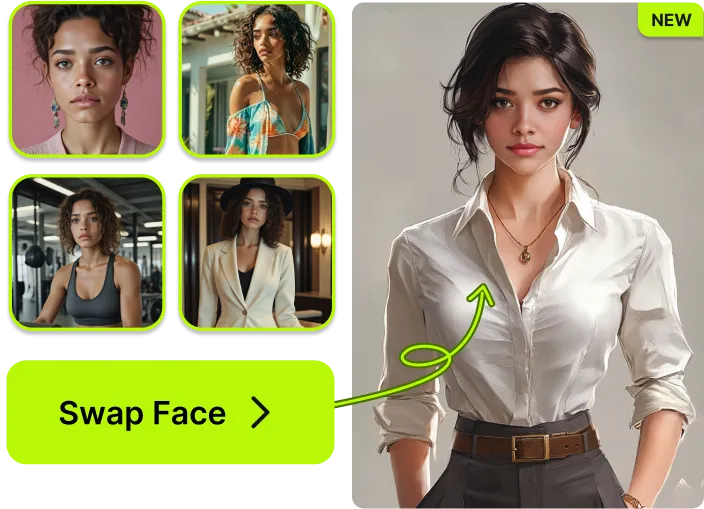
Drop a folder of photos or videos into VidMage with one target face and let the app run through every file in one job. This is built for e-commerce teams, ad agencies, event photographers, and content studios that need to replace faces across a large set of assets. What might take hours of manual editing finishes in minutes, all processed locally on Mac with no quota burned on cloud uploads. Pair it with 4K output and you have a real production workflow, not a toy.
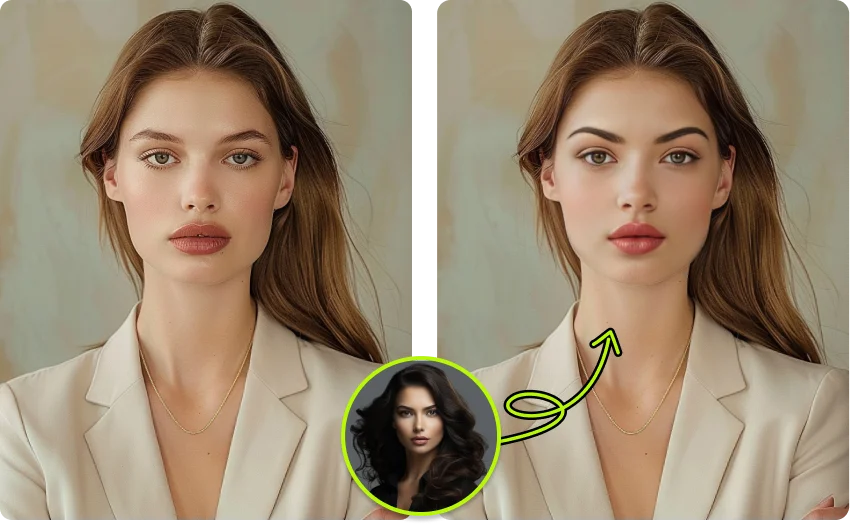
VidMage handles still photos and animated GIFs as well as video. Drag in a JPG, PNG, WEBP, or GIF, add the face you want, and the swap is done in seconds. Output is clean and ready to share to Instagram, TikTok, Discord, iMessage, or any group chat. A quick way to make meme content, reaction GIFs, or personalized animated greetings, all from your Mac. Because processing is offline, your source images stay on your machine.
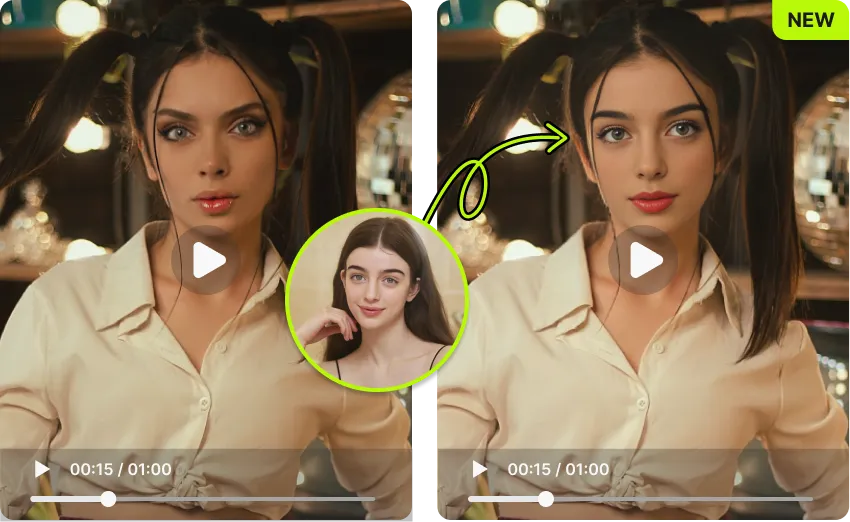
Every job in the VidMage Mac app runs on your own device. Photos, videos, target faces, and any preview frame never leave the Mac. Nothing is uploaded to a cloud server, nothing is sent to a third party, and nothing is used for AI training. Especially valuable for professionals editing client material, journalists handling sensitive footage, brand teams handling unreleased creative, or anyone who simply does not want their face on a remote server.
Here is how VidMage stacks up against the most common face swap options on or for Mac, across the things Mac users actually care about.
| Feature | VidMage Mac | DeepSwap | MacFaceSwap | FaceFusion | Reface (mobile) |
|---|---|---|---|---|---|
| Native Apple Silicon (M1, M2, M3) | ✓ Yes | ✗ No (web only) | ✓ Yes | ~ Partial (CLI) | ✗ No (mobile only) |
| Fully offline, local processing | ✓ Yes | ✗ No (cloud) | ✓ Yes | ✓ Yes | ✗ No (cloud) |
| Real-time live virtual camera | ✓ Yes | ✗ No | ✓ Yes | ✗ No | ✗ No |
| 4K video output | ✓ Yes | ✗ No (1080p) | ~ Limited | ✓ Yes | ✗ No (720p) |
| Multi-face swap in one frame | Up to 4 faces | Up to 6 (paid) | ~ Limited | ✓ Yes | ~ Limited |
| Batch processing | ✓ Yes | ✗ No | ✗ No | ✓ Yes | ✗ No |
| No coding or CLI required | ✓ Yes | ✓ Yes | ✓ Yes | ✗ No | ✓ Yes |
| Output without watermark | ✓ Yes | ✗ Paid only | ✓ Yes | ✓ Yes | ✗ Paid only |
| Free plan available | ✓ Yes | ✗ No | ✓ Yes | ✓ Yes (open source) | ~ Limited |
Selected feedback on Apple Silicon workflows, local processing, private files, 4K export, offline use, and a simpler alternative to technical setup. Each card opens the original third party source.
“Mac users who want local face swapping instead of uploading every file to a browser tool.”
“It felt fast, responsive, and surprisingly accurate.”
“there's a dedicated Mac client for users who want real-time face swapping during live video calls or fully offline, local processing for maximum privacy.”
“a relatively direct workflow on Mac.”
“Preview swaps live on macOS before exporting your project.”
“Works locally with no data sent to servers”
“Real-time & Offline Processing (Mac App)”
“the system processes motion frame by frame.”
“Whether you want to add fun to video calls, hide your identity, or test AI filters, Vidmage makes it super easy.”
“I liked that it didn't require a ton of GPU power to get solid output.”
“all processing is performed locally on the device.”
“lightweight browser or Mac-based creator workflows.”
Common questions about using VidMage face swap on Mac.
Download the VidMage Mac app and swap your first face in under a minute. Native Apple Silicon, fully offline, and free to start.