
Lip-sync looks natural
I needed a talking photo video for an ad test. I uploaded a photo, added text-to-speech, and clicked generate. The AI voice sounded clear, and the face sync felt human. This tool saved me time and filming costs.
 Pro Feature
Boost your marketing with the best ai talking photo studio. VidMage helps you create professional videos with realistic lip-sync. Upload your script and generate an instant video today.
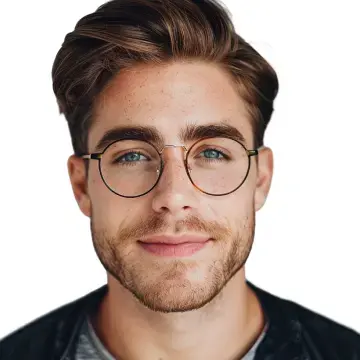
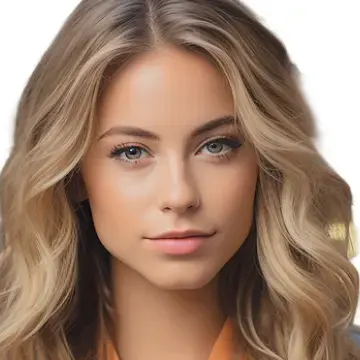
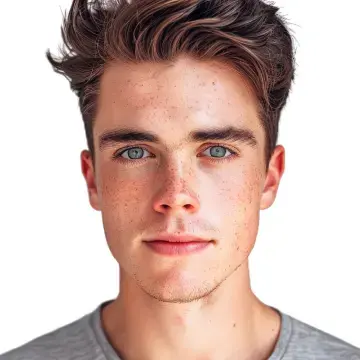
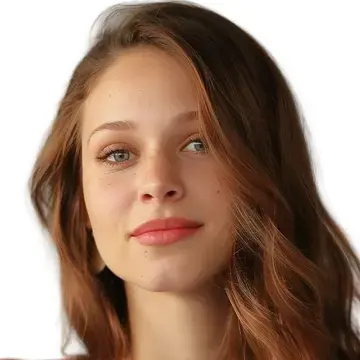
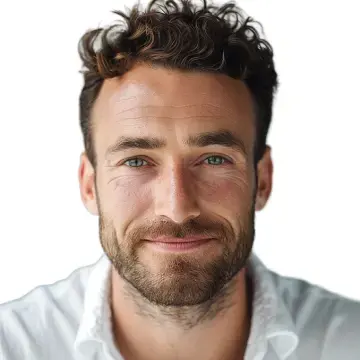
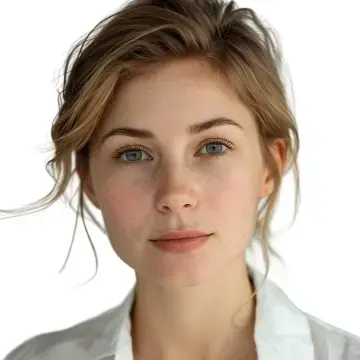
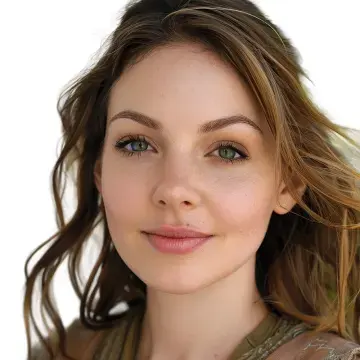
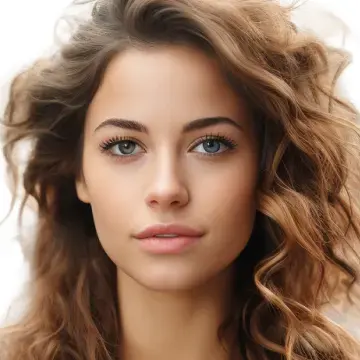
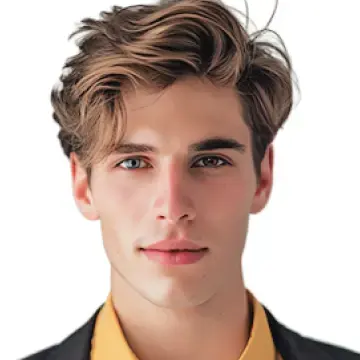
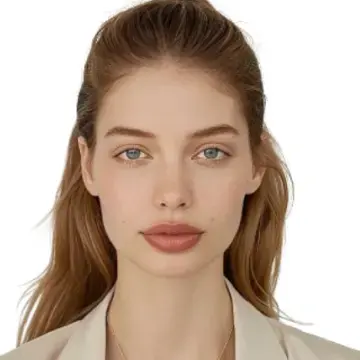
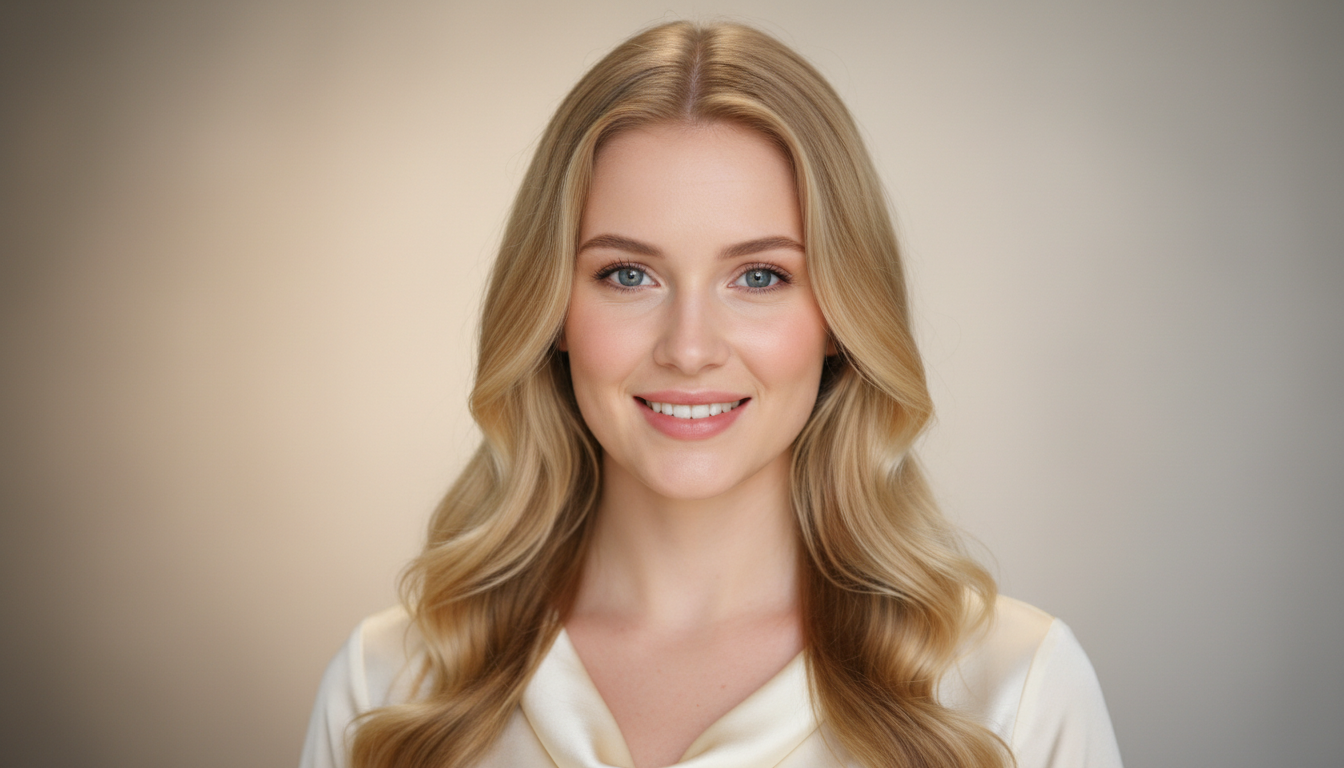
VidMage helps you turn a simple photo into a talking video. With AI talking photo technology, you can create realistic talking avatars for work, content, or learning.
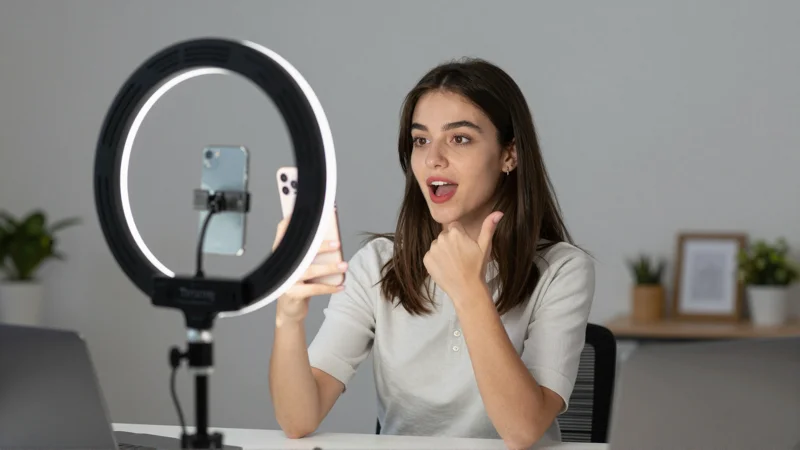
Use VidMage to create a talking avatar that explains your product or service. Upload a photo, add a short script, and generate a professional talking photo video. This works great for ads, landing pages, and social media marketing content without filming a real person.
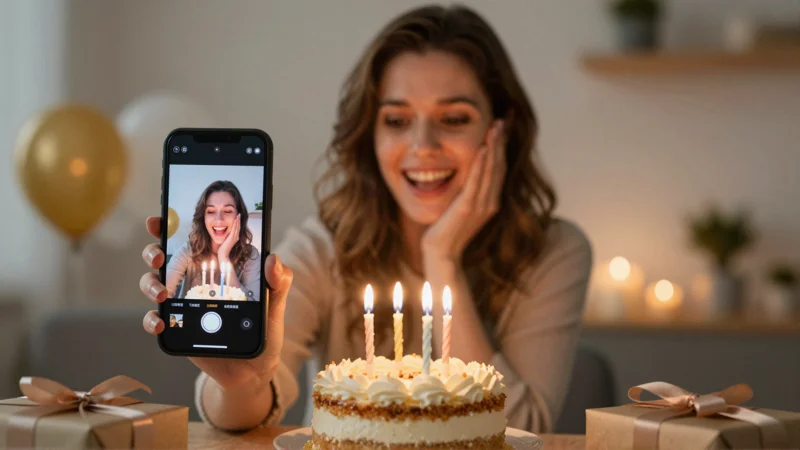
Create eye-catching talking photo videos for TikTok, YouTube Shorts, or Instagram. Turn a portrait or AI photo avatar into a talking character that tells a story or shares ideas. This helps creators make fast, fun, and expressive content that keeps people watching.
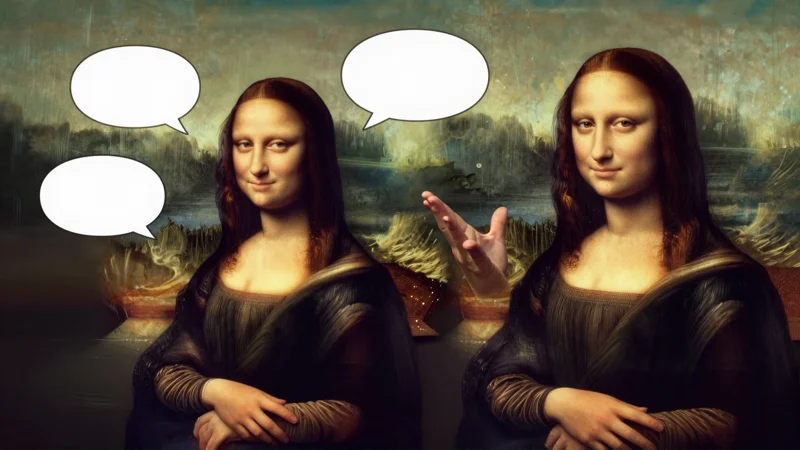
Teachers and trainers use AI talking photo videos to explain lessons in a simple way. A talking avatar can read scripts, guide slides, or repeat key points. This makes learning more engaging and helps students understand topics without long or boring videos.
VidMage is the best and fastest tool to make any photo speak. Just follow these four easy steps to generate your realistic video in our online studio.
Upload a clear photo with a visible front face. A clean image helps VidMage detect the face and create a realistic talking avatar. Photos of people, characters, or AI photo avatars all work well. Better photos lead to smoother lip-sync and higher video quality.
Type the text you want the photo to speak. VidMage uses AI text-to-speech to turn your script into natural voice. Keep sentences short and clear for better talking animation. This step is great for marketing lines, lessons, or content scripts.
Upload or record a required 2–15 second MP3 or WAV reference, up to 15MB. VidMage uses it only for voice identity and speaking style; it does not use the recording as the spoken script.
Click Generate Talking Photo and wait a moment. VidMage creates a talking photo video with synced voice and face movement. Preview the result online, then download the video when ready. Use it for marketing, content creation, or professional projects.
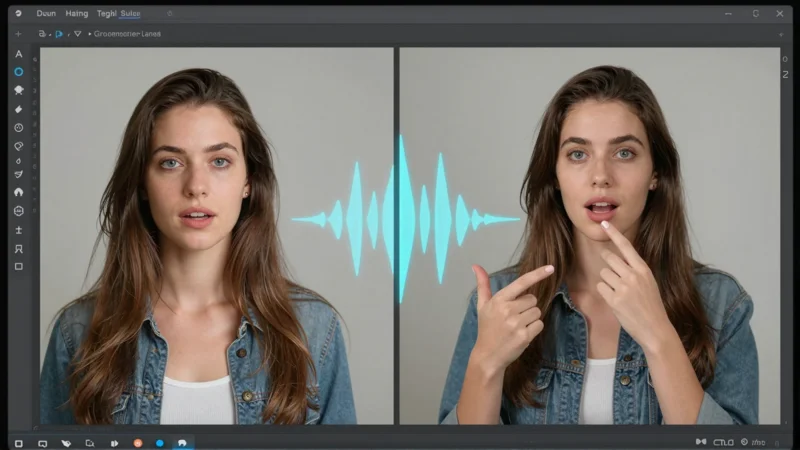
VidMage gives you an easy and reliable way to create AI talking photo videos. Each feature is designed to help you generate realistic talking avatars with clear voice, smooth lip-sync, and professional quality.
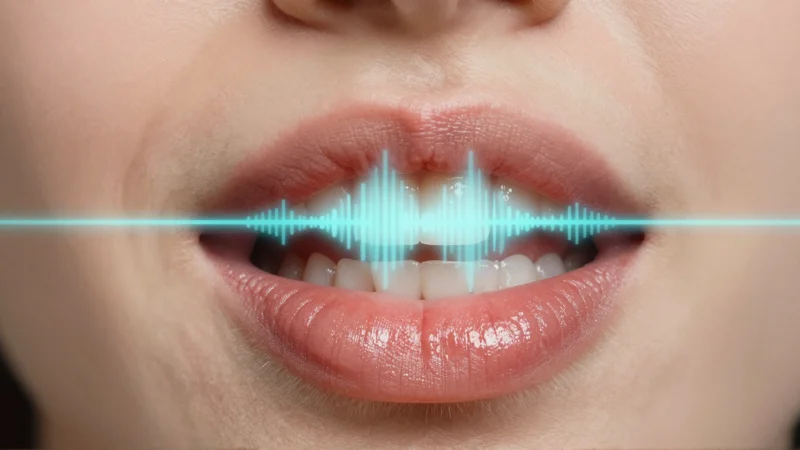
Our AI tool makes sure the mouth on your photo moves perfectly with every word. It does not just open and close the mouth; it matches the shape of the lips to the specific sounds in your script. This is perfect for marketing videos where you need your talking avatar to look trusted and natural. Because the sync is so high quality, your viewers will stay focused on your message instead of noticing the animation.
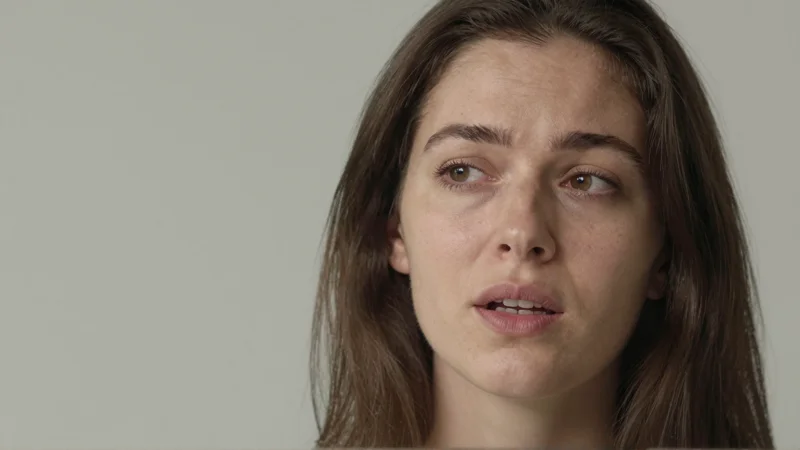
If you want your ai talking photo to sound exactly like you, VidMage is the reliable choice. You can record your own voice right in your browser or upload an audio file you already have. This is the best way to make personal birthday cards or social media memes that feel very special. It gives your video a unique touch that makes your character feel much more human and expressive to your friends.
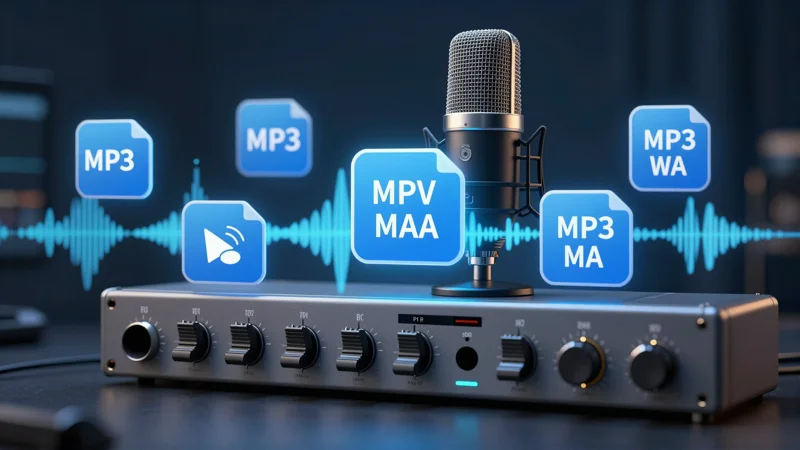
You do not need to hire an actor to speak for your ai photo avatar. VidMage offers many realistic voices that sound just like a real person talking to you. You can choose from different multilingual options to reach people in any language across the world. This feature is great for online teachers who want to turn a written lesson into an easy video that students can listen to and enjoy.
VidMage is a very fast generator that works in your browser so you do not have to wait a long time. In just an instant, our studio turns your simple text and image into a high quality video. Once the process is done, you can preview the result and download it to your device immediately. This is the recommend way for busy creators to make lots of great marketing content without spending hours on a computer.
I needed a talking photo video for an ad test. I uploaded a photo, added text-to-speech, and clicked generate. The AI voice sounded clear, and the face sync felt human. This tool saved me time and filming costs.
I uploaded a headshot and typed a short script. The AI talking photo was ready fast. The lip-sync matched the voice better than I expected. I used it on a landing page video, and people actually watched it to the end.
I made a funny talking avatar of an old statue using my own recorded voice. VidMage is the best because it is so instant and the face moves in a very expressive way. I download the file and shared it on Reddit, and everyone asked how I made it!
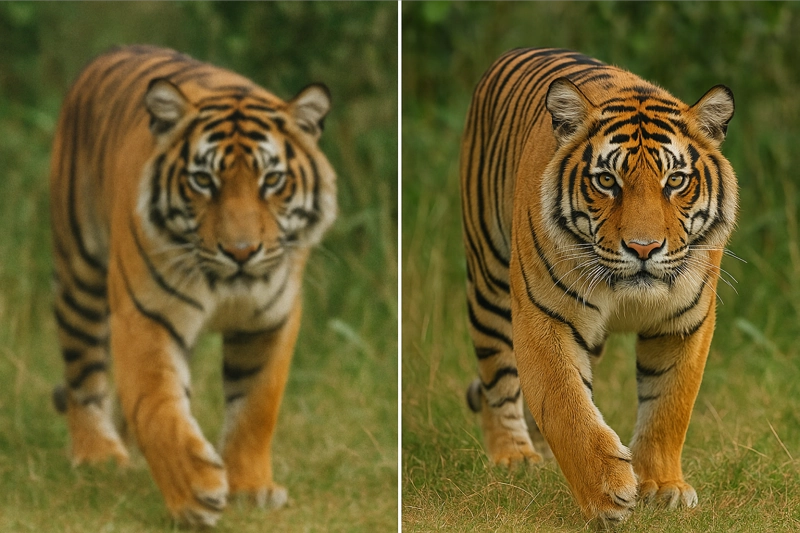
Make low-res videos look HD and smooth instantly.
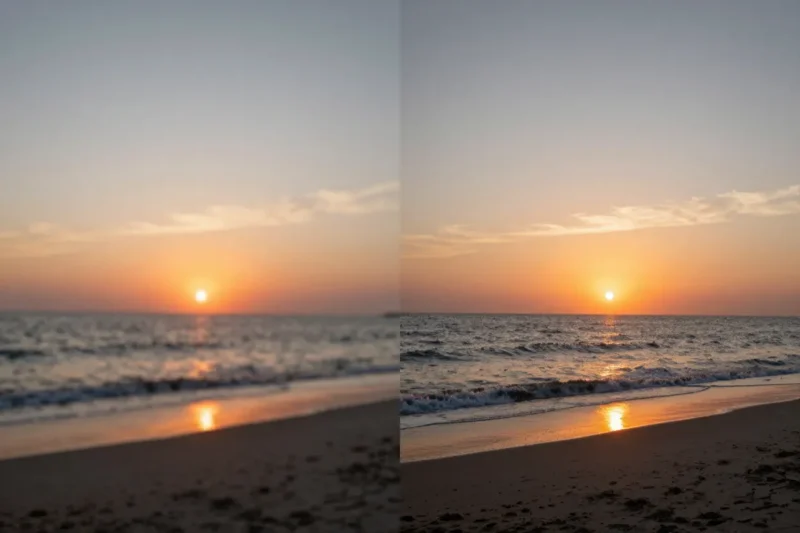
Improve video quality instantly - fix blurry footage, remove grain, and upscale resolution.

Remove watermarks from any video with AI-powered technology - fast, automatic, and preserves quality.
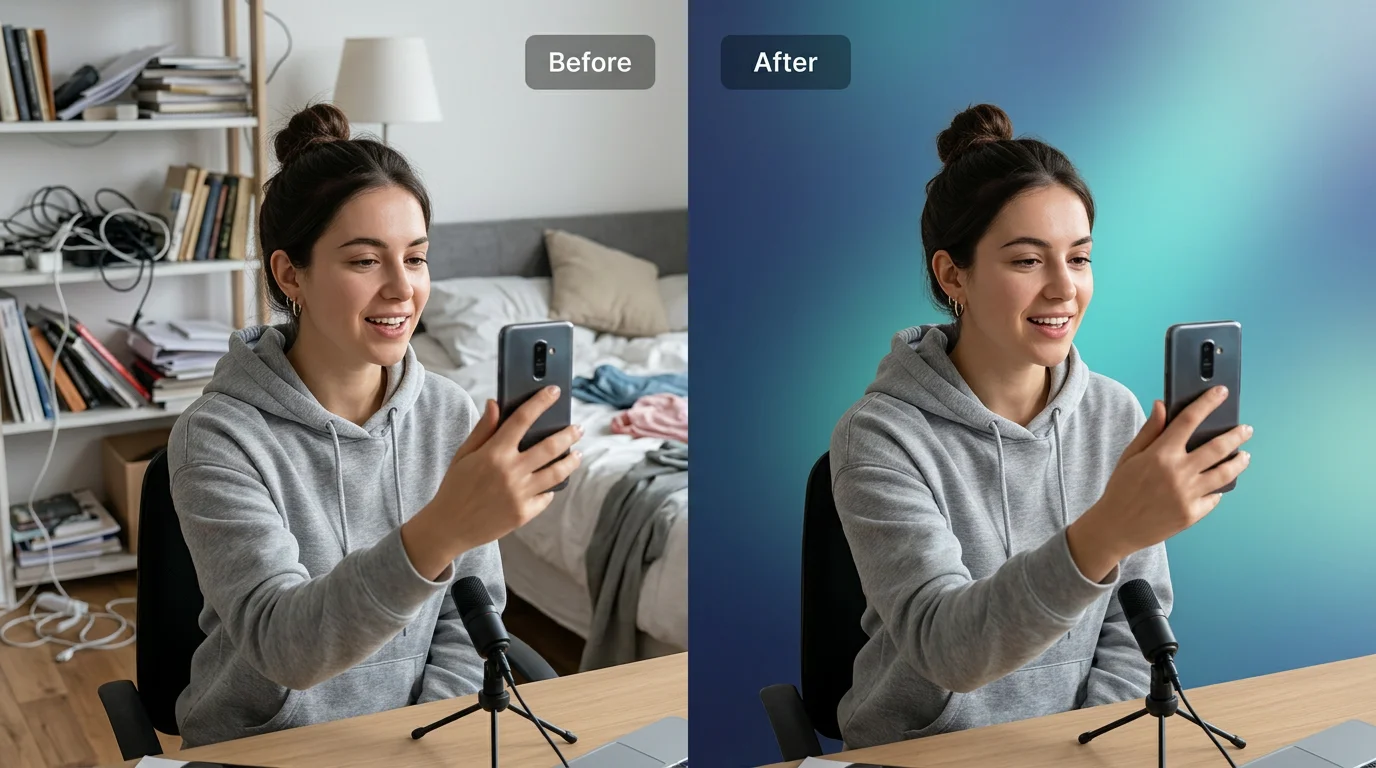
Remove video backgrounds automatically with AI and replace with custom colors for professional results.
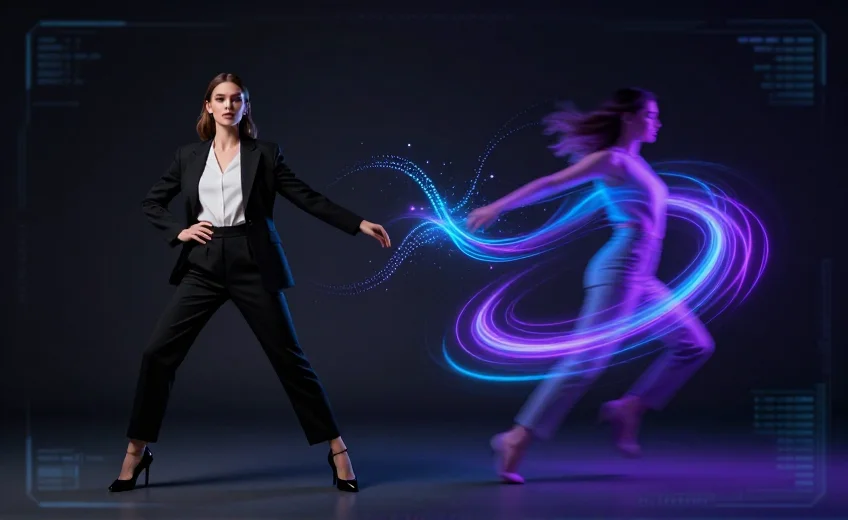
Transfer motion from a driving video to your character image with AI - create realistic animation instantly.
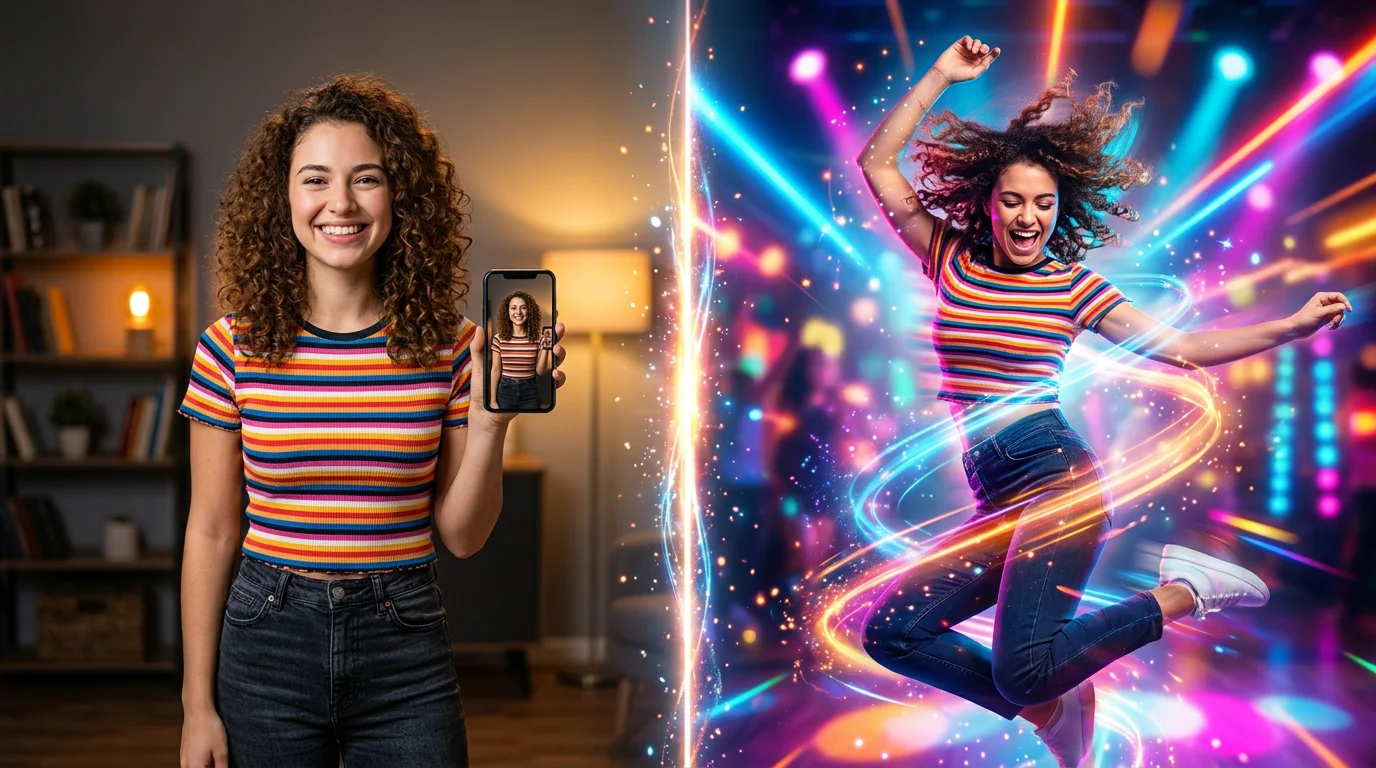
Transform your photos into dancing videos with AI - animate any image with realistic dance moves.
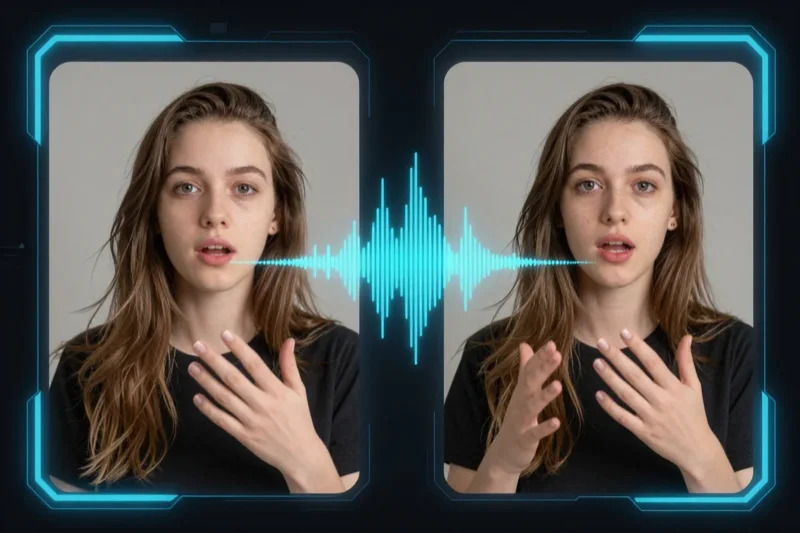
Make your photos talk with AI - create realistic speaking animations with perfect lip-sync.
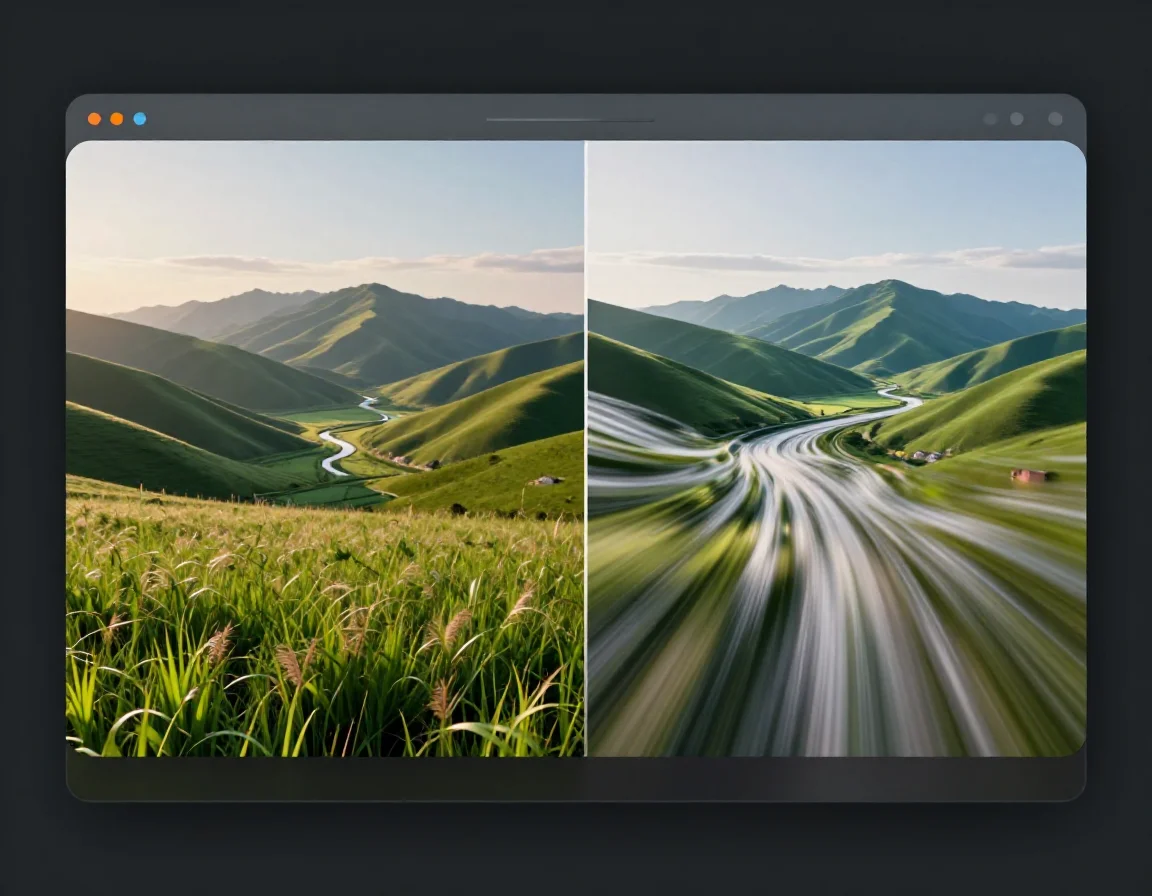
Transform your photos into stunning videos with AI - create dynamic video content from static images.
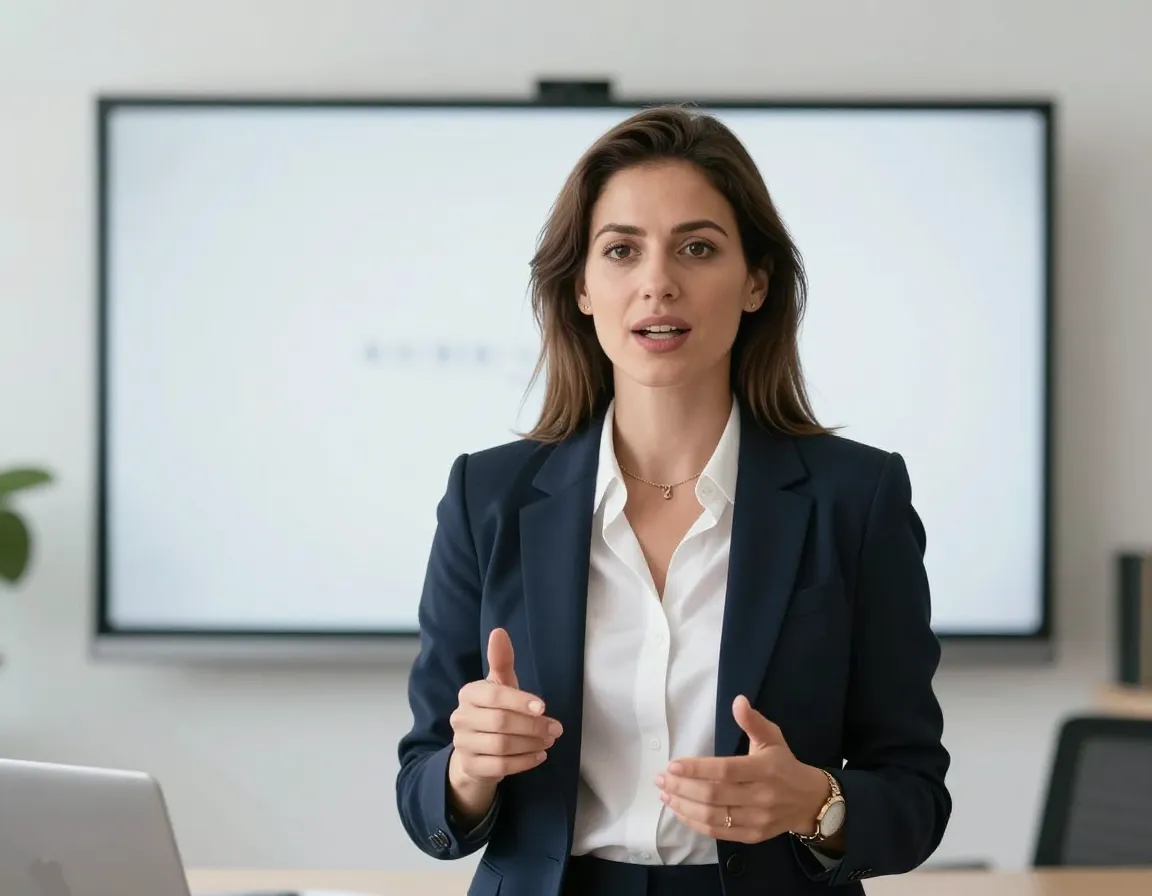
Create realistic lip-sync videos with AI technology - make any photo talk with perfect mouth movements.

Generate stunning videos from text descriptions with our AI video generator. Create professional video content instantly — no filming skills needed.
Unleash your creativity—swap faces easily with VidMage AI. Create fun, seamless, and realistic results. Start for free and bring your ideas to life!