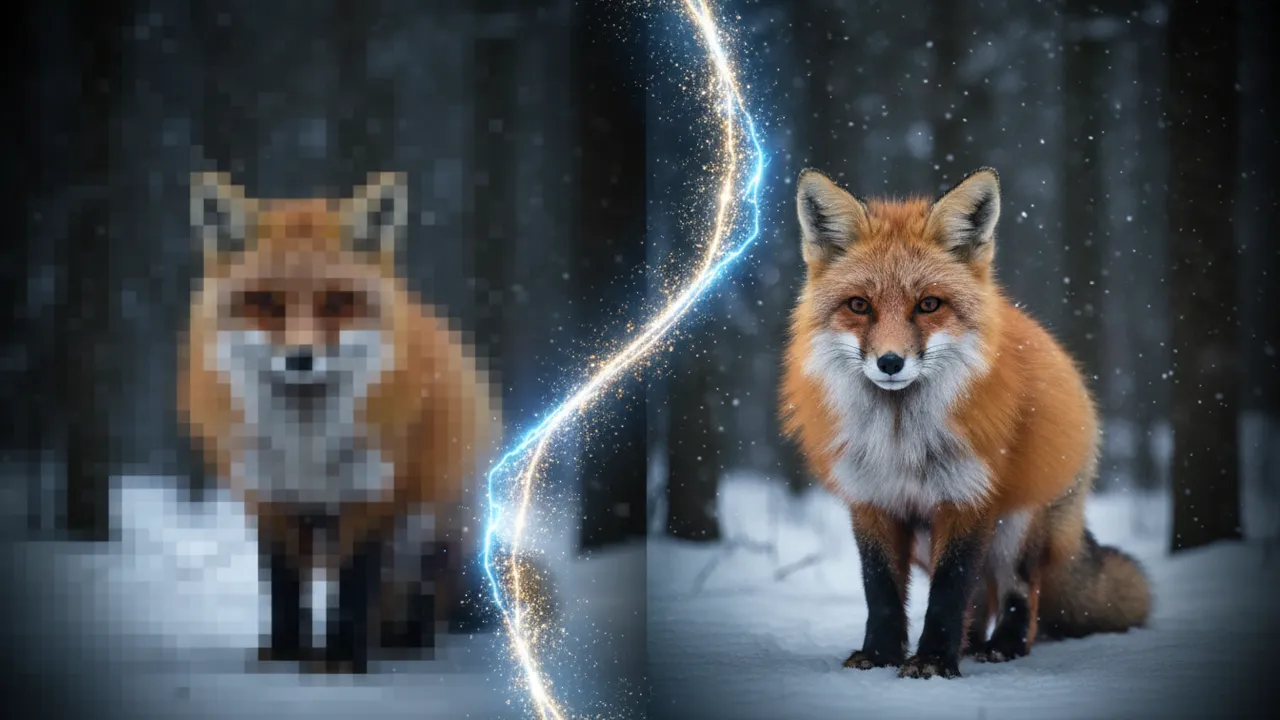
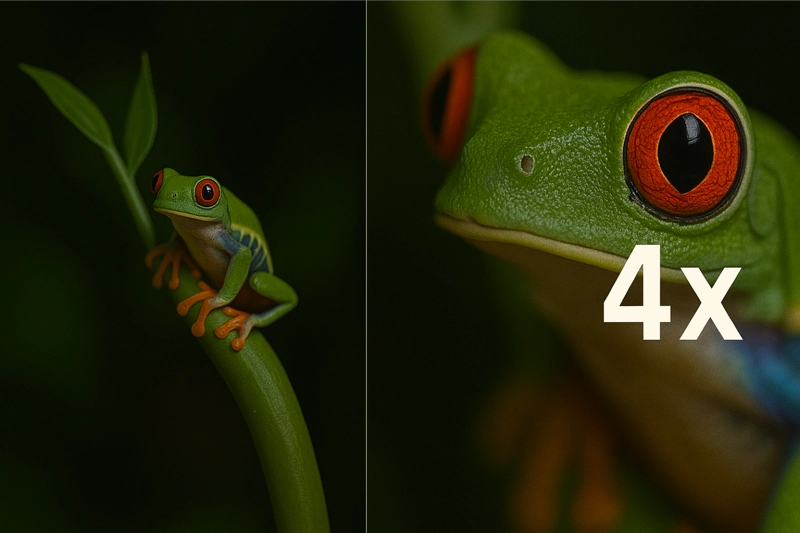
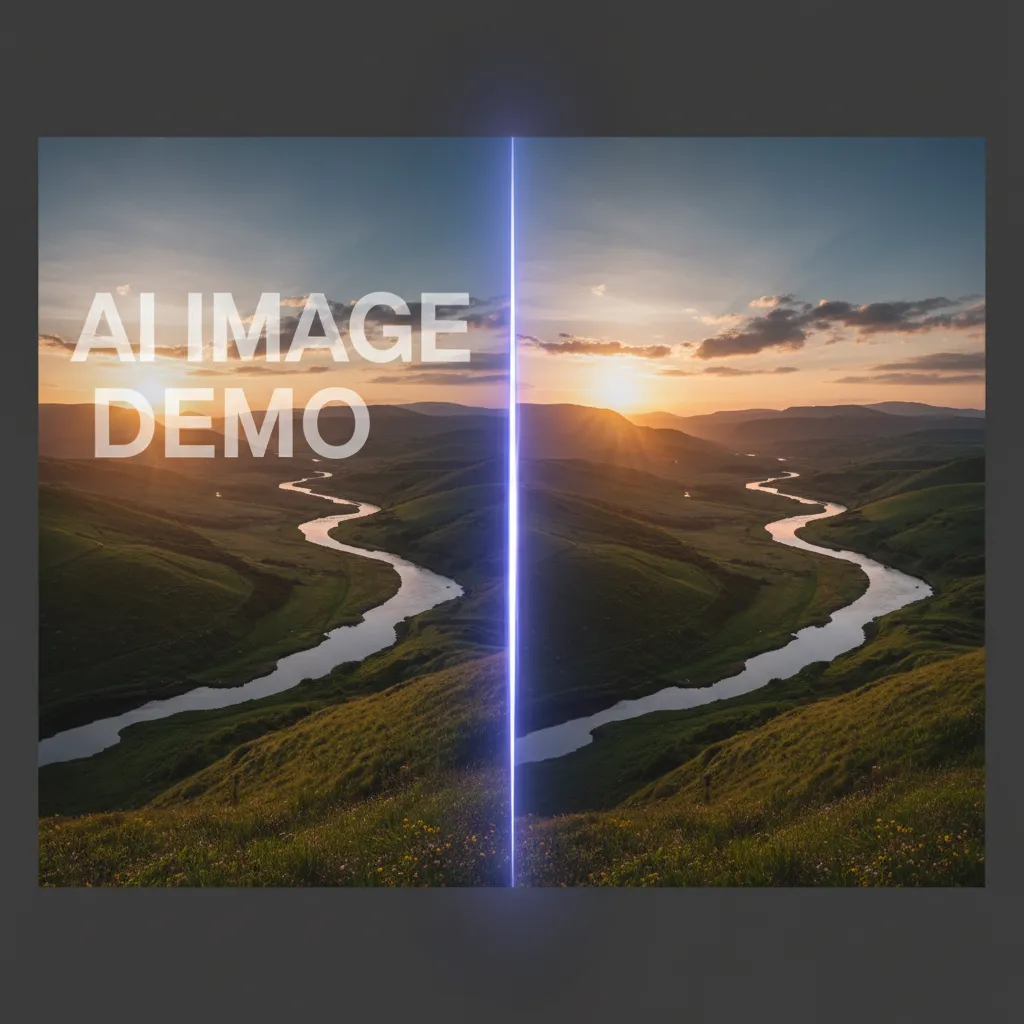
VidMage helps you upscale and enhance your images up to 4X. Fix blurry or low-quality photos fast with AI. It's free, online, and super easy to use—no editing skills needed.
1
Select Image to Upscale
Upload Image
2
Choose Upscaling Level
3
Start Upscaling
--
--
--
Where People Use VidMage AI Image Upscaler
VidMage helps different people in different ways. Whether you're selling online, saving old memories, or working on digital art, this AI tool makes your photos sharper, cleaner, and ready to shine.
Boost Product Photos for Online Stores
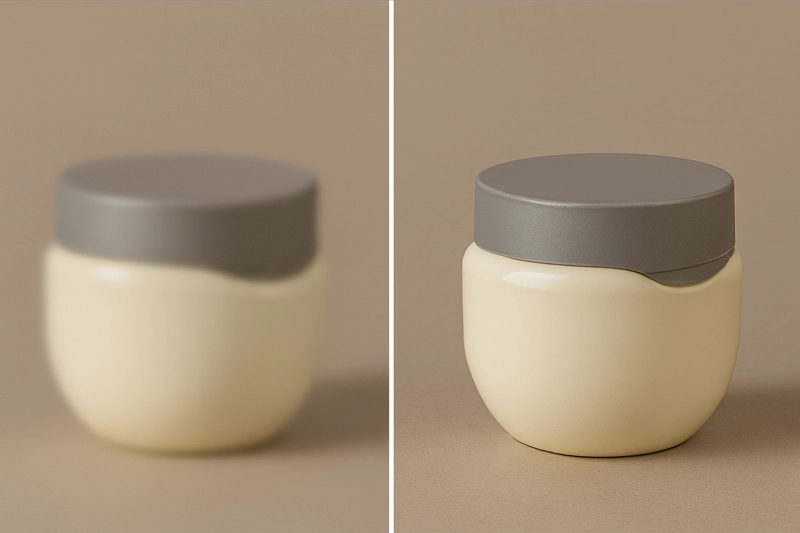
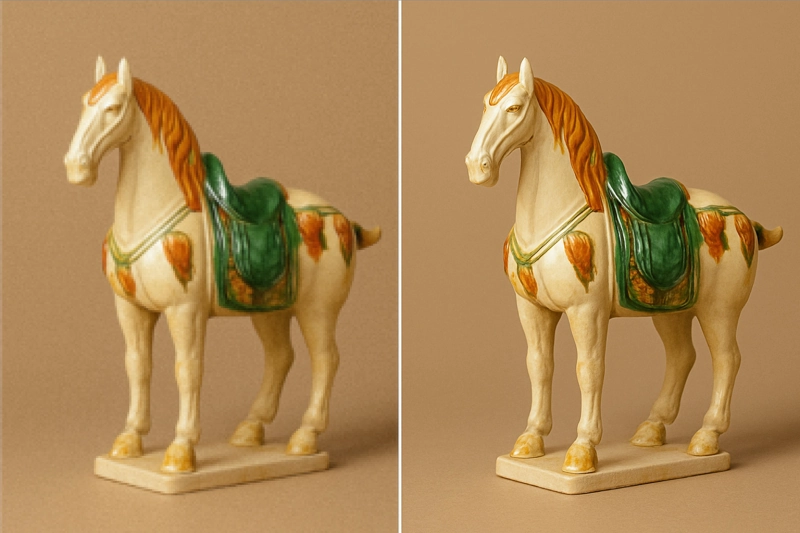
Selling online? Low-quality images can hurt your sales. Use VidMage to upscale product photos fast, so your store looks more professional and your products stand out with clear details.
Fix and Restore Old Family Photos
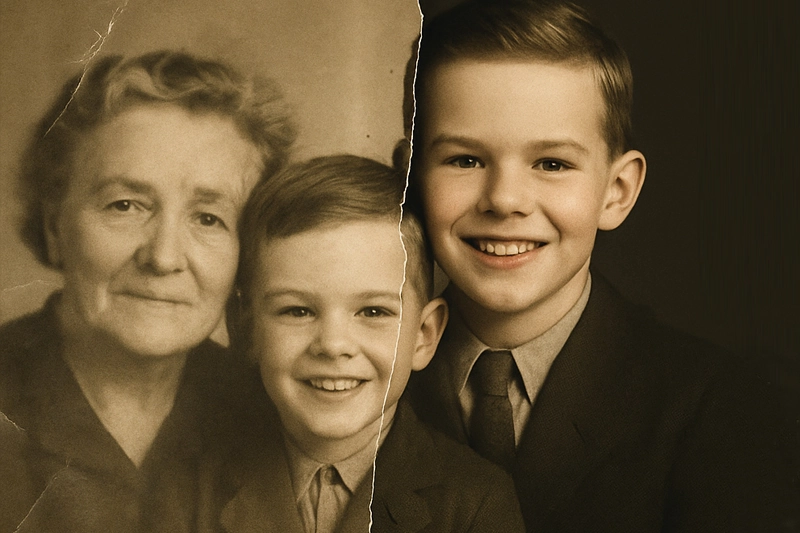
Got blurry or faded pictures from the past? VidMage helps you bring them back to life. Make old photos sharper and brighter, so you can share or print them with better quality and resolution.
Upscale AI Art for High-Res Prints
Created art with AI tools like Midjourney or DALL·E? VidMage lets you upscale your AI images without losing the creative details—perfect for large prints or clean digital displays.
How to Upscale an Image with VidMage AI
VidMage makes it super easy to fix blurry or low-res images. Just upload, choose a zoom level, and let AI do the rest. Here's how it works, step by step.
01
Upload Your Image
Pick a photo you want to improve—maybe it's old, pixelated, or too small. Drag and drop it into the box or click to upload from your phone or computer. We support JPG, PNG, and WebP formats.
02
Choose Your Upscale Level
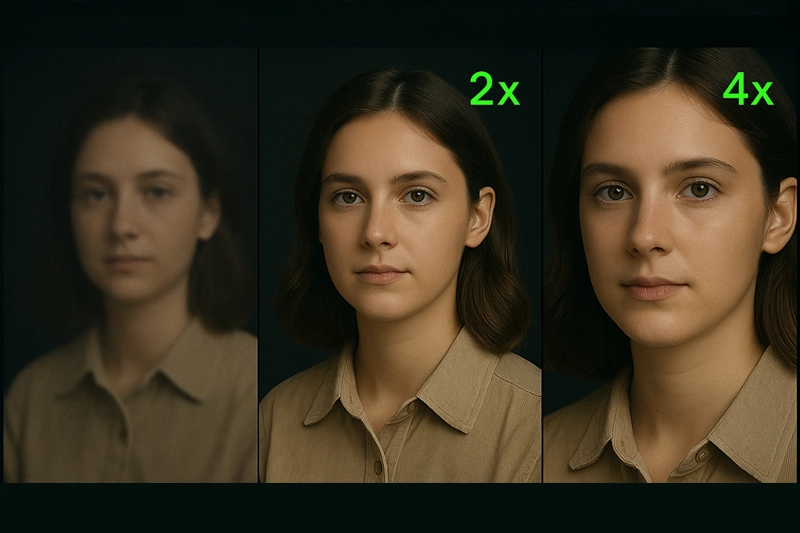
Select how much you want to boost your image—2X or 4X. Bigger upscale means more pixels and sharper details. It's great for printing posters, zooming in on faces, or improving product photos.
03
Let the AI Work Its Magic
Click "Start Upscaling" and watch the AI go to work. It adds missing details, fixes blur, and makes your image clean and sharp—like it was taken with a high-end camera.
04
Download and Use Your New Image
When it's ready, preview the result and hit "Download." Use your upgraded image anywhere—on websites, social media, prints, or just to save a better version of your photo.
Why Choose VidMage AI Image Upscaler
VidMage isn't just about making images bigger. It makes them better—cleaner, sharper, and full of rich details. Here's what makes our AI tool stand out.
Smart Detail Enhancement
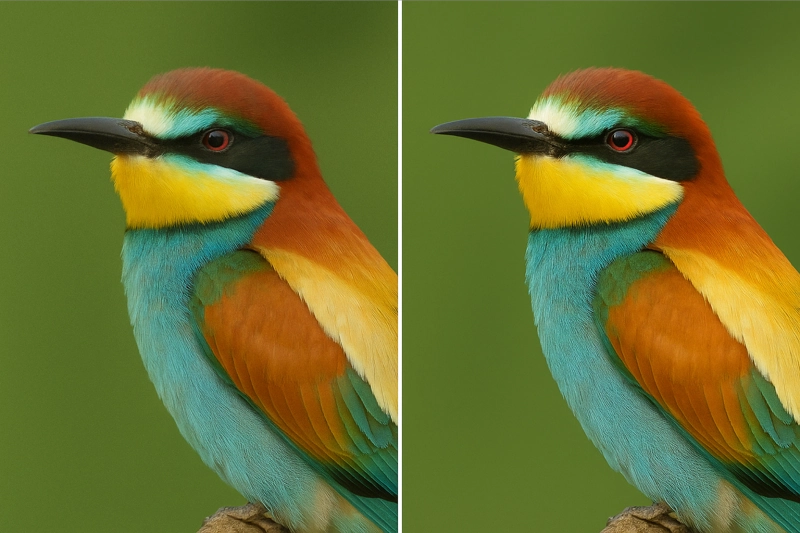
VidMage doesn't just upscale your photo—it makes it sharper and richer. Our AI fills in missing details, smooths rough edges, and enhances textures like hair, skin, and fabric. Even small or blurry images look clean and clear again. Perfect for restoring old photos, upscaling AI art, or fixing low-res downloads.
Automatic Noise & Blur Fix
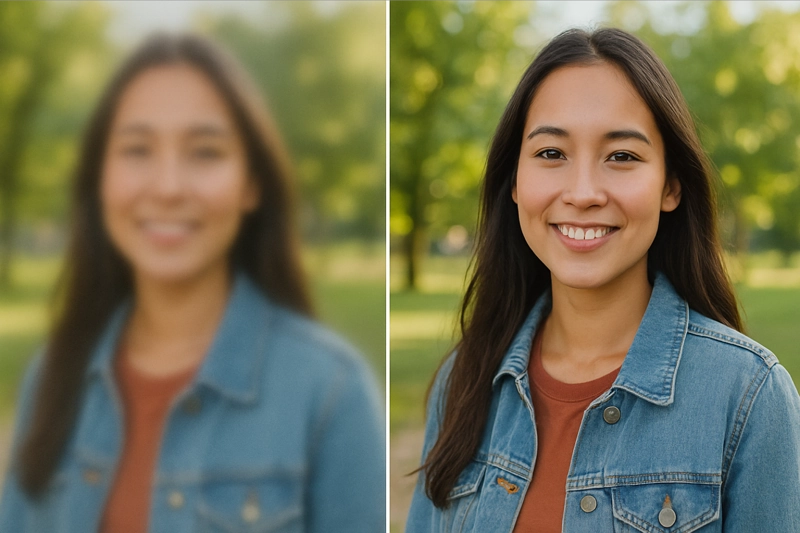
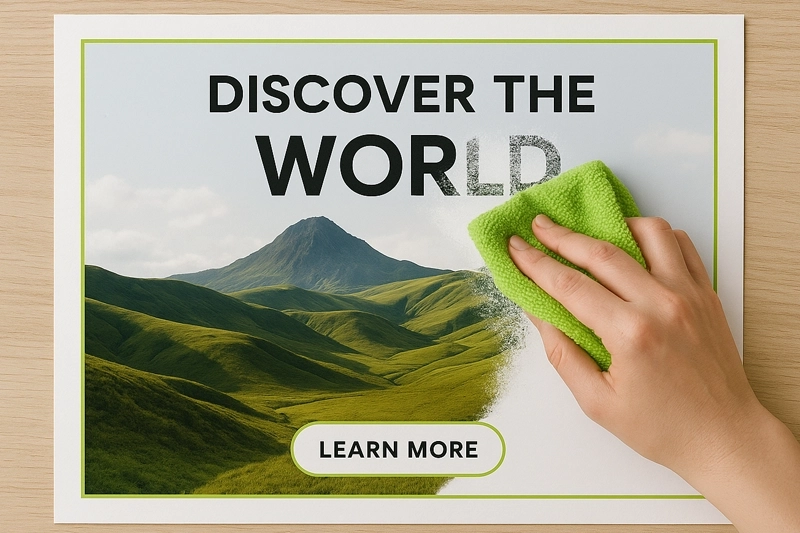
VidMage cleans up your image automatically—no sliders or settings to mess with. It removes visual noise, smooths out jagged edges, and fixes blur caused by bad lighting or shaky hands. This is perfect for mobile photos, social media screenshots, or older pictures saved at low quality. You don't need Photoshop skills. Just upload and let the AI handle it. The result is a sharper, cleaner photo that looks natural and professional, whether you're printing it or posting online.
High-Resolution Ready for Print
Need to make your image print-ready? VidMage helps you upscale your photo up to 4X without losing quality. That means you can turn a small 500px image into one suitable for high-DPI (300+) printing—great for posters, flyers, art prints, or even large photo albums. The AI keeps your image sharp and detailed, even at larger sizes. No more blurry banners or pixelated flyers. Whether you're an artist, a designer, or just printing family photos, this feature helps make your work look pro-level.
Fast, Free, and Easy to Use
No downloads. No logins. Just upload, upscale, and download—done in seconds. VidMage runs fully online and gives you free daily uses. It's super simple for beginners but powerful enough for pros who want fast results without the hassle.
What Users Are Saying About Vidmage
Looks great on Etsy
I used VidMage to upscale product photos for my Etsy shop. The original images were small and kinda blurry. After running them through the AI, they came out super sharp—like professional shots. My listings definitely look more polished now.
— Rachel Simmons
Saved my old photos
I scanned some old family photos from the '80s, and they were super low-resolution. VidMage made them way clearer—faces, clothes, even background stuff looked better. I printed a few and gave them to my mom. She was shocked!
— Marcus Taylor
Fast and really easy
I had a pixelated anime wallpaper I made in Midjourney, and I needed a bigger version. VidMage fixed the edges and boosted the resolution without messing up the style. It took like 10 seconds. No sign-up, no nonsense. Just works.