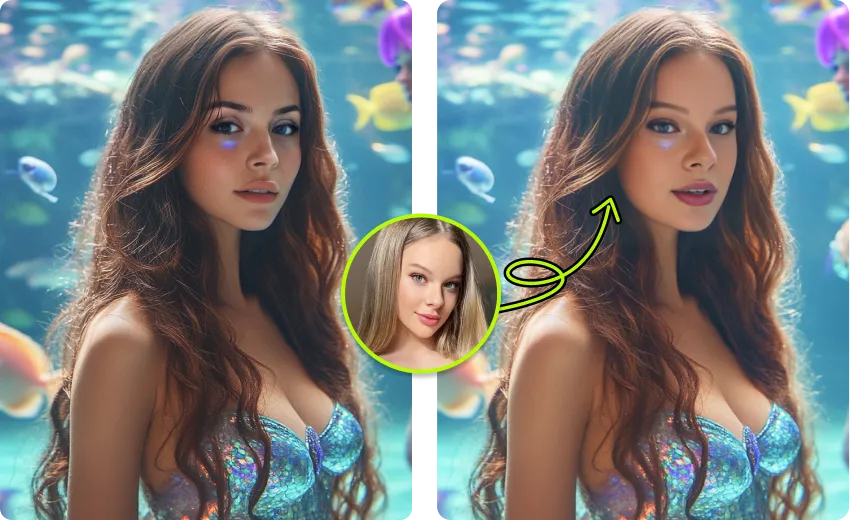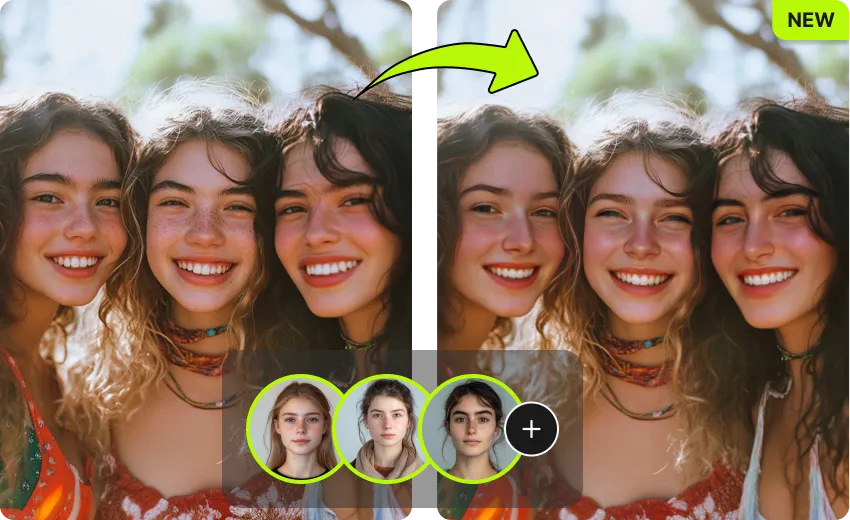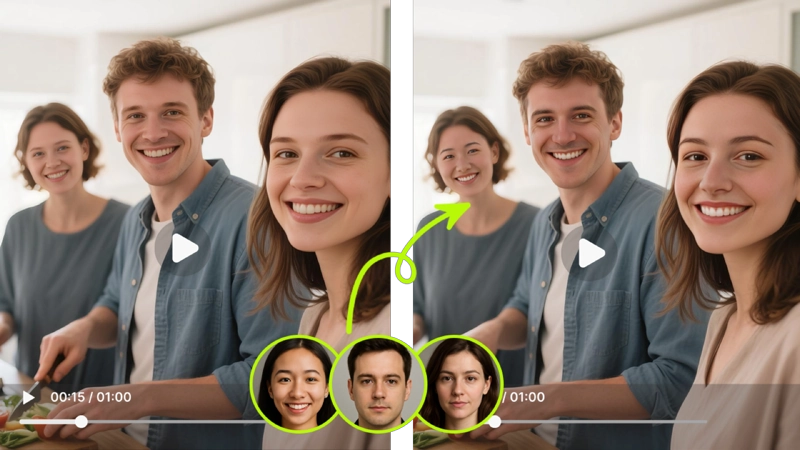
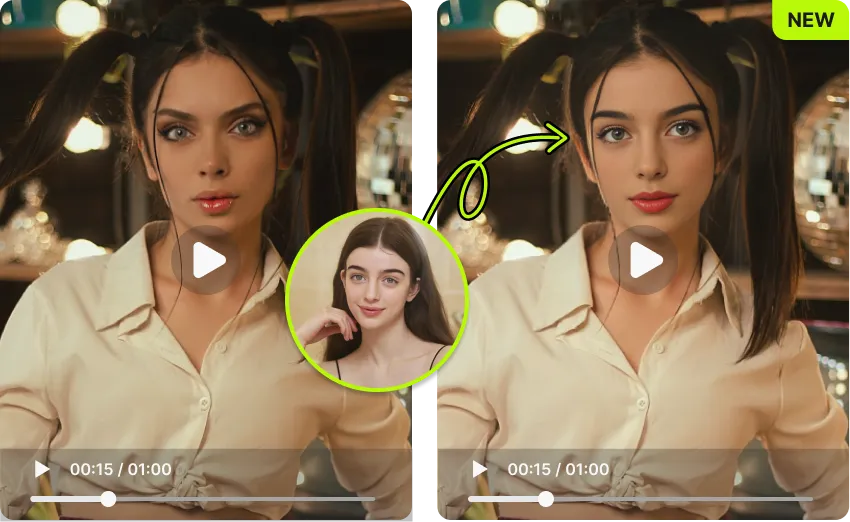
Upload a video, pick a face photo, and our AI swaps faces with realistic, frame-by-frame results. Free to try, no sign-up, no watermark.
By continuing, you confirm consent.
Swap videos up to 4K / 1GB / 5 min with VidMage Pro (+400 credits/mo)
We protect your video face swap files with strict deletion, encryption, and a fully local Mac option.
Every video and face photo you upload to the web tool is removed from our servers within two hours of upload.
VidMage does not use your uploaded videos, faces, or prompts to train AI models or share them with third parties.
All files travel between your device and our servers over a secure, encrypted connection.
The VidMage Mac app processes your video face swap on your own device. Nothing is uploaded, even during processing.
It only takes three steps, and you'll have a clean, realistic face-swapped video ready in under a minute.
Drag in any clip you want to edit. VidMage works with MP4, MOV, and M4V files. For the best video face swap result, use a clip with clear lighting and the face on screen most of the time.
Add a clear, front-facing photo of the face you want in the video. VidMage detects the face automatically, no cropping or masks needed. You can pick up to four target faces for group clips.
Hit the swap button. VidMage tracks every frame and blends the new face onto each one, keeping expressions and motion natural. Preview the result and download your video in HD.
Realistic, fast, private, and free to start. Here's what makes VidMage stand out for video face swap.
VidMage tracks 478 facial landmarks across each frame, so expressions, head turns, and lighting changes stay smooth and natural.
Start a free video face swap right now without an account. The free plan gives you 20 seconds of video per day with no watermark.
Group video or dialogue scene? VidMage detects and swaps up to four different faces in the same clip, each tracked independently.
Web uploads are deleted within two hours. The VidMage Mac app processes everything locally on your device, no upload at all.
From short TikTok clips to multi-face group videos, here's how VidMage helps you create realistic face swap videos.
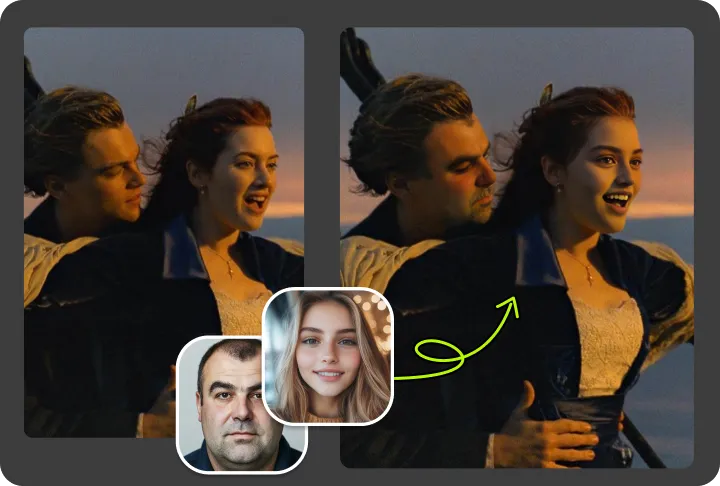
VidMage replaces faces in a video while preserving real expressions, head movement, and lighting. The AI runs face detection on every frame and blends edges automatically, so you don't see flicker or pasted-on faces. If you create TikTok clips, Reels, or short skits, you can upload a 10 to 15 second clip and get a finished video face swap in about one minute. Beginners get clean results without learning any editing software, and creators get a fast way to test face ideas before committing to a longer edit.

Many real videos have more than one person on screen. VidMage can swap up to four different faces in the same clip at the same time, tracked independently from each other. This works well for birthday montages, comedy sketches, two-person dialogue scenes, team intros, or any multi-person meme. You upload your video, then add a target face for each person you want to replace. The AI handles all four swaps in one render, so the result stays consistent across the whole clip.
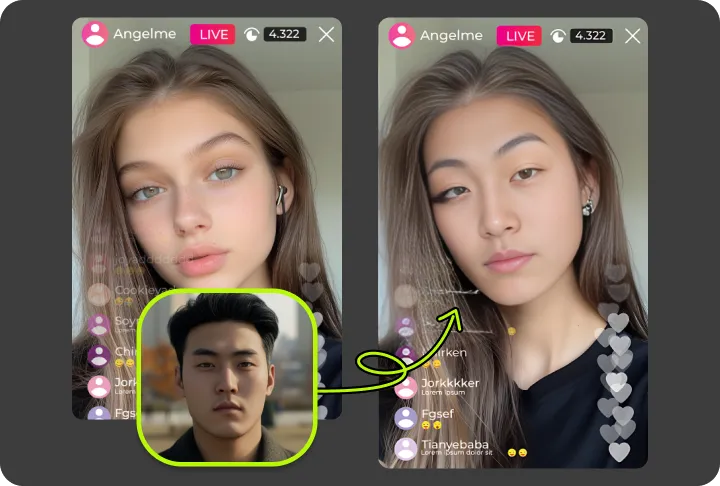
The VidMage Mac app removes the limits of typical browser tools. You can run video face swap on clips up to 300 seconds, export in up to 4K, and process larger files (up to 1024MB) without splitting. This matters for filmmakers, brand teams, and YouTubers who want broadcast-quality face replacement, not a downsampled 576p clip. The Mac app uses Apple Silicon (M1 and up) for faster local rendering, so even long videos finish in a reasonable time.
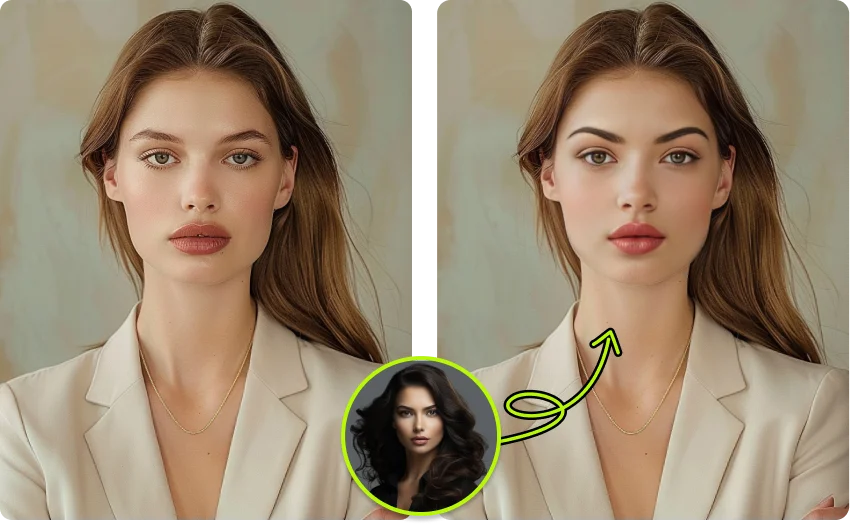
If you work with client footage, unreleased content, or anything you do not want sitting on a cloud server, the VidMage Mac app gives you a fully local option. Nothing leaves your device, not the source video, not the face photo, not the output. This is a real difference from web-only tools that always upload, even if they delete later. It suits agencies, internal teams, and creators who care about data control.
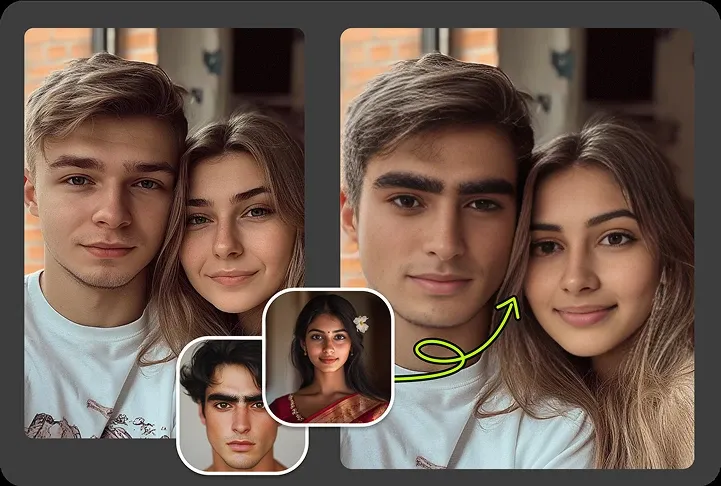
Output from VidMage is clean and ready to post. There is no watermark, no logo stamp, and no forced branding. You can swap your face into trending dance clips, lip sync videos, or viral templates, then upload them straight to TikTok, Instagram Reels, or YouTube Shorts. Both vertical and horizontal formats work, and the file is sized to play smoothly on mobile screens. Creators use this to ride trends fast without re-shooting.
For Mac users on Apple Silicon, VidMage offers a real-time face swap virtual camera. Once enabled, your swapped face appears live in Zoom, Google Meet, FaceTime, OBS, Discord, and any app that reads a system camera. There is no lag spike that ruins the call, and you can switch target faces on the fly. Streamers, podcast hosts, and meeting hosts use it for character cosplay, virtual avatars, or just to keep their real face private on camera.
Not all video face swap tools handle real video the same way. Here's how VidMage compares to the most popular alternatives.
| Feature | VidMage | DeepSwap | Remaker AI | Reface | FaceFusion (OSS) |
|---|---|---|---|---|---|
| Free trial, no sign-up | ✓ Yes, 20s/day | ✗ No | ✗ Sign-up required | ~ Limited, watermark | ✓ Yes (self-hosted) |
| No watermark on free tier | ✓ Yes | ✗ No free tier | ✗ No free tier | ✗ No | ✓ Yes |
| Max faces per video | Up to 4 | Up to 6 | Multi mode | 1 only | Manual config |
| Max video length | 300s paid, 15s free | Up to 30 min paid | Short clips | 10 to 15s | No software cap |
| Output resolution | Up to 4K (Mac) | Up to 1080p | 1080p | Compressed | Up to 4K (GPU needed) |
| Local / offline processing | ✓ Yes (Mac app) | ✗ No, cloud only | ✗ No, cloud only | ✗ No | ✓ Yes |
| Real-time face swap | ✓ Yes (Mac) | ✗ No | ✗ No | ✗ No | ~ Limited |
| Data deleted automatically | ✓ Yes, 2 hours | ~ Not stated | ~ Not stated | ~ Not stated | Local only |
| Price per video second | ~$0.006 | ~$0.01 to $0.05 | Credit-based | Subscription only | Free, GPU cost |
| Technical skill required | None | Low | Low | None | High (Python, CUDA) |
Selected feedback on motion stability, expression tracking, short social clips, efficient processing, and results that remain believable through movement. Each card opens the original third party source.
“the video face swap feature is where VidMage really shows its strength.”
“Small head movements were handled better than expected, and the face did not look completely pasted on.”
“For video swaps, processing time varies with length and resolution, but it remains faster than many similar tools.”
“keeping a swapped face stable and believable across motion, not just in a single still frame.”
“A few people in the comments mentioned VidMage, so I gave it a try.”
“VidMage AI seem more stable on longer clips but you still need clean input and good lighting for it to hold up”
“VidMage AI makes sense when the face replacement remains believable through the complete clip”
“Although VidMage AI excels in speed and local processing”
“AI analyzes facial features, motion tracking (for video), adjusts lighting and skin texture, leaving the rest of the frame untouched.”
“fast, clean face swap results that are good enough for real creator workflows, not just one lucky demo.”
“create realistic face swap content quickly — no editing skills needed.”
“VidMage AI Face Swap maintains consistent facial identity across all frames of the video”
Upload your clip, pick a face photo, and get a realistic video face swap in seconds. No sign-up. No watermark. No credit card.