VidMage's AI face morph blends two faces into one realistic result. Upload photos, GIFs, or videos and get your face morph in seconds, free, no sign-up needed.
By continuing, you confirm consent.
Swap videos up to 4K / 1GB / 5 min with VidMage Pro (+400 credits/mo)
VidMage processes your photos to generate your face morph and deletes them immediately after. Your face data stays private.
Your uploaded photos are deleted as soon as your face morph result is generated. VidMage does not keep your images on its servers.
VidMage does not use your uploaded photos to train or improve its AI models. Your data is yours alone.
Your photos are never shared with advertisers, data brokers, or any third parties. Processing happens on VidMage's secure servers only.
The VidMage Mac app processes everything on your own device. No upload, no cloud, no exceptions.
You only need two files and three steps to create a face morph in seconds.
Choose a photo, GIF, or video of the first face you want to blend. A clear, front-facing portrait works best. VidMage supports PNG, JPG, JPEG, WEBP, GIF, M4V, MP4, and MOV. For video files, the AI detects the face automatically from the footage, no manual selection needed.
Add the second face you want to morph with. This could be your partner or a friend who has given permission, or even an animal photo. Upload a PNG, JPG, JPEG, WEBP, or GIF. VidMage detects both faces and prepares them for blending automatically.
Hit the morph button and the AI combines key facial features from both uploads into one blended result. The output merges face shape, eyes, nose, and skin tone into a single realistic composite, delivered as an image, GIF, or video depending on your input.
Your face morph is ready in seconds. Download the result as a static image, animated GIF, or video file and share directly to social media. No watermark on the free trial.
Not all face morph tools produce results worth sharing. Here's why creators choose VidMage.
VidMage's AI maps facial landmarks across both photos before blending, so the result preserves natural proportions. Eyes, nose, and jaw align properly instead of layering two faces on top of each other.
You can use VidMage face morph without creating an account. The free plan gives you 15 face morph results per day with no watermark, so you can share results immediately.
VidMage runs in your web browser. There's no app to install, no plugin, no waiting. Open the page, upload your photos, and get your face morph in under 10 seconds.
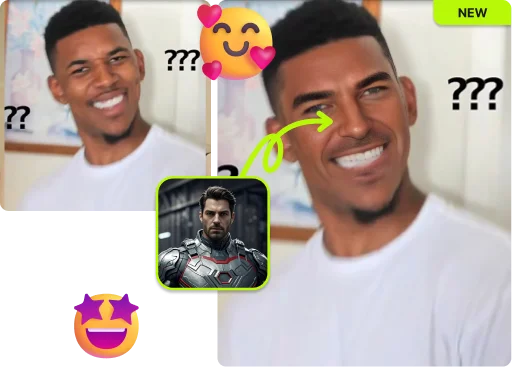
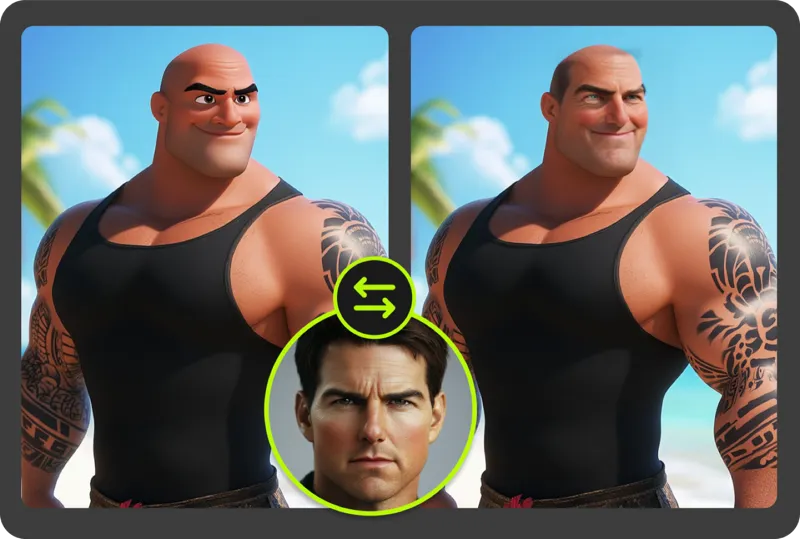
VidMage supports face morphing with animal images and fictional characters, alongside regular portraits you are authorized to use. The same tool that blends two human faces also handles more creative combinations for meme content and social posts.
From baby predictions to creative composites, here's what VidMage face morph handles well.
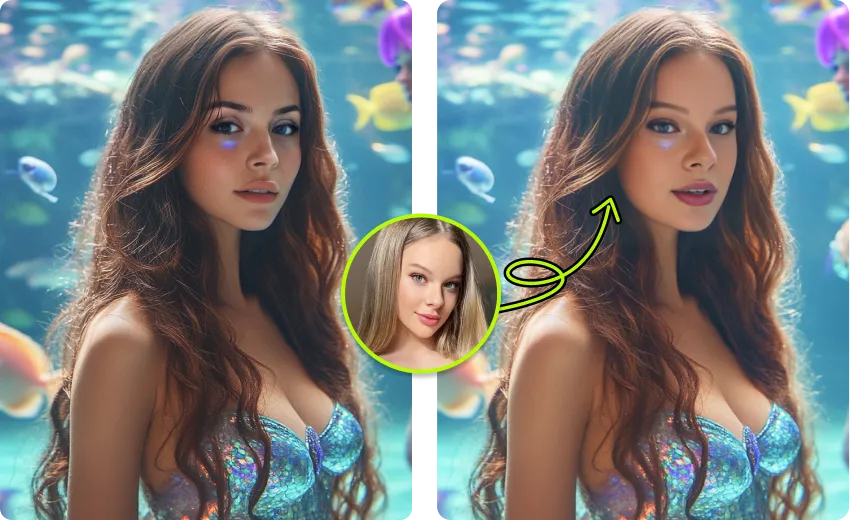
Curious what your future child might look like? VidMage lets you and your partner each upload a photo, then blends your facial features together into a realistic baby face composite. The AI combines dominant traits like eye shape, nose, and face structure from both parents into a single result. This is one of the most shared use cases on the platform. Couples use it for engagement announcements, baby showers, or just for fun. You get a result that looks natural rather than a simple overlay.
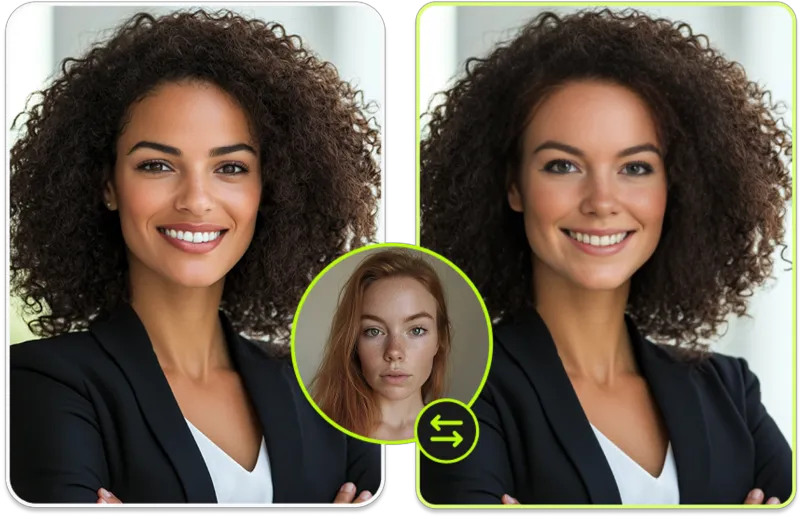
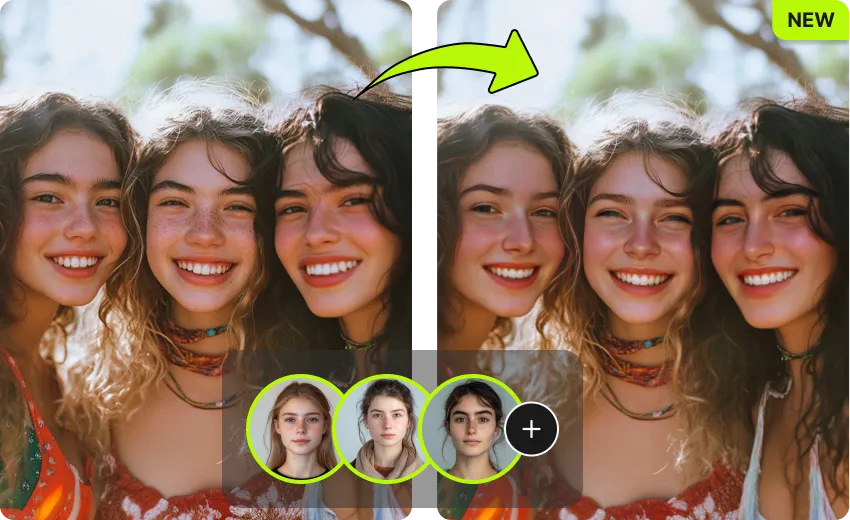
What would a blend of you and your best friend look like? With both people's permission, upload two photos and the AI merges the features into one smooth composite. The result combines both face structures naturally, useful for creative art, social media content, and fun posts with friends and family. The blend quality is high enough that results look intentional rather than awkward.
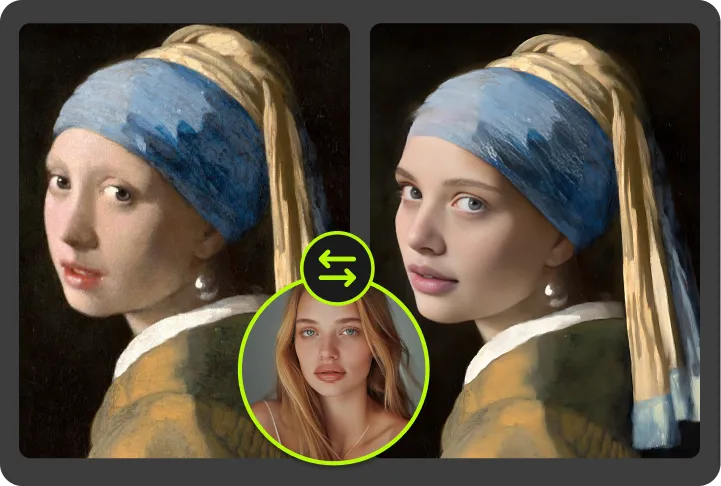
Want to see what you'd look like as the opposite gender? Face morph makes this possible without a separate filter. Upload your photo and a reference face of the gender you want to morph into. VidMage's AI blends the two, producing a composite that shifts your facial features toward the reference while keeping your core identity recognizable. This format drives high engagement on TikTok and Instagram Reels. It works well as a reveal video format or for before-and-after style content.

Merging two family members' or friends' faces is one of the most popular uses of face morph. You can blend a parent with a child to see the resemblance, combine two siblings, or merge friends' faces for birthday jokes or group chat moments. The results are realistic enough to spark genuine surprise or conversation. The free plan is generous enough to run several combinations in a single session, so you can try different pairings without spending anything.
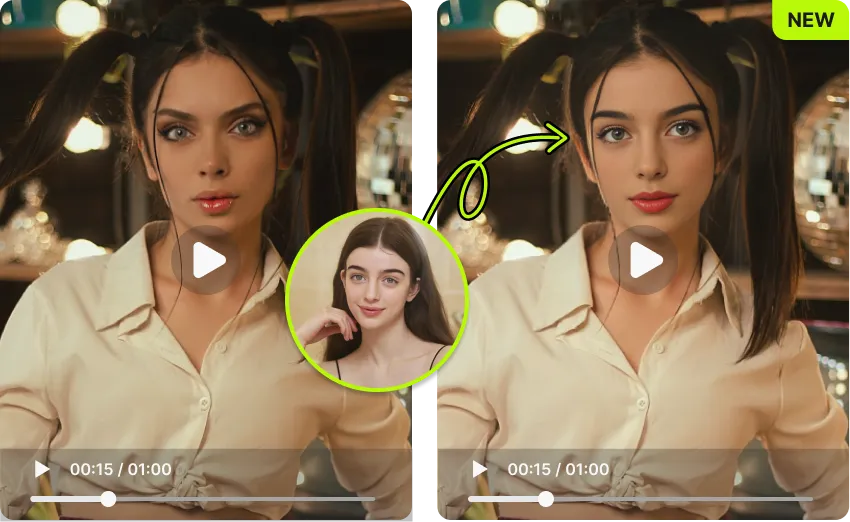
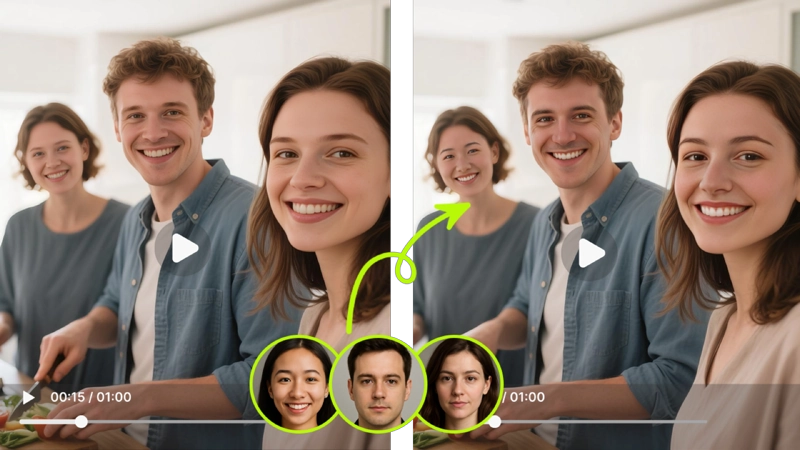
VidMage face morph works with more than just still photos. Upload a video clip or GIF as the first source file and get back a video or animated GIF showing the face morph transition. For video input, the AI processes each frame to apply the morph across the entire clip, producing a smooth video result you can share directly. For GIF input or output, the animated transition performs well on TikTok, Instagram Reels, and messaging apps. Output format adapts to your input, so you always get a shareable result.
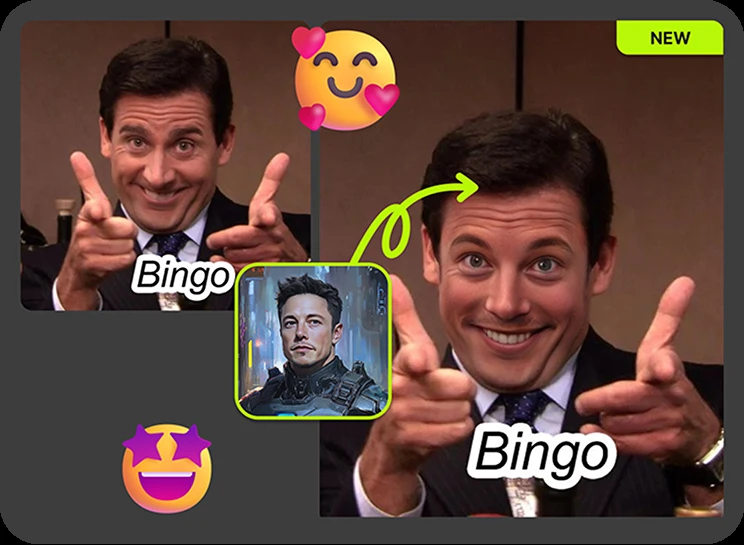
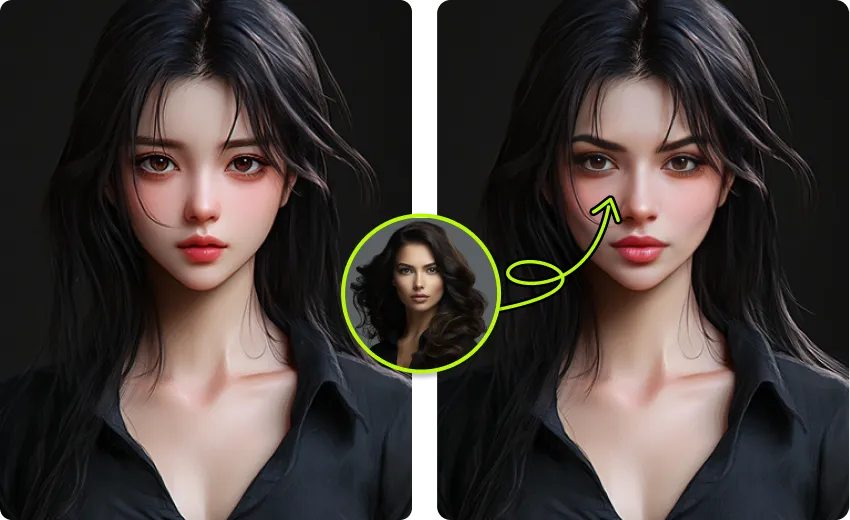
One of the most creative and shareable variations is morphing a human face with an animal. VidMage's AI can detect facial landmarks in animal photos and blend them with human features to create hybrid composites. Dog, cat, and lion combinations are popular for profile pictures, memes, and challenge-style social posts. This works particularly well for pet owners who want a fun composite image of themselves with their pet. The results are clearly creative rather than uncanny, which makes them entertaining rather than unsettling.
Here's a direct look at how VidMage stacks up against the most-used face morph tools.
| Feature | VidMage | Fotor | Live3D | Playform FaceMix | AIFaceSwap.io |
|---|---|---|---|---|---|
| Free trial (no signup) | ✓ Yes | Limited | ✓ Yes | ✓ Yes | ✓ Yes |
| No watermark on free tier | ✓ Yes | ✗ No | ✓ Yes | ✗ No | ✓ Yes |
| Video and GIF input support | ✓ Yes | ✗ No | ✗ No | ✗ No | ✗ No |
| Video output | ✓ Yes | ✗ No | ✗ No | ✗ No | ✗ No |
| Animated GIF output | ✓ Yes | ✗ No | ✗ No | ✓ Yes | ✗ No |
| Browser-based (no install) | ✓ Yes | ✓ Yes | ✓ Yes | ✓ Yes | ✓ Yes |
| Animal face blending | ✓ Yes | ✗ No | ✗ No | ✗ No | ✗ No |
| Combined face swap + morph tool | ✓ Yes | ✗ No | ✗ No | ✗ No | ✗ No |
| Mac app with local processing | ✓ Yes | ✗ No | ✗ No | ✗ No | ✗ No |
Selected feedback on natural face blending, smooth morph experiments, clear inputs, quick browser workflows, and accessible creative controls. Each card opens the original third party source.
“For simple and reliable face morph, I've been using VidMage AI lately.”
“face morph, gender swap, head swap, and meme-style face swap.”
“The goal of VidMage is clear: make face swapping simple, fast, and realistic for everyone”
“Create hilarious, realistic effects in seconds.”
“making the interface straightforward enough for non-technical users”
“analyzes the source face and the target video or photo”
“Individuals adding flair to personal videos and home projects.”
“analyze facial expressions, lighting, skin texture, and head angles”
“Whether you want to create funny content, experiment with creative edits, or transform your look - this tool makes everything super simple.”
“preview, or experiment with a likeness in photos”
“preserving facial expressions and natural motion throughout the clip.”
“Its strongest fit is authorized short-form face swapping, social experiments, character concepts”
Upload two photos and get a realistic face blend in seconds. No sign-up, no watermark on your first result.