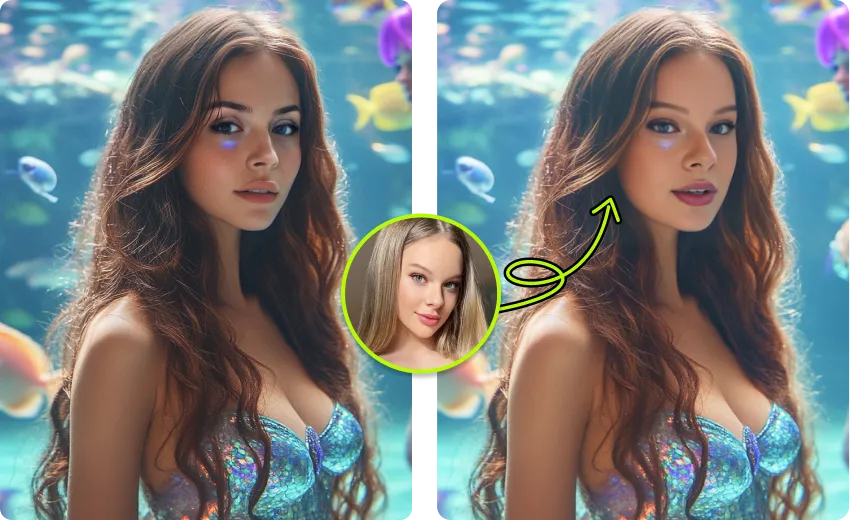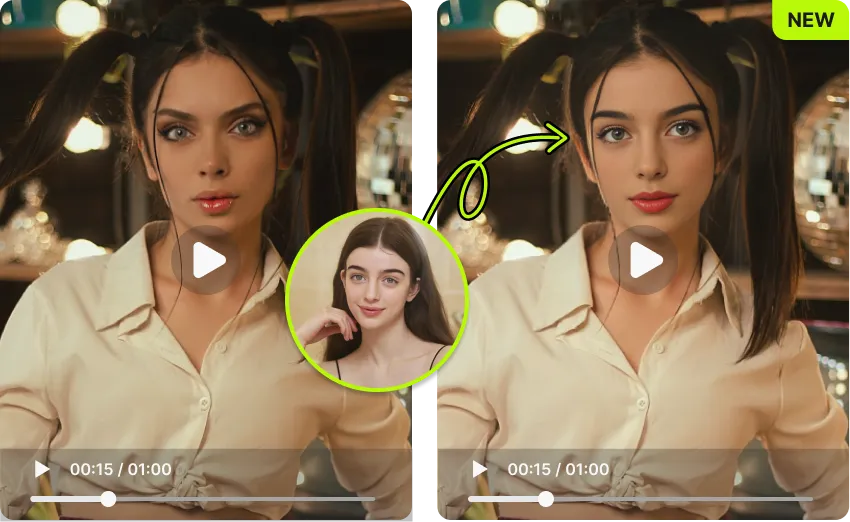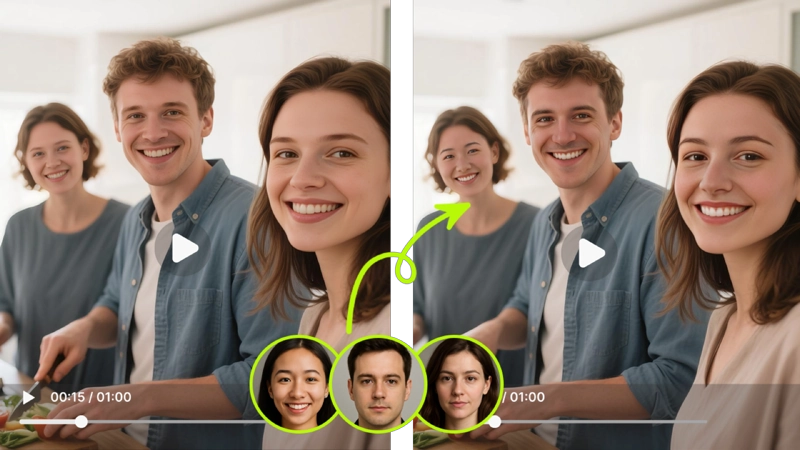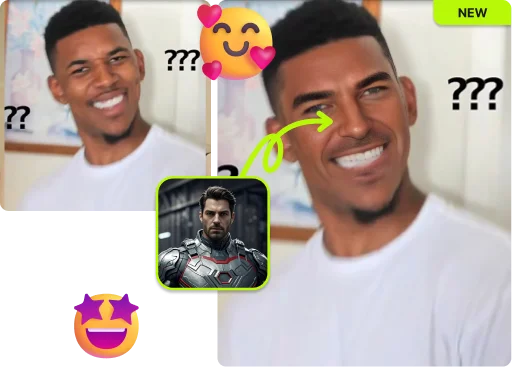
Upload one group photo, let AI detect every face, and swap up to 4 people at once. Realistic blending, no watermark, no sign-up.
By continuing, you confirm consent.
Swap videos up to 4K / 1GB / 5 min with VidMage Pro (+400 credits/mo)
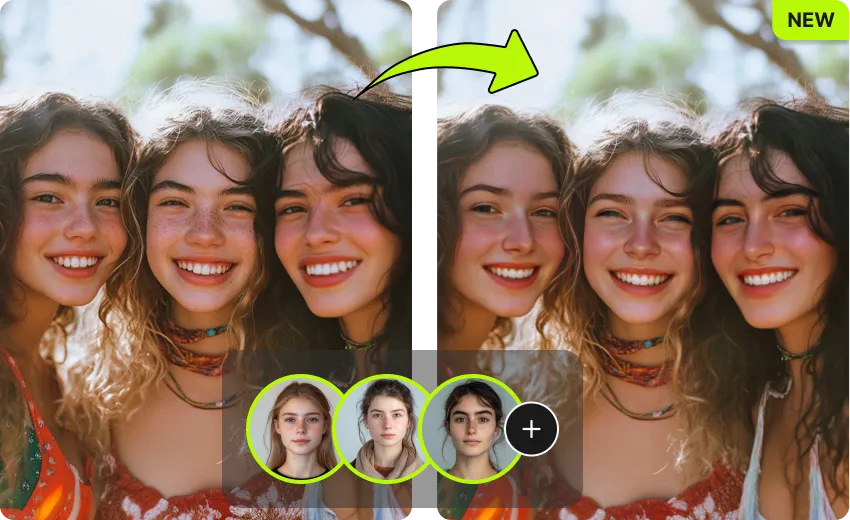
Group photos contain real people. VidMage treats every uploaded face the way we would treat our own.
Every uploaded photo is wiped from our servers within two hours of upload.
Your group photos and source faces are not used to train any AI model.
Use the web tool without creating an account or sharing personal data.
Mac users can run multiple face swap fully offline. Nothing leaves your device.
Swap several faces in one group photo in three simple steps. No editing skills, no app to install.
Click upload and pick the photo with multiple faces. VidMage supports JPG, JPEG, PNG, and WEBP. Family portraits, team photos, and party selfies all work.
VidMage's AI automatically finds every face in the photo and highlights each one. You decide which faces to swap and which to leave as they are.
Upload a face photo for each person you want to replace, then click Swap. The result is ready in about 5 to 10 seconds, ready to download.
Preview the final image, then download it in original resolution with no watermark. Post directly to Instagram, X, Discord, or your family chat.
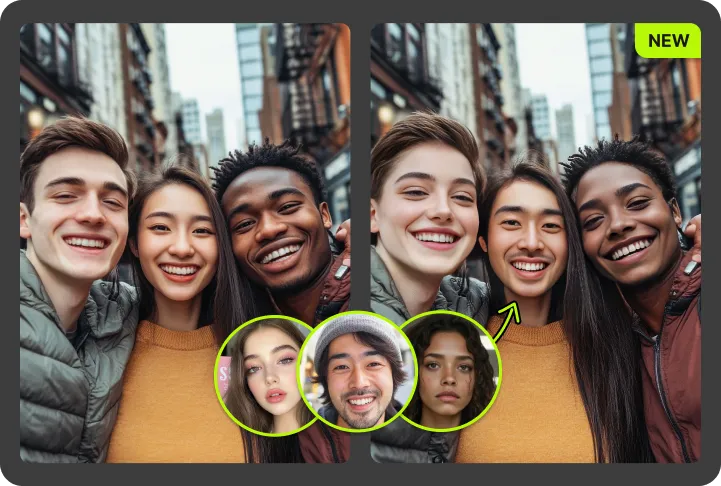
Swap up to 4 faces in one group photo at once with realistic per-face blending, free and private.
Most free tools handle one face at a time. VidMage detects and swaps up to 4 faces in the same group photo at once, no rerun needed.
Each face is processed on its own. VidMage matches skin tone, lighting, and angle separately, so every swapped face looks natural in the group.
Open the page, drop your photo, and start swapping. You get 15 free photo face swaps every day, no account, no download, no watermark.
Uploaded photos are auto-deleted within 2 hours. Your files are never used to train AI, and Mac users can run everything fully offline.
From group memes to fixed family portraits, VidMage covers every multi-face scenario in a single browser tool.
Drop a group photo with two, three, or four people, and VidMage's AI instantly finds every face in the frame. Each face is highlighted as its own pick-able slot, so you do not have to crop or mark anything yourself. This is the core feature for anyone trying to fix family portraits, team photos, wedding shots, or class reunion pics where multiple people need editing. The detection works even when subjects are at slightly different distances or angles, which is exactly what most casual group photos look like.
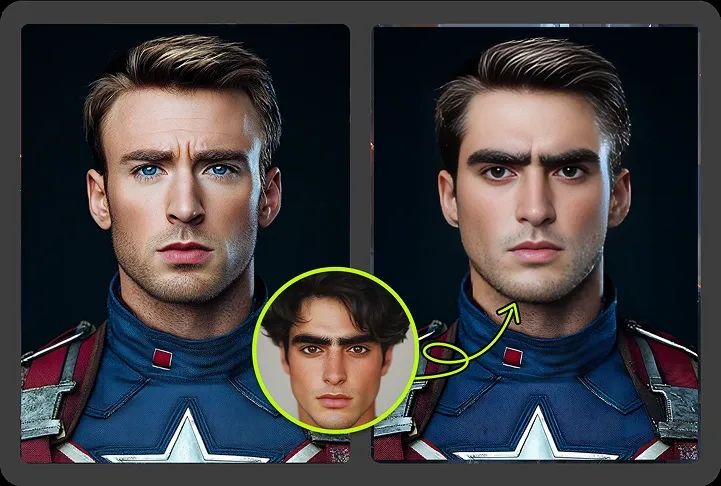
Assign a different source face to each detected face. Want to give your three best friends, with their permission, three different fantasy looks in one selfie? Or fix two faces in a team photo while leaving the rest alone? This is the feature for that. Content creators use it for ensemble memes, families use it for fun reunion shots, and short-form video editors use it to build creative group content fast.
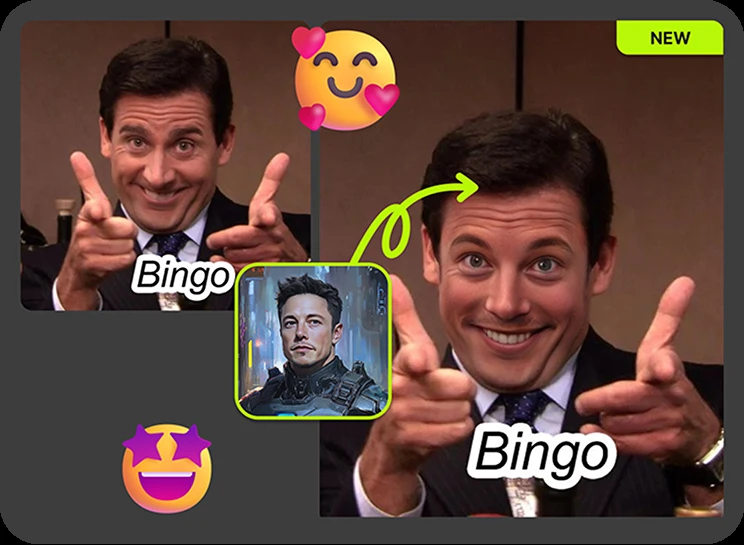
Upload one source face and apply it to every detected face in the photo. The classic "everyone is now my friend Steve" prank, or the viral "everyone has the same face" group meme. VidMage handles the lighting and angle per person, so the joke still looks believable across the whole group. Perfect for Discord servers, group chats, birthday surprises, and TikTok trends where the gag depends on every face matching.
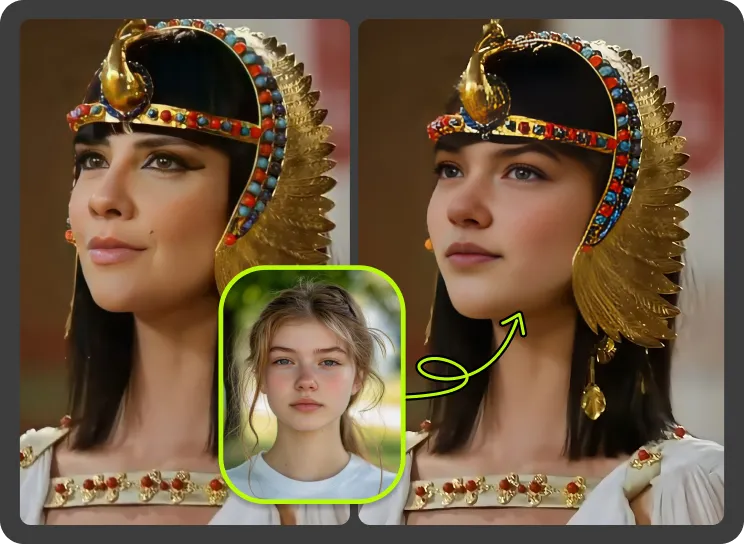
You do not have to swap everyone. If only one person in the group photo needs fixing or replacing, just upload a source for that face and leave the others untouched. VidMage tracks each face independently, so unselected faces stay as they were in the original photo. This is the right feature for fixing a closed-eye face in a wedding shot or updating one new hire in a team photo.
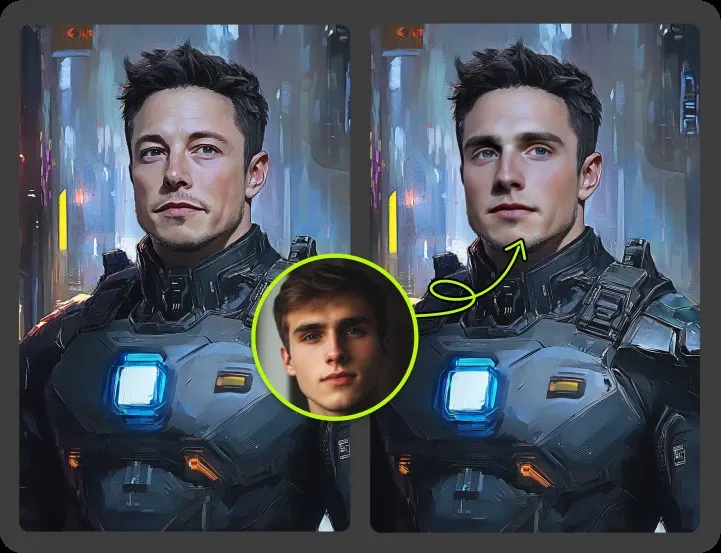
Free downloads come out in the original resolution of your uploaded photo, with no logo or "made with" tag. Per-face blending matches skin tone, lighting direction, and expression so the final group photo does not look pasted together. This matters for creators posting to Instagram or YouTube thumbnails, marketers using crowd shots in ad mockups, and anyone who just wants a clean export to share.
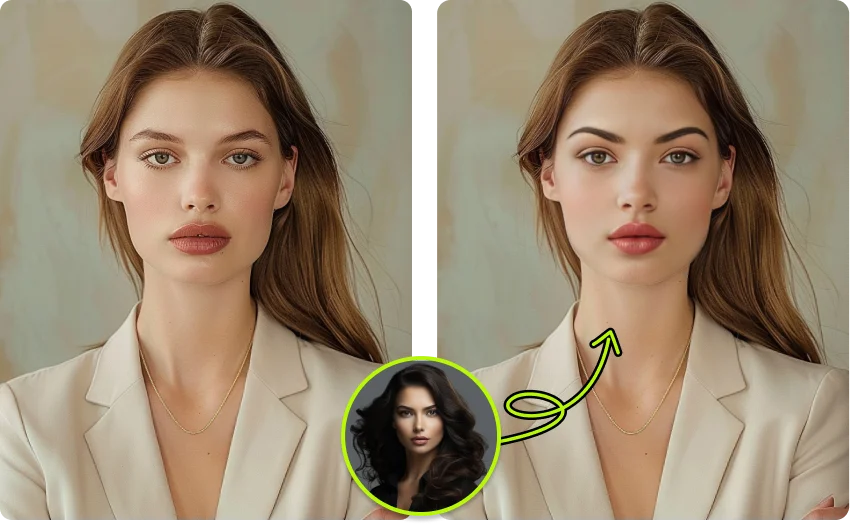
VidMage runs in any modern browser on Windows, Mac, iPhone, and Android, so a quick group photo edit takes seconds. When you need more, the Mac app adds local-only processing, 4K output, and batch face swap. You can also move the same scene over to Multiple Face Swap Video and GIF Face Swap when you want to turn that group moment into a short reel or animated meme.
A quick look at how VidMage stacks up against five popular multiple face swap tools you will see in 2026.
| Feature | VidMage | Wefaceswap | DeepSwap | Picsi.Ai | Pixnova |
|---|---|---|---|---|---|
| Free multi-face swap | ✓ Yes, 15/day | ✓ Yes, daily limit | ✗ Sign-up required | ✓ Free credits | ✓ Yes, daily limit |
| No sign-up required | ✓ Yes | ✓ Yes | ✗ No | ✗ No | ✓ Yes |
| Max faces per photo | Up to 4 | Up to 5 | Up to 6 | Up to 4 | Multiple |
| No watermark on free output | ✓ Yes | ✓ Yes | ✗ No | ✓ Yes | ✓ Yes |
| Different face per person | ✓ Yes | ✓ Yes | ✓ Yes | ✓ Yes | ✓ Yes |
| Realistic skin and lighting blend | ✓ Strong | ✓ Strong | ✓ Strong | ~ Mixed | ~ Mixed |
| Privacy (auto-delete window) | ✓ Within 2 hours | ~ Not stated | ~ Cloud only | ~ Not stated | ~ Not stated |
| Mac local processing (4K) | ✓ Yes | ✗ No | ✗ No | ✗ No | ✗ No |
| Works on mobile browser | ✓ Yes | ✓ Yes | ✓ Yes | ✓ Yes | ✓ Yes |
Selected feedback on face detection, group photo workflows, independently assigned identities, and faster edits without processing each person separately. Each card opens the original third party source.
“It detected visible faces quickly and made the workflow feel simple.”
“up to four or more in a single frame”
“Even group photos are handled well thanks to automatic facial detection.”
“The processing time increases with more faces, but results remain consistent.”
“Effortlessly swap multiple faces in a single photo”
“Replace multiple faces in a single image or video clip simultaneously.”
“Multi-face support up to four people.”
“Multi-face swaps and batch processing capabilities make it highly scalable”
“Multi-Face Swap (swap multiple faces in one image)”
“Multi-Face Swap for group photos”
“the workflow is faster than performing the same task manually.”
“VidMage AI is better suited when creators want quick AI video, face swap, effects, and media-tool drafts in a browser or Mac workflow.”
Upload your group photo, pick the faces, and download a clean, realistic result in seconds. No watermark, no sign-up, no risk.