
Replace complete heads in photos or videos while preserving each target person's original pose, gaze, expression, body, clothing, motion, and background.
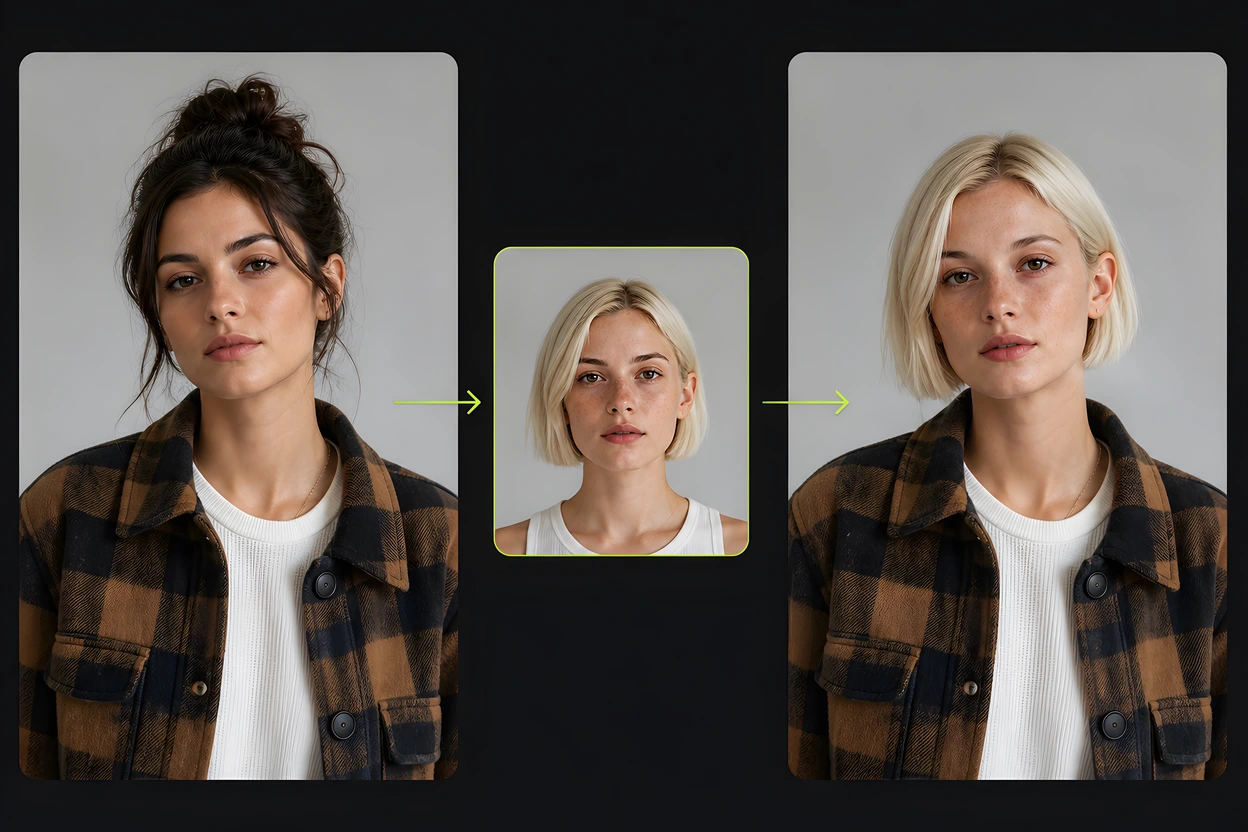
Head swap uses real faces, so VidMage limits how long uploaded files stay on the server.
Uploads are removed automatically within 2 hours after processing. You do not file a ticket to delete them.
VidMage does not train models on your photos, videos, or face data.
Uploaded files are not shared with other companies for their training or reuse.
Sign in keeps credits, tasks, results, and automatic refunds for failed jobs connected to the correct account.
A realistic head swap depends more on matched angles and a clear hairline than on extra editing.
Use Photo Head Swap for JPG, JPEG, PNG, or WEBP stills. Use Video Head Swap for MP4, MOV, or M4V clips. Plan one intended head per generation, since a dedicated group mode is not confirmed.
Choose the photo or clip whose head you want to replace. Keep the full head visible, including hair and neck. Avoid heavy blur, hats, hands, or objects that hide the hairline.
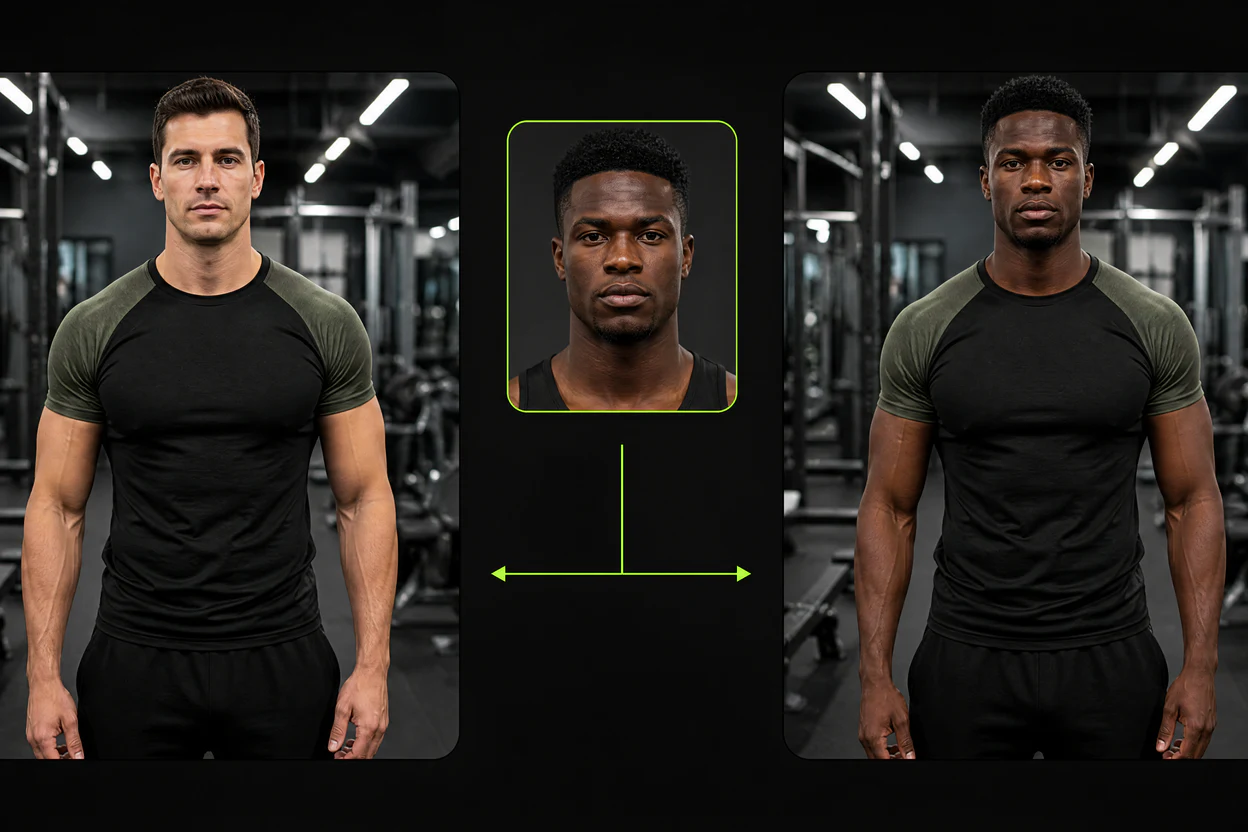
Upload a sharp, front lit reference head with a similar camera angle and light direction. This helps VidMage match head scale, skin tone, hair boundaries, and the neck join.
Review the credit total shown before you generate. After the result appears, check the hairline, ears, jaw, and neck join before you download the photo or video.
Replace complete heads in photos and videos while keeping the original body, clothing, pose, motion, and scene.
Hair, hairline, ears, and neck travel with the new identity, so leftover original hair is less likely to stay behind.
VidMage keeps the target person's pose, look direction, expression, body, clothes, motion, and background while only the head changes.
Many ranking head swap pages stop at stills. VidMage runs Photo Head Swap and Video Head Swap on the same page.
Replace a complete head through a moving clip while the target body, clothing, motion, camera framing, and background stay.
Use head swap when hair, head shape, or neck must change with the new identity, not only the face.

Face only tools often leave the original hairstyle and head outline behind. VidMage replaces the complete head so the face, hair, hairline, ears, and visible neck can move together onto the target body. Use it for costume edits, portrait corrections, character inserts, and scenes where identity depends on more than facial features. A clear reference head and a target with a similar camera angle usually provide a cleaner boundary around the hair and neck.
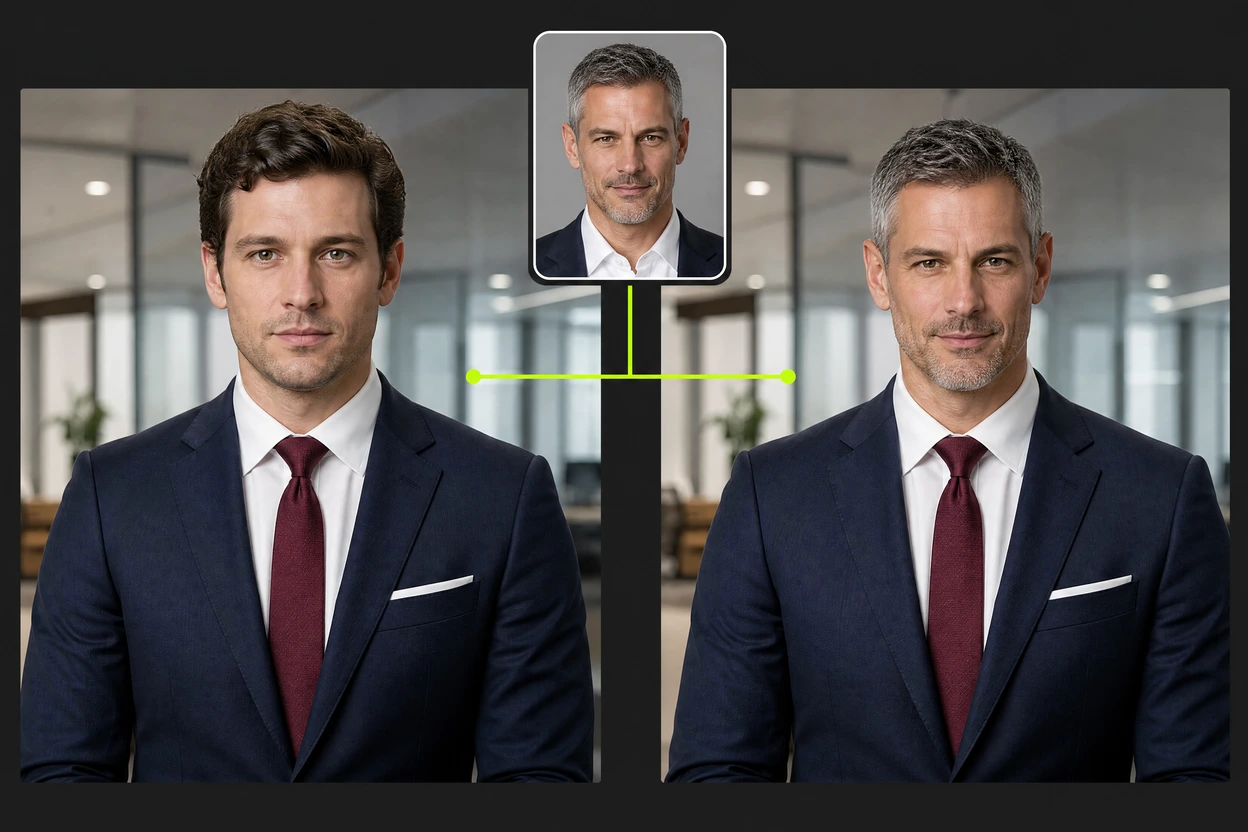
Most ranking head swap tools stop at still images. VidMage also replaces a complete head through a video while preserving the target person's body, clothing, motion, camera framing, and background. This helps short form creators, costume scenes, performance footage, and character clips where a face only replacement would leave the wrong hair. Use a clear reference head and footage where the head stays visible. Processing time grows with clip length, and the credit total appears before you generate.
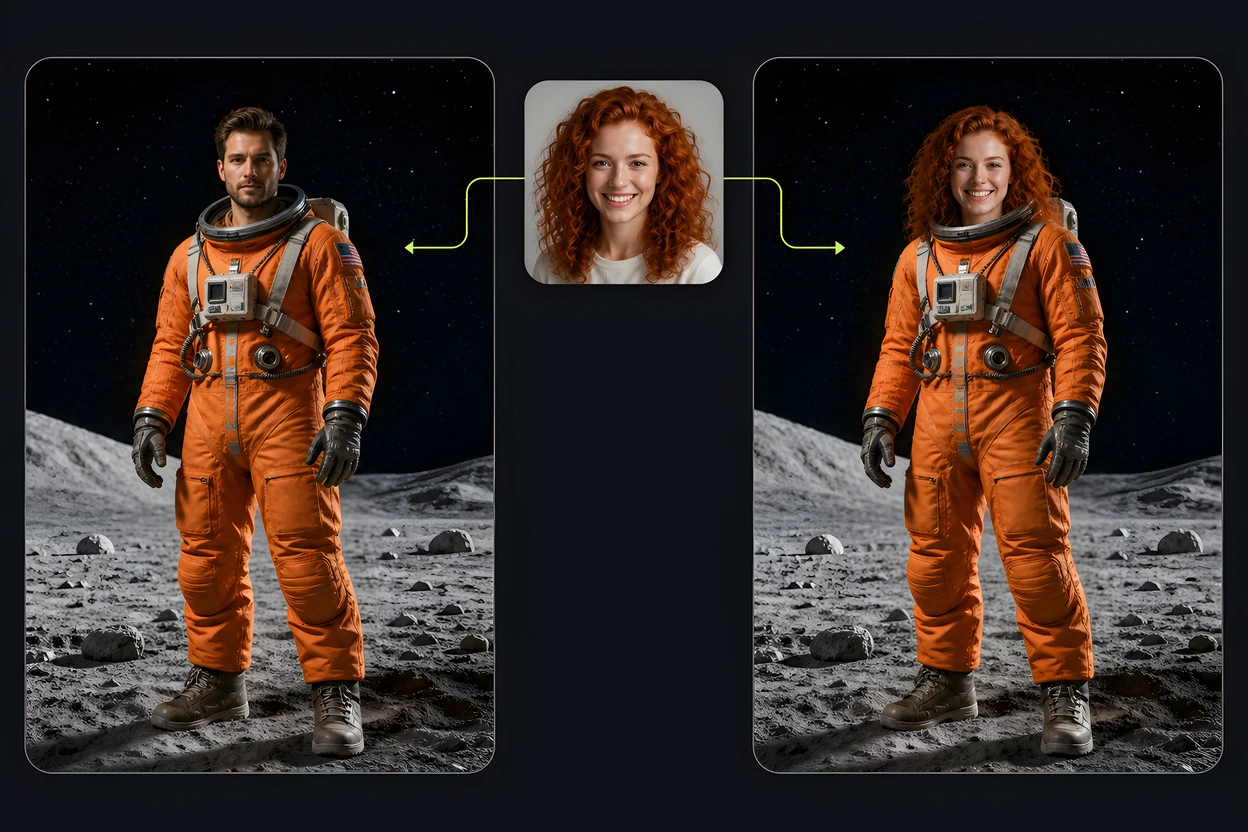
Replace a poor expression, closed eyes, or an unhelpful head angle without losing the pose, outfit, lighting, and background from a stronger photo. Upload the target image and a clear reference head, then let VidMage align the replacement with the existing composition. This workflow helps portrait photographers, social creators, and everyday users rescue a useful frame without cutting hair or masking the neck by hand. Similar angles and light direction usually reduce seams at the hairline.
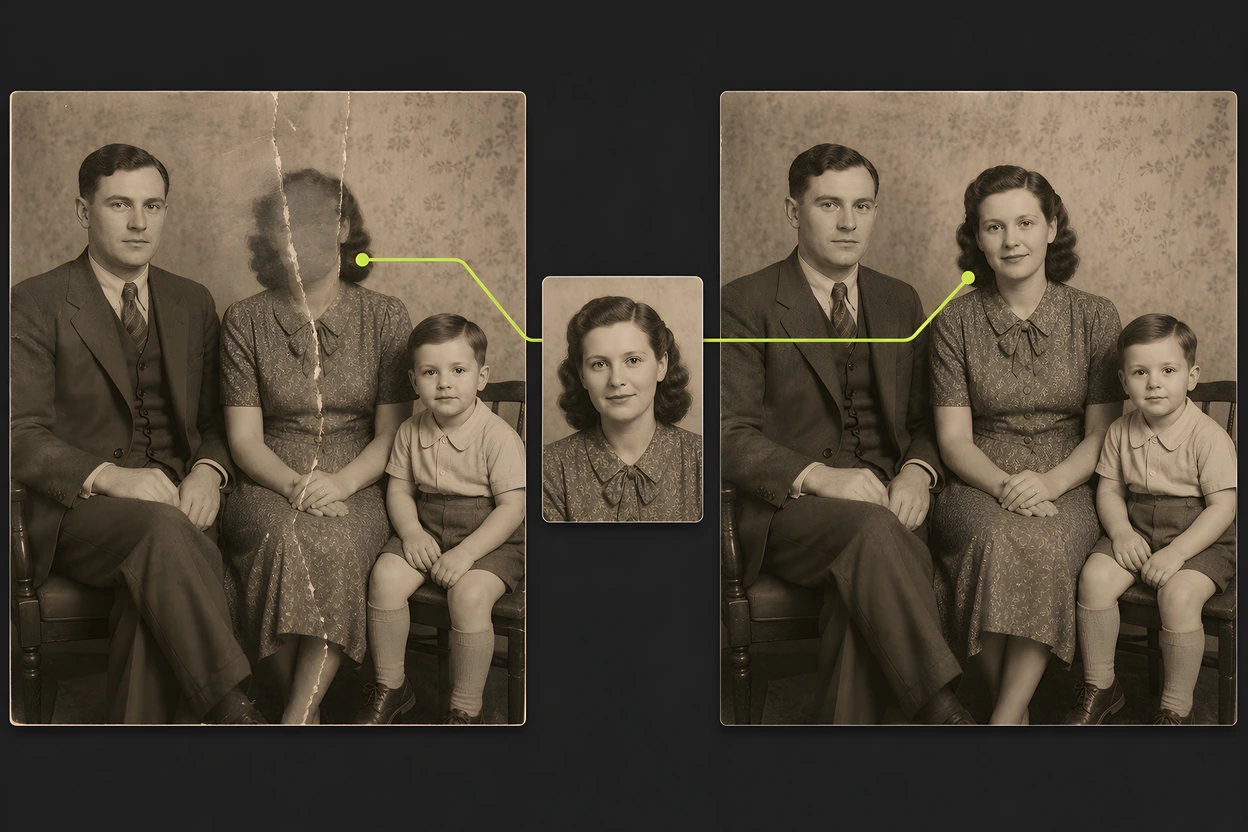
The target file remains the visual foundation. VidMage preserves its body position, clothing, camera view, background, and, for video, the original movement. Only the intended head changes. Creators can test another character, reuse a costume shot, or build a scene variation without reshooting the whole setup. Choose source and target files with compatible angles and light direction so the new head sits more naturally on the existing body.
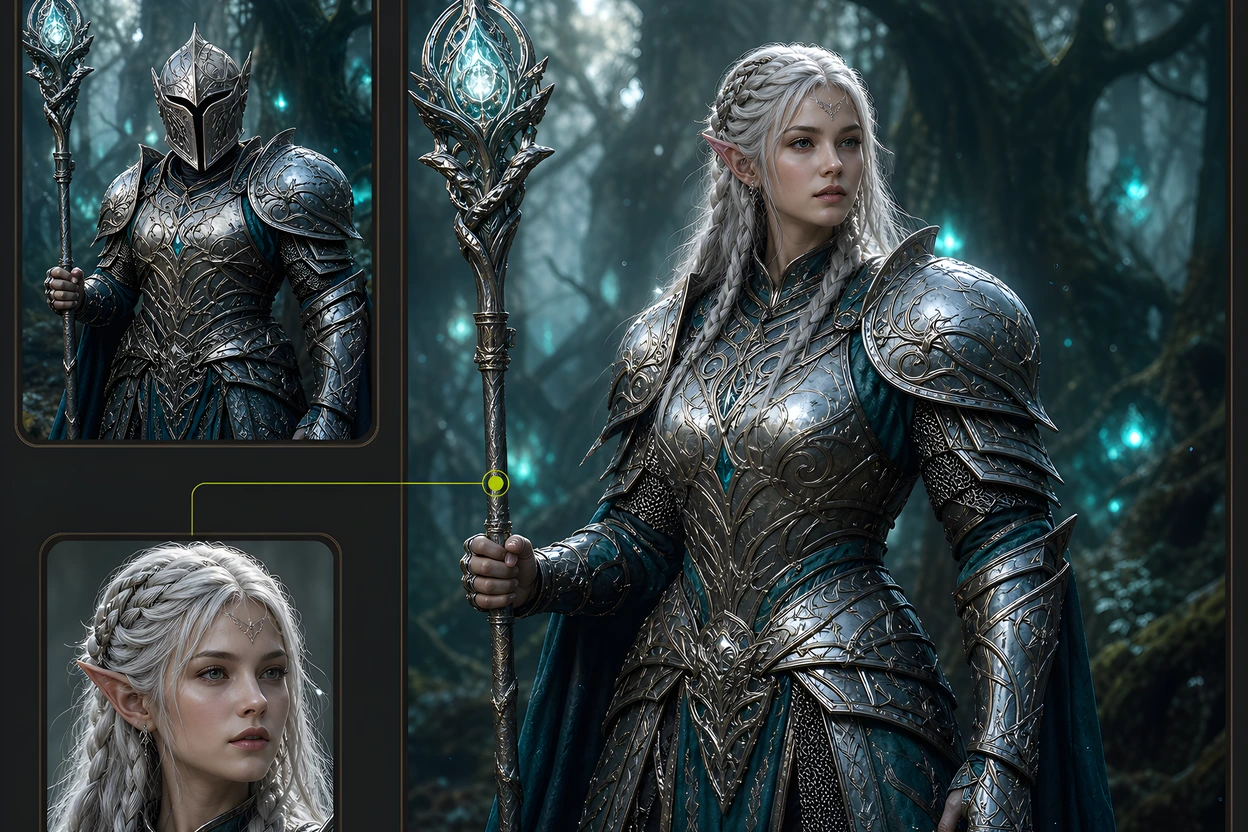
A realistic result depends on more than placing one face over another. VidMage analyzes head size, facial geometry, lighting direction, skin tone, and the visible join around the hairline and neck. This automatic matching helps reduce the pasted cutout look that appears when the head and body come from different files. Creators can get a useful first result without drawing masks or tracking a head by hand across video frames.
A successful Photo Head Swap uses 5 credits. Video Head Swap credits depend on clip duration, and the total appears before generation. VidMage deletes uploaded photos and videos within 2 hours, does not use them to train AI models, and does not share them with third parties. Sign in keeps each charge, result, and automatic refund for a failed task connected to the correct account. That makes cost and file handling easier to predict before you start.
Ranked head swap pages are mostly photo tools. This table uses what those pages and VidMage's live tool actually claim.
| Feature | VidMage | A2E | Magic Hour | Live3D | Facy | Vidnoz |
|---|---|---|---|---|---|---|
| Supported head swap media | Photo and video | Photo | Photo | Photo | Photo | Photo |
| Complete head in video | Yes | Not yet (FAQ) | No, separate video mode is face swap | No | No | No (FAQ) |
| Keep body, pose, clothes, motion | Yes, including gaze and expression | Blend claims, not this list | Keep body and pose | Alignment claims | Lighting and proportion | Blend claims |
| Who to replace control | Optional specify who field on the official tool | One head per image (FAQ) | Not a precise one person control on the LP | Not specified | HeadUltra prompt, paid | No multi head yet (FAQ) |
| Stated deletion window | 2 hours | Not stated | About 1 day on the privacy blurb | Not stated | Not stated | Generic not stored claim |
| Price model | Photo: 5 credits per result. Video: duration based total shown before generation | Credits after signup | 3 free per day | Claims free, no signup | Credits after sign in | Claims free, no signup |
Selected perspectives from independent publications and creator videos about VidMage workflow, video use, input quality, and ease of use.
"It is fast, easy to understand, and strong with clean inputs."
"A focused video face-replacement workflow rather than a broad AI video-generation pipeline."
"Head swap attempts to match neck and hairline areas"
"The interface is modern, clean, and intuitive."
"短い動画なら十分使える"
"Quick photo and video correction, such as fixing an awkward expression"
"The blending is natural enough for casual use, though fine details may require manual touch-up."
"keeping a swapped face stable and believable across motion, not just in a single still frame."
"Photo & Video Face Swap: Instantly swap faces in static images and dynamic videos with high fidelity."
"swapping faces and images is super easy using Vidmage.ai"
"fast, clean face swap results that are good enough for real creator workflows, not just one lucky demo."
"the face matches the movement expressions stay consistent and the result looks natural."
Choose a photo or video, upload a clear reference head, and replace the complete head while keeping the original body, clothing, motion, and scene.