By continuing, you confirm consent.
Swap videos up to 4K / 1GB / 5 min with VidMage Pro (+400 credits/mo)
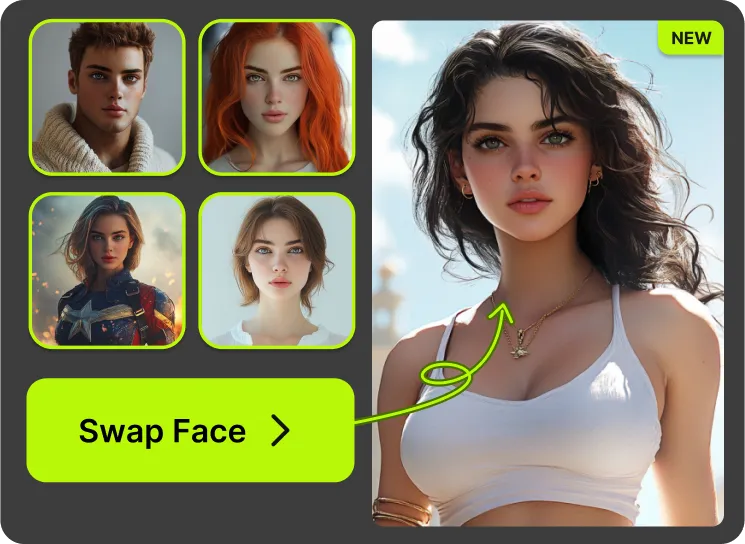
VidMage is designed to keep your files private. Here's exactly how your data is handled when you use batch face swap.
All uploaded images are automatically removed from VidMage servers within 2 hours of processing. Nothing is stored permanently.
VidMage never uses your uploaded images to train AI models or share data with third parties. Your photos stay yours.
You can use the free tier without creating an account. VidMage doesn't require your email or personal information to try batch face swap.
The VidMage Mac app processes all images on your device. No files are uploaded, and no internet connection is needed during batch processing.
The whole process takes three steps. You can finish a full batch in under a minute.
Click the upload button to select your batch of images. Supported formats are JPG, JPEG, PNG, and WEBP. Free users can upload up to 5 images per batch. Subscribers can upload up to 50.
Upload one clear photo of the face you want to apply across the batch. A front-facing portrait with good lighting works best. VidMage automatically detects the face in each image so you don't have to select anything manually.
Click to start the swap. VidMage's AI processes all your images at once and replaces the detected faces with your target. When it's done, download your results individually or as a ZIP file.
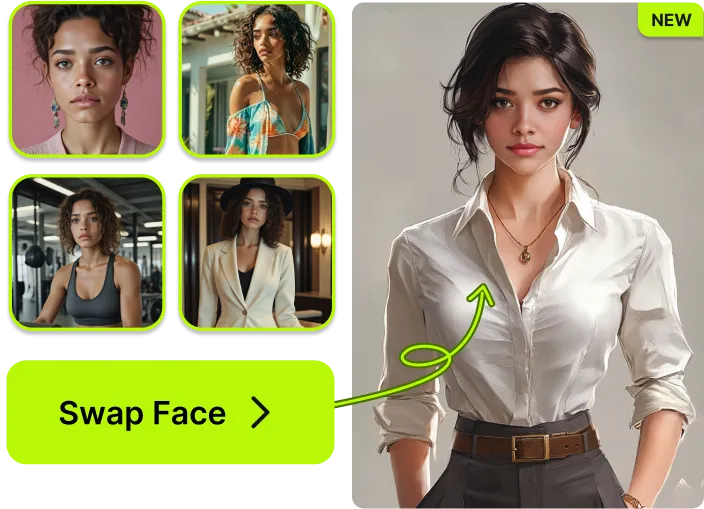
From free batch processing with no signup to a Mac app that works fully offline, here's what makes VidMage different.
Free users get 5 images per batch with 15 free batch swaps daily. Subscribers can run up to 50 images per batch with no watermarks and faster processing.
VidMage preserves natural expressions, lighting, and skin tones in every image. Batch processing doesn't reduce quality. Each image gets the same careful AI treatment.
You can mix file types in the same batch. Whether you're swapping faces in standard portraits, product shots, or lifestyle photos, VidMage handles them all in one run.
If you need to process large volumes without uploading to the cloud, the VidMage Mac app runs batch face swap entirely on your device. No file size limits, no internet required, and nothing leaves your machine.
Whether you're editing a few photos or a full catalog, here's what VidMage's batch tool covers.
If you make memes, reaction images, or themed social posts, batch face swap lets you produce dozens of variants without repeating the process photo by photo. Upload a set of templates, add your target face, and VidMage swaps across the entire set in one go. For creators who post daily or run multiple accounts, this kind of efficiency matters. Instead of spending an hour on manual swaps, you can have a week's content ready in a few minutes. It works for portraits, PNG stickers, and all supported image formats.
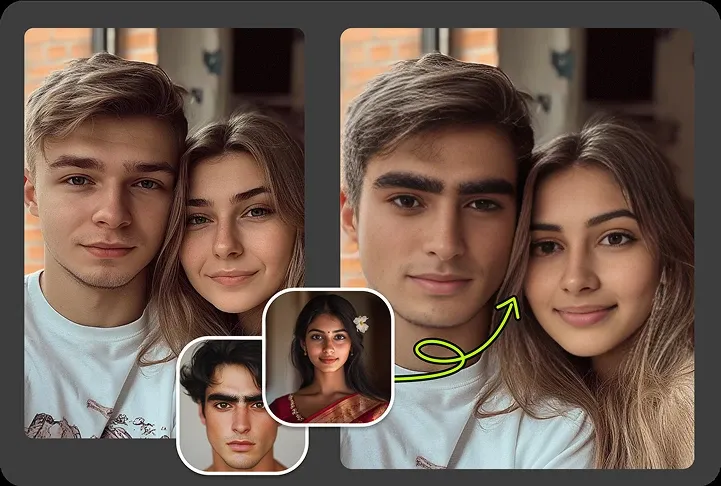
If you manage a product catalog and need to show the same item on different models, batch face swap gives you a faster way to do it. Upload the product photos, choose the target face, and replace the original model face across your entire set without re-shooting. This is especially useful for regional campaigns where you want localized imagery, or for seasonal updates where the product stays the same but the visuals need a refresh. The output keeps skin tones and lighting consistent, so images look cohesive even when you're processing a large number at once.
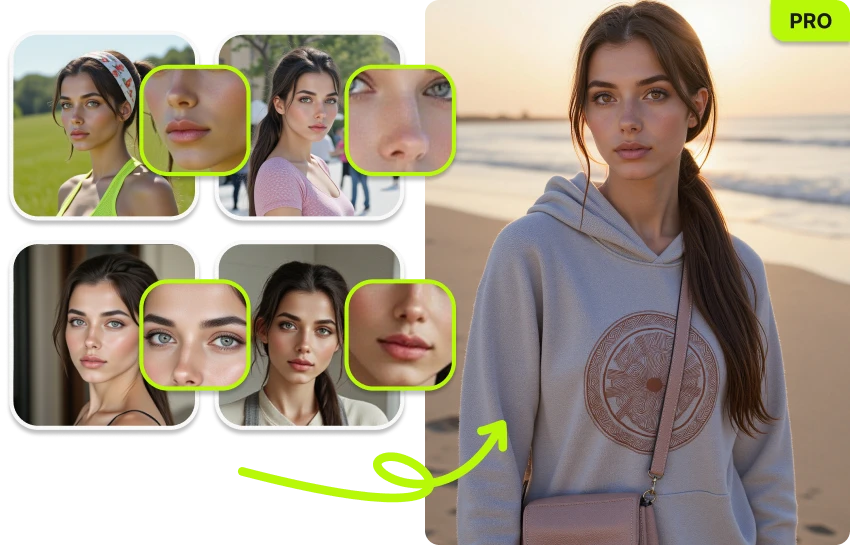
When a team photo needs updating, whether a new hire joins, someone leaves, or the company rebrands, replacing faces one at a time is tedious. VidMage batch face swap lets you swap the outdated face across multiple group photos in a single run. For HR teams, studio photographers, and agencies managing client directories, this saves hours compared to manual editing. The AI keeps expressions natural and lighting consistent, so you don't end up with one face that obviously looks different from the rest of the image.
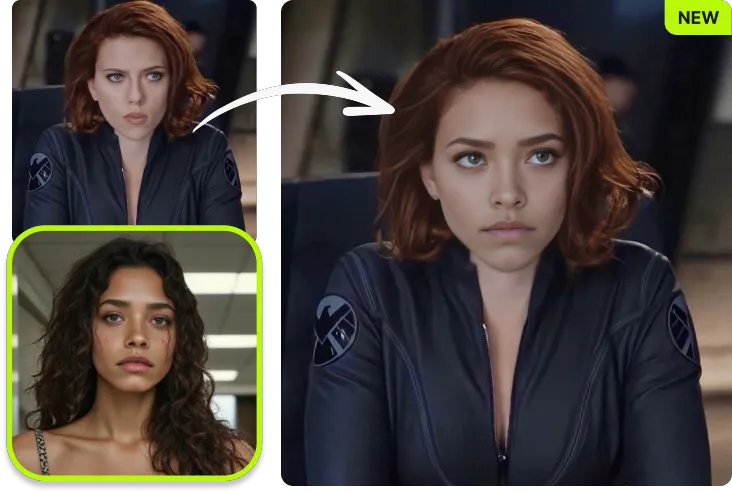
VidMage offers two distinct batch swap modes. In Original Batch mode, you upload multiple source images and replace the face in each one with a single target face, ideal for putting one person across many photos. In Target Batch mode, you keep one base image and apply different faces to it in bulk, useful for generating variations of a single scene. Both modes process your entire batch in one submission, so you're not limited to swapping one image at a time.
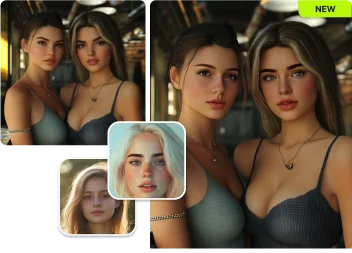
For users handling sensitive or private images, such as client photos, unreleased content, or internal company materials, uploading to a web tool isn't always an option. The VidMage Mac app processes everything locally on your device. No internet connection is required during processing, and nothing is uploaded to any server. You can run large batches without file size restrictions, and the Mac app gives you priority processing speed with Apple Silicon optimization. This makes it a practical option for agencies, studios, and professional photographers who need both quality and privacy.
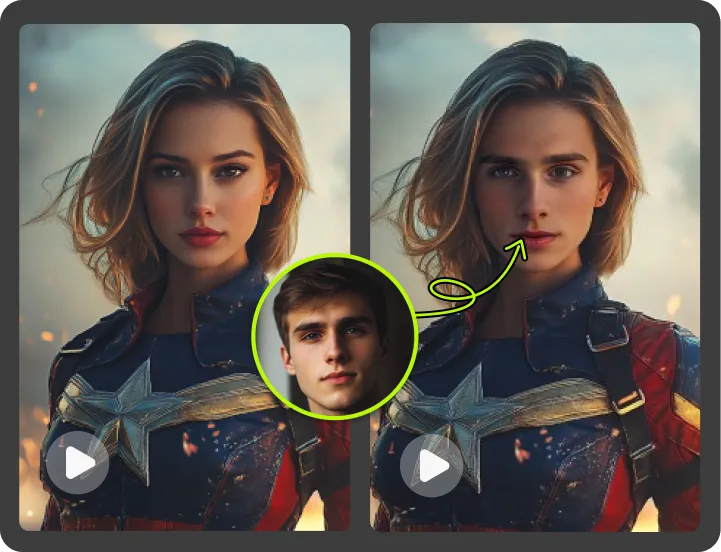
A common concern with batch processing is whether quality drops when you scale up. With VidMage, each image in a batch goes through the same AI model as a single-image swap. The tool preserves skin tone, facial expression, and natural blending on every photo. If you're producing 50 images for an ad campaign and they all need to look polished, that consistency matters. You're not trading quality for speed. You're getting both.
Here's a straightforward look at how VidMage stacks up against the most popular batch face swap tools.
| Feature | VidMage | FaceSwapper.ai | PixNova | AISaver | AIFaceSwapper.io |
|---|---|---|---|---|---|
| Free batch (no signup) | ✓ Yes | ✓ Yes | ✓ Yes | ✓ Yes | ✓ Yes |
| Max images per batch (free) | 5 images | 50 images | 10 images | 10 images | 10 images |
| Max images per batch (paid) | 50 images | 50 images | N/A | N/A | N/A |
| No watermark on free tier | ✓ Yes | ✓ Yes | ✓ Yes | ✓ Yes | ✓ Yes |
| Offline / local processing | ✓ Yes (Mac app) | ✗ No | ✗ No | ✗ No | ✗ No |
| Files deleted after processing | ✓ Yes (2 hrs) | Varies | ✓ Yes | Varies | Varies |
| Mac desktop app | ✓ Yes | ✗ No | ✗ No | ✗ No | ✗ No |
Selected feedback on processing many files, producing campaign variants, reducing repeated setup, and keeping larger creator workflows practical. Each card opens the original third party source.
“Small teams that need quick mockups, campaign variants, GIFs, or creator-style assets.”
“Effortlessly swap multiple faces in a single photo or process a large number of photos at once, perfect for group shots.”
“Batch processing allows multiple files to be edited at once”
“Batch Face Swap for multiple files”
“Batch face swap for faster production when working with many files”
“batch processing, and partial replacement of individual features—eyes, nose, mouth—are all supported.”
“Swap faces across several files in one go.”
“makes it easier to process multiple videos without resetting everything each time.”
“For creators publishing on a schedule, a tool that requires no sign-up and processes a clip in under a minute is far more practical.”
“supports images, videos, and GIFs, along with multi-face swaps, batch processing, and facial feature editing.”
“automating face replacement can save manual frame-by-frame work.”
“quick visual treatments, cleanup tasks, and social drafts”
Upload your batch, choose a target face, and VidMage handles the rest. No signup required, no watermark on your results.