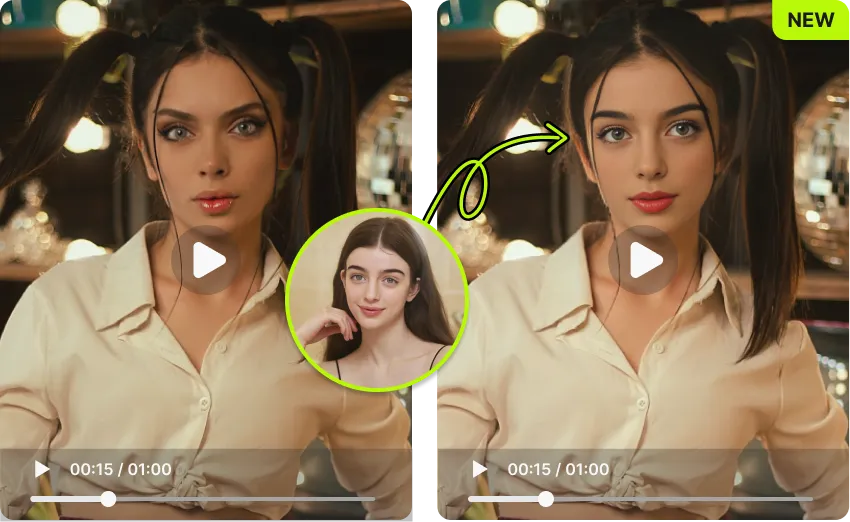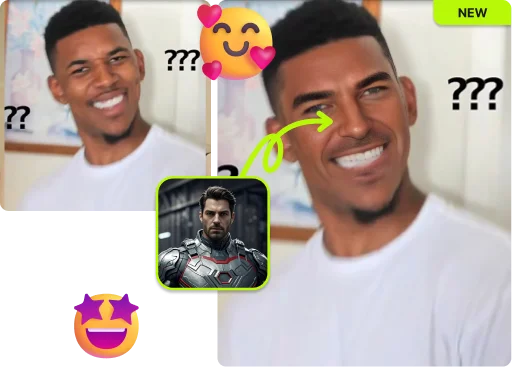
Upload any photo and a face, then let AI swap faces in seconds. Get realistic, seamless results free, with no sign-up and no watermark.
By continuing, you confirm consent.
Swap videos up to 4K / 1GB / 5 min with VidMage Pro (+400 credits/mo)
We treat every uploaded face the way we would treat our own. Your files are processed, returned, then wiped. No tracking, no training, no sharing.
Every uploaded photo is wiped from our servers within two hours of upload.
Your photos and faces are never used to train our AI or any third party.
Use the web tool without creating an account or handing over personal data.
Mac users can run face swap fully offline. Nothing leaves your device.
Swap a face into your photo in three simple steps. No editing skills needed, just upload and go.
Pick the photo you want to edit. VidMage supports JPG, PNG, and WEBP. Drag and drop or click to upload. Both single-person and group photos work fine.
Upload a clear, front-facing photo of the face you want to swap in. Only use a photo of yourself or of someone who has given you explicit permission. Good lighting and a fully visible face give you the most realistic blending.
Hit the swap button. VidMage's AI does the rest in about 5 to 10 seconds, then you can preview and download the photo. No watermark, no sign-up, share it anywhere you want.
From realistic skin blending to private, watermark-free downloads, here's what sets VidMage apart.
Open the page, drop your photo, and start swapping. You get 15 free photo face swaps every day, no account or download required.
VidMage matches skin tone, lighting direction, and expression so the swapped face blends in. The result looks natural, not a flat sticker pasted on.
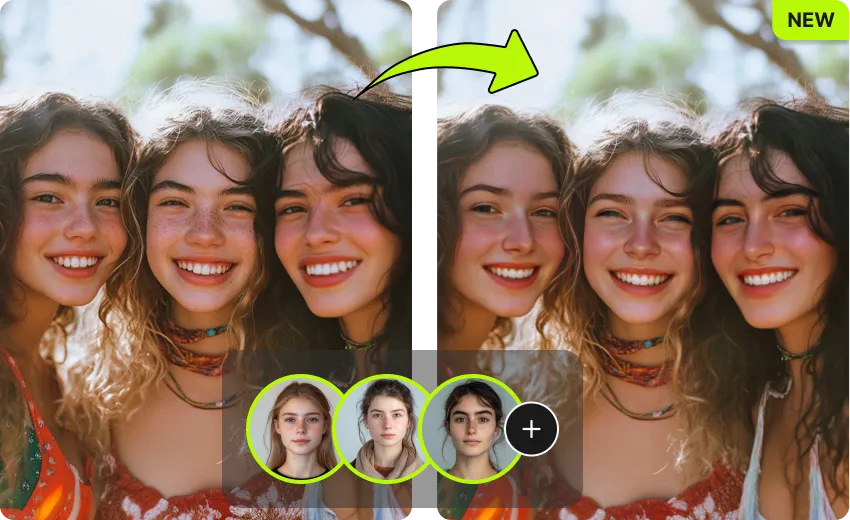
Got a group photo? VidMage detects every face automatically and lets you swap up to 4 people in the same image at the same time.
All uploaded photos are auto-deleted within 2 hours. Your files are never used to train AI, and your downloads are clean with no watermark.
From quick memes to clean marketing visuals, VidMage covers every photo face swap use case in one tool.
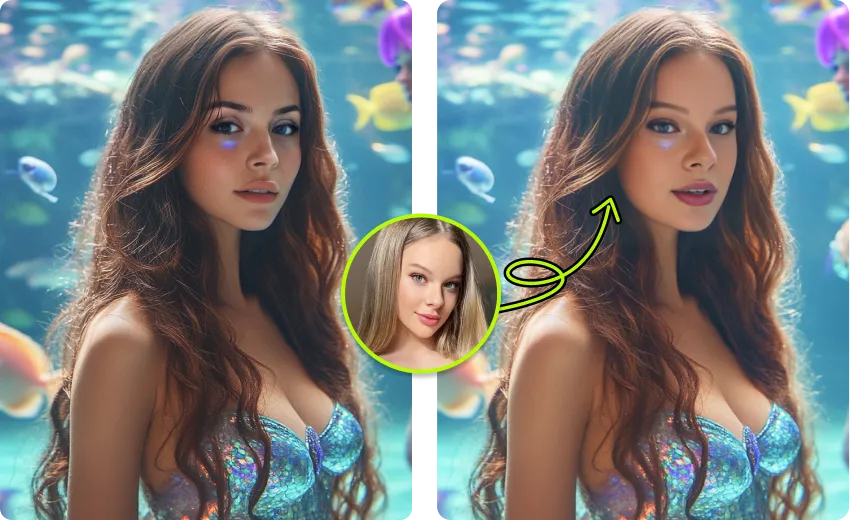
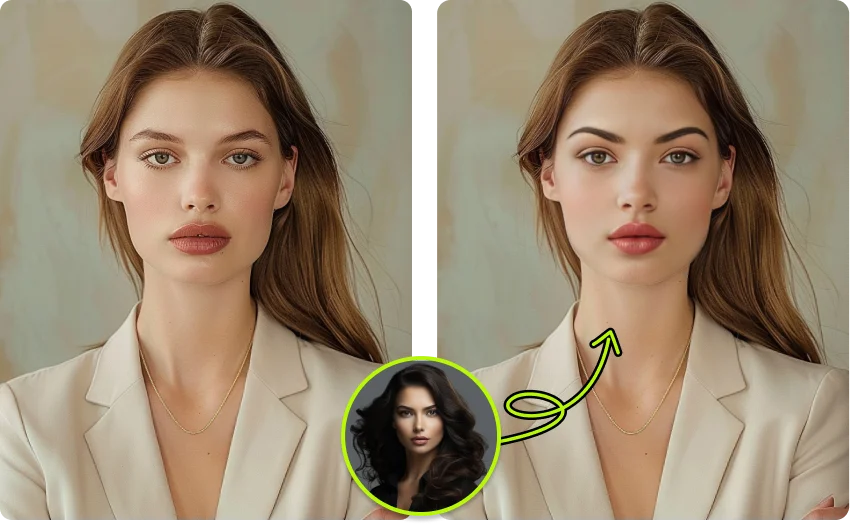
The core feature most people come for. Upload one base photo and one face image, then let VidMage's AI replace the face in about 5 to 10 seconds. Lighting, skin tone, and expression are matched automatically, so the result looks like a real photo rather than a cut-and-paste edit. This is the right tool for casual users who want a quick swap, content creators making reaction photos, and anyone trying face swap online for the first time. Works great for selfies, portraits, and headshots.
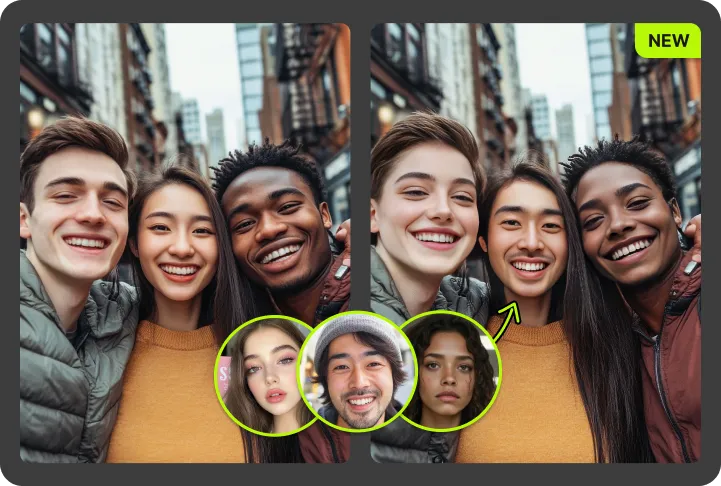
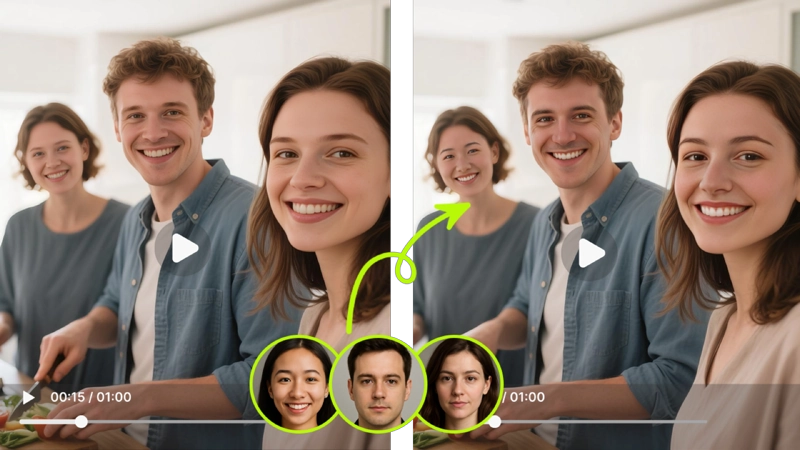
Family portraits, wedding shots, team photos, and reunion pics often have one person looking away or one face you want to switch. VidMage auto-detects every face in the photo and lets you swap up to 4 of them in a single pass, with each face tracked separately. You can swap one person, swap a few, or give everyone the same face for a viral group meme. This is the go-to feature for content creators producing group memes and for anyone fixing a "bad" group photo.
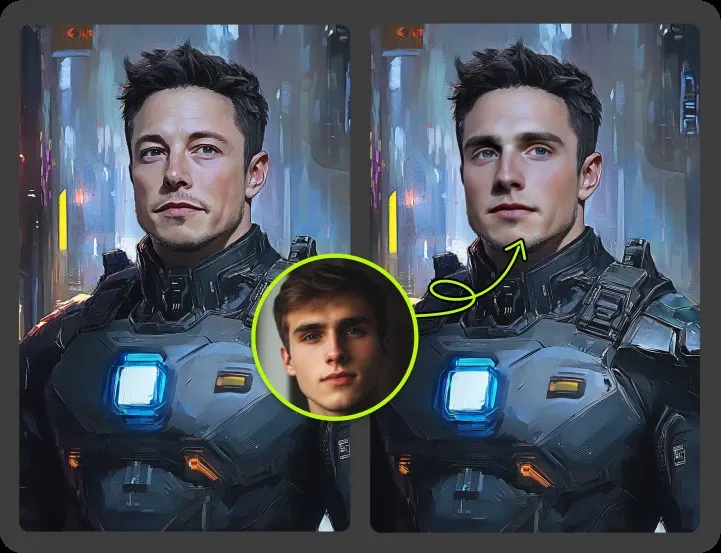
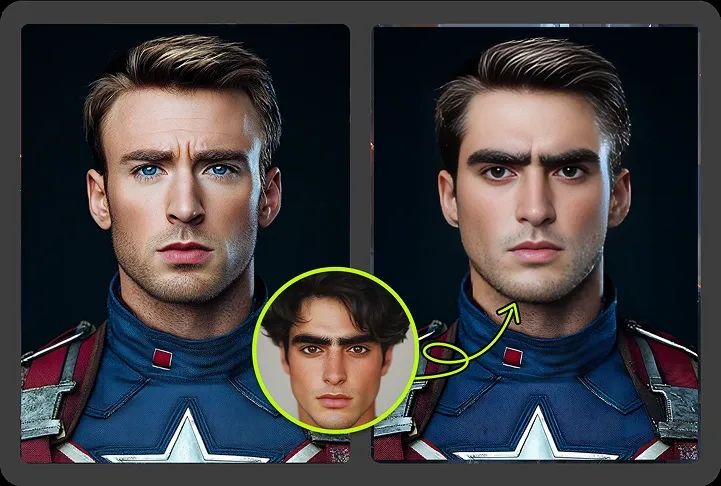
Swap your own face into stylized artwork, original fictional characters, anime-style portraits, or classic public-domain paintings. The blending engine handles strong stylization so the swap feels like the original art and not a clumsy edit. Great for creative projects, themed party invites, and video thumbnails. Only use images you own or are licensed to use, and never the likeness of a real person without their consent.
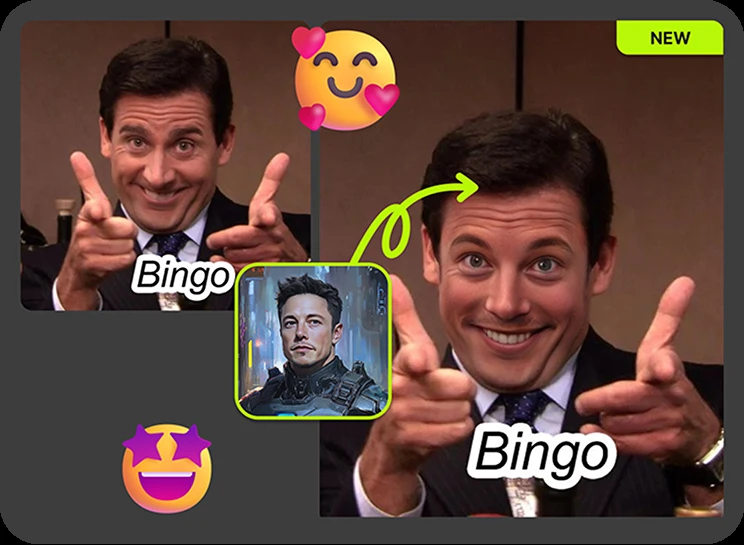
Turn any photo into a shareable meme in under a minute. Drop your face, or a friend's face with their permission, onto a viral template. VidMage keeps the original expression and pose, so the joke still lands. The export is high quality with no watermark, which means you can post directly to X, Reddit, Discord, group chats, and Instagram without an extra editing step. Perfect for casual users and social-first creators who post daily.
Free downloads come in the original resolution of your input photo, with no logo or "made with" tag pasted on. That matters when you post on Instagram, run a brand account, or use the image in a slide deck or ad mockup. VidMage avoids the heavy compression and visible artifacts that hurt the look of swaps from many free tools. Marketers, designers, and creators who need clean assets prefer this output.
You do not need to install anything to start. VidMage runs in any modern browser on Windows, Mac, iPhone, and Android. If you produce content daily or care about strong privacy, the Mac app adds local processing, 4K exports, batch face swap, and longer video support. Casual users get the web for fast one-offs. Power users get the Mac app for high-volume work without uploading sensitive files.
A quick look at how VidMage stacks up against five common photo face swap tools in 2026.
| Feature | VidMage | Remaker AI | DeepSwap | Reface | Pixlr |
|---|---|---|---|---|---|
| Free photo face swap | ✓ 15/day, no sign-up | ✓ Daily credits | ✗ Sign-up required | ~ Limited, watermark | ✓ Limited free |
| No watermark on free tier | ✓ Yes | ✓ Yes | ✗ No | ✗ Watermark | ✓ Yes |
| Multi-face / group photo | ✓ Up to 4 faces | ✓ Yes | ✓ Yes | ✗ Limited | ✓ Yes |
| Photo speed | ✓ 5 to 10 seconds | ~ 10 to 30 seconds | ~ 10 to 30 seconds | ✓ Fast | ~ Slower |
| Realistic skin and lighting | ✓ Strong | ✓ Strong | ✓ Strong | ~ Compressed look | ~ Mixed |
| Privacy (auto-delete) | ✓ Within 2 hours | ~ Not stated | ~ Cloud only | ~ Cloud only | ~ Not stated |
| Mac local processing (4K) | ✓ Yes | ✗ No | ✗ No | ✗ No | ✗ No |
| Works on mobile browser | ✓ Yes | ✓ Yes | ✓ Yes | ✗ App only | ✓ Yes |
Selected feedback on portrait blending, natural photo results, quick browser edits, and clean files for everyday creative work. Each card opens the original third party source.
“The photo face swap was the easiest part of the test.”
“The output maintains original lighting, skin tone, shadows, and overall photo consistency.”
“It streamlines replacing faces in images, videos, and GIFs, offering high‑quality results without manual frame‑by‑frame edits.”
“This ensures the swapped face feels integrated and natural within the original scene context.”
“After trying vidmage the edit actually looks natural in the full photo”
“The face swapping produces decent results, especially for casual use, and the interface won't overwhelm beginners.”
“Photo & Video Face Swap: Instantly swap faces in static images and dynamic videos with high fidelity.”
“Quick photo and video correction, such as fixing an awkward expression”
“replace, preview, or experiment with a likeness in photos”
“AI face swap for photos & videos / High-quality, no watermarks / No-Registration”
“Ended up sticking with it for quick, natural-looking face swaps.”
“Vidmage.ai is fast, accurate, and perfect for creators, editors, or anyone who wants to have fun with AI.”
Upload a photo, drop in a face, and download a clean, realistic result in seconds. No watermark, no sign-up, no risk.