
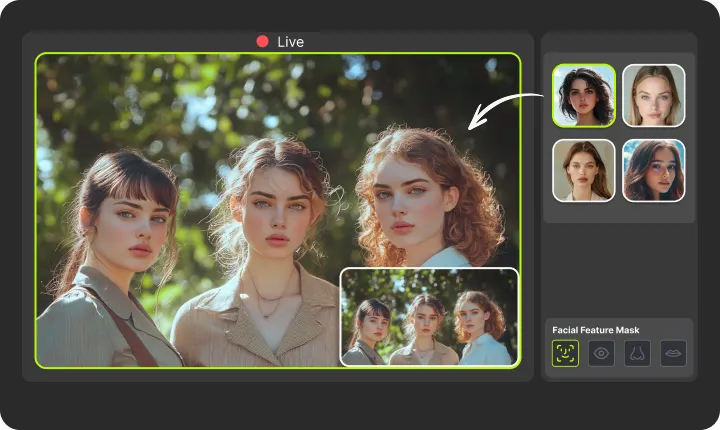
VidMage swaps your face in real time, right on your Mac. No upload, no delay. Works with Zoom, FaceTime, Twitch, and any video app.
Apple Silicon Mac (M1 or later)
VidMage Live Face Swap runs entirely on your device. Nothing is uploaded, nothing is stored, and nothing is shared.
Your webcam feed is processed locally on your Mac. No frames leave your device during a live session.
VidMage does not record or retain your live sessions. When you close the app, nothing is saved to any server.
Your face data and video sessions are never used to improve VidMage's models or shared with third parties.
You can test VidMage on Mac without creating an account. Your identity is not required to explore the tool.
Get up and running in four steps, no technical background needed.
Go to VidMage.ai and download the Mac client. Open the installer and follow the on-screen instructions. VidMage Camera is designed for Mac M-series chips, so performance is smooth and processing happens entirely on your device.
After installation, go to System Settings to activate the extension. Depending on your macOS version, the path is either System Settings > General > Login Items & Extensions > Camera Extensions > VidMage Camera, or System Settings > Privacy & Security > Security > VidMage Camera > Allow. This step is required for VidMage Camera to appear as a video source in Zoom, FaceTime, OBS, and other apps. Many users skip it, so do not miss it.
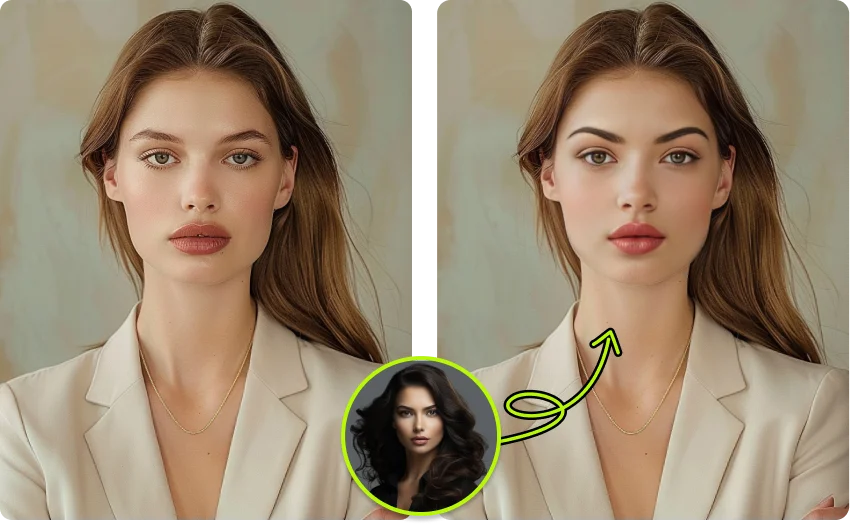
Select a built-in face template or upload your own photo. You can swap your entire face or just specific features like eyes, nose, or mouth. VidMage automatically blends the new face for a natural look.
Open FaceTime, Zoom, Google Meet, or any video app. Select VidMage Camera as your video source, and VidMage will instantly replace your webcam feed with the swapped face in real time. Your friends, audience, or call partners will see the new face seamlessly as you chat, stream, or present.
Built exclusively for Apple Silicon, VidMage delivers the smoothest, most private live face swap available on Mac.
VidMage Live Face Swap runs natively on M1, M2, and M3 chips. That means fast rendering, no fan noise, and no performance drop during long sessions.
Your webcam feed never leaves your device. Everything runs on-chip, so you get real-time swaps without sending a single frame to any server.
VidMage Camera works as a virtual camera in Zoom, FaceTime, Google Meet, OBS, Twitch, Discord, and more. If it uses a webcam, VidMage works with it.
Save multiple target faces and cycle through them with one click, without interrupting your stream or call. Great for streaming variety or character-based content.
VidMage brings real-time AI face swap to Mac with features designed for streamers, creators, and anyone who wants a live identity change.

VidMage processes every frame of your webcam feed on your Mac chip, delivering a swapped face output with minimal perceptible delay. Whether you're on a call or live streaming to thousands, the swap keeps up frame by frame. Competitive tools on cloud servers introduce noticeable lag; VidMage keeps it local and immediate. Ideal for streamers and anyone doing live video.
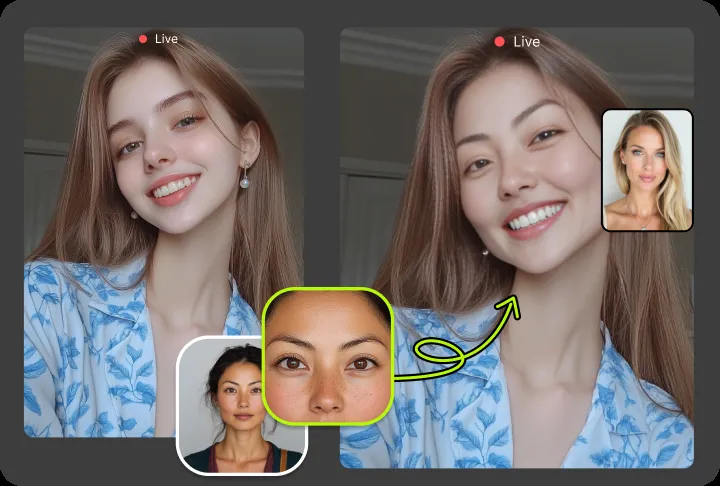
VidMage Camera registers as a standard virtual camera on your Mac. Open Zoom, select VidMage Camera as your video source, and your swapped face appears immediately. The same works in FaceTime, Google Meet, OBS, Discord, and any other Mac app that reads a webcam input. No plugins, no workarounds, no advanced configuration.
You're not limited to swapping the full face. VidMage also lets you replace individual facial features, including eyes, nose, and mouth, while keeping the rest of your face intact. This gives you fine-grained control over the final look, whether you want a subtle change or a complete identity swap. Perfect for creative content and privacy-conscious use cases alike.
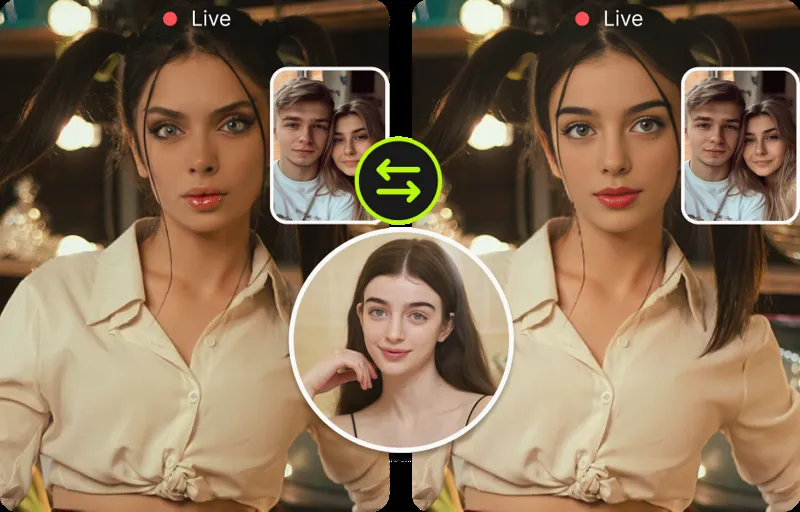
Build a library of target faces inside VidMage and switch between them during your stream or call with a single click. You could go from your own face to an original character look in seconds, mid-session. Only use faces you own or are authorized to use. This is great for variety-style streams, reaction content, and creators who need to stay in character.
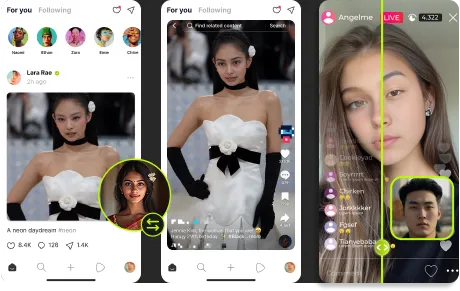
VidMage is optimized for sustained, long-duration sessions. The app uses Apple Silicon's Neural Engine efficiently, keeping resource usage steady even during two-hour or three-hour streams. You don't need to restart it between sessions or worry about thermal throttling on newer Mac hardware.
Every face swap frame is processed entirely on your Mac. No webcam footage is transmitted to any external server, no face data is stored after you close the app, and nothing is used for AI training. For creators working with clients, for professionals on sensitive calls, or for anyone who values privacy, VidMage is the safer choice compared to cloud-dependent alternatives.
Here's how VidMage compares to the most common live face swap options available today.
| Feature | VidMage | DeepFaceLive | Swapface | Magicam | Deep-Live-Cam |
|---|---|---|---|---|---|
| Mac / Apple Silicon native | Yes | No (Windows only) | Yes | Yes | Partial |
| Local / no cloud upload | Yes | Yes | Partial | Yes | Yes |
| No technical setup required | Yes | No (Python/CUDA) | Yes | Yes | No |
| Works with Zoom and FaceTime | Yes | Limited | Yes | Yes | Limited |
| OBS virtual camera support | Yes | Yes | Yes | Yes | Yes |
| Switch faces mid-session | Yes | No | Yes | Yes | No |
| Facial feature-level swap | Yes | No | No | No | No |
| Free to start | Yes | Yes (open source) | Freemium | Freemium | Yes (open source) |
Selected feedback on real time swapping, virtual camera workflows, livestreams, video calls, local processing, and straightforward Mac setup. Each card opens the original third party source.
“Want to change your face live during Zoom meetings or online calls?”
“The real-time swapping feature was genuinely fun and practical.”
“Real‑Time Preview: Live Mac swapping ensures accuracy before export.”
“Tried VidMage and it is close for live style swaps too”
“VidMage worked well. Do check”
“you can change faces on the fly in Zoom, FaceTime, Google Meet, OBS.”
“live virtual camera support on Apple Silicon Macs.”
“Real-time face swaps during streaming can offer privacy-friendly identity masking”
“real-time face swapping during live video calls”
“The Mac app provides cutting-edge real-time face swapping”
“Live face swap for Mac as a bonus feature for livestreams and reaction content”
“Mac-oriented workflows where automating face replacement can save manual frame-by-frame work.”
Everything you want to know about live face swap on VidMage.
Install VidMage, choose a face, and go live in seconds. No upload, no lag, no technical setup required.