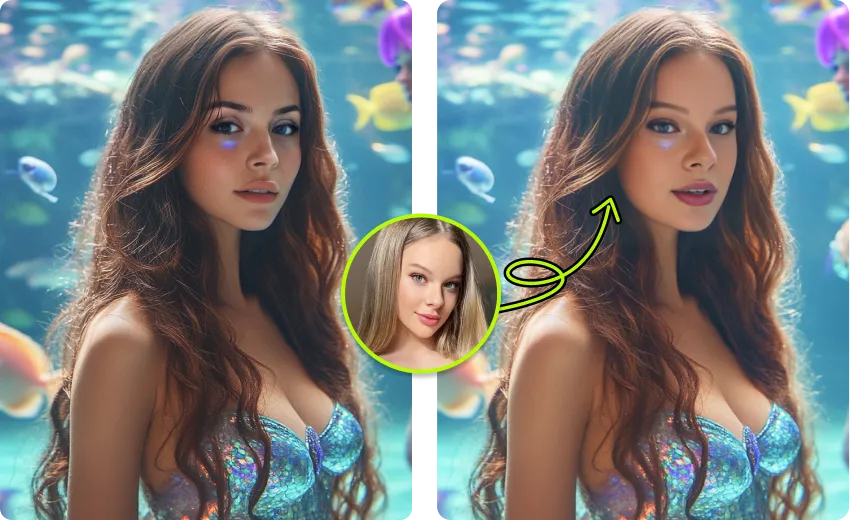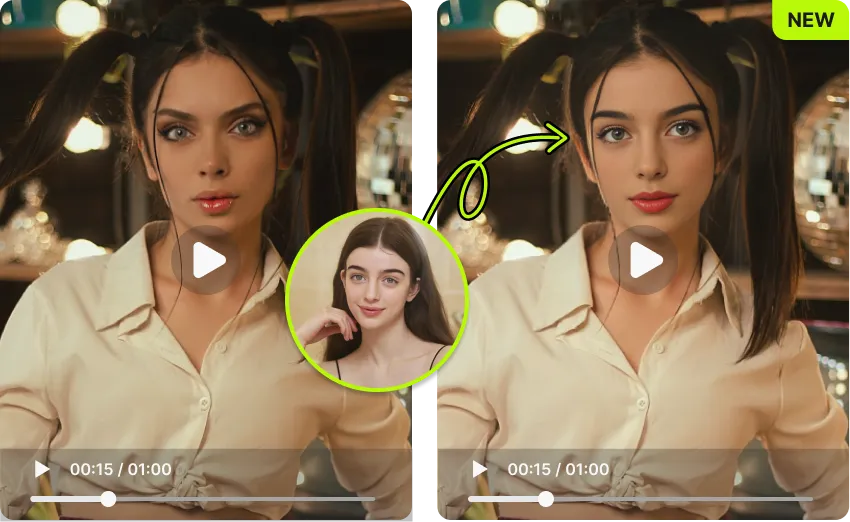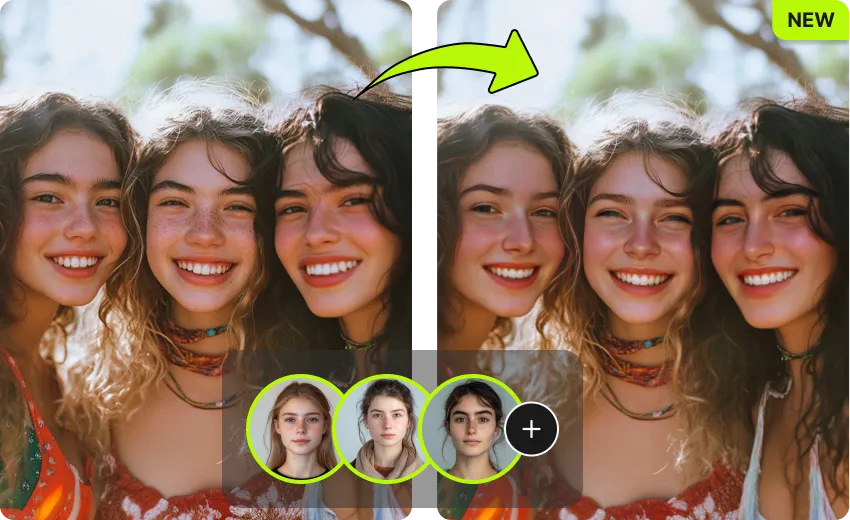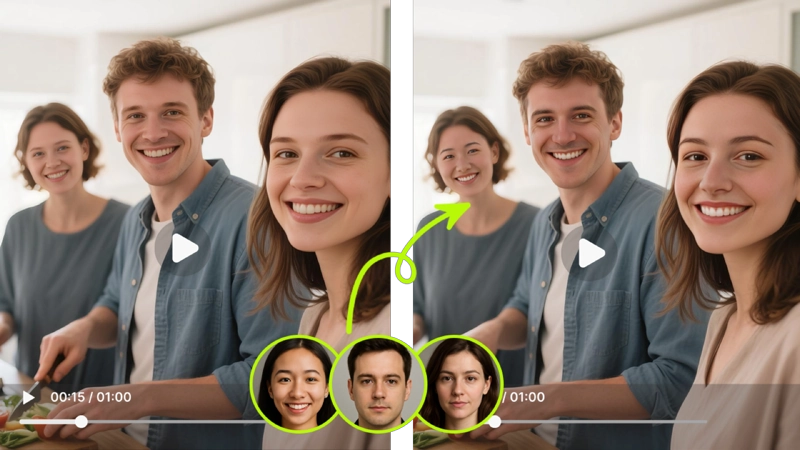
Put any face into any animated GIF in seconds. AI swaps faces frame by frame, keeps natural expressions, and gives you a clean, watermark-free download.
By continuing, you confirm consent.
Swap videos up to 4K / 1GB / 5 min with VidMage Pro (+400 credits/mo)
VidMage handles your files just enough to give you a result, then removes them. No long-term storage, no AI training, no sharing.
Uploaded GIFs and face photos are deleted within 2 hours after processing.
Your GIFs, face photos, and prompts are never used to train or improve VidMage AI.
Processing stays on VidMage's own infrastructure. Your files are never sold or passed on.
The VidMage Mac app processes every GIF on your device, with no upload at all.
Three simple steps and your face-swapped GIF is ready to send to a group chat, Discord, or social feed.
Pick any animated GIF from your device, up to 50MB. A reaction clip, a movie moment, or a viral meme template all work. VidMage supports standard GIF files and detects faces for you.
Add a clear, front-facing photo of the face you want to swap in. Good lighting and a neutral expression usually give the cleanest result. No cropping or manual selection needed.
Hit the swap button and VidMage processes every frame, keeping motion and expressions smooth. Your face-swapped GIF is ready in seconds with no watermark. Download and share right away.
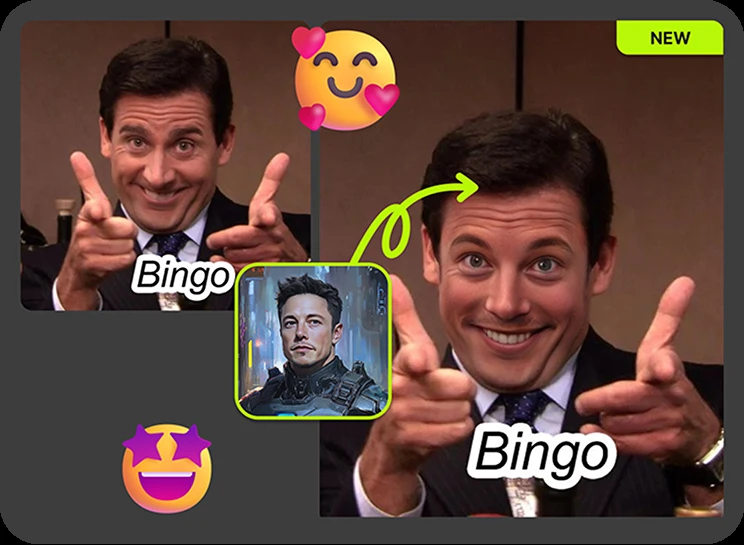
Fast, free, sharable, and made for people who actually post in group chats and on social.
VidMage tracks the face across every frame, so the swap stays consistent through the whole loop without flicker or sudden drift.
You get 2 free GIF face swaps every day, no signup needed. Results download clean, so you can post straight to Discord or X.
Upload, swap, download, and share in under a minute. Perfect for jumping on a trend and making custom Discord sticker packs.
Your uploaded GIF and face photo are deleted after your result is generated. Files are not used to train AI models.
From iconic meme templates to multi-face group GIFs, here is how creators actually use VidMage to make animated face swaps that get shared.
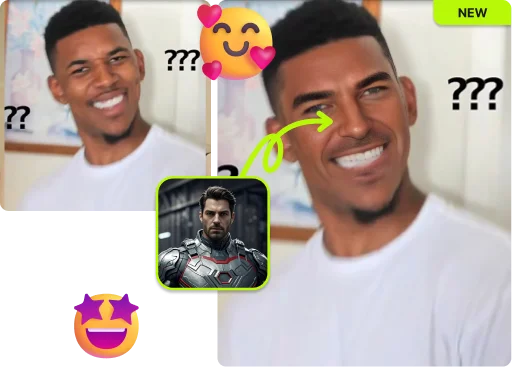
Drop your face onto Distracted Boyfriend, Drake Hotline Bling, Success Kid, or any meme GIF template. VidMage's AI finds the face in the original animation and replaces it with your photo, while keeping the original expression and timing. It is the fastest way to go from a standard reaction GIF to a personalized one your group chat will keep using. Works fully in the browser, no app install needed, and downloads come without a watermark, so you can post anywhere.
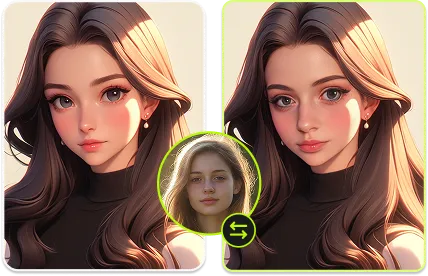
If you run a Discord server, a Slack channel, or an active iMessage group, custom reaction GIFs make inside jokes hit harder. Upload a clip of someone reacting, then swap in a friend or community member's face. The AI handles the face alignment and motion, so you do not need any design skills. Build a sticker pack, react to a roast, or make a running joke that only your group understands. Results stay light enough to upload under most chat app size limits.

A face-swapped GIF feels more personal than a card. Use a clip of a dancing character, a movie hero, or a singing scene, then swap in the birthday person's face. VidMage keeps the expression and motion intact, so the final GIF looks like the moment was made for them. Great for birthdays, graduations, anniversaries, and team celebrations, especially when you want to send something memorable without paying a designer.
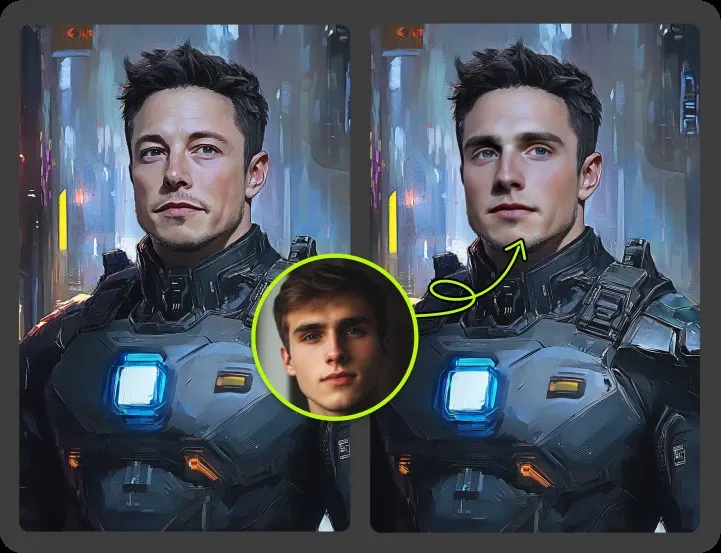
Trending GIF formats move fast on Reddit, X, and TikTok. VidMage's one-click workflow lets you swap in a relevant face and post before the trend dies. No queue, no signup, no watermark on early tries. If you make content for a niche community, this is the easiest way to keep your reactions on-trend and unmistakably yours. The whole flow stays in the browser, so you can react from your phone without installing anything.
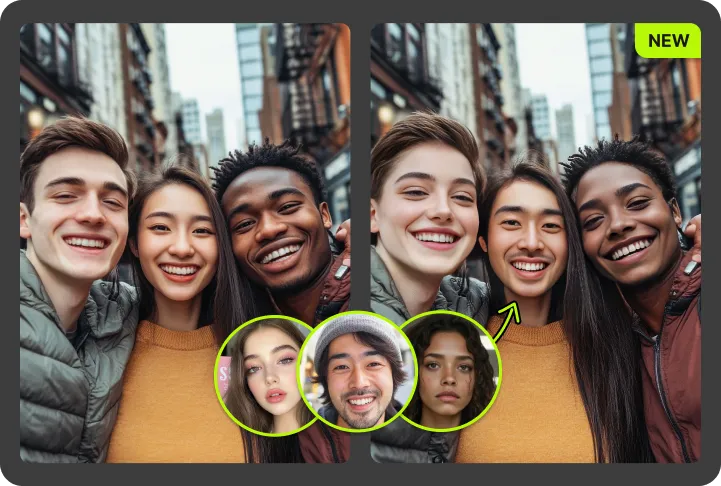
When a GIF has more than one face in frame, VidMage can detect and swap each one. Assign a different target face to each person and the AI processes all of them in one pass. Great for group meme templates, team celebration loops, and any animated content with two or more characters. This is where VidMage pulls ahead of single-face GIF tools, so your whole crew can show up in the same reaction without stitching multiple files together.
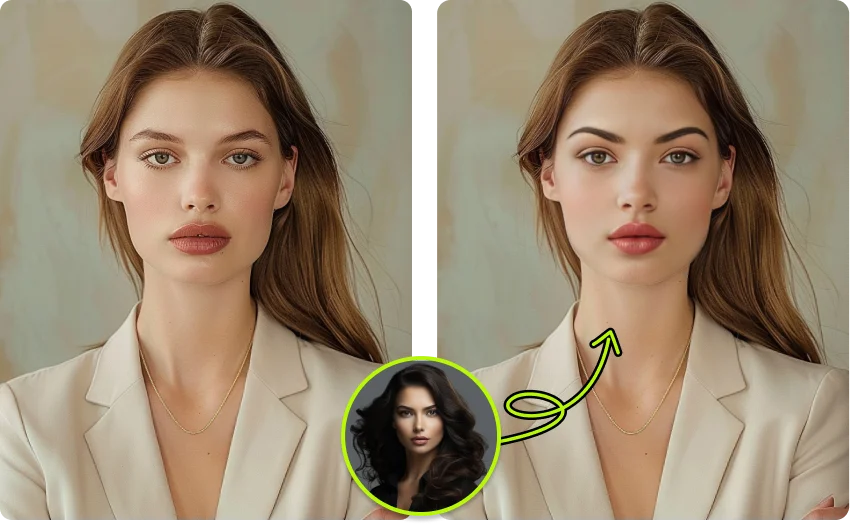
The VidMage Mac app gives you the same GIF face swap on Apple Silicon (M1 or later), with local processing. Nothing leaves your device, which makes it a good fit if you create GIFs around sensitive content or simply prefer not to upload. Pair it with batch swap and 4K export if you produce a steady stream of community or client content. The Mac app also handles longer GIFs and higher resolutions without depending on a web connection.
Not every GIF face swap tool is free, watermark-free, multi-face, or privacy first. Here is how VidMage compares.
| Feature | VidMage | Magic Hour | FaceAI.art | GIFFaceSwap.io | Remaker AI |
|---|---|---|---|---|---|
| Free trial (no sign-up) | ✓ Yes | ✓ Yes | ✓ Yes | ✓ Yes | ✗ No |
| No watermark on free GIF | ✓ Yes | ✗ Watermark on free | ✓ Yes | ✓ Yes | ✗ Watermark on free |
| Multi-face swap in GIF | ✓ Up to 4 faces | ✓ Yes | ✓ Yes | ✗ No | ~ Limited |
| Max GIF file size | 50 MB | ~10 sec | Not stated | 5 MB | Not stated |
| Files auto-deleted after processing | ✓ Within 2 hours | 1 day (free tier) | ✓ Yes | ✓ Yes | ~ Not stated |
| Offline / local processing | ✓ Yes (Mac app) | ✗ No | ✗ No | ✗ No | ✗ No |
| Free GIF swaps per day | 2 per day | 3 (shared pool) | Unlimited basic | Unlimited basic | Paid only |
| Starting paid price | From $5.83/mo | $10/mo Creator | Paid tiers | Paid credits | $9 to $30/mo |
Selected feedback on reaction GIFs, animated memes, recognizable loops, fast browser creation, and clean files ready for social sharing. Each card opens the original third party source.
“GIF-style content is where VidMage makes sense even when the result is not flawless.”
“VidMage also supports GIF swaps, allowing users to create animated meme content or fun reactions using their own faces.”
“Works with JPG, PNG, MP4, MOV, and GIF.”
“Animate your memes and jokes by swapping faces in popular or custom GIFs.”
“GIF Face Swap — 1 credit per second”
“Free 15 image swaps/day, 30s video swaps/day, 2 GIF swaps/day / AI face swap for photos & videos”
“photos, videos, GIF-style assets, or social drafts.”
“social media users, meme makers”
“Not only supports face swaps on images, but also on videos and GIFs, which is quite rare”
“a friend showing up in a meme template”
“memes, reaction edits, or social content”
“short face-swapped clips, social videos, and identity-replacement effects.”
Upload a GIF, add a face photo, and get a clean, watermark-free face-swapped GIF in seconds. No account needed to start.