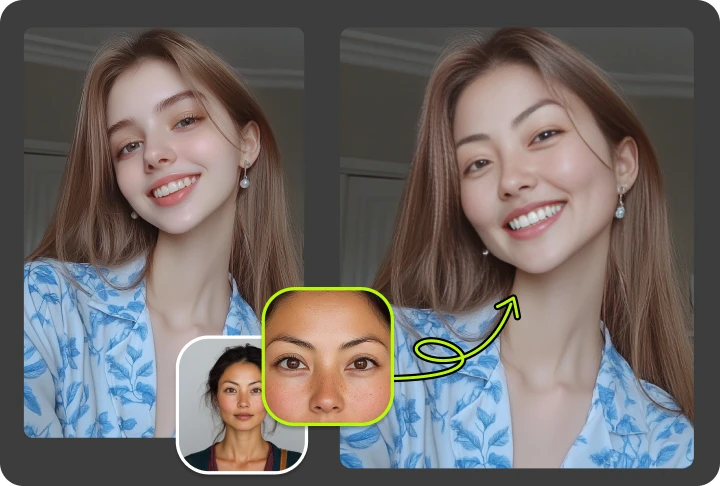
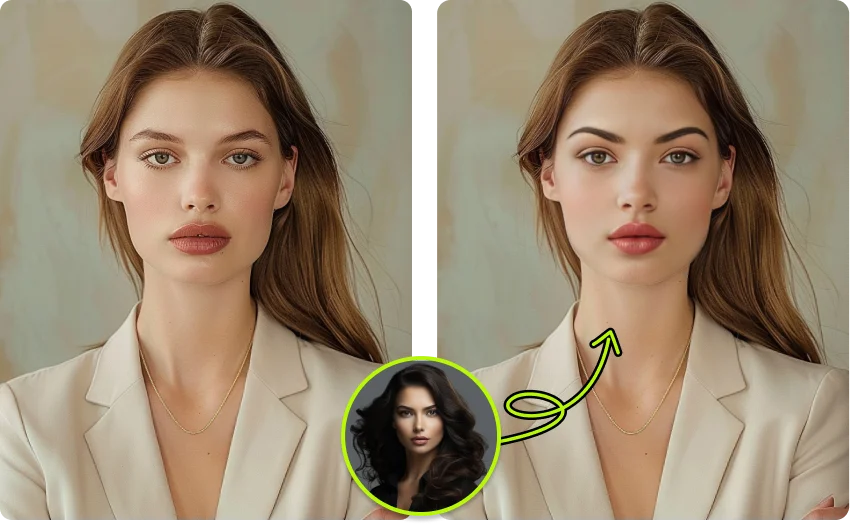
VidMage's facial feature swap lets you replace just one feature at a time, eyes, nose, or mouth, with realistic AI blending in seconds.
Apple Silicon Mac (M1 or later)
VidMage is built to protect your photos at every step, whether you use the web tool or the Mac app.
All uploaded images are automatically cleared from VidMage's servers within 2 hours of processing. You download your result and the original is gone.
VidMage does not use your photos, videos, or any uploaded content to train AI models or share data with third parties.
You can try facial feature swap without creating an account. No email, no password, no personal data collected at entry.
The VidMage Mac app processes all facial feature swap operations on your device. Nothing is sent to the cloud. Ideal for professional or sensitive content.
It takes just a few steps. Upload your photo, pick the feature you want to change, and let the AI handle the rest.
Upload a clear, front-facing photo of the face you want to edit. JPG, PNG, and WEBP formats are all supported. A photo with good lighting gives you the best result.
Upload a second photo containing the specific feature you want to use. It could be your own photo, a friend's, or any reference image. VidMage detects the relevant feature automatically.
Select whether you want to swap the eyes, nose, or mouth. You can focus on just one feature, or try swapping multiple in separate passes for more creative control.
Click generate. The AI blends the selected feature into the original photo, matching skin tone, shading, and proportions naturally. Your result is ready to download in seconds, no watermark.
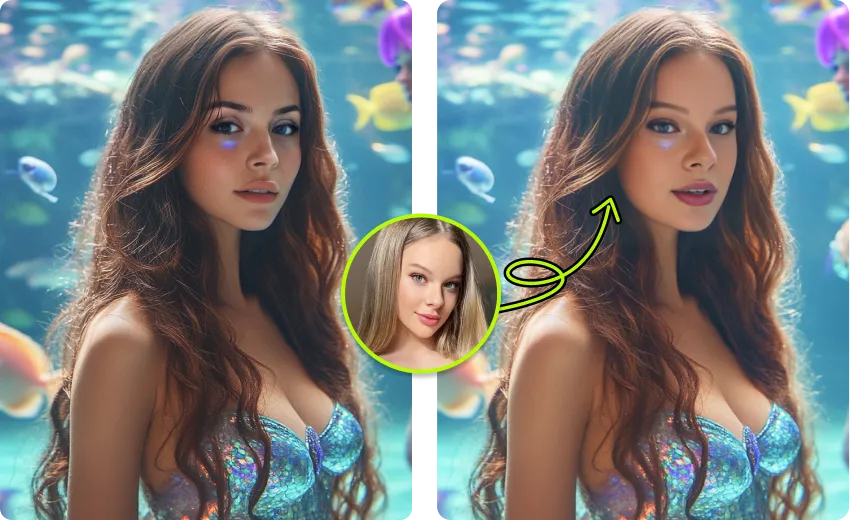
Most face swap tools replace the entire face. VidMage gives you the precision to change just one feature at a time.
You choose exactly what to change. Swap only the eyes, only the nose, or only the mouth, without touching the rest of the face. This gives you a subtler, more natural-looking edit.
VidMage's AI automatically adjusts for skin tone, shading, and facial proportions when placing the new feature. The result looks like it belongs, not like it was pasted on top.
You can start using the facial feature swap tool right away with no sign-up. Free users get 15 photo swaps per day. No watermarks on the output.
Your uploaded photos are not stored after processing is complete. All data is cleared within 2 hours. The VidMage Mac app processes everything locally on your device, with no upload at all.
Whether you want subtle retouching or a bold creative experiment, here is what the tool lets you do.
If you have ever wondered what you would look like with a different eye shape, color, or size, VidMage's eye swap tool lets you find out. Upload a reference photo with the eyes you want, and the AI maps them onto the original face with realistic blending. It works well for creative portraits, curiosity edits, and social media content where a single striking feature can make a photo stand out. The AI adjusts placement and blending to match the surrounding skin naturally.
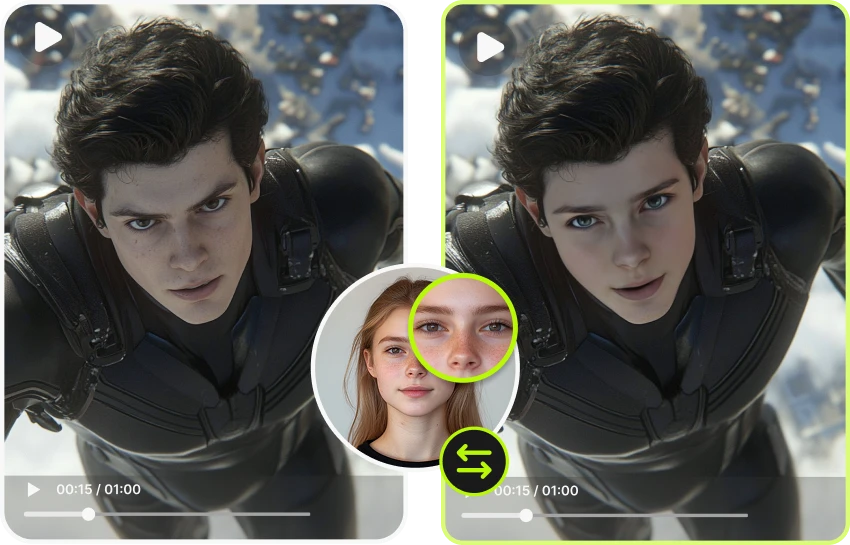
The nose is one of the most defining features on a face. VidMage's nose swap feature lets you replace it with a different one from any reference photo. This is useful for beauty content creators who want to demonstrate a before-and-after look, for designers building composite characters, or for anyone who wants to explore how a different nose shape affects the overall face. The blending algorithm accounts for depth, shadow, and proportion so the result looks placed naturally, not digitally overlaid.
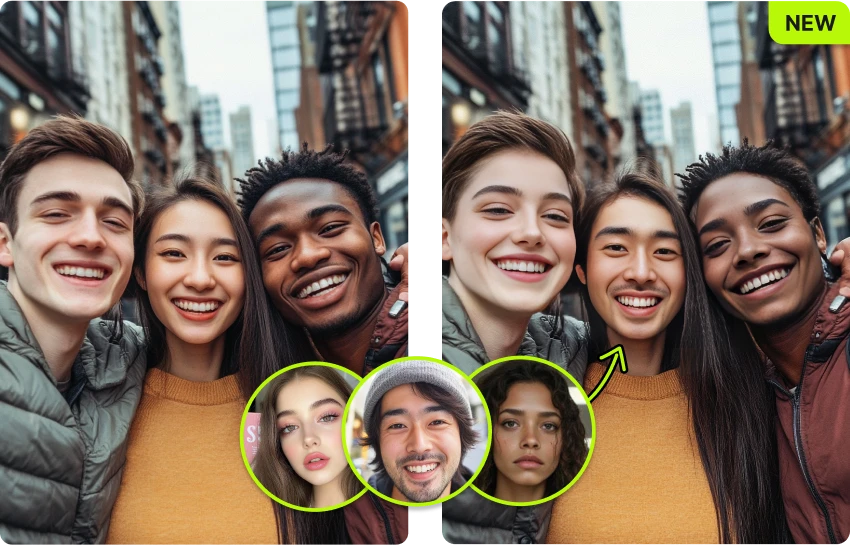
Want to see a different smile, a wider mouth, or a completely different lip shape on a face? The mouth swap feature lets you drop in a new mouth from any reference image. This is great for making funny or expressive edits, testing different smile styles on a portrait, or creating content that plays with identity and expression. The AI handles lighting and edge blending so the result holds up even at full zoom.
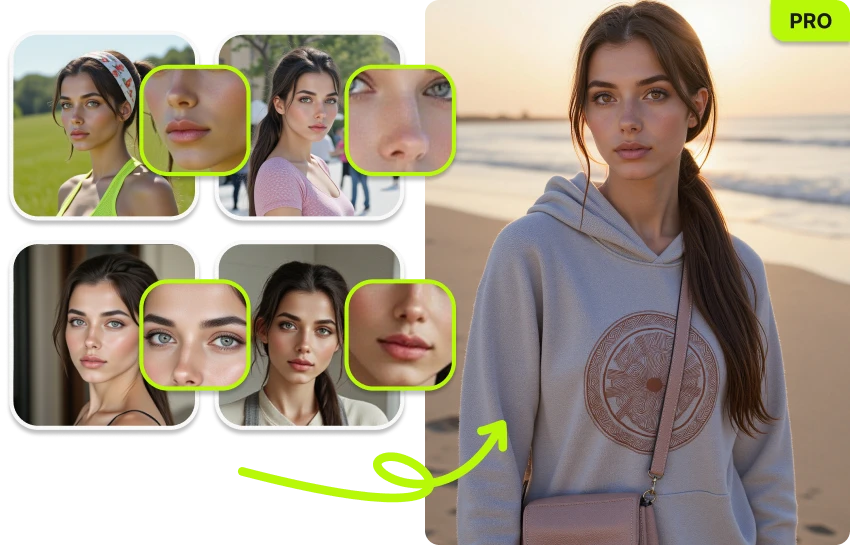
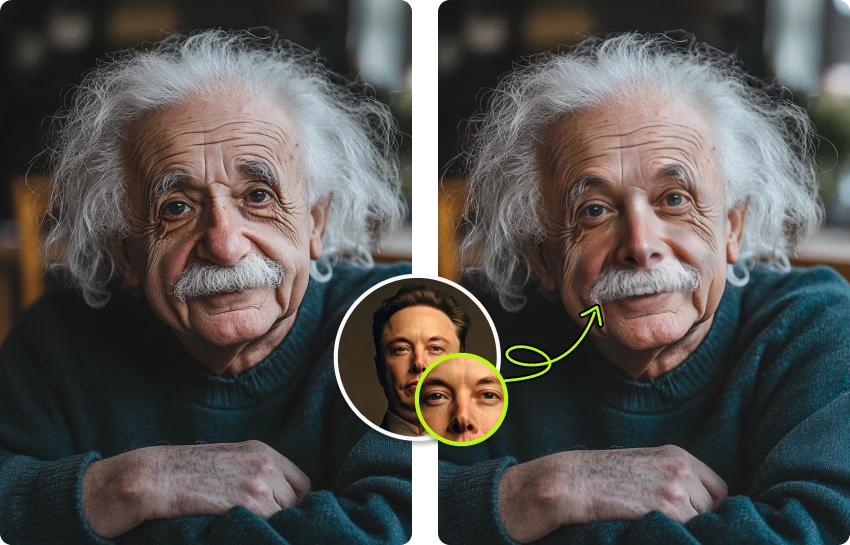
You are not limited to a single reference photo. You can swap the eyes from one person, the nose from another, and the mouth from a third, creating a composite look that does not exist in a single real photo. This is a powerful tool for digital artists building character concepts, for content creators making "what if" mashup posts, or for anyone who wants to experiment with facial combinations. Each swap can be done in a separate pass for full control.
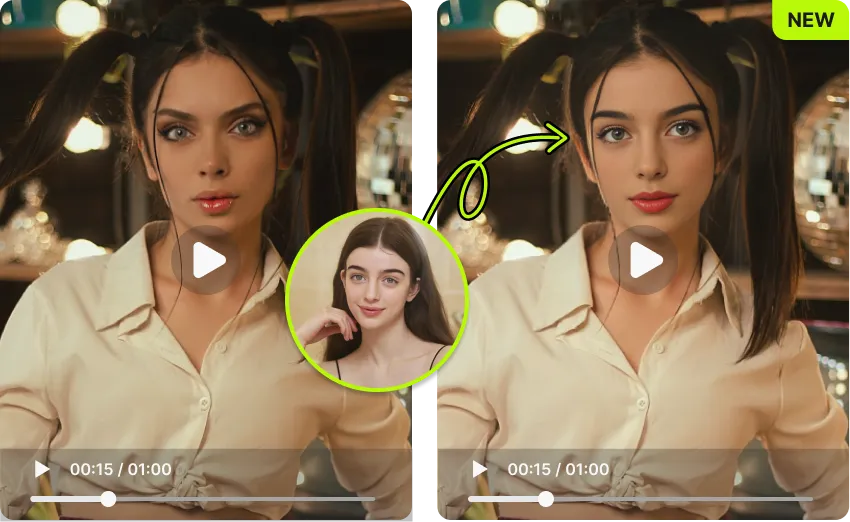
Facial feature swap is not limited to still photos. VidMage also supports swapping features on video content, letting you apply targeted edits to footage, not just portraits. If you have a short clip where you want to change a specific feature across frames, VidMage handles the detection and blending. This is especially useful for content creators who want feature-level edits in their video thumbnails or short-form clips.
If you are working with photos that should not leave your device, the VidMage Mac app handles all facial feature swap processing locally. Nothing is uploaded to a cloud server. This is particularly useful for photographers working with client portraits, beauty professionals handling before-and-after shots, or anyone who needs to edit sensitive imagery without sharing it externally. The Mac app supports higher-quality output and runs entirely on Apple Silicon.
Here is how VidMage stacks up against other tools for swapping individual facial features in photos.
| Feature | VidMage | AIPhotocraft | Remaker AI | DeepSwap | FaceFusion |
|---|---|---|---|---|---|
| Swap individual features (eyes/nose/mouth) | Yes | Yes | No | No | Partial (advanced config) |
| Free tier available | Yes (15 photos/day) | Yes | Paid only | No free trial | Free (self-hosted) |
| No sign-up to try | Yes | No | No | No | No |
| Works on video, not just photos | Yes | No | No | Full face only | Full face only |
| Local/offline processing | Yes (Mac app) | No | No | No | Yes (requires GPU setup) |
| Output without watermark | Yes | No | No | No | Yes |
| Skin tone and lighting auto-match | Yes | Yes | Partial | Partial | Manual |
| Photo processing time | 5-10 seconds | 5-15 seconds | 10-30 seconds | 10-30 seconds | Varies (GPU dependent) |
Selected feedback on swapping eyes, noses, mouths, and other details while preserving the surrounding face through a private Mac workflow. Each card opens the original third party source.
“Mac-exclusive features such as facial feature swap and local Mac face swap.”
“Go beyond full face swaps by exchanging specific features like eyes, nose, or mouth for subtle or creative edits.”
“It analyzes facial structure, lighting, expression, and motion, then blends a replacement face into the content with realistic detail.”
“partial replacement of individual features—eyes, nose, mouth—are all supported.”
“eyes, mouth, or entire face”
“The feature preserves dynamic facial expressions”
“identity quality, facial alignment, motion consistency, processing limits, privacy, and likeness consent”
“the contours of a cheekbone, the shadow under a nose, the way light dances in an eye.”
“smooth, natural morphs without a big learning curve.”
“Photo or video face swap when likeness replacement is part of the concept”
“No editing skills required.”
“different angles and lighting conditions reasonably well for a web-based tool.”
Everything you need to know about facial feature swap on VidMage.
Upload a photo and swap any feature in seconds. No sign-up required, no watermark, and free to start right now.