Swap up to 4 faces in any group video with AI. Natural results, no sign-up, no watermark. Ready to post in minutes.
By continuing, you confirm consent.
Swap videos up to 4K / 1GB / 5 min with VidMage Pro (+400 credits/mo)
VidMage processes your group video and face photos to deliver your result, then removes them. No long-term storage, no AI training, no sharing.
All uploaded videos and face photos are removed from VidMage servers within 2 hours of upload.
Your group videos, reference faces, and prompts are not used to train AI models or shared with any third party.
The VidMage Mac app keeps every multiple face swap video on your device, with no upload step.
Try multiple face swap video without an account, email, or credit card. Less data shared from the start.
Replace up to 4 faces in a group clip in four simple steps, no editing skills needed.
Pick a video with multiple people in the frame. VidMage supports MP4, MOV, and M4V up to 100MB on the free plan, with 15 seconds of length to get started.
Upload a clear, front-facing photo for each person you want to swap in. Good lighting helps. You can include up to 4 face photos per video.
Match each face photo to a detected face in your clip. You can also skip faces you want to leave unchanged, so only the people you choose get swapped.
Click "Swap Faces Now" and let the AI handle tracking, lighting, and blending. Your multiple face swap video is ready to download in 1080P with no watermark.

VidMage gives you natural-looking group swaps with per-face control, no watermark, and full privacy by default.
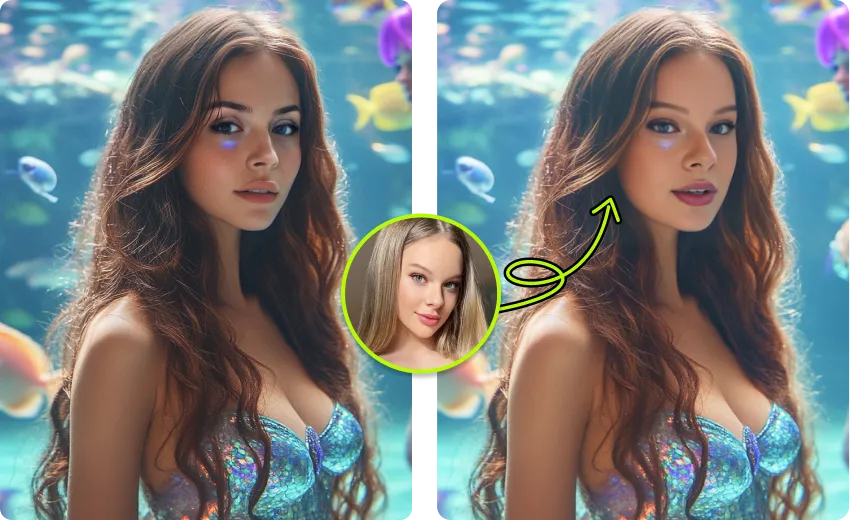
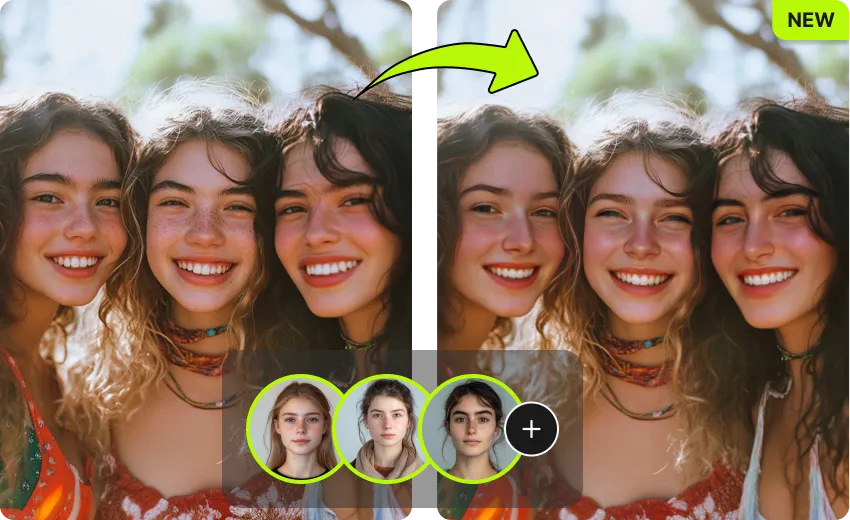
Most free tools swap one face at a time. VidMage detects and replaces up to 4 different faces in a single video pass.
The AI follows skin tone, lighting, and expression changes frame by frame, so faces stay consistent even when people turn or move.
You map each face photo to a specific person. Skip the people you want to leave untouched. You stay in control of every swap.
Try a full multiple face swap video without an account. The free plan delivers clean 1080P output with no watermark added.
From TikTok group trends to wedding highlights, VidMage gives creators and teams the tools to swap many faces in one clip.
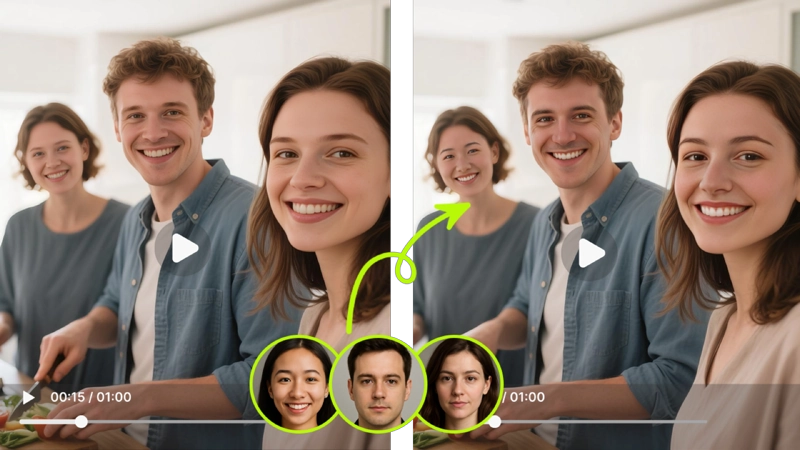
You upload one group video and one photo per person, then VidMage maps and swaps all four faces at the same time. This is built for group dance trends, friend skits, party recaps, and any clip where several people share the screen. The AI detects faces automatically, assigns your photos, and processes everything in one run. You do not need to make four separate face swap videos and stitch them together. The whole flow takes minutes from upload to download.
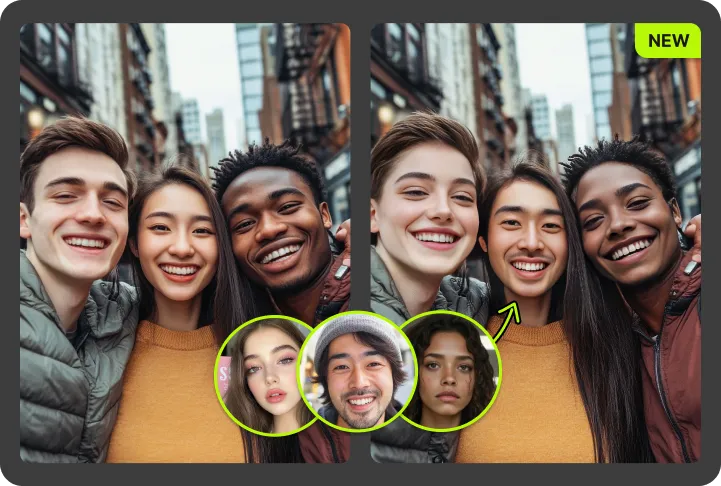
You can choose which detected faces to replace and which to leave unchanged. This is useful for wedding videos where the bride and groom stay original and guests get themed faces, or for fan edits where only some characters in an ensemble shot need to change. After detection, you assign each face photo to the right person, and untouched faces keep their original look in your video.
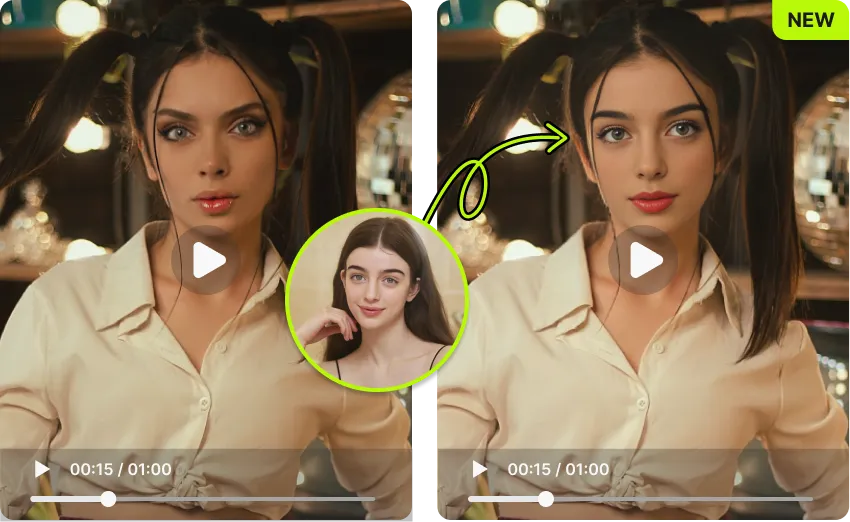
A common problem in multi face swap is the "floating face" look during movement. VidMage tracks each face independently across frames, including head turns, smiles, and lighting shifts. Skin tone and edge blending stay consistent across the clip, so your group multiple face swap video looks like the original recording, not a sticker effect pasted on top.
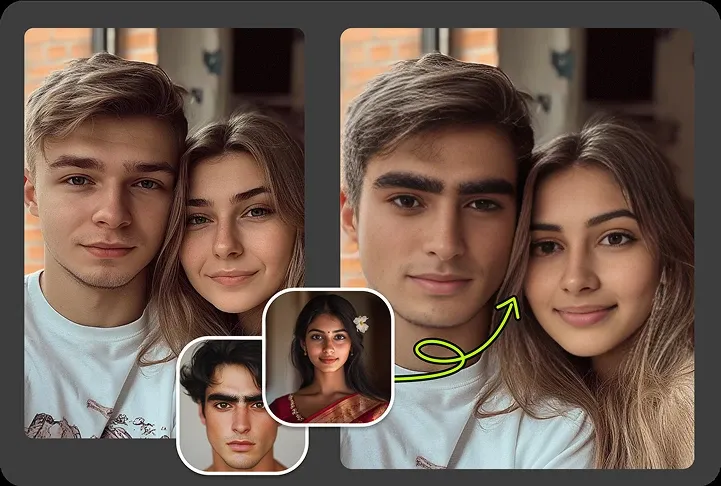
The 1080P free output works on every short-form platform. Drop your group clip into a trending format, swap your whole crew in, and post directly. No watermark, no extra editing pass. Vertical and horizontal videos are both supported, so the same multiple face swap video can be shared on TikTok, Instagram Reels, YouTube Shorts, or Discord.
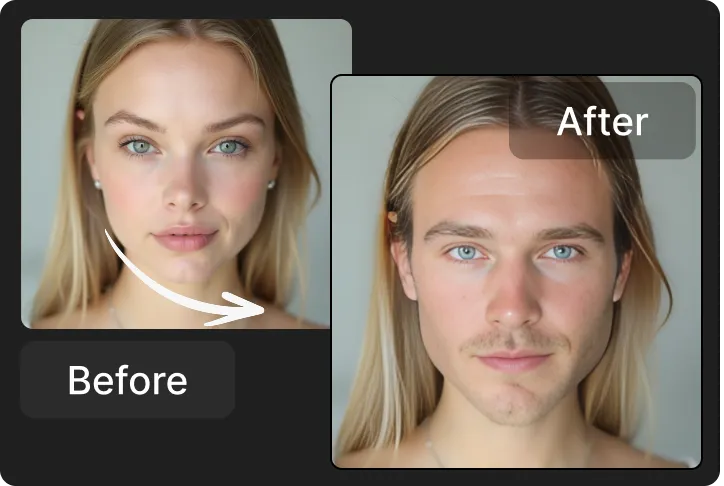
There is no app to install. Open VidMage in your browser on desktop, laptop, or mobile, drop in a video and a few face photos, and start swapping. This makes it useful for fast turnarounds on the go, like making a group reaction video at an event and posting before the moment passes.
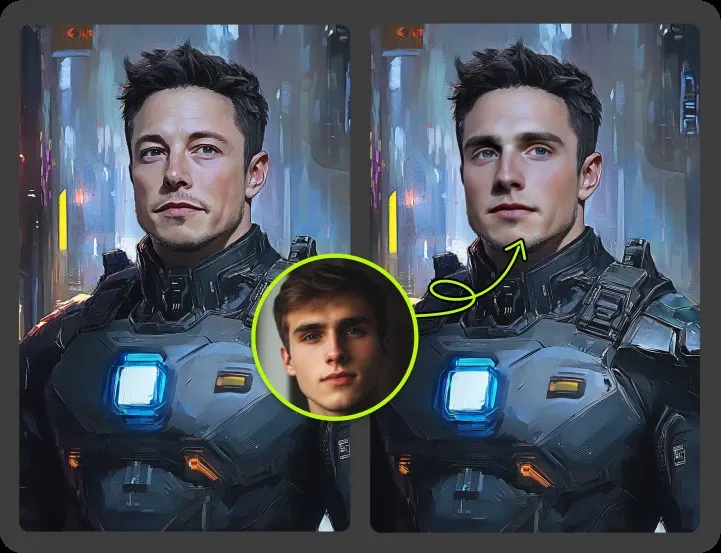
Free users get a clean 1080P download with no watermark. If you need 4K output, longer videos up to 5 minutes, or higher monthly volume for marketing or studio work, paid plans start at around $5.83 per month billed annually. The same multi face swap quality applies at every tier.
Not every multi face swap tool is free, watermark-free, or built for group content. Here is how VidMage compares.
| Feature | VidMage | DeepSwap | Magic Hour | PixNova | Frameo |
|---|---|---|---|---|---|
| Free plan with multi face swap video | ✓ Yes (15s, 1080P) | ✗ No (paid only) | ✓ Yes (5/day, photos) | ✓ Yes (720P) | ✓ Yes (with limits) |
| No sign-up required | ✓ Yes | ✗ No | ✗ No | ✗ No | ✗ No |
| Max faces per video | Up to 4 | Up to 6 | Multi (via dashboard) | Up to 5 | Multiple |
| No watermark on free video | ✓ Yes | N/A (no free) | ✗ Watermark | ✗ Watermark | ✗ Watermark |
| Per-face mapping and skip | ✓ Yes | ✓ Yes | ✓ Yes | ~ Limited | ~ Limited |
| Free output resolution | 1080P | N/A | 720P | 720P | 720P |
| Auto-delete uploaded files | ✓ Yes, within 2 hours | ~ Cloud only | ~ Cloud storage | ~ Not specified | ~ Not specified |
| Mac offline option | ✓ Yes (Mac app) | ✗ No | ✗ No | ✗ No | ✗ No |
| Starting paid price | From $5.83/mo | $9.99-$19.99/mo | $10/mo Creator | $9-$30/mo | Plan-based |
| Best for | Free group videos | Heavy power users | Studios and API | Photo-first creators | Vertical social |
Selected feedback on group video editing, separate face tracking, multi-character scenes, and time saved across skits, reactions, and team clips. Each card opens the original third party source.
“The multi-face feature is one of the more useful parts of VidMage because it saves time when working with group content.”
“Video multi-swap also performed consistently.”
“For group clips — dance trends, sketches, team videos”
“Processes multi‑face swaps in minutes.”
“It lets you do face swaps and even video swaps — like putting your own face into a scene or video.”
“multiple files in just a few clicks.”
“Multi-face swapping capability lets you replace multiple faces in a single image or video frame.”
“Supports photos, videos, and GIFs, with options for single, multiple, and even partial feature swaps.”
“It identifies facial landmarks and expression dynamics across frames”
“Creators testing video face replacement, short face-swap clips, and Mac-based face-editing workflows.”
“Multiple face swaps (up to four or more in a single frame)”
“Multiple face swap for group edits, skits, reaction content, and meme-style posts”
Upload your clip, add a photo for each person, and let VidMage swap up to 4 faces in one pass. No sign-up. No watermark.