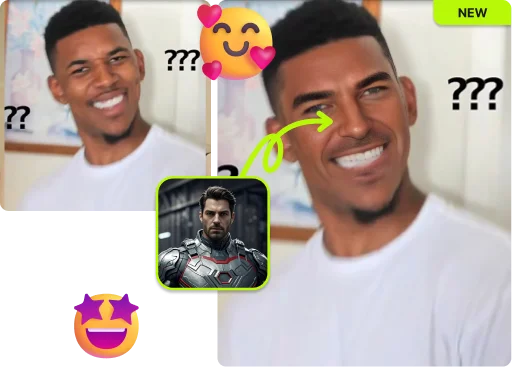
Upload a photo, video, or GIF, then swap your gender in seconds. Realistic male to female and female to male results, no sign-up needed.
By continuing, you confirm consent.
Swap videos up to 4K / 1GB / 5 min with VidMage Pro (+400 credits/mo)
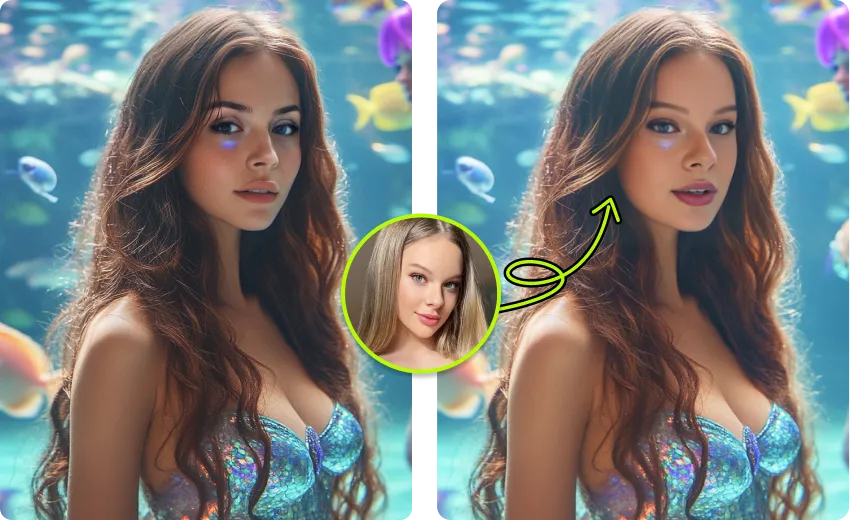
VidMage processes your file, returns your result, and clears it. We do not store your photos or train AI on them.
All uploaded photos, videos, and GIFs are cleared from VidMage servers within 2 hours of processing.
Your files and your face are not used to train, fine-tune, or evaluate any VidMage AI model.
Your uploads are never sent to advertisers, partners, or any external service.
The VidMage Mac app processes everything on your device. No cloud upload, no exceptions.
Three quick steps. Upload your file, pick the gender direction, then download a realistic gender swap result in seconds.
Choose a clear, front-facing image, an MP4 clip, or an animated GIF. VidMage supports PNG, JPG, JPEG, WEBP, GIF, MP4, MOV, and M4V. No account needed.
Pick male to female, female to male, or upload a target face for a custom look. The AI keeps your jawline, hair, and skin tone consistent with the choice.
Click Swap and let the AI do the work. Photos finish in 5 to 10 seconds. GIFs finish in under 30. Videos process frame by frame for a smooth result.
Save the result with no watermark on the free plan. Post it straight to TikTok, Instagram, Reels, Discord, or your group chat. Original quality preserved.
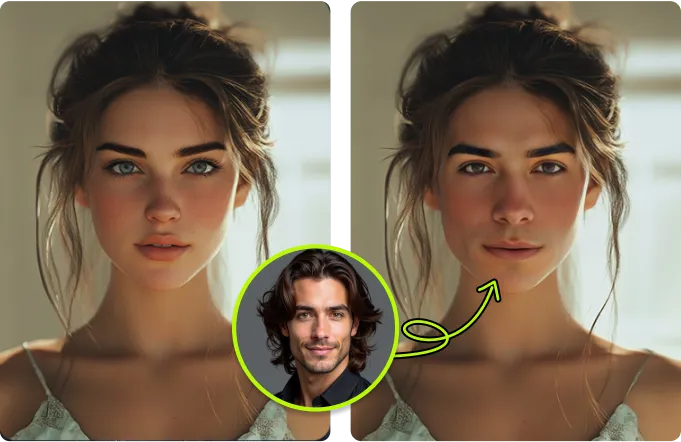
Most tools only swap gender on photos. VidMage covers photos, videos, and GIFs in one place, free.
Other tools force you to pick one format. VidMage handles photos, MP4 videos, and animated GIFs with the same realistic AI gender swap.
Old filters just added hair and lipstick. VidMage rebuilds jawline, brow, cheekbones, and hairline so the result actually looks like the opposite gender.
Try it now without an account. Free users get 15 photo swaps, 20 seconds of video, and 2 GIFs per day, all watermark-free.
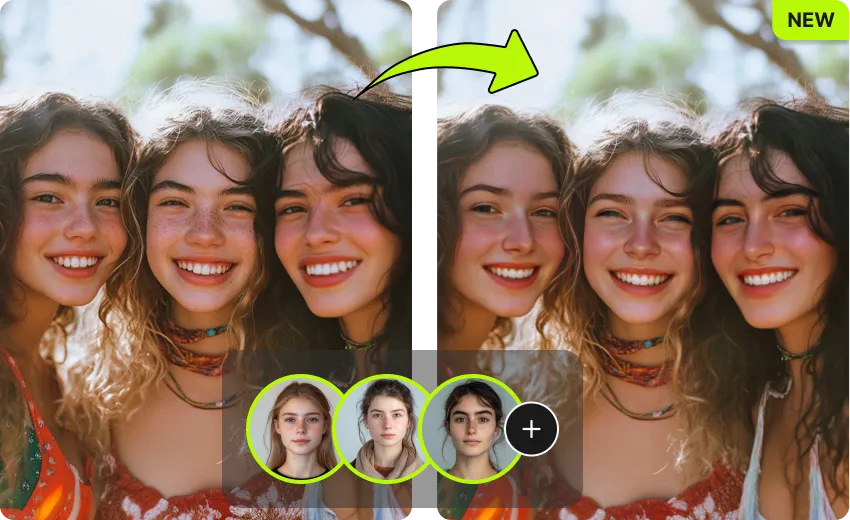
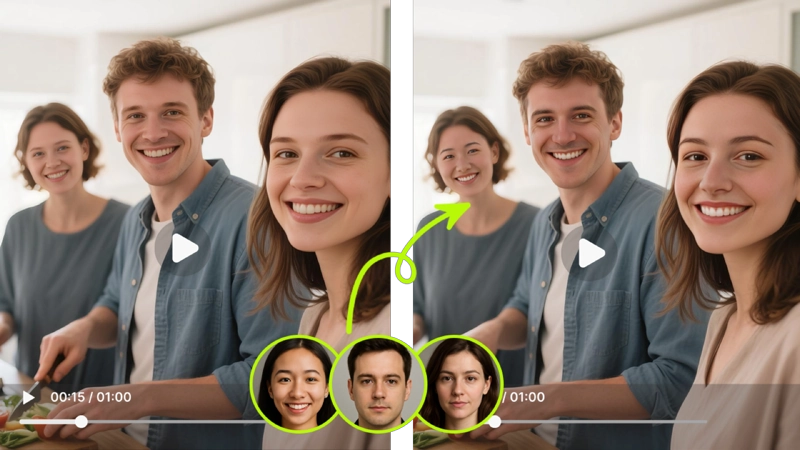
Working with a group photo or a clip with several people? VidMage can gender swap up to 4 faces at once in a single upload.
From quick selfie flips to multi-person video edits, here is what you can actually do with VidMage gender swap.
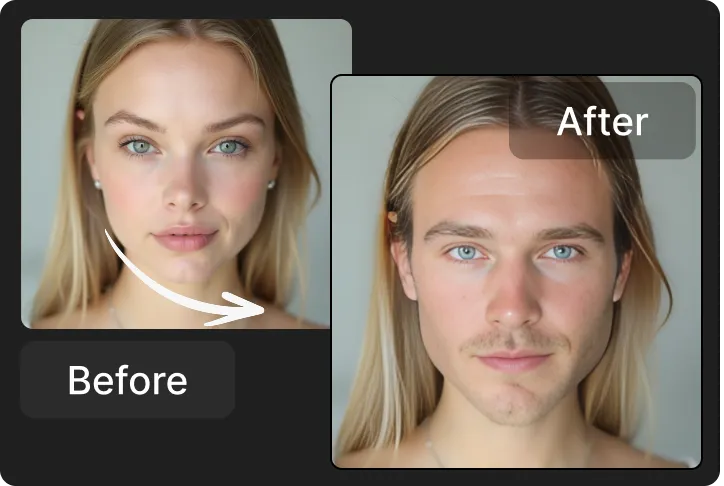
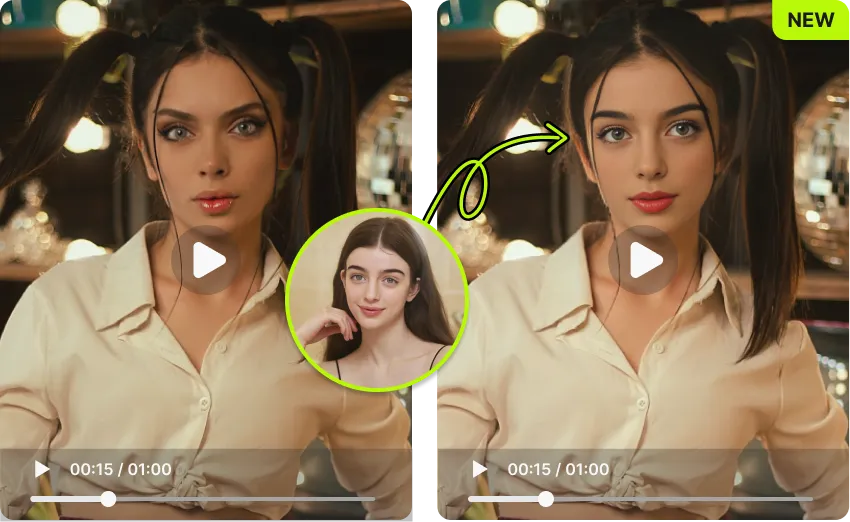
This is the fastest way to see yourself as the opposite gender. Upload a clear selfie or portrait, pick male to female or female to male, and the AI rebuilds jawline, brow, hairline, and skin texture in about 5 to 10 seconds. It works for selfies, group shots, and stylized portraits, and it keeps your original lighting and expression intact. Casual users use this for curiosity and pranks. Content creators use it to make a still version of a gender swap before producing the full video. No editing skills needed and no sign-up. You get 15 free photo swaps every day, all without a watermark.
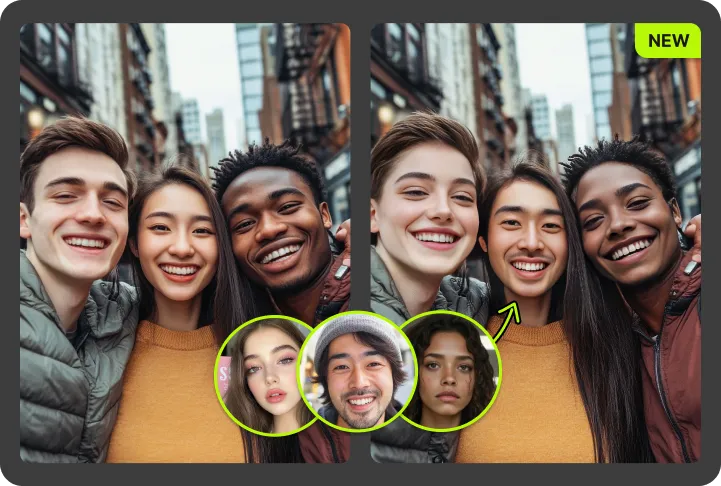
Make a real gender swap video, not just a static photo. Upload an MP4, MOV, or M4V clip, and the AI processes the footage frame by frame so the result stays consistent through head turns, expression changes, and lighting shifts. This is the right tool for TikTok gender swap trends, YouTube Shorts reveals, Instagram Reels reactions, and any side-by-side reveal you want to pair with a CapCut template. Free users can process up to 20 seconds of video per day. Paid users go up to 300 seconds at 4K, with no watermark on either tier.
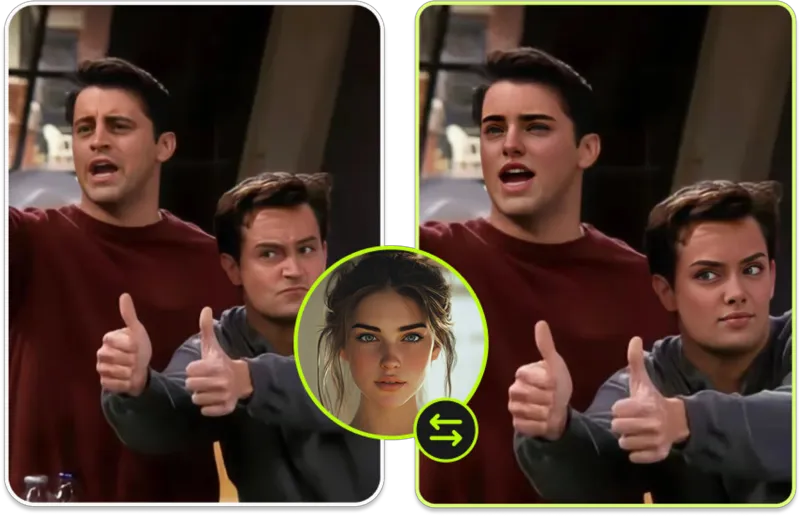
Most gender swap tools only handle photos. VidMage adds GIF support, so you can flip the gender of an animated reaction GIF and drop it in Discord, WhatsApp, or Slack. The AI applies the transformation frame by frame so the GIF stays smooth, not glitchy. This is the format that drives instant group chat reactions. Free users get 2 GIF swaps per day, with no watermark on the result.
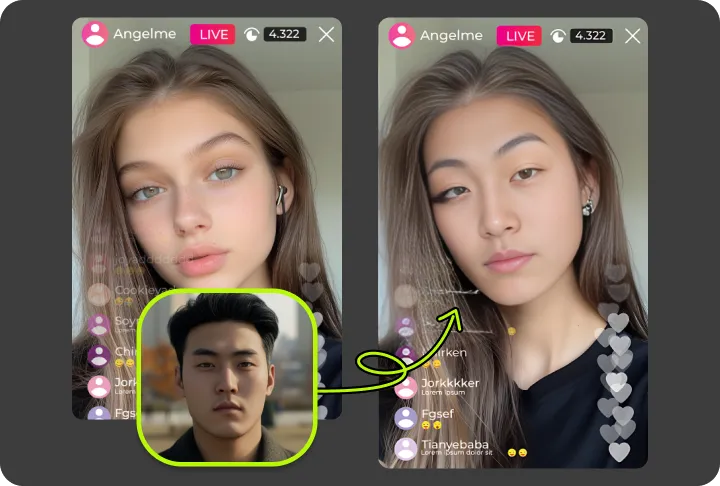
The tool works in both directions automatically. Want to see yourself as a woman, or your friend as a man? Just upload the photo or video and pick the direction. The AI adjusts facial structure, hair, brow, and skin in the right direction for either swap. You can also upload a reference face if you want to target a specific look, like a "guy with short curly hair" or a "woman with long waves." Useful for content creators who want a recurring style across an entire video series.
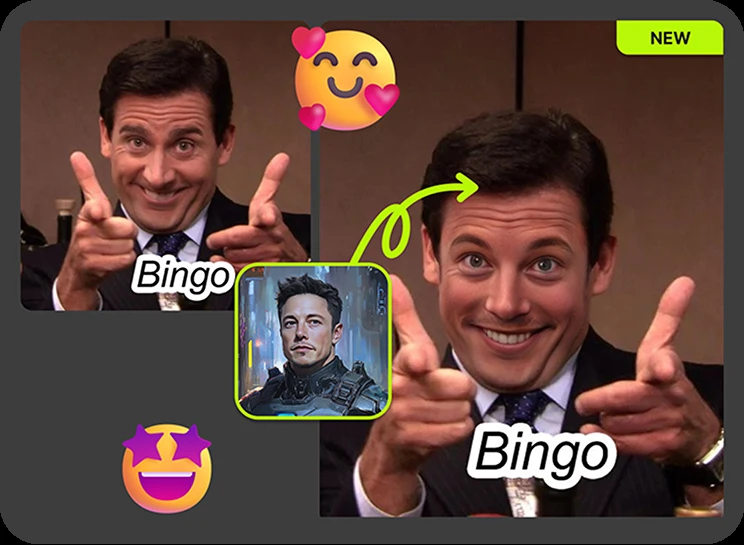
Most tools limit you to one face per upload. VidMage handles up to 4 faces in a single photo or clip. This is ideal for couple swaps, friend group pranks, family reaction edits, and creator content where you want to gender flip an entire scene at once. Each face is processed independently, so you can mix directions and still get consistent skin tone, lighting, and shadow across the final image or video.
If you create content at volume or work with private material, the VidMage Mac app processes everything locally on your device with no cloud upload. It also supports 4K output, longer video clips, and faster batch processing. This is the right option for studios, brand teams, content agencies, and creators who do not want their face data sitting on someone else's server. Requires an Apple Silicon Mac (M1 or newer).
Here is a direct look at how VidMage compares to the most common gender swap tools on the market.
| Feature | VidMage | FaceApp | Reface | Media.io | Yollo AI |
|---|---|---|---|---|---|
| Photo gender swap | ✓ Yes | ✓ Yes | ✓ Yes | ✓ Yes | ✓ Yes |
| Video gender swap | ✓ Yes | ✗ Removed 2025 | ~ Limited | ~ Limited | ✓ Yes |
| GIF gender swap | ✓ Yes | ✗ No | ✗ No | ✗ No | ✗ No |
| Multi-face support | Up to 4 | ✗ No | ✗ No | ✗ No | ~ Limited |
| No watermark (free tier) | ✓ Yes | ✗ No | ✗ No | ✗ No | ✓ Yes |
| No sign-up required | ✓ Yes | ✗ No | ✗ No | ✓ Yes | ✓ Yes |
| Mac offline mode | ✓ Yes | ✗ No | ✗ No | ✗ No | ✗ No |
| 4K output | ✓ Yes (Mac app) | ✗ No | ✗ No | ✗ No | ✗ No |
| Rating | 4.9 / 5 | 4.6 / 5 | 4.3 / 5 | 4.5 / 5 | 4.4 / 5 |
Selected feedback on gender look experiments, facial detail, natural transformations, simple controls, and creative exploration without a complex editor. Each card opens the original third party source.
“VidMage AI does a surprisingly good job with that”
“Explore different looks by easily swapping genders in your photos with realistic results.”
“batch face swap, GIF face swap, face morph, gender swap”
“it delivers quality output for various creative applications.”
“creator-style experiments, quick visual treatments”
“VidMage offers a range of tools that adapt to beginners and professionals alike.”
“AI face swap opens up a world of innovative possibilities for social media, entertainment, and personal expression.”
“transforms your selfies into cinematic gold”
“from social media clips to personal projects.”
“Whether you want to create funny content, experiment with creative edits, or transform your look”
“It's beginner-friendly”
“VidMage AI is best for video face replacement, short face-swap clips, authorized identity-replacement effects”
Upload a photo, video, or GIF now and see a realistic gender swap result in seconds. Free to use, no sign-up needed.