

Sign in to the right account
Sign in using the email or Google method you want to keep using. Check your account first so the purchase is attached to the account you expect.
Google login and email login are different VidMage accounts.
Compare the plans
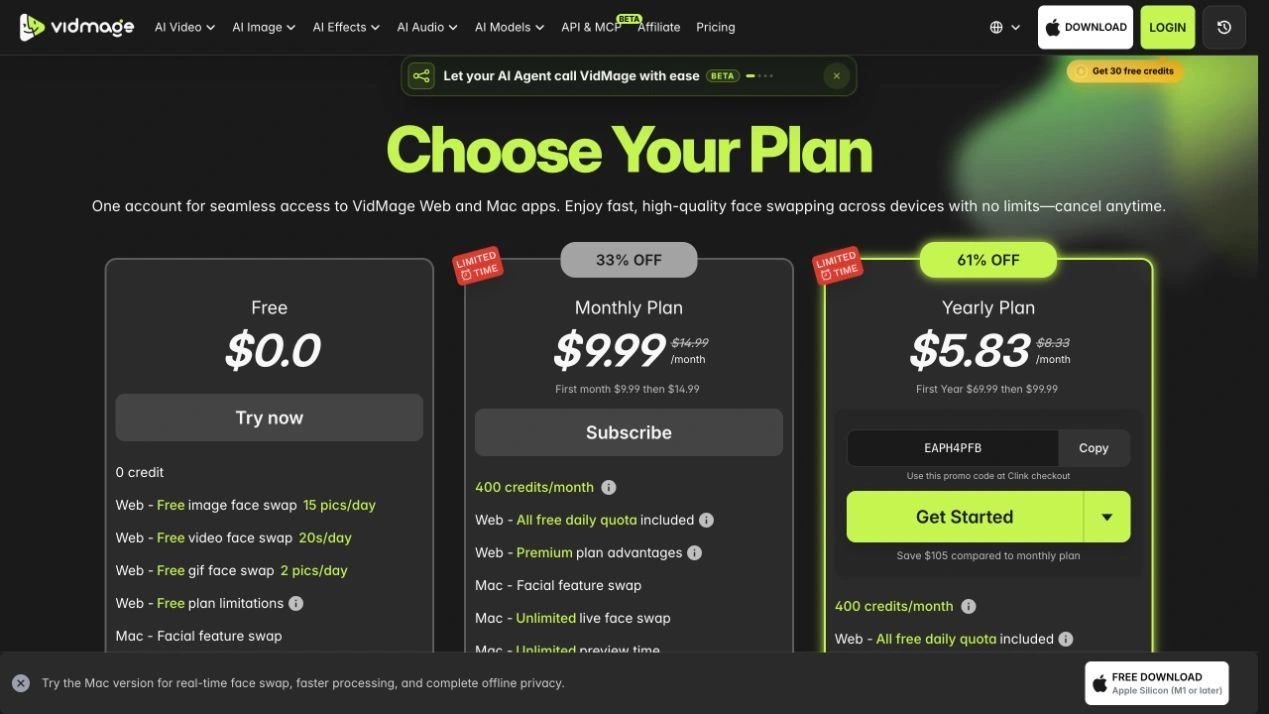
Open Pricing and compare the Free, Monthly Plan, and Yearly Plan options. Review the credits, billing period, and features included with your chosen plan.
Annual plans can display a monthly equivalent. Check the total annual charge before you pay.
Review the checkout
Select Subscribe or Get Started for your chosen plan. If a payment method selector is offered, choose the option you want to use.
Before completing payment, check the currency, amount due today, billing interval, any promotional period, and the renewal amount. Confirm any discount is reflected in the total.
Confirm your plan after payment
Return to your VidMage account and check the plan status and credit balance. Keep your payment confirmation for your records.
If the purchase does not appear, first check your login method. Then contact [email protected] with the purchase reference if you still need help.