

MioCreate Face Swap keeps appearing in search results and recommendation lists, but many reviews skip over an important detail: the free version comes with limitations that are not always obvious until you start using it. To see how it performs in real-world scenarios, I tested MioCreate in 2026 alongside five other face swap tools using the same source photos, target images, and video clips.
Rather than focusing on feature lists alone, I looked at what actually matters in day-to-day use: free-tier access, image quality, processing speed, export restrictions, and how well the swaps held up across different types of content. If you're trying to figure out whether MioCreate is worth your time, or how it compares to other popular options, this review breaks down what worked, where the limitations showed up, and which types of users are likely to get the most value from it.
MioCreate Face Swap Hands-On Review
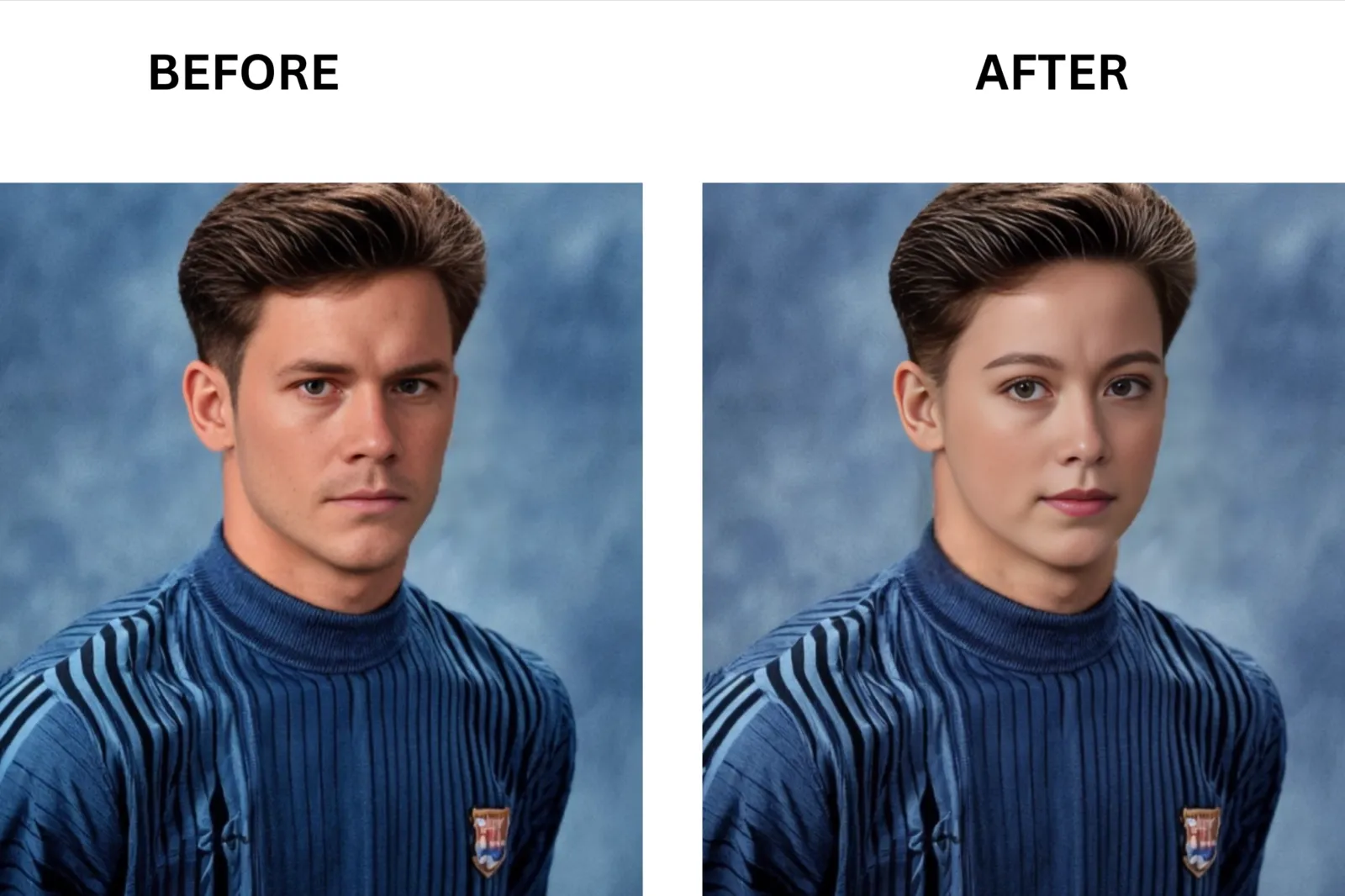
I ran MioCreate through 12 photos over 12 days because it allows only one image swap per day and offers no dedicated video or multi-face swaps.
What MioCreate Face Swap is and Who It is For?

MioCreate is a browser-based face-swapping tool that lets you replace a face in a photo using either a randomly generated source image or your own uploaded image on a paid plan. It sits squarely in the casual-use category. If you need one clean photo swap today without installing anything, it covers that job. If your project involves video, a group photo, or uploading your own source face, you will hit a wall before you finish the first session.
Free Tier Watermark and Daily Cap, Tested
Here is what the free tier actually gives you, tested directly rather than taken from the FAQ.
You get one swap per day. That sounds reasonable until you learn the condition attached: the source face must come from MioCreate’s own randomly assigned library. You cannot upload a photo of yourself. You cannot put your face, or a friend’s face, into the swap. MioCreate picks the face for you.
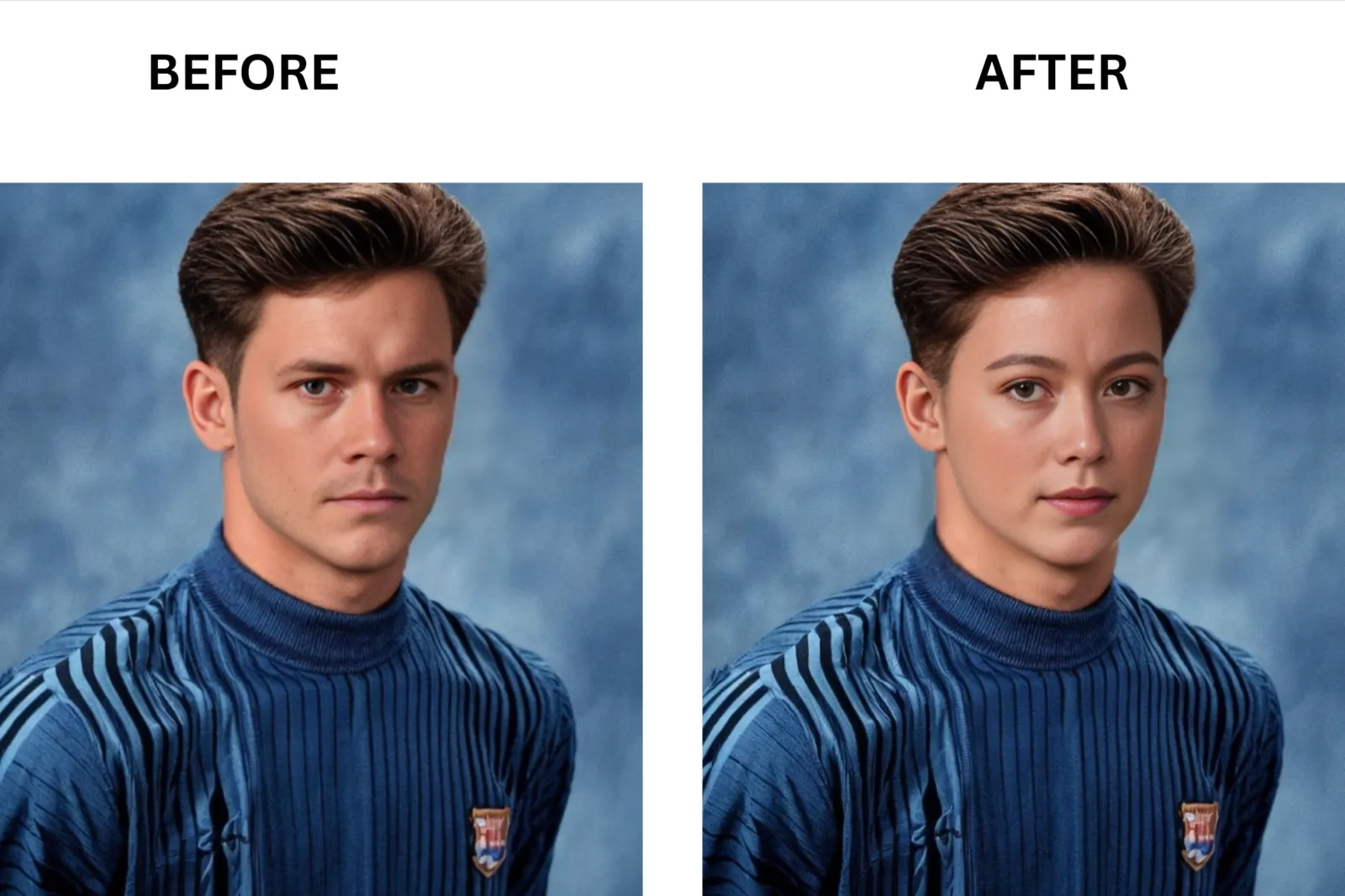
The export itself carries no visible watermark, which is a genuine plus compared to tools that stamp the output on the free tier. But a clean export of a randomly assigned face is not particularly useful to most people who come looking for a face-swapping tool.
What happens in practice is a pattern I keep seeing in user discussions: someone tries the tool, likes the result, upgrades for a month, uses it twice, cancels, and then repeats the whole cycle the next time a use case comes up. The daily cap is not the real friction. The source photo restriction is.
Free Tier, Tested Directly:
1 swap per day (Tested)
Source face chosen by MioCreate, not the user (Tested)
No watermark on the downloaded file (Tested)
Video and multi-face swap options redirect to Vidwud (Tested)
Account login required even for the daily free swap (Tested)
Pricing, Credits, and Cost Per Swap
MioCreate uses a credit system. Every action draws on your credit balance, and that balance renews according to the schedule in your plan. Here is the full pricing structure, with the per-use cost calculated from the official credit math.
| Plan | Credits | Price | Cost per Credit | Cost per Photo Swap (1 to 6 faces) | Cost per 10s Video (1 to 3 faces) |
|---|---|---|---|---|---|
| Monthly | 80 | $4.99/month | $0.06 (Vendor doc) | $0.06 (Vendor doc) | $0.30 (Vendor doc) |
| Half-Yearly | 350 | $12.99 every 6 months | $0.04 (Vendor doc) | $0.04 (Vendor doc) | $0.20 (Vendor doc) |
| Yearly | 1,000 | $19.99/year | $0.02 (Vendor doc) | $0.02 (Vendor doc) | $0.10 (Vendor doc) |
How credits are charged (Vendor doc):
**Photo swap, 1 to 6 faces: **1 credit
**Photo swap, 7 to 10 faces: **2 credits
Video or GIF, 1 to 3 faces: 5 credits per 10 seconds
**Video or GIF, 4 to 10 faces: **number of faces multiplied by 2 credits per 10 seconds
A 30-second video with two faces costs 15 credits on any plan. On the monthly plan at $0.06 per credit, that is $0.90 per 30-second clip. At the yearly rate, the same clip drops to $0.30, which is more reasonable for regular creators.
All paid plans include HD output, no watermark, multi-face support for photos and videos, a maximum video duration of 120 minutes, a file size of up to 500 MB, and priority processing.
Side-by-Side Cost Comparison:
| Tool | Entry Price | Cost per Single Photo Swap | Cancellation |
|---|---|---|---|
| MioCreate Monthly | $4.99/month | $0.06 per photo swap for 1–6 faces (Vendor doc) | Cancel in account settings, no email required (Vendor doc) |
| MioCreate Yearly | $19.99/year | $0.02 per photo swap for 1–6 faces (Vendor doc) | Cancel in account settings, no email required (Vendor doc) |
| Magic Hour | Free tier available | Free tier includes 80 images total; Creator plan effectively ~$0.0004 per image at full usage (Vendor doc) | Cancel through account settings (Vendor doc) |
| Pica AI | Free tier available | Credit-based pricing; exact photo credit cost not publicly specified (Vendor doc) | Cancel via account page (Vendor doc) |
| VidMage | $9.99 first month, then $14.99/month | 1 credit per photo swap; monthly plan gives 400 credits (~$0.025 per swap first month) (Vendor doc) | Cancel inside the dashboard (Vendor doc) |
| DeepSwap | $9.99 first month, then $19.99/month | 0.1 credit per photo; included 20 credits equals roughly 200 photo swaps (~$0.05 per photo first month) (Vendor doc) | Cancel in billing settings before renewal (Vendor doc) |
| Remaker AI | $5.99 one-time | 200 credits for $5.99; most image tools cost 4–8 credits for 2 images ($0.06–$0.12 per image depending on tool) (Vendor doc) | No subscription or renewal cancellation required (Vendor doc) |
One thing worth knowing before you subscribe to any tool here: paid plans in this category have a track record of making cancellation harder than it should be. Several user reviews flagged DeepSwap specifically for payment errors. For MioCreate, the cancel option is in account settings, with no email step required, which is a cleaner experience than some alternatives.
Things That Went Wrong: Multi-Face and Video Redirects
Two things broke during my test that were not clearly disclosed on the MioCreate site.
The first issue was the redirect to another website page. When I clicked the video face swap option, the browser sent me to Vidwud. A different platform entirely, with a different interface, where my uploads did not exist. The same thing happened when I selected the multiple face swap option for a group photo. If you come to MioCreate expecting to do a video swap or a multi-face job without leaving the platform, that expectation will not hold up.
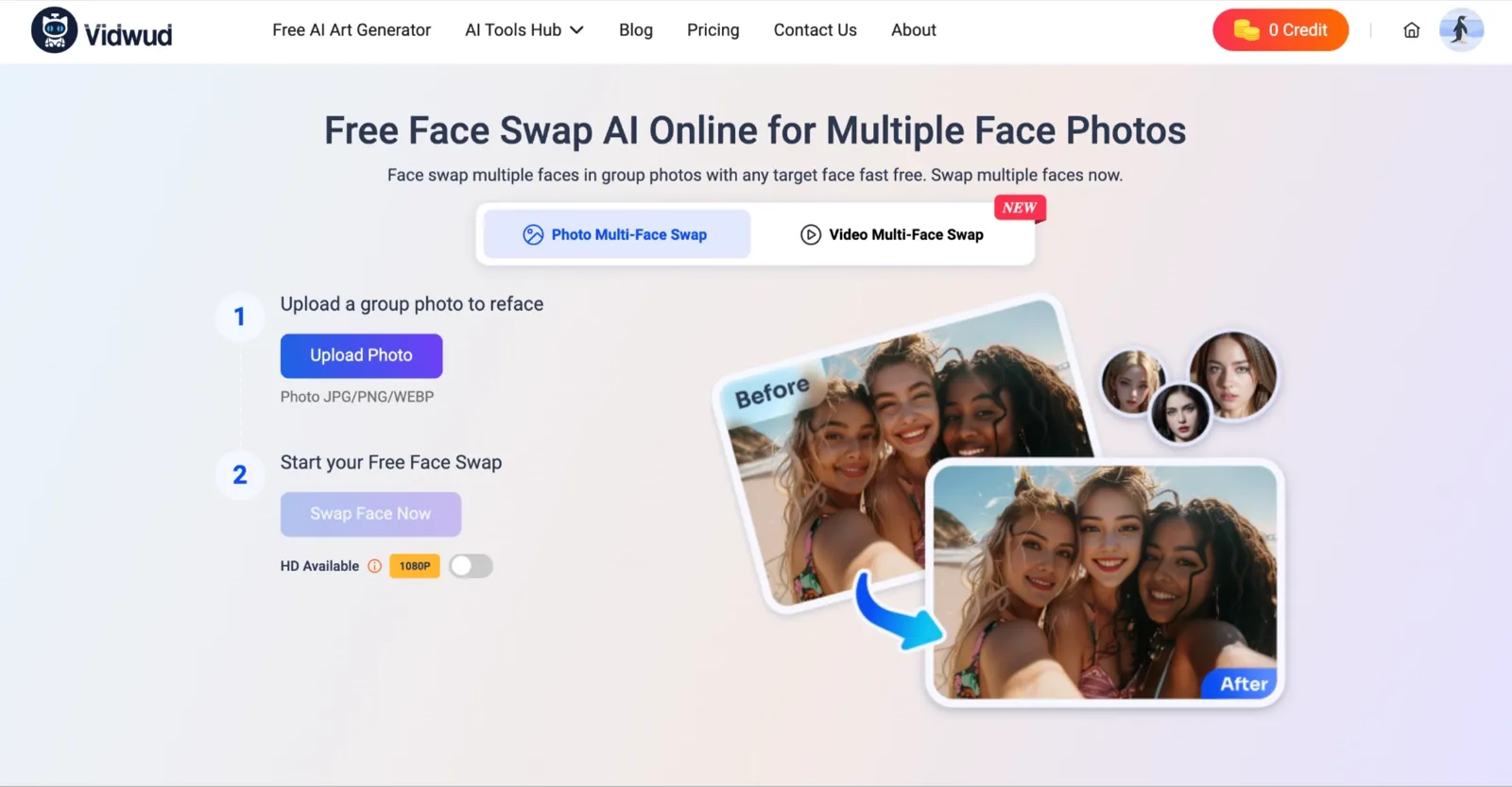
The second was a quality failure specific to group shots. When I ran a three-person photo through the paid plan and tried to assign separate source faces to each person, the tool applied the same face swap to every detected face in the image. The result looked wrong in the way composite images do when something is off, but you cannot immediately explain why. Every face in the photo got the same treatment regardless of the different instructions I gave.
The third issue was not unique to MioCreate but was clearly evident in testing: using a source photo under 400 pixels produced a swap in which the face sat slightly misaligned at the jaw, with a visible halo around the edge. The lower the source resolution, the more prominent the artifact.
If your project is a video or a group shot with three or more faces, MioCreate is not where you should start.
What Users Say About MioCreate?
After testing MioCreate myself, I wanted to see whether other users were having similar experiences. Since MioCreate does not have as many ratings on mainstream review platforms as larger apps like Reface, I looked through Reddit discussions and creator communities where people actively share face-swapping workflows and editing tips.
The overall sentiment was fairly consistent: users appreciate how easy and accessible MioCreate feels for quick face swaps, especially for gaming edits and creator projects. At the same time, most discussions focus on basic functionality rather than advanced customization or professional-grade editing controls.
Reddit Feedback
In a Reddit thread about creating high-quality face textures for WWE CAWs (Create-A-Wrestler characters), one user specifically recommended MioCreate as an alternative after FaceApp removed its face swap feature:
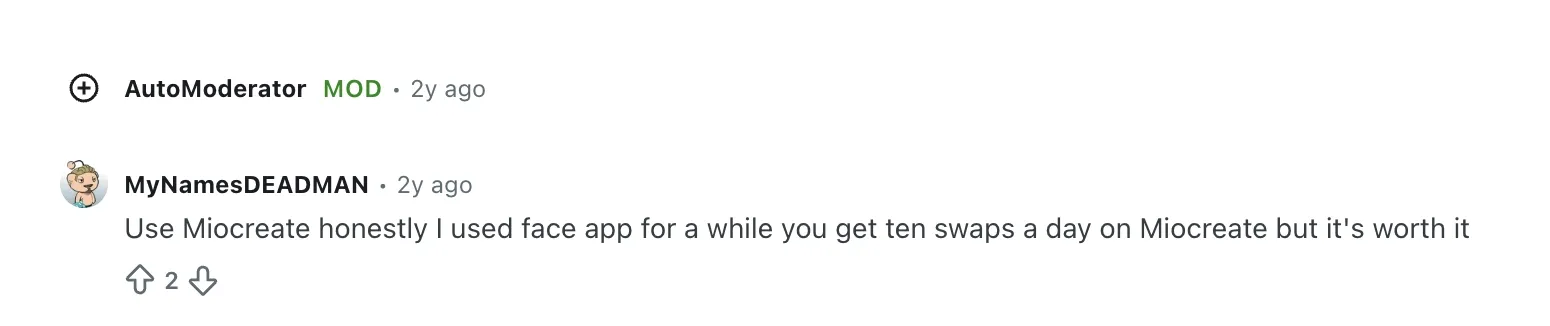
That comment highlights one of MioCreate’s biggest strengths: it gives casual users a fast way to create face swaps without needing advanced editing skills or expensive software.
MioCreate Reddit recommendation
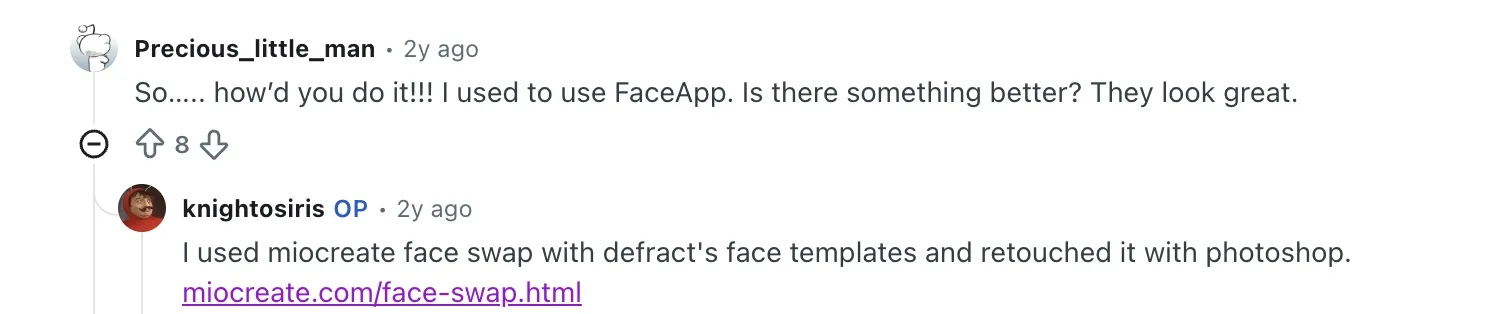
In another Reddit discussion about custom “inspired” wrestling character faces, a creator explained their workflow:
“I used Miocreate face swap with Defract’s face templates and retouched it with Photoshop.”
That lines up with my own experience during testing. MioCreate works well for quick base-face swaps, but users often rely on external tools like Photoshop for more refined retouching and realism improvements.
Best MioCreate Face Swap Alternatives, Ranked
I tested all five tools against the same source photo and target face I used on MioCreate. Every block below follows the same format, so you can compare tools directly without reading around inconsistent structures.
VidMage: Best for Realistic Face Swap
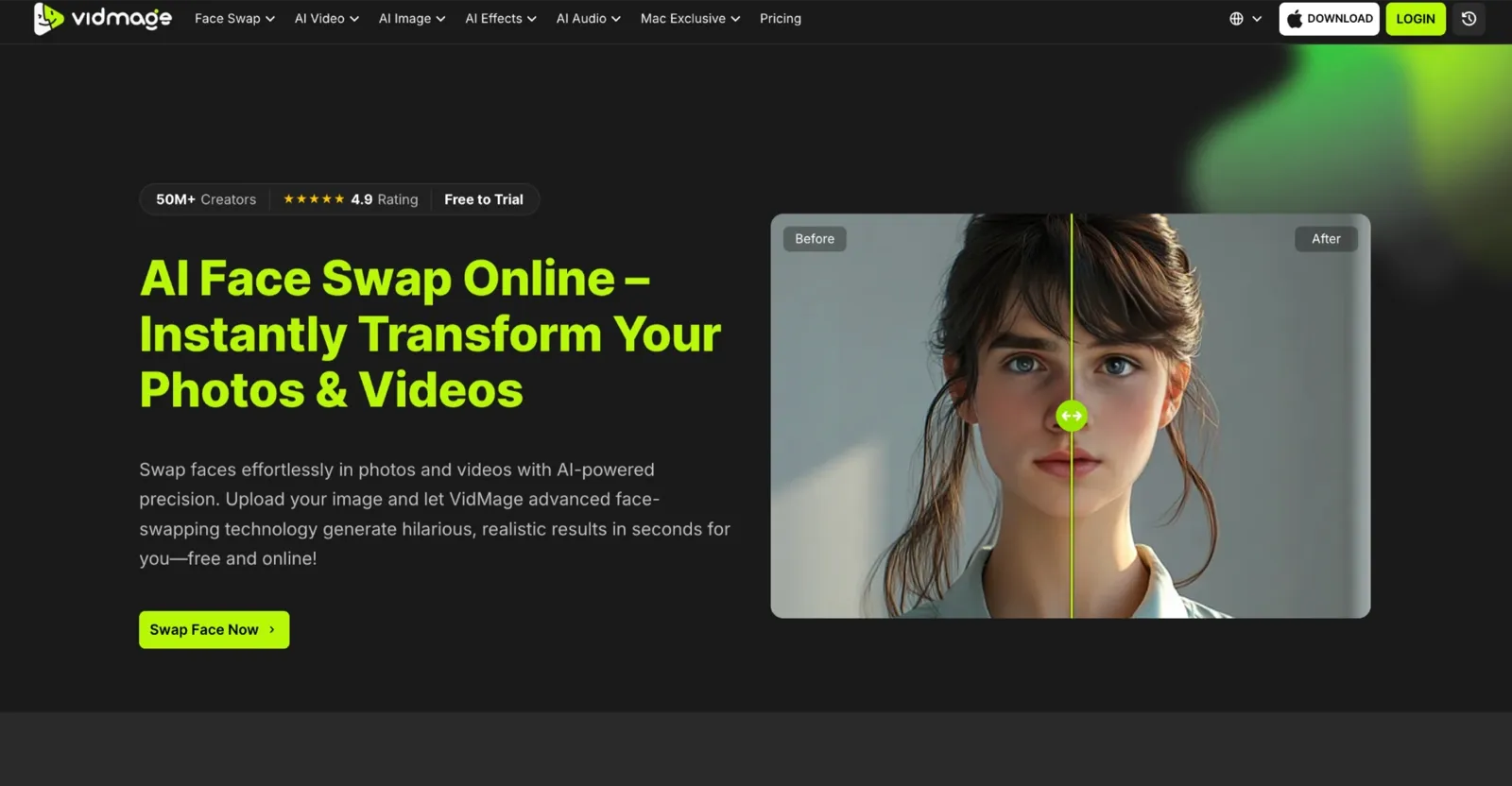
While MioCreate routes you to Vidwud the moment you click video or multi-face, VidMage keeps everything inside one dashboard from upload to download. While MioCreate's free tier locks you to a randomly assigned source face, VidMage offers 15 watermark-free face swaps per day with your own photos and also has a face swap Mac desktop app. I ran a three-person group shot through both tools; VidMage assigned distinct faces correctly on the first attempt. MioCreate did not.
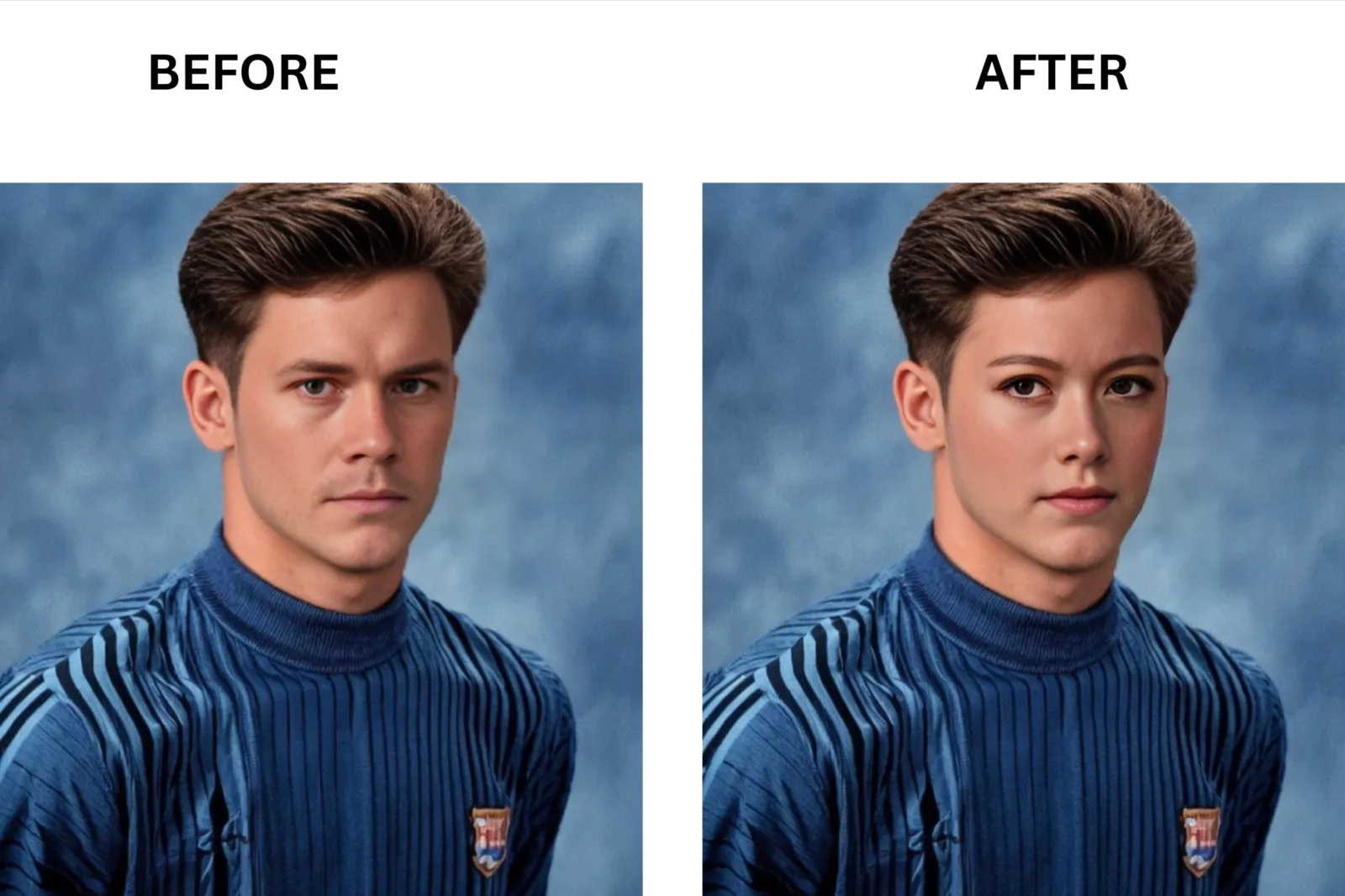
Magic Hour: Best for Free High Volume

MioCreate gives you one free swap per day using a randomly provided face. Magic Hour gives you 5 watermark-free photo swaps, 3 video swaps, and 3 GIF swaps per day using your own photos. Unlike MioCreate, which redirects video work entirely, Magic Hour handles photos, videos, and GIFs in a single interface. The gap shows up fast for anyone posting content more than once a week.
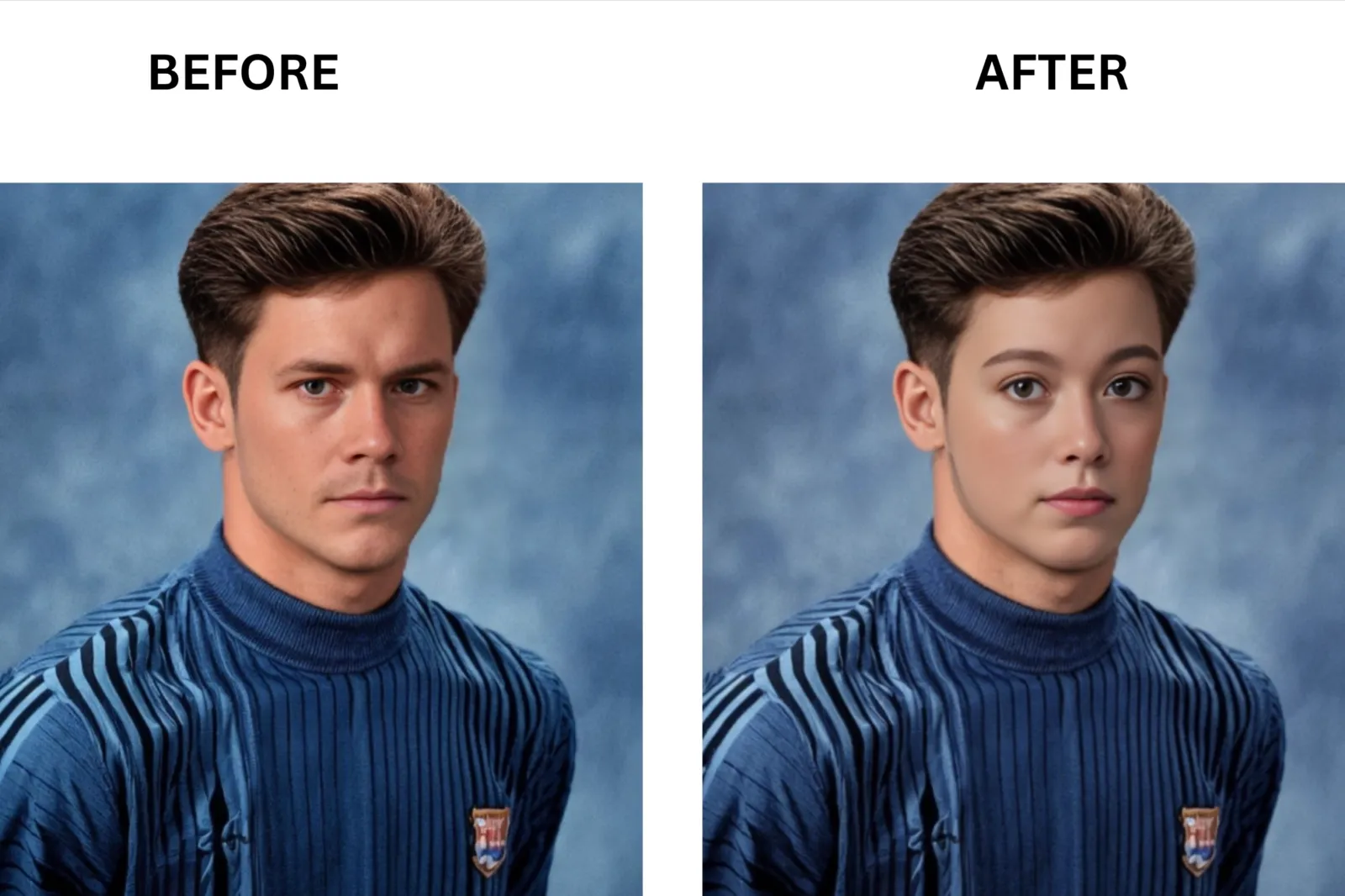
Pica AI: Best for One-Off Photo Swaps
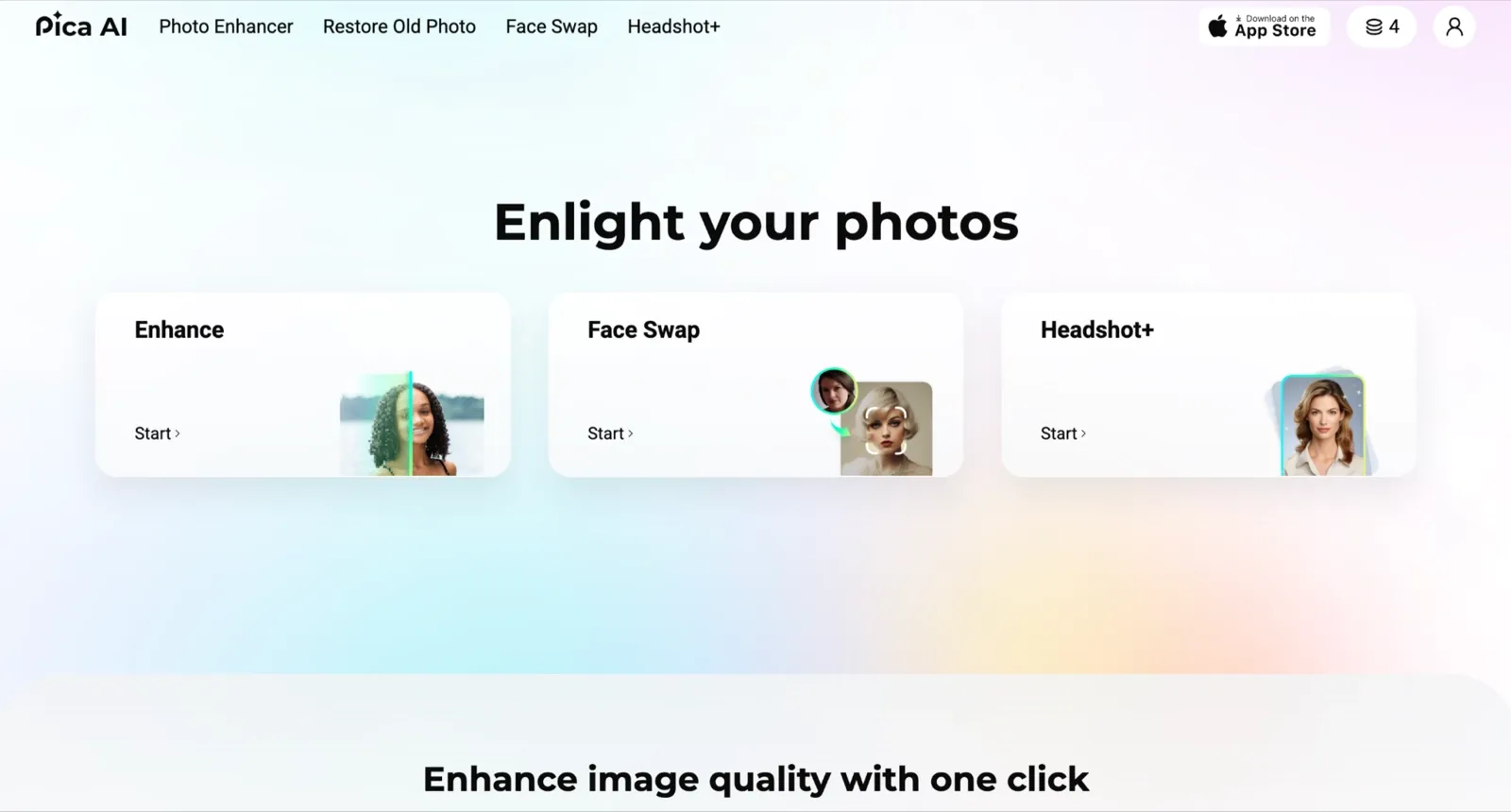
MioCreate's free tier requires a randomly assigned source face and does not let you upload your own photo. Pica AI is different: it gives you 4 free credits per day that reset automatically, and you upload your own photo from the start. I used it to test a headshot look on the same portrait I ran through every tool here, and the output matched what I got from MioCreate's paid monthly plan on a clean, front-facing source.
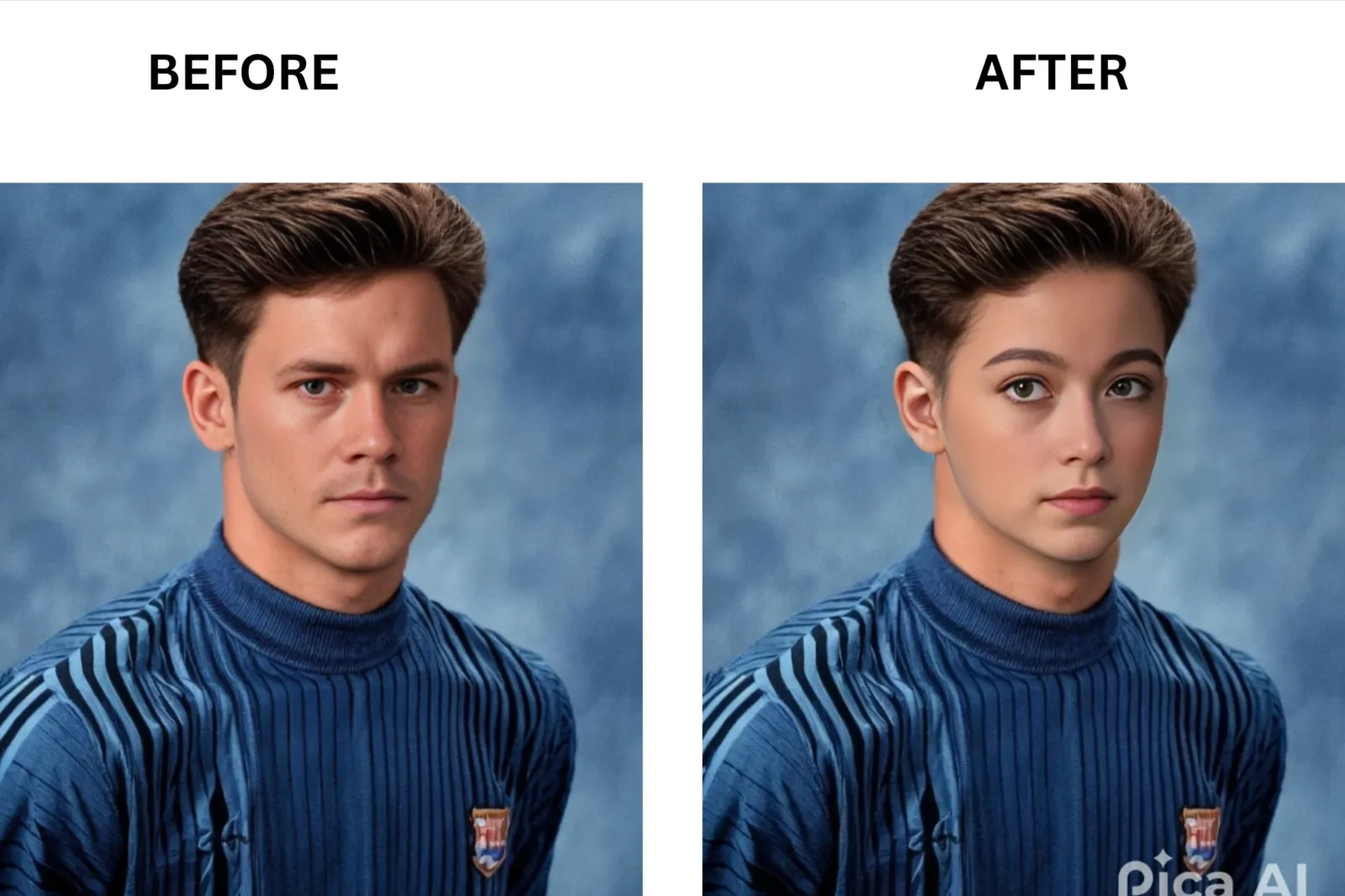
DeepSwap: Best for Long Video Projects
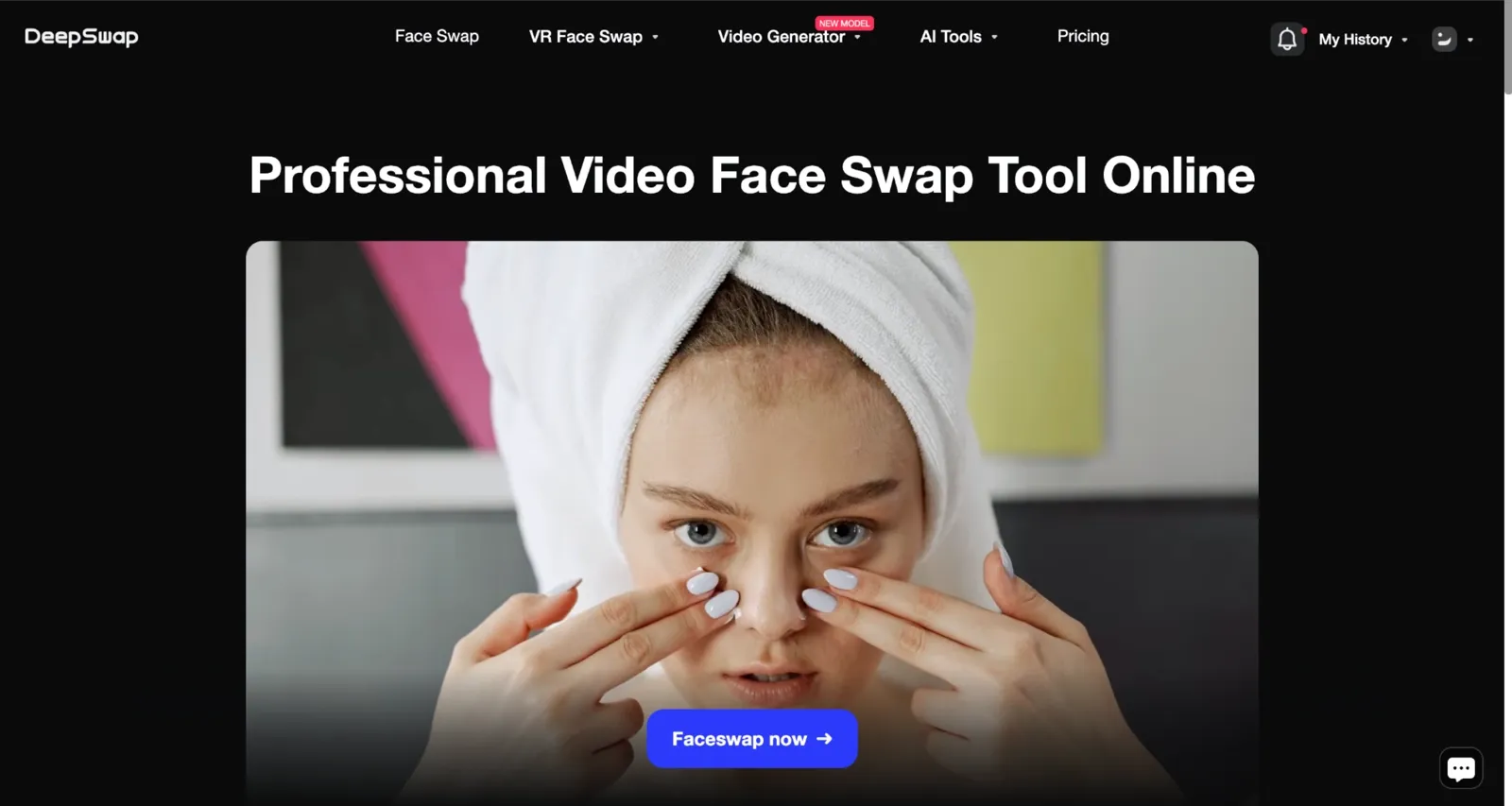
MioCreate's paid plan lists a 120-minute video cap, but clicking the video option redirected me to Vidwud before I could test it. DeepSwap is different in that it supports videos up to 30 minutes natively, with no off-platform redirect and no session break. While MioCreate offers no way to test video quality before paying, DeepSwap also requires a subscription before the first swap. The video quality held cleanly across a 15-second test clip with moderate head movement.
Remaker AI: Best for No Sign Up Trial

MioCreate requires a login even for its one daily free swap. Remaker AI focuses on the opposite experience: no account creation, subscription, or permanent free credits that do not reset on a daily clock. Where MioCreate's free tier gives you someone else's face to swap, Remaker AI lets you upload your own photo and download the result without building a profile. I found the single-face photo output clean and comparable to Pica AI in a direct test.
Comparison Table: MioCreate vs. Top Alternatives
Here’s how MioCreate compares against some of the biggest AI face swap tools I tested. I focused on the things that actually affect day-to-day usage: processing speed, free limits, video support, output quality, watermark policies, and whether the platform feels practical for casual or heavy use.
| Factor | MioCreate | VidMage | Magic Hour | Pica AI | DeepSwap | Remaker AI |
|---|---|---|---|---|---|---|
| Processing Speed (photo) | 3-5s (Tested) | 2-3s (Tested) | 4-5s (Vendor doc) | 5-10s (Tested) | 10s (Vendor doc) | 5-10s (Tested) |
| Free Daily Limit | 1 swap (random template only, no custom upload) | 15 photos, 20s video, 2 GIFs | 400 credits (80 images or 17s video), never expires | 4 credits/day | None, no free face swap | 30 signup credits + 5/day login |
| Entry Paid Price | $4.99/mo | $9.99 first month, then $14.99/mo | $10/mo (billed $120/yr) | $9.99/mo | $9.99 first month, then $19.99/mo | $5.99 one-time (no subscription) |
| Max Video Length (paid) | 120 min/video (redirects to Vidwud) | Unlimited on Mac | 1hr video (Creator), 3hr (Pro), 10hr (Business) | Limited, slower processing | 30 min (monthly), 2 hr / 2 GB (yearly) | Up to 30 minutes |
| Output Resolution (free) | N/A (no custom upload) | Web standard, no watermark | 576px, no watermark on photos | 1K resolution, watermarked | No free option | Web standard, no watermark |
| Output Resolution (paid) | HD (Vendor doc) | Up to 4K | 1024px (Creator) → 4K (Business) | HD to 4K | HD (Vendor doc) | Up to 4K |
| Watermark on Free | No custom upload exists | No (photos) | No (photos), yes on video/GIF | Yes | N/A, no free tier | No |
| Multi-Face Support | No multi-face swap photo and video redirects to Vidwud) | Yes, up to 10 faces | Yes, individual mapping per face | Up to 3 faces | Up to 6 faces | Yes, batch available |
| Login Required | Yes (paid only) | No for photo swap | No for free tools | No to start | Yes | No for face swap, yes for video face swap |
| Cancellation | Email only, no in-app button | Anytime in account settings | Anytime in the dashboard | App/account settings | Account settings | No subscription to cancel |
| Best For | Single free photo test | Daily creators, privacy | Free high-volume, commercial use | One-off photo swaps | Long video projects | No-commitment trial |
Tips for Better Face Swap Results
Five decisions before you upload will determine whether the result looks right or ends up in the common mistakes folder. These come from running the same source photo through six tools and seeing exactly where each one breaks.
Start with a sharp, front-facing source photo. Higher-quality images consistently produce cleaner and more realistic face swaps.
Match the lighting between the source and target images. Similar lighting helps avoid visible blending issues around the face.
Use a source image that is at least 800 pixels on the short side. Low-resolution photos can create soft edges and noticeable artifacts.
Test with a real group photo if that's how you plan to use the tool. Group shots reveal limitations that single portraits often hide.
Keep movement moderate in video clips. Fast head turns and extreme angles can cause tracking errors and face drift.
For a GIF face swap, use short clips with simple backgrounds. Cleaner scenes and shorter durations usually produce smoother results.
Common mistakes worth avoiding:
Using a low-resolution selfie when a better portrait is sitting in your camera roll
Picking a side-angle source photo when the target face looks straight at the camera
Trying to swap faces using harsh shadows on the source that create a lighting mismatch with the target
Trying a multi-face swap on a free tier that does not cleanly support the feature
Troubleshooting the floating face effect:
If the swapped face sits slightly off-center or shows a color halo at the hairline or jaw, the fix is almost always the same. Use a sharper, higher-resolution source photo facing directly forward, and match the lighting direction between source and target as closely as possible. That combination resolves the floating face problem in the majority of cases I tested, without changing any settings inside the tool.
MioCreate Face Swap FAQs
Is MioCreate Face Swap really free?
Not in a way that is useful for most people. You get one swap per day at no cost, but MioCreate assigns you a random source face from its own library. You cannot upload your own photo on the free tier. If your project involves your own face or a specific person’s photo, you'll need a paid plan from the first real use.
How long does MioCreate keep my photos after I upload them?
MioCreate does not publish a clear auto-delete timeline in its public documentation. That is a meaningful gap when you are uploading photos of other people. By comparison, VidMage’s web version deletes uploaded files after 2 hours, and the Mac app processes everything locally, so the file never reaches a server. If file retention matters to your use case, a tool with a stated policy gives you a concrete answer rather than an open question.
How easy is it to cancel a paid MioCreate plan?
The cancel option lives inside account settings and does not appear to require an email to support, based on my review. That is a better experience than what several users reported about DeepSwap, where the billing cancel button was not straightforward to locate before a renewal date. For any subscription tool in this category, the smart move is to find the cancel screen before you need it rather than on the day after a charge lands.
Can I use MioCreate for a birthday or wedding video gift?
The paid plan supports video face swap in theory, with a 120-minute clip duration listed as a feature. In practice, clicking the video swap option during my test redirected me to Vidwud, a separate platform that did not carry over my uploads. For a birthday roast clip or a wedding toast where the swap needs to hold across a full minute or more, starting with VidMage will save you from losing your session partway through.
Does MioCreate handle group photos with three or more faces?
Multi-face swap is listed as a paid feature, and the credit structure supports it on paper. In my test on a three-person group photo, the tool applied the same face to all three detected faces rather than allowing separate source assignments. The video multi-face option redirected to Vidwud entirely. For a group photo where you want each person to get a different face, VidMage’s multi-face swap video handled per-face source assignment cleanly in my direct test. (Tested)
Is MioCreate output safe to use in commercial ads?
Review MioCreate’s terms of service directly before using any output in a paid campaign. Magic Hour explicitly restricts commercial use on free outputs. If the swap is going into a paid advertisement, the watermark status alone is not enough: you also need to confirm the commercial license covers that use case. VidMage’s paid tier exports without a watermark; confirm the commercial terms at vidmage.ai before the file goes into production.
The Bottom Line on MioCreate Face Swap
MioCreate can be useful for trying a quick face swap without paying upfront, and its no-watermark exports are a notable advantage. However, the free experience is fairly limited, especially if you want to use your own images regularly, work with videos, or swap multiple faces in a single photo. During testing, other tools generally offered more flexibility for video projects, group photos, and higher-volume use cases. Privacy features, export options, and workflow convenience also varied significantly across platforms. Ultimately, the right choice depends on your specific needs rather than any single feature. Before subscribing, run the same photo, group image, and short video through a few tools. A side-by-side comparison will quickly show which platform delivers the quality and workflow that fit your projects best.