
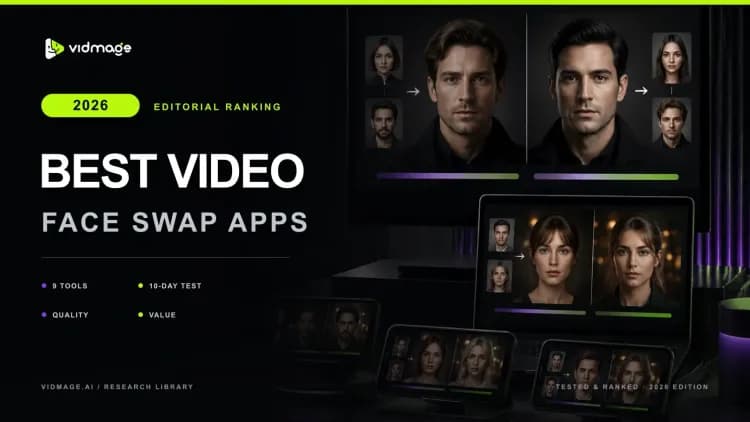

I spent 10 days in 2026 testing 9 video face swap apps on the same 4 source clips. Same footage, same source face, same lighting conditions across every tool. I tracked what held up under real movement, what flickered on head turns, and what silently stamped a watermark on the download after promising a free tier.
Most of these tools work. The gap between them shows up in three places: what you actually get for free, how the face tracks when the subject moves, and where your footage goes after you upload it. Those three things tell you far more than the feature list on any pricing page.
Maybe you want to put your dad's face into a famous movie scene for his birthday. Maybe you need your group chat in tears before noon. The right ai face swap tool gets you there in one pass. The wrong one gives you a blurry mess that needs five retries and still has a watermark on the final file.
Quick Verdict: Best Video Face Swap App by Use Case
If you only need a quick viral-style face swap, most apps will work. But if you care about output quality, watermark-free exports, multi-face handling, or long-form video support, the differences between tools become obvious very quickly.
| Use Case | Best Pick | Why It Stands Out |
|---|---|---|
| **Best Overall Video Face Swap App** | VidMage Video Face Swap | Watermark-free exports on the free tier, support 4K output, handle up to 4 faces simultaneously, available on web and Mac |
| **Best Free Face Swap App (No Watermark)** | VOZO AI | Gives free signup credits and removes watermarks even on free exports |
| **Best for Group or Multi-Face Videos** | VidMage Video Face Swap/ DeepSwap | VidMage supports 4-face swaps in one render, while DeepSwap can process up to 6 faces |
| **Best Mobile Browser Experience** | Magic Hour AI | No account required, works directly in a phone browser, includes 3 free swaps daily |
| **Best Open-Source Option** | FaceFusion/ VisoMaster | Unlimited local processing, zero watermarks, no recurring fees, but requires an Nvidia GPU for smooth performance |
Benchmark Table: How the 9 Apps Compare on Real Clips
All figures come from hands-on testing or official vendor documentation. Processing speed reflects approximate GPU-accelerated performance on a 1-minute 1080p clip. Your hardware and clip complexity will produce different numbers.
| Tool | Best For | Max Video Length | Output Resolution | Free Tier | Watermark on Free | Multi-Face Support | Processing Speed* | Starting Price |
|---|---|---|---|---|---|---|---|---|
| VidMage Video Face Swap | Best for Realistic AI Video Face Swaps | Unlimited (paid) / 20 sec per day (free) | Up to 4K | 20 sec video daily | No | Up to 4 faces | 10-30 sec per 1 min video | $0.01/sec |
| DeepSwap | Multi-face swaps | Up to 30 min (paid) | 4K HD | No free option | Yes | Up to 6 faces | 45 sec per 1 min video | $0.013/sec |
| Magic Hour AI | Mobile browser use | Unlimited (paid) / 10 sec (free) | 4K (paid) / 576p (free) | 3 swaps daily and 400 credits on signup | Yes on video | 1 face | 30 sec per 1 min video | $0.017/sec |
| AKOOL | Enterprise avatars & live AI | 5 min on free tier | 4K / 8K (paid) | 100 signup credits | Yes | Multiple faces | 90 sec per 1 min video | $0.033/sec |
| VOZO AI | No-watermark free exports | Unlimited (paid) | 1080p+ | 10 bonus points | No | Multi-face | 120 sec per 1 min video | $29/mo |
| SwapFace | No subscription, one-time payment | Up to 300 seconds | Up to 4k | 4K HD preview only | No free output | Yes | For face swap, it takes more than 5 minutes | Basic: $9.99 one time |
| Reface | Meme & template swaps | Short clips only | HD (paid) | Demo mode | Yes | 2 faces | ~90–180 sec per 1 min video | $7.79/mo |
| FaceFusion | Open-source unlimited swaps | Unlimited (local) | Up to 4K | Unlimited local use | None | Multiple faces | Depends on GPU | Free |
| VisoMaster | Native desktop workflows | Unlimited (local) | Up to 4K | Unlimited local use | None | Multiple faces | Depends on GPU | Free |
Free-tier truth: VidMage is the only cloud tool in this table that outputs watermark-free video on the free tier. Magic Hour removes the watermark from photo swaps but adds it to free video outputs. DeepSwap has no free video credits.
What is a Video Face Swap App?
A video face swap app uses an AI face swap model to replace a face in a video clip while preserving the original head motion, expression, and lighting. You upload a source face and a target clip, and the AI works through every frame so the new face tracks naturally through head turns, blinks, and expression changes. The goal is to swap faces in a video so cleanly that the output looks like the person was always there, not a mask layered over moving footage.
Our Methodology: How We Tested 9 Video Face Swap Apps?
I tested every video face-swapping app using the same 4 source clips, so the results remained consistent across all tools.
The test set included:
A 10-second talking-head clip with moderate movement
A 25-second product-style video where the subject turns her head about 45 degrees midway through the clip
An 8-second 4-person group selfie video
A 6-second TikTok dance clip with fast side-to-side movement
The longer product video turned out to be the most important test. A lot of tools can create a clean-looking swap for a still frame or a short meme clip. The difference shows up when the subject starts moving naturally.
I paid close attention to how well the face stayed locked during head turns, lighting shifts, and motion-heavy sections, because that is what actually matters when editing client work, product videos, or creator content. A swap that stays stable through movement is usable. A swap that flickers every few seconds usually is not.
I scored each app using 5 weighted criteria:
| Criterion | Weight | What I Checked |
|---|---|---|
| **Motion consistency on longer clips** | 30% | Whether the face swap stayed stable during movement, especially during head turns and scene changes in the longer product video. |
| **Free-tier reality** | 20% | What the free plan actually gives you, including credits, watermarks, export limits, and whether the output is usable without hidden restrictions. |
| **Multi-face handling** | 15% | How well the app handled the 4-person selfie video and whether it could track multiple faces correctly. |
| **Output resolution and file flexibility** | 15% | Actual export quality on free and paid tiers, plus support for formats like MP4 and MOV. |
| **Cost per second of finished video** | 20% | The real-world cost of generating finished video output based on the lowest usable paid plan. |
The 9 Best Video Face Swap Apps Reviewed
I tested these video face-swapping apps on longer clips, fast-motion videos, group scenes, and free-tier limits to see which actually hold up outside polished demos. Some were surprisingly good. Some fell apart the moment the subject turned their head.
VidMage Video Face Swap: Best for Realistic AI Video Face Swaps
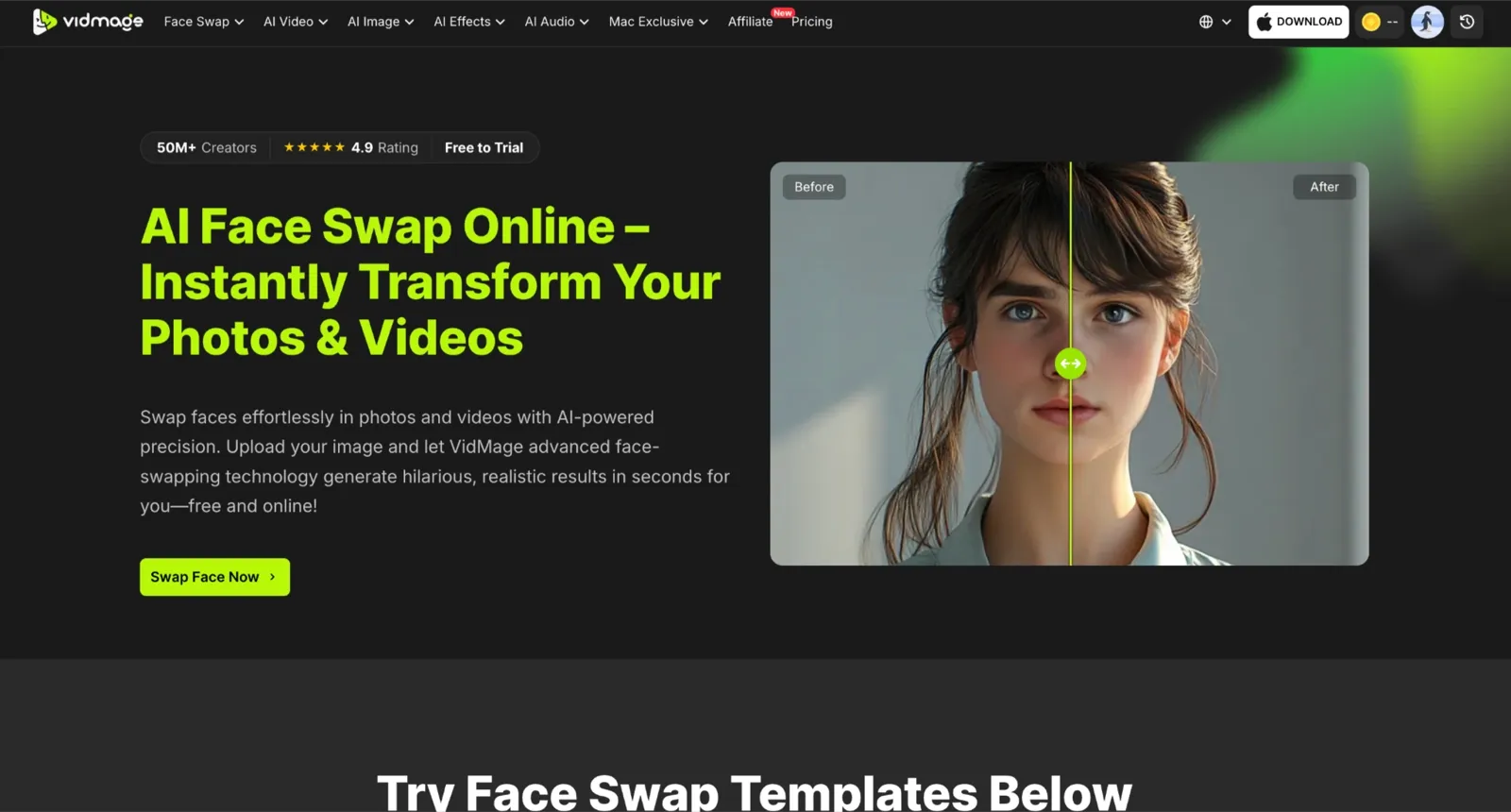
VidMage supports photo, video, and GIF swapping through a web app and a Mac desktop client, but its strongest performance comes from AI video face swap workflows. During testing, facial expressions remained consistent throughout clips, with smaller details such as eyebrow movement, smiling, and head turns transferring naturally to the swapped face instead of becoming rigid or mask-like.
VidMage also handled multi-face swap scenarios reliably. In group videos, identities stayed correctly assigned as people moved around the frame, reducing the face drift and mismatched tracking that often appear in longer clips.
Another strength is how the model adapts skin tone and lighting to the source footage, which helps the swapped face blend more naturally into the scene. The Mac application additionally offers local processing, allowing users to render footage on-device rather than uploading files to a server.
DeepSwap: Best for Multi-Face (Up to 6 Faces)
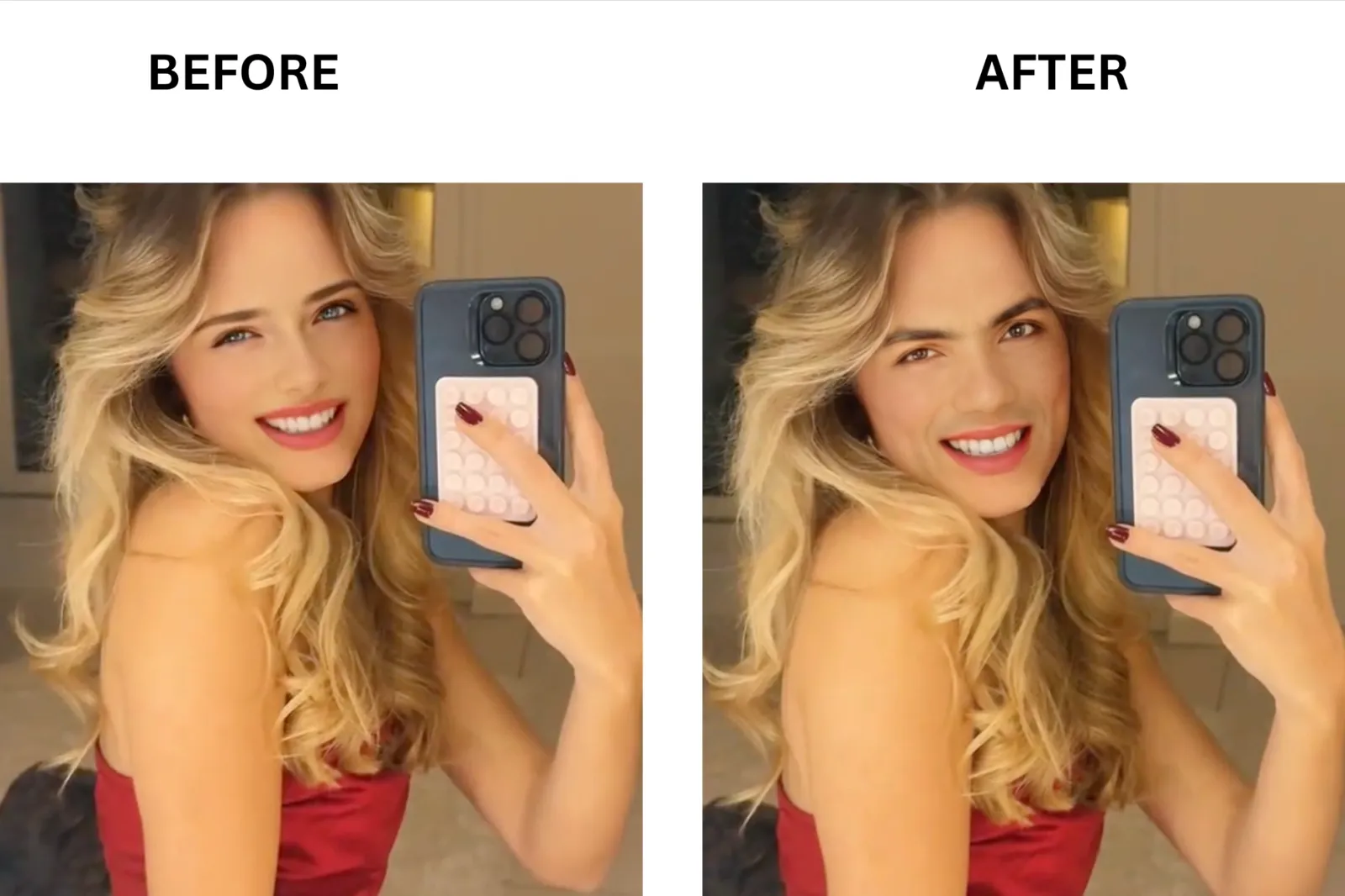
DeepSwap handles face swaps across videos, photos, and GIFs entirely in the browser. What makes DeepSwap an ideal tool is its upper limit on simultaneous face swaps: it can process up to 6 different faces in a single video clip during a single render pass. On longer clips, the Pro plan supports videos up to 30 minutes. Results export at 4K HD with no watermark on paid tiers. The processing happens in the cloud, so there is no GPU requirement on your end, and shorter clips return quickly.
Magic Hour AI: Best for Mobile and No-Account Free Swaps
Magic Hour AI runs a video face-swapping tool entirely in the browser, without an account or download required. Magic Hour handles single-face swaps on photos, videos, and GIFs. Free users get 3 video swaps per day before signing up. Magic Hour offers the most generous free access without an account on this list. Free clips are processed at 576p and capped at 10 seconds. Paid plans unlock 4K output, longer clips, and a priority queue. On mobile, the whole flow runs inside any browser, upload, swap, and download, without touching an app store.
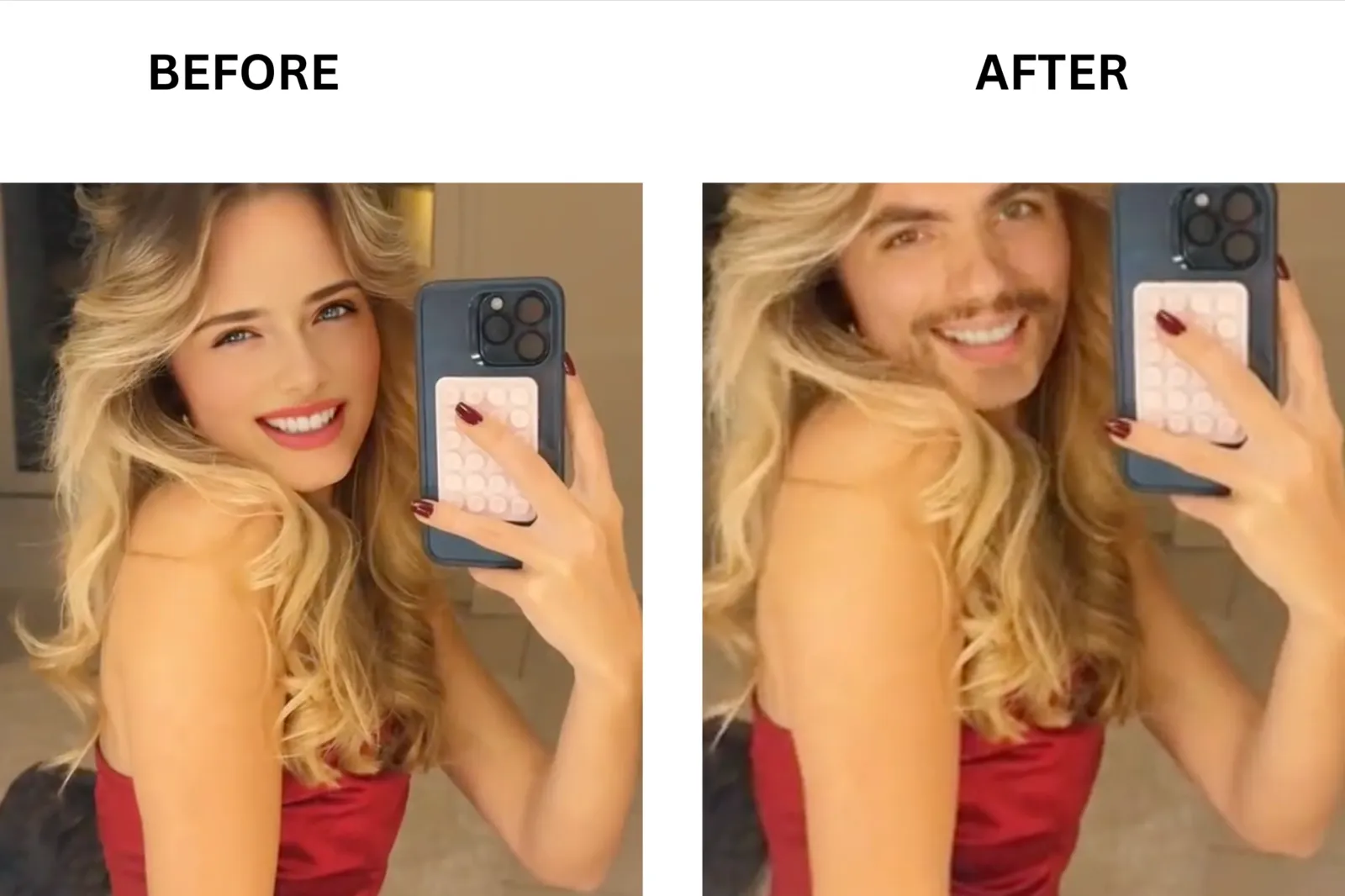
AKOOL: Best for Enterprise Teams and Live Avatar Work

AKOOL’s face-swapping tool works on both photos and videos via a browser interface. What separates AKOOL from most tools here is the live face swap mode, which runs during an active video call or stream and swaps the face in real time without any processing queue. On video files, paid plans support output up to 4K and 8K resolution. The face detection handles group scenes well, identifying multiple faces in the same frame and swapping each one independently. Free users get 100 credits on signup, enough to process roughly 100 seconds of video before needing to pay.
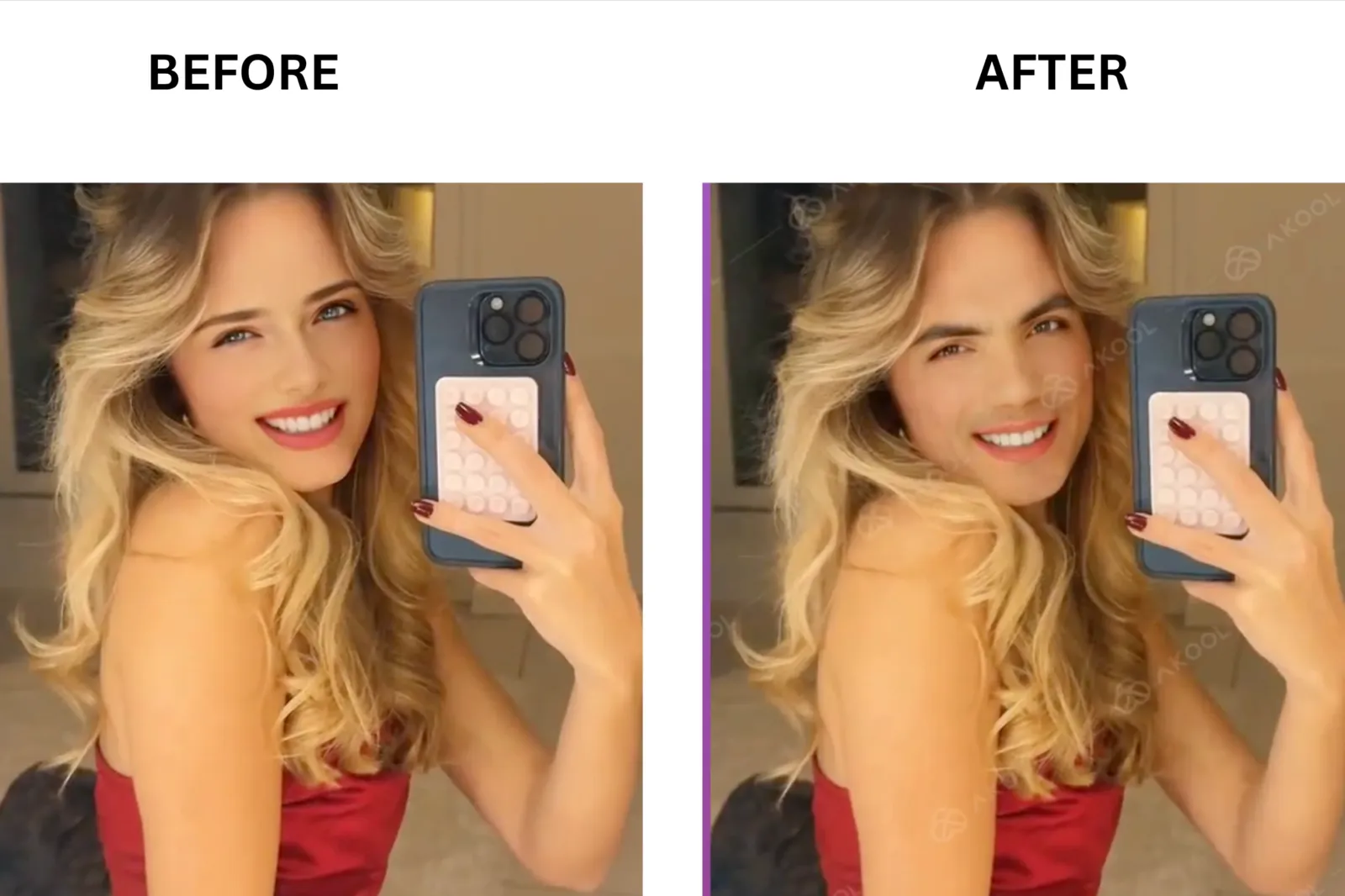
VOZO AI: Best Free No-Watermark Option
VOZO AI’s face swap tool runs in the browser and handles both single-face and multi-face swaps on video clips. You upload a target video and a source face image, and the AI replaces the face while preserving head movement and expression across frames. VOZO supports cross-gender and cross-age swaps without needing separate settings. Its 2025 edge-blending update reduced the jaw flickering that earlier versions produced on fast-motion clips. The key differentiator is the watermark policy: VOZO does not add a watermark to any output, including free-tier results. Free users get 10 gift points on signup to cover a handful of swaps before needing to top up.
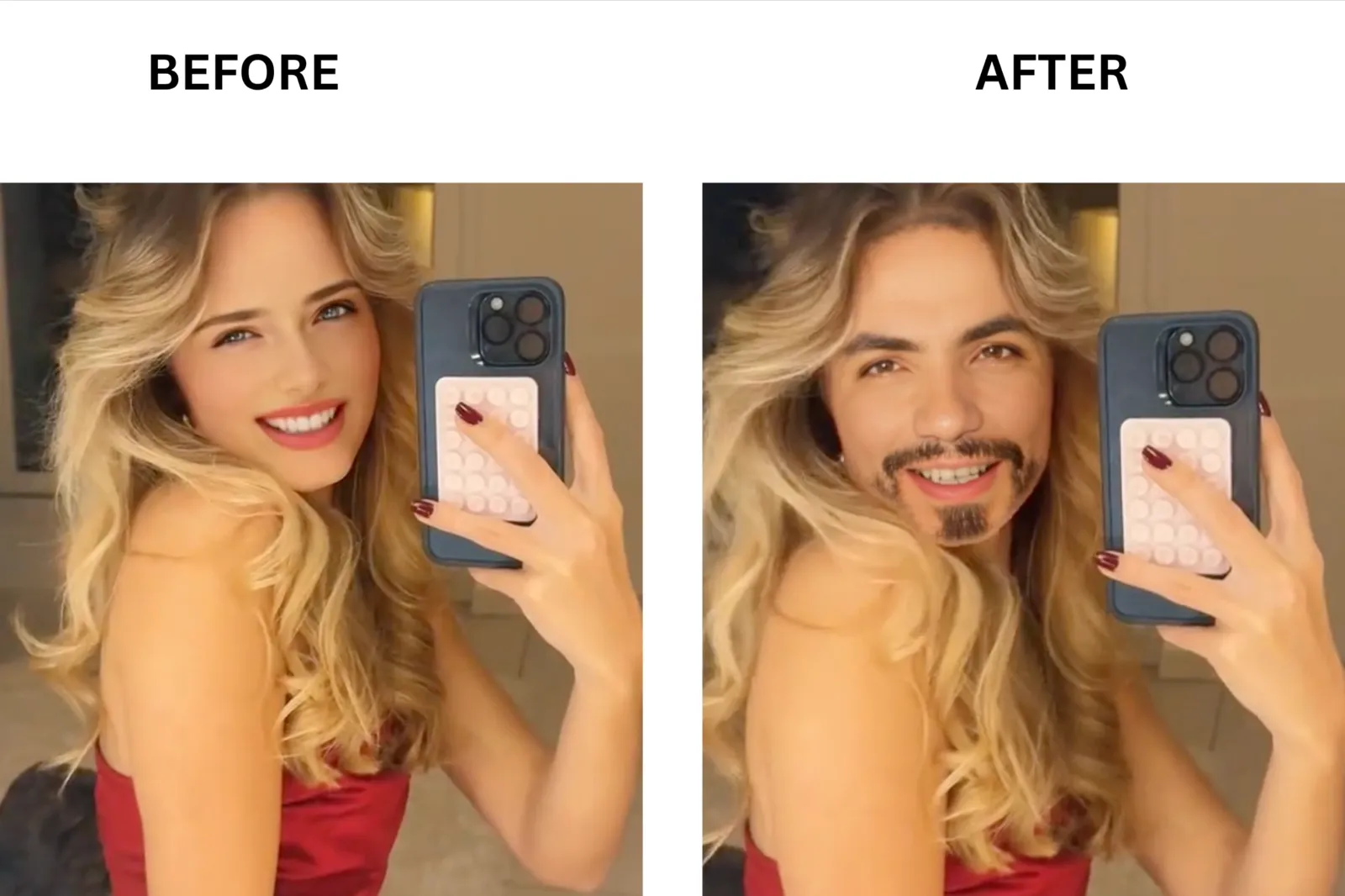
Reface: Best for Template-Based Meme and Viral Content
Reface swaps your face onto pre-built templates: movie clips, viral memes, music videos, and art styles from a library that refreshes with trending content. You take a selfie or upload a photo, pick a template, and the AI maps your face onto the subject in the clip. The swap output is ready to download and share in under a minute on most templates.
Beyond the standard swap, Reface also animates still images and applies visual effects to photos and videos. Reface runs on iOS, Android, and web, so the whole workflow stays on your phone. What it does not support is custom video or face-swap uploads on the free tier. You work from the template library, not your own footage, unless you are on a paid plan.
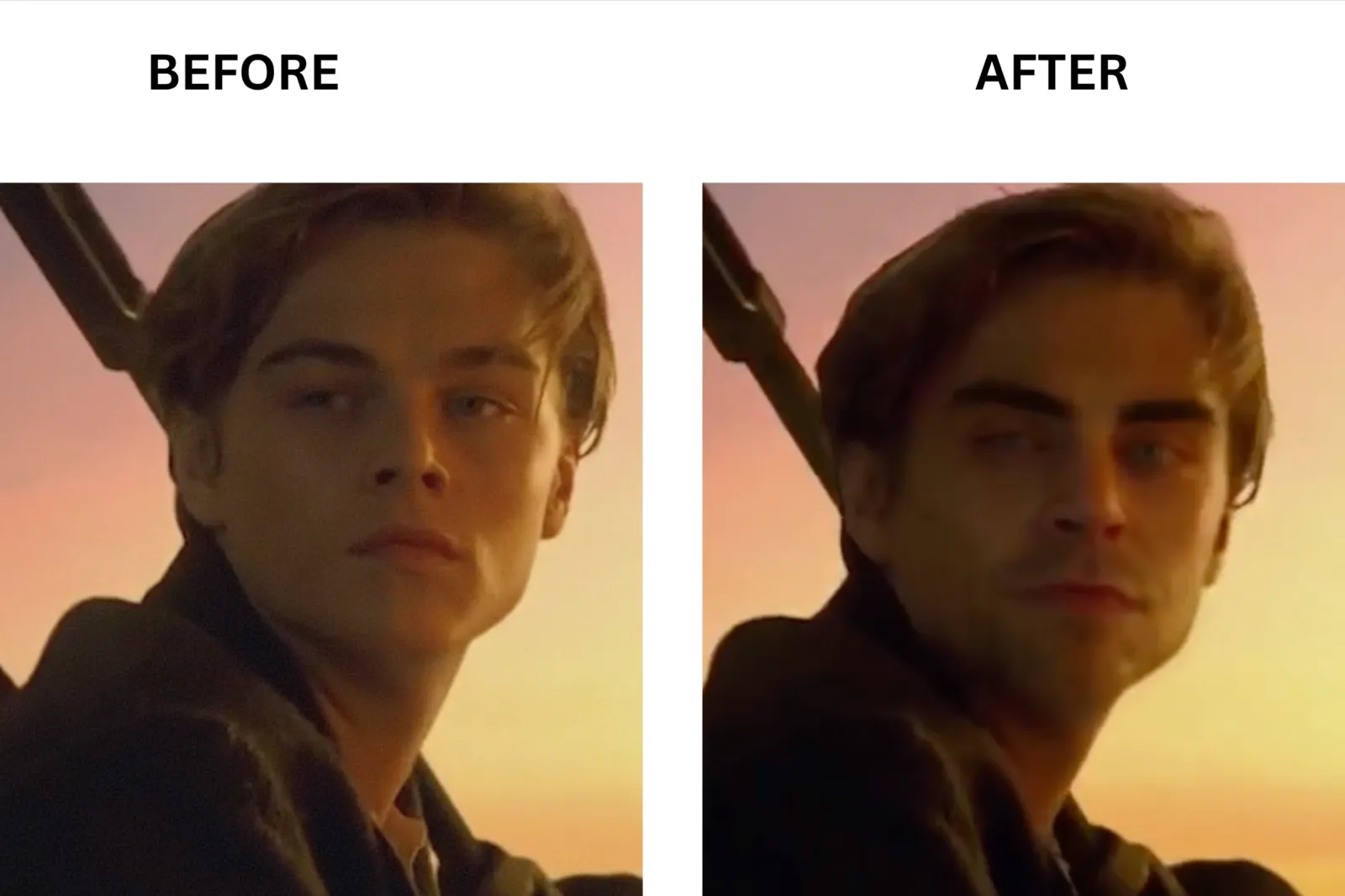
SwapFace: Best for Live Streaming and Real-Time Swaps
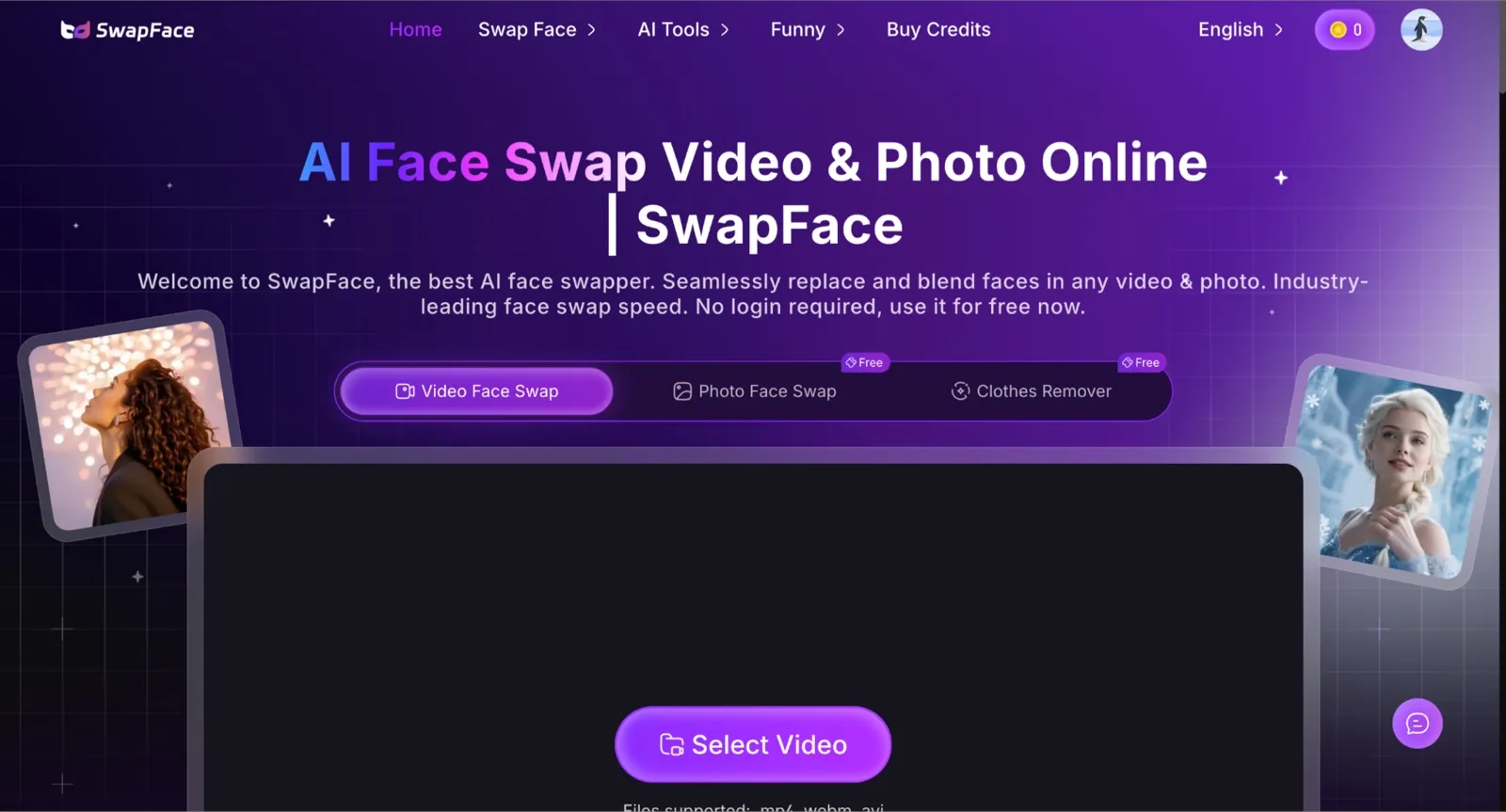
SwapFace is a web-based face-swap tool that handles video, photo, GIF, and long-form video swaps entirely in the browser, with no login required. A 10-second video clip takes roughly 10 to 12 seconds. Photo swaps take longer, closer to 3-4 minutes or more, depending on image complexity. Before you commit any credits, SwapFace shows you an HD preview of the swap result so you can check the output quality before paying. That preview is fast and sharp. The actual download requires credits.
What sets SwapFace apart from every other tool on this list is its pricing model. There is no monthly subscription, auto-renewal, or recurring charge. You buy a one-time credit pack, and the credits never expire.
FaceFusion: Best Open Source with a Gradio Interface
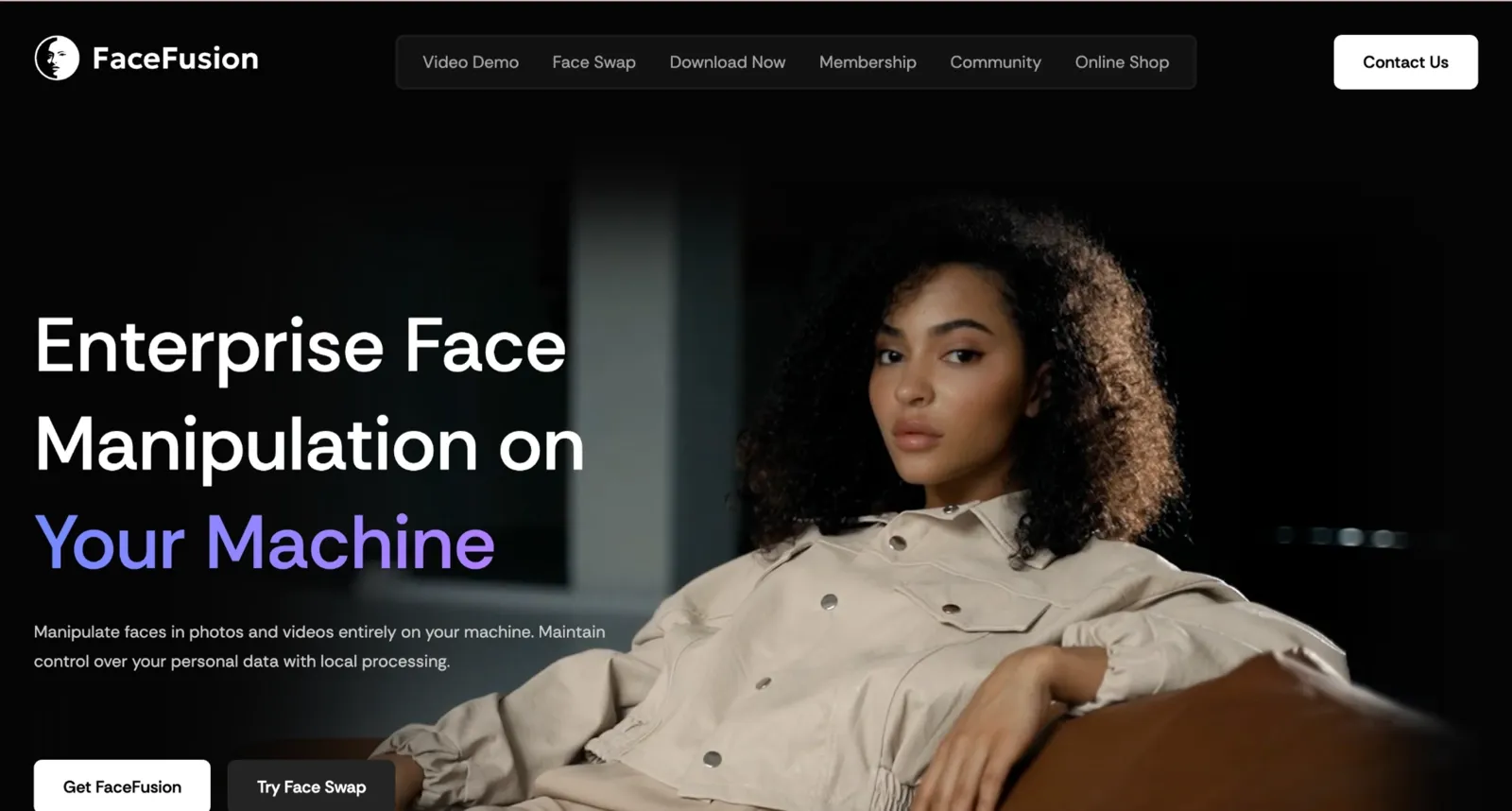
FaceFusion swaps faces on photos, videos, and GIFs using your local GPU, with the interface running in a browser tab through Gradio. FaceFusion supports multiple face swap models, so you can switch between them depending on whether you prioritize speed or output quality. It also handles batch video processing, expression preservation, and face enhancement post-swap. The output has no watermark or resolution cap beyond what your GPU can handle.
VisoMaster: Best Open Source with a Native Desktop App
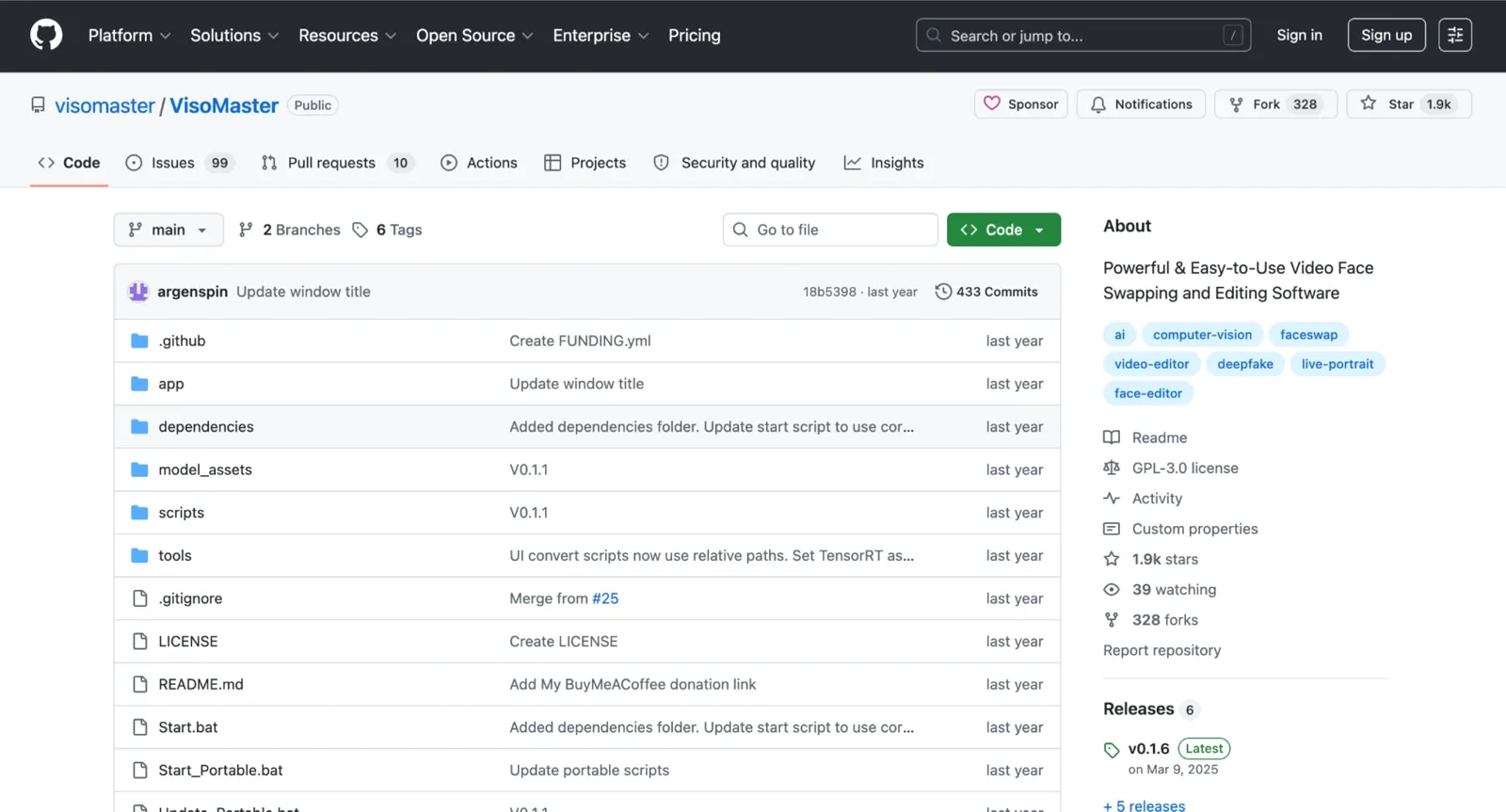
VisoMaster swaps faces on video files using your local Nvidia GPU and runs as a native desktop application with a proper UI, not a browser tab. You load a source face and a target video, use the built-in timeline scrubber to set per-frame adjustment markers where the swap needs fine-tuning, and process the clip locally. The output has no watermark and no resolution cap. VisoMaster also outputs through a virtual camera driver, so the swapped feed works live with OBS, Zoom, Twitch, and YouTube.
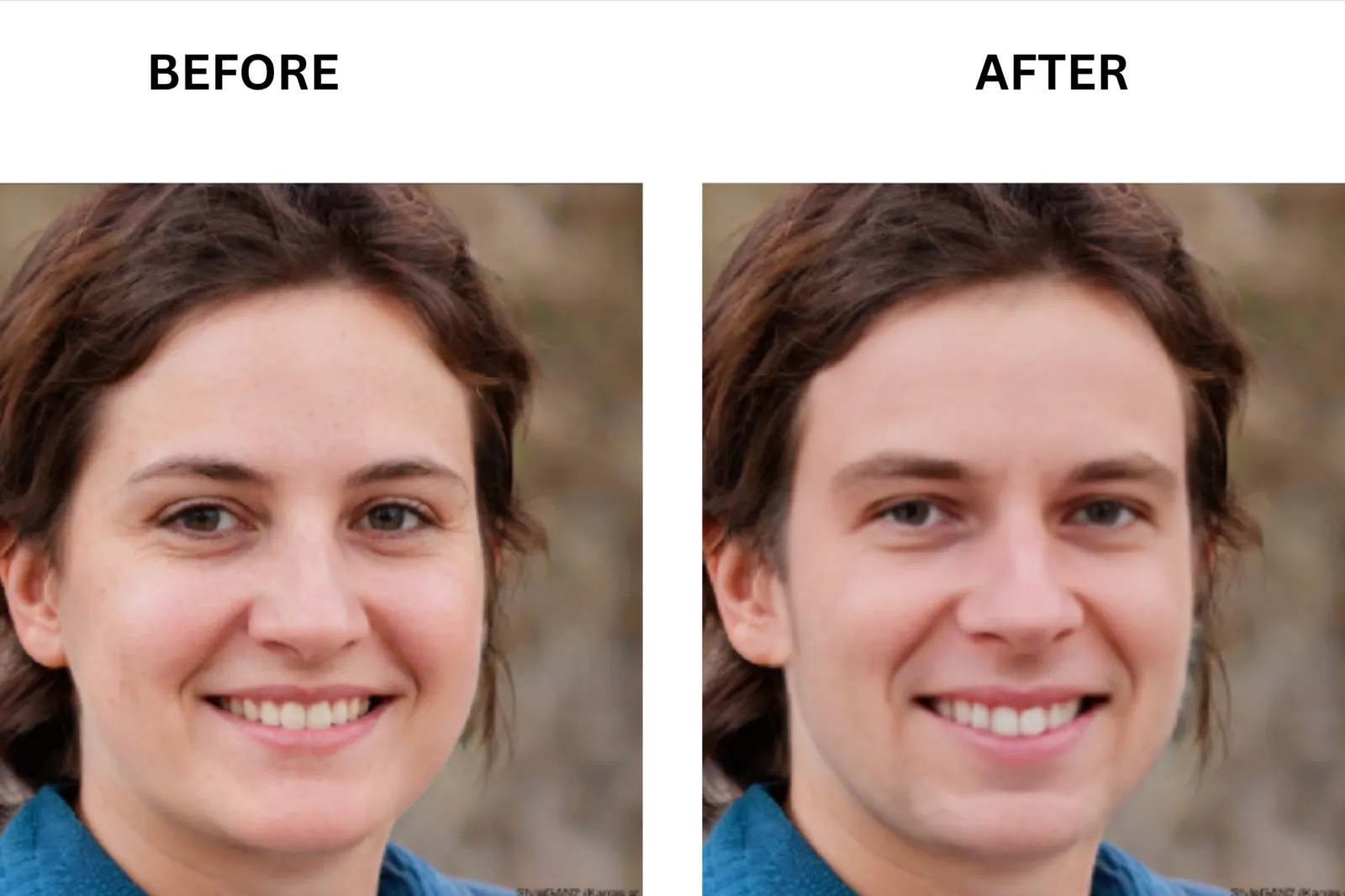
Tips to Get Better Video Face Swap Results
Most bad face swaps come from poor inputs. Small changes like trimming the clip, using a cleaner source photo, or running a short preview first can significantly improve the final result and help you save credits on failed renders.
Use a Clear Source Photo: A front-facing shot under even lighting gives the model clean facial landmarks to work with. A blurry or shadowed selfie leads to flickering and warped features before the swap even starts.
Trim the Clip First: Only upload the seconds where the face is actually visible. It saves credits, speeds up processing, and cuts wasted renders on footage the AI was never going to track cleanly anyway.
Run a Short Preview: Test 3 to 5 seconds before committing to the full export. If the blend looks off, fix the source photo first.
Avoid Extreme Head Turns: Tracking breaks past roughly 70 degrees. Trim around sharp profile turns before uploading.
**Run the Same Source Photo Through Your Top Two Picks: **The free tier on most tools here is enough for a side-by-side test on a short clip. Output quality varies more between tools than most people expect, and two minutes of testing saves a wasted credit pack.
Common Mistakes to Avoid: Most face-swap issues come from poor input quality rather than the tool itself. Common problems include low-resolution source photos, poor lighting, fast head turns, and faces being blocked by hands, hair, or other objects. These issues can cause flickering, blur, loss of tracking, and distorted results in the final video.
FAQ
Which free video face swap app actually has no watermark?
VidMage is one of the few browser-based video face swap tools that lets you create watermark-free video outputs on its free tier. If you want to test a face swap without paying, creating an account, or dealing with watermarks on the final export, VidMage is a solid option for quick, hassle-free use.
How do I keep the face from flickering on head turns?
Face flicker usually happens because of a low-quality source image, extreme head turns, or fast motion. Use a clear front-facing photo at 512×512 or higher, trim clips with extreme angles, and test a short preview first. If flickering continues, VidMage and DeepSwap delivered the most stable results in my testing.
Are open-source face swap tools like FaceFusion safe to install?
Yes. FaceFusion and VisoMaster are legitimate open-source projects with public GitHub repositories. The main risk is downloading unofficial versions. Always install from the official repository and use the tools responsibly.
Can I do a video face swap entirely on my phone?
Yes. Magic Hour AI works in a mobile browser and offers free video face swaps without an app. The free plan limits clips to 10 seconds, 576p resolution, and includes a watermark. For longer or higher-quality videos, a desktop is a better option.
Is video face-swapping legal?
In most countries, the technology itself is legal. The legality depends on how the content is used. Creating or sharing deceptive, non-consensual, or harmful face-swapped content can violate laws, platform policies, or both.
The Bottom Line: Our Top Pick for 2026
For most users, VidMage offers one of the more balanced combinations of realistic video swapping and stable identity tracking. It performs particularly well when the goal is to keep expressions, facial movement, and multiple subjects consistent throughout a clip. Users who only need occasional testing can use the free tier to evaluate output quality, while longer or higher-resolution projects may require a paid plan.
VOZO AI remains a good option for users who primarily want free, watermark-free exports and do not mind slower processing times. Magic Hour AI is suitable for quick browser-based edits on mobile devices, and VisoMaster is a practical choice for users who prefer an open-source desktop workflow with local processing.
If you're comparing the best video face swap tools, it's worth testing a short clip with your own footage first. Expression retention, lighting adaptation, and multi-face tracking tend to vary significantly between tools, and those factors usually have a bigger impact on final video quality than feature lists alone.