
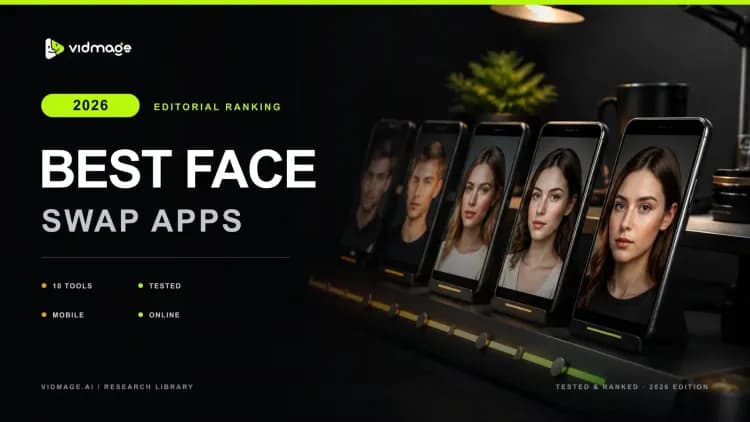

Most lists say a tool is free and bury the credit card three paragraphs in. I spent over 40 hours testing 10 AI face swap tools across four scenarios: a single face portrait, a 1-minute 30-second handheld 1080p video, a three-person group photo, and a low-light angle shot.
This is 2026, and the gap between the best face swap apps and the worst tools is wider than you think. Some are genuinely free, with no watermark or sign-up. Others look free until you hit a paywall mid-upload. Let me save you from this frustration by giving you the top pick for the 2026 face swap.
How I Tested These Face Swap Apps?
I ran every tool on a Mac M-series laptop using Chrome, without special GPU setup. Each face swap app was tested across four scenarios that actually matter: a clean front-facing portrait, a 30-second handled 1080p video clip, a three-person group photo, and a low-light image with a slight head angle.
During my testing, I paid close attention to swap quality, realism, how well each face swap tool handled expressions and skin tone in complex shots, processing speed, and what actually came out on the free tier. There was no tool that got a pass for fake benchmarks or vague pricing.
Best Face Swap Apps at a Glance
A good face swap tool depends on whether you need realistic photos, short video swaps, privacy protection, or real-time filters. Here's a quick comparison of the most popular free options.
| Tool | Best For | Free Swaps/Day | Watermark (Free) | Max Video (Free) | Max Resolution (Free) | Privacy Stance |
|---|---|---|---|---|---|---|
| VidMage | Realistic Multi-Format Face Swaps | 15 photos, 20s video | No | 20 seconds | HD | Auto-deletes in 2 hours (web); local processing on Mac |
| FaceSwapper.ai | Unlimited free photo swaps | Unlimited | No | Limited | Standard | No server storage; files deleted after download |
| Pica AI | Quick photo and video swaps | Up to 3 faces | No | Short clips | HD | 24 hours |
| FaceMagic | TikTok-style video content | No free trial | N/A | 45 minutes on paid plans | Mobile quality | Standard app store data policy |
| Face Over | Expression + face swap | No free trial | No | N/A | Standard | Minimal data collection |
| Fotor | Casual photo editing + face swap | No free trial | N/A | N/A | Non-HD | The user can request to delete the collected data |
| Reface | Meme templates and hairstyle try-ons | No free trial, only demo content to test | No watermark on demo content | Very limited | Low | Stores biometric data for up to 3 years |
| AKOOL | Enterprise and multi-face video | 100 free credits | Yes | 1.5 minutes | 720p | Delete data within 90 days |
| Snapchat | Real-time live face swap | Unlimited (AR Lens) | No | Live only | Live | 24-31 days |
| B612 | Real-time selfie face swap | Unlimited (selfie mode) | No | Live/selfie only | Standard | Standard app data policy |
10 Best Face Swap Apps Ranked
I tested dozens of face swap tools to find the ones that consistently produce realistic results, work across photos and videos, and don't hide major limitations behind their free plans. These are the 10 apps that stood out most in real-world use.
VidMage: Realistic Multi-Format Face Swaps
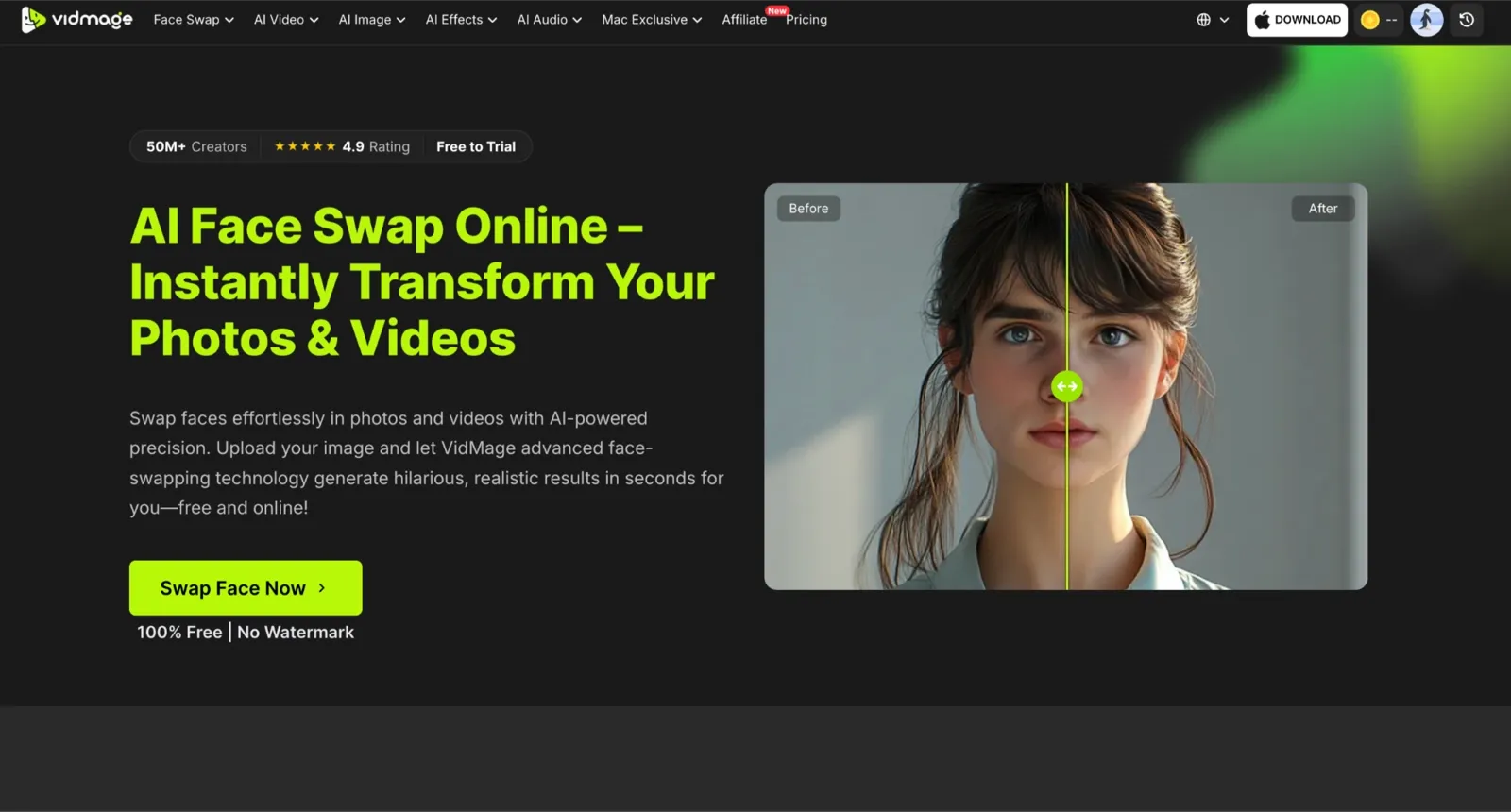
VidMage covers more ground than any other tool I tested for realistic face swaps. It handles photo face swap, video face swap, multi-face video swap, GIFs, and batch processing from a single workflow. What stood out most was the quality of the results. Facial expressions carried through naturally, skin blending stayed consistent, and the identity held up well even in four-person group photos where many tools start to break down.
The platform also includes a native Mac app that processes everything locally, so your photos and videos never need to leave your device. Despite covering so many formats, the experience stays straightforward enough for casual users while still producing results that look more natural than most alternatives I tested.
FaceSwapper.ai: Best Free with No Watermark, No Sign-Up
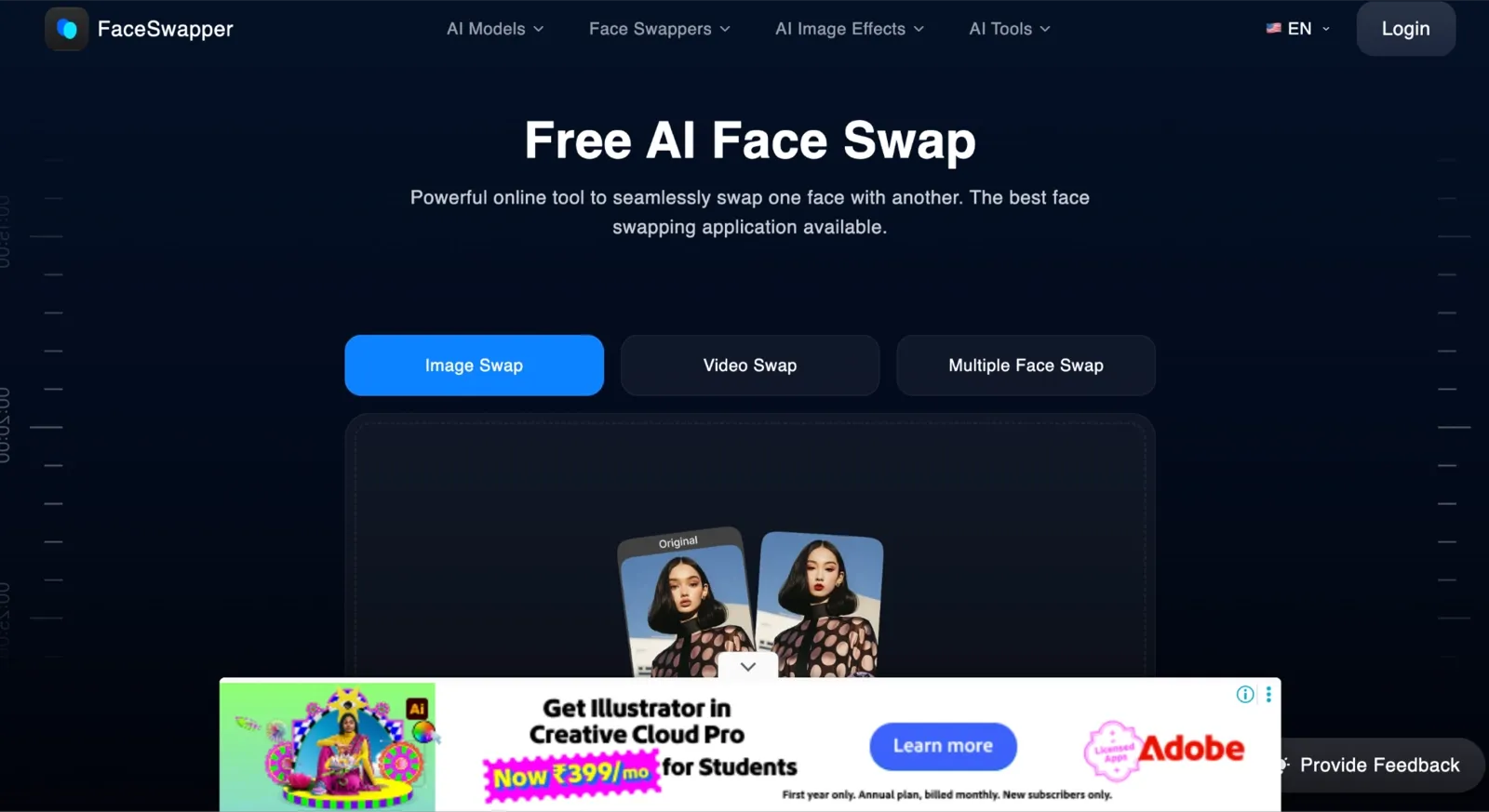
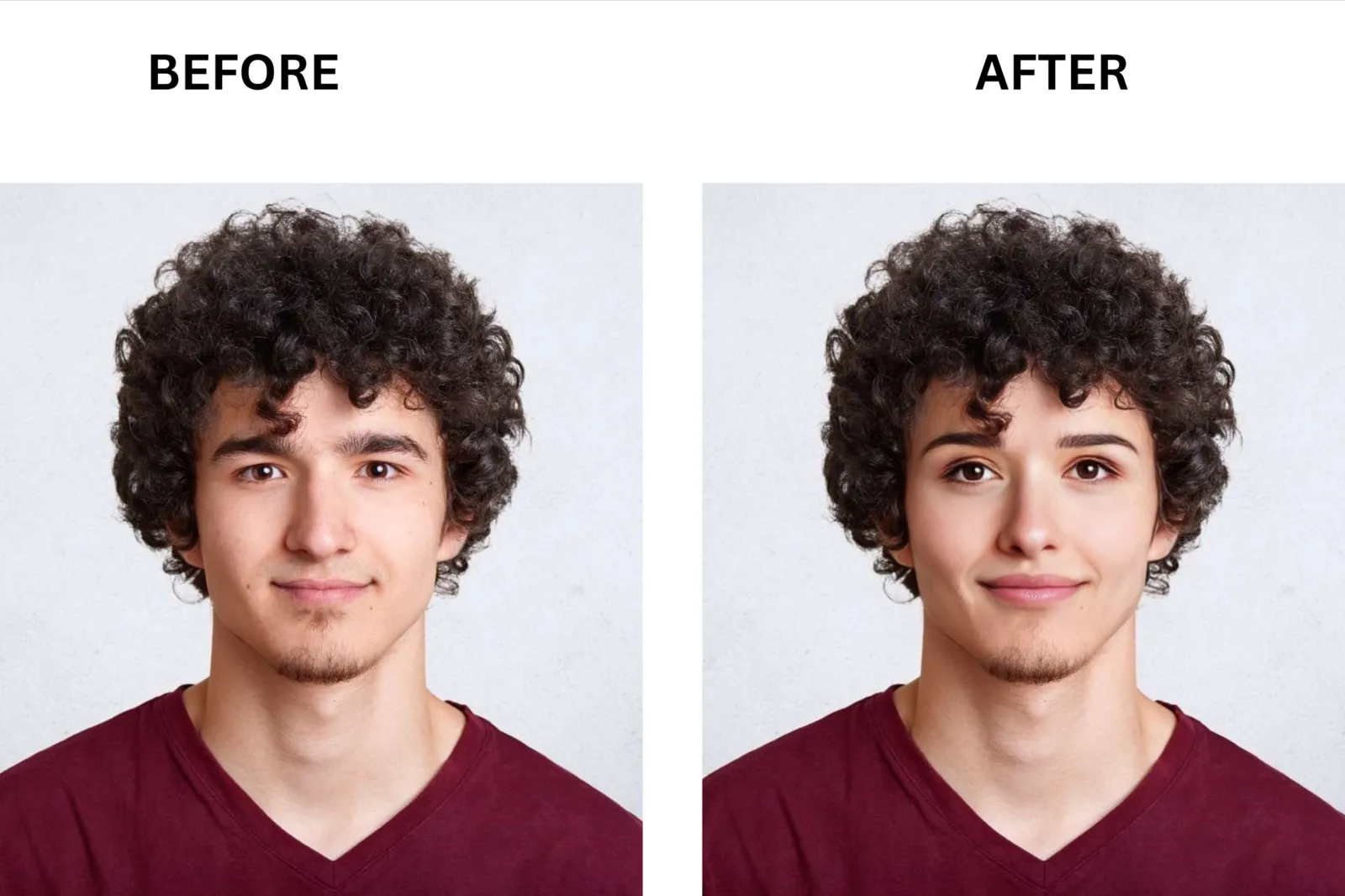
If your only goal is to try one swap without handing over an email, FaceSwapper.ai is worth knowing about. What makes this tool great is its commitment to zero friction: unlimited photo swaps, and no credits, sign-up, or watermark. It also supports video swap, multi-face swap, GIF swap, and batch processing on a single browser-based platform. Privacy is handled cleanly: files are not stored on their servers and are deleted immediately after your result is generated.
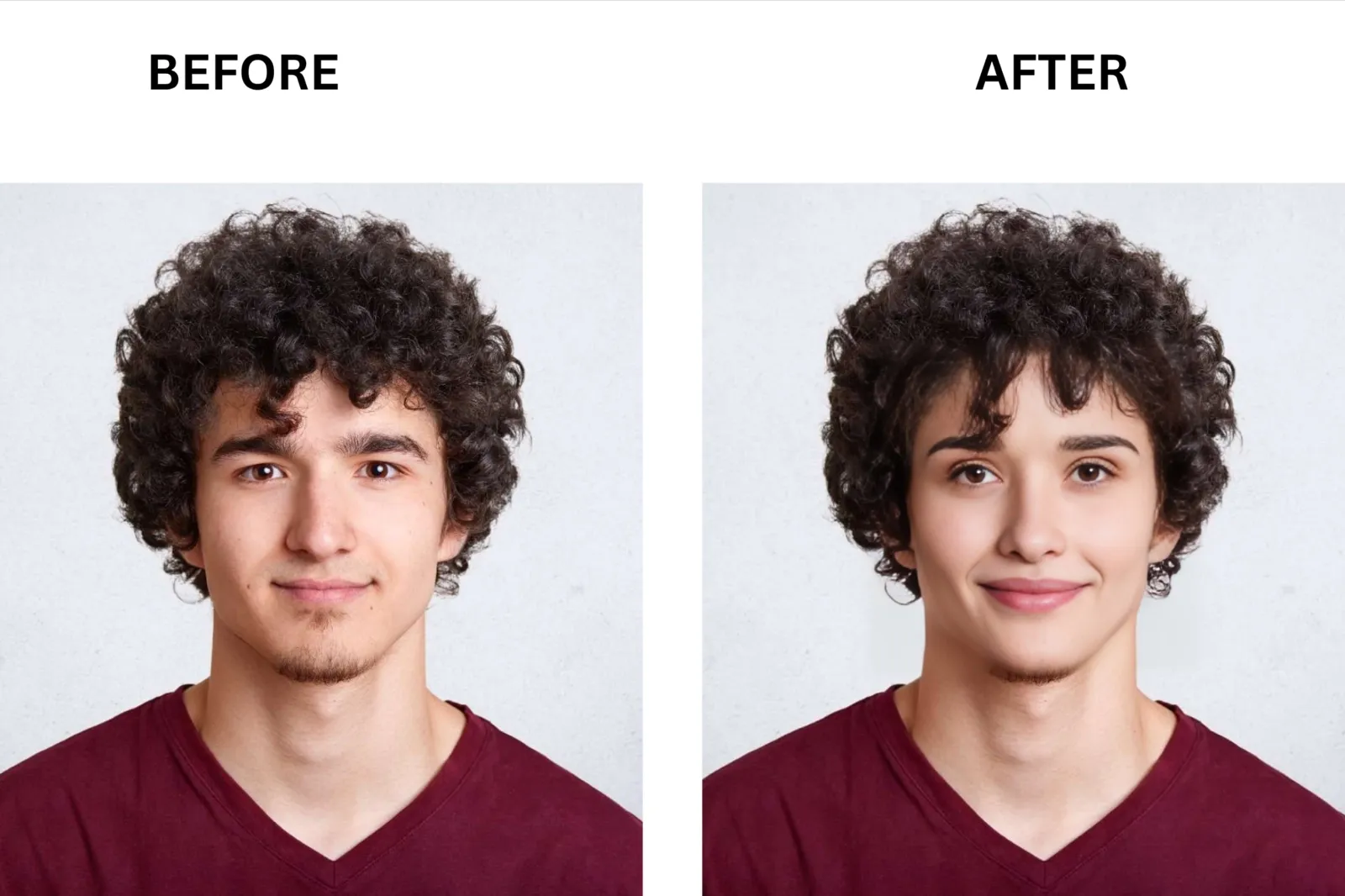
Pica AI: Best for Quick Photo and Video Swaps Online
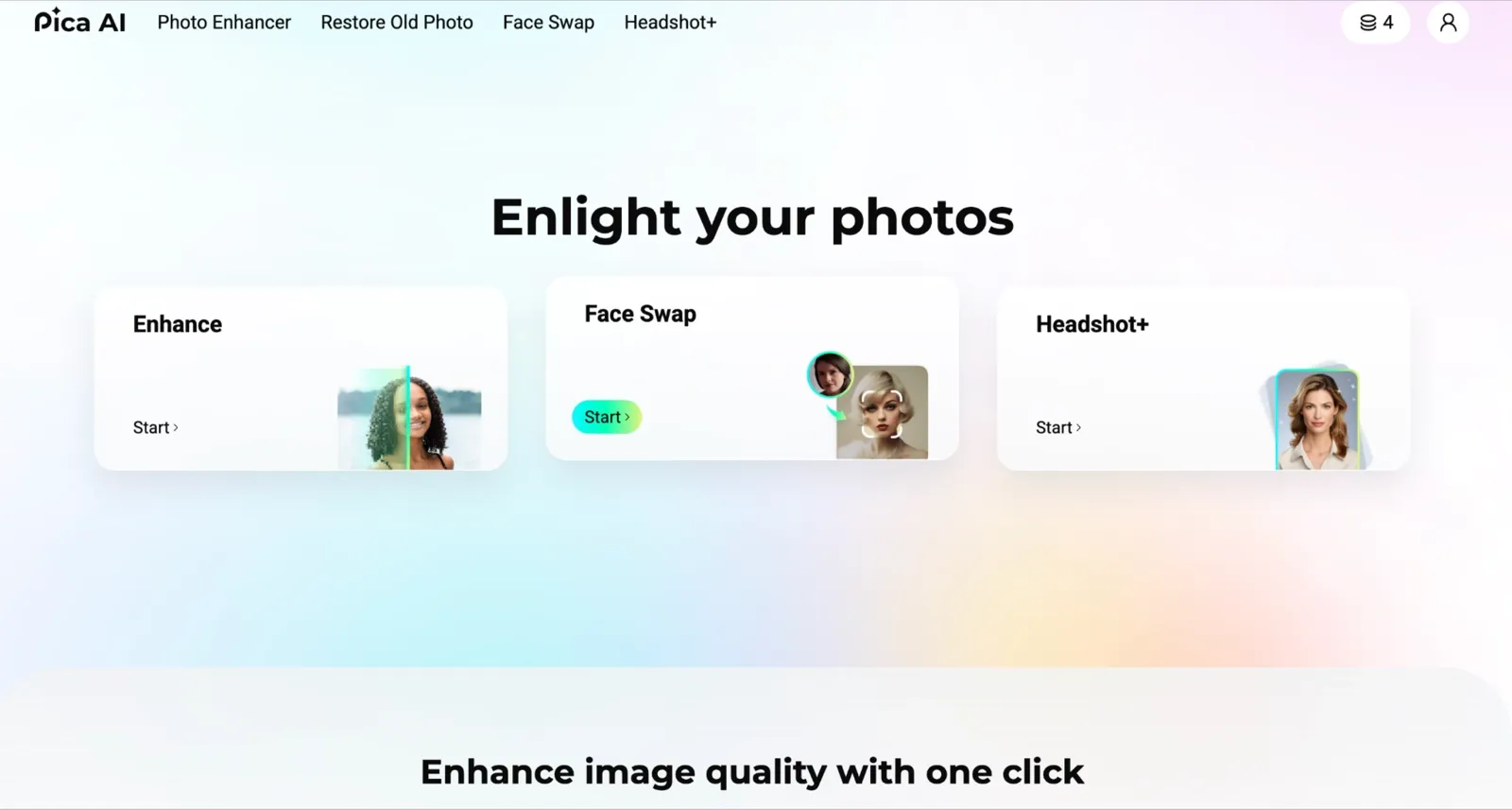
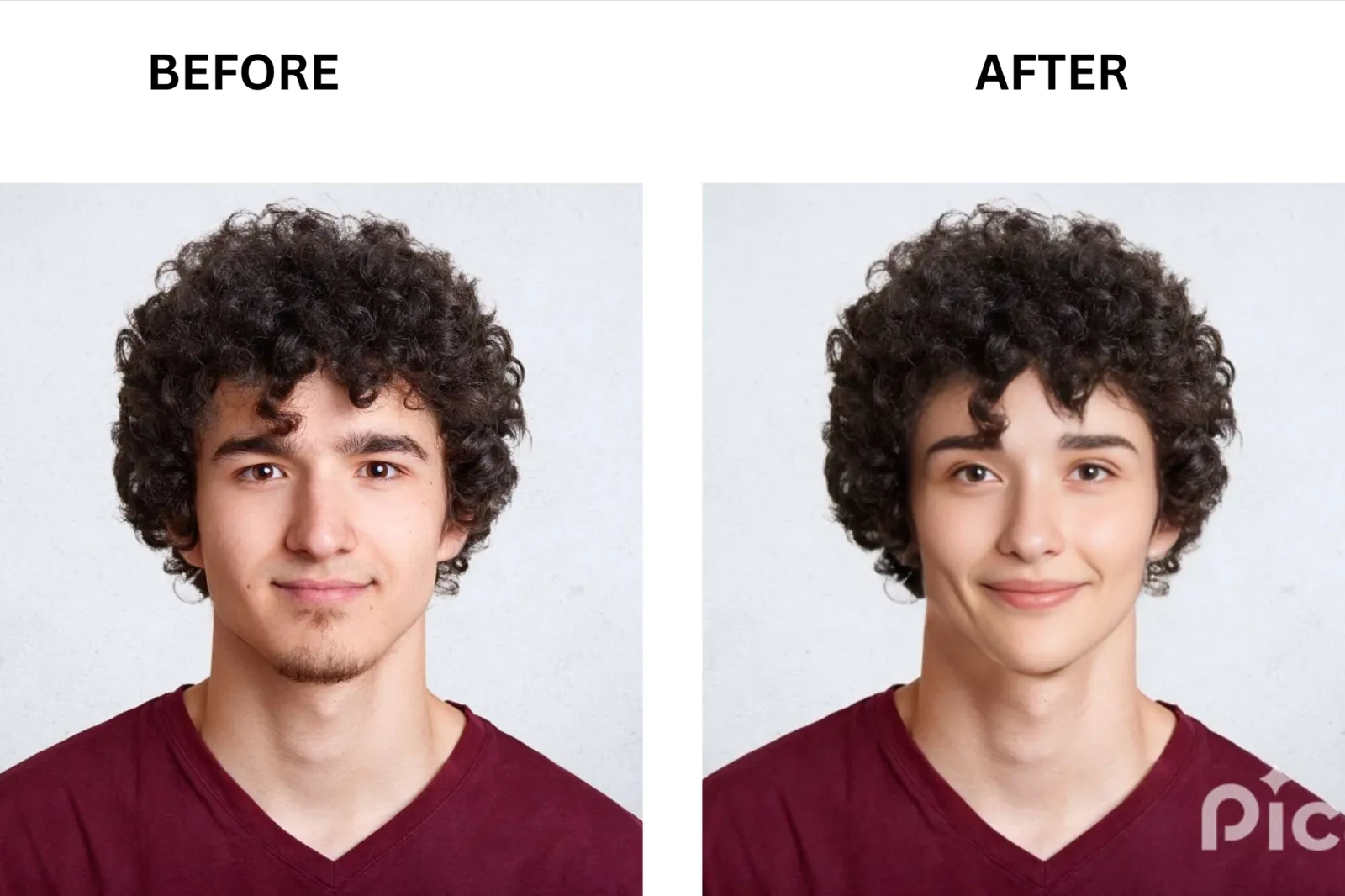
Pica AI keeps things simple. Upload your image or video, select the face, hit swap, and you'll get a result in seconds for photos or a few minutes for video. The key differentiator is that Pica AI handles multi-face swaps natively: you can upload multiple target faces and replace different people in the same image in a single pass. Expression preservation is solid for front-facing photos. It stumbles slightly on side profiles and fast motion video, but for standard portraits and short social clips, it is fast and consistent.
FaceMagic: Best for TikTok-Style Video Content from Templates
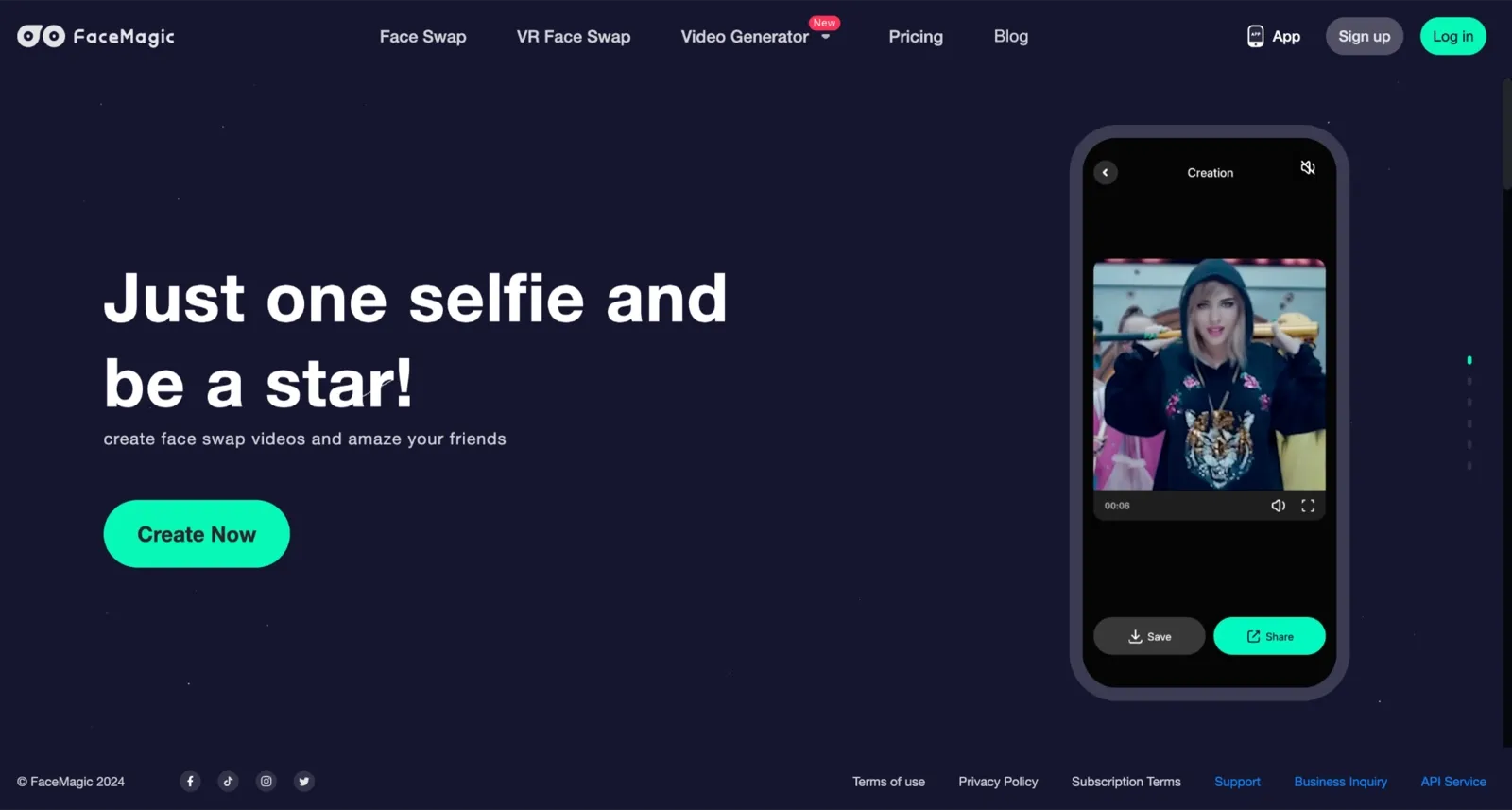
If you saw a TikTok trend at lunch and want to post your version by dinner, you do not need a desktop setup. FaceMagic solves this on your phone. What sets FaceMagic apart is its curated content library: categories of video clips, movie scenes, and GIFs you can swap into with one selfie. The AI face morphing handles movement well for short clips. Multiple face swaps let you and a friend appear together in the same scene.
Face Over: Best for Expression-Driven Swaps on Web and Mobile
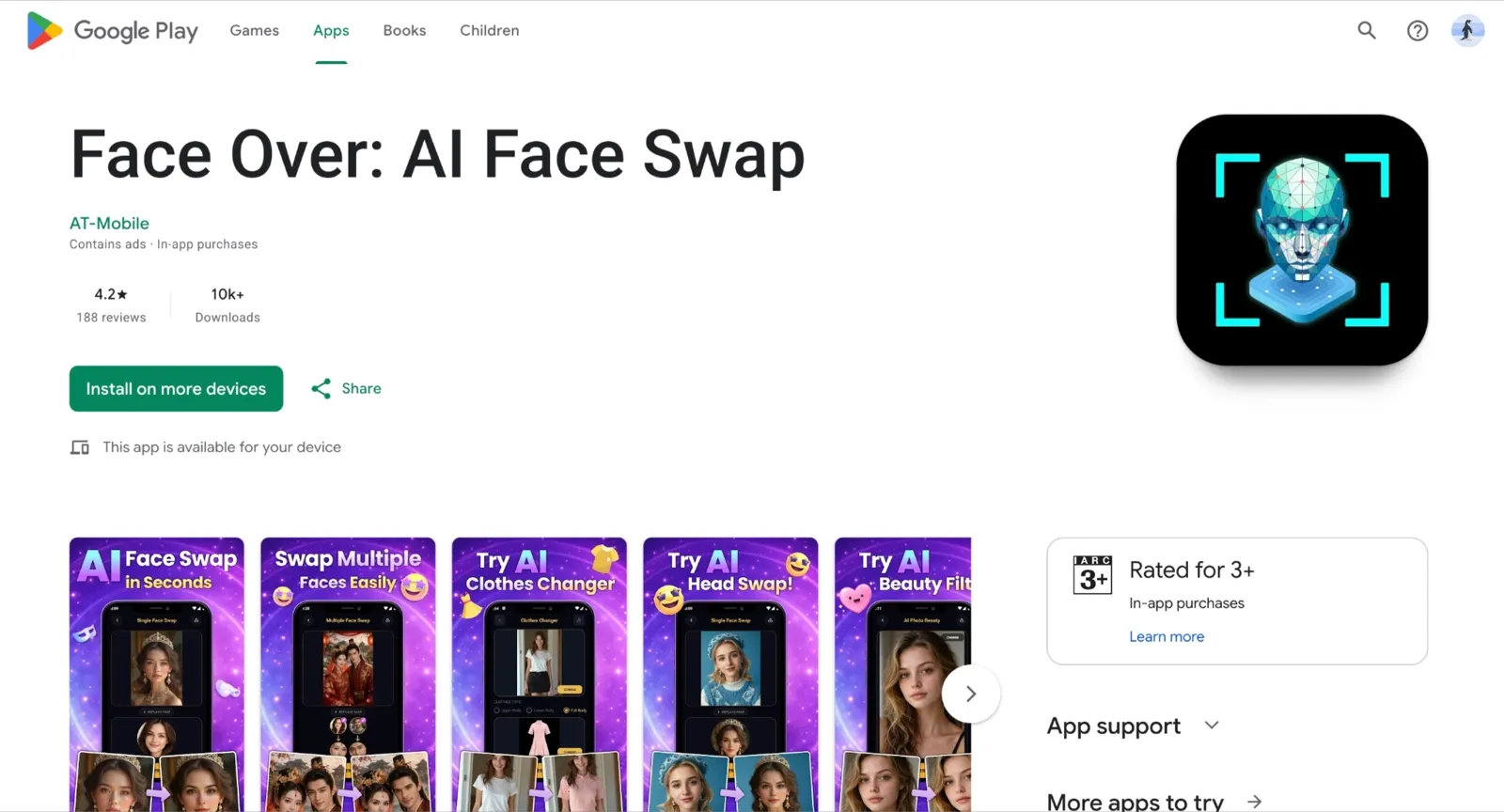
Face Over is available as a web tool and on iOS and Android. What makes this tool great for a specific use case is its dual focus on face swaps and expression changes in the same interface. You upload a source image, upload a face, and swap. You can also modify the expression independently, which is useful when your source and target expressions do not match.
Fotor: Best for Casual Editors Who Already Use a Photo Suite
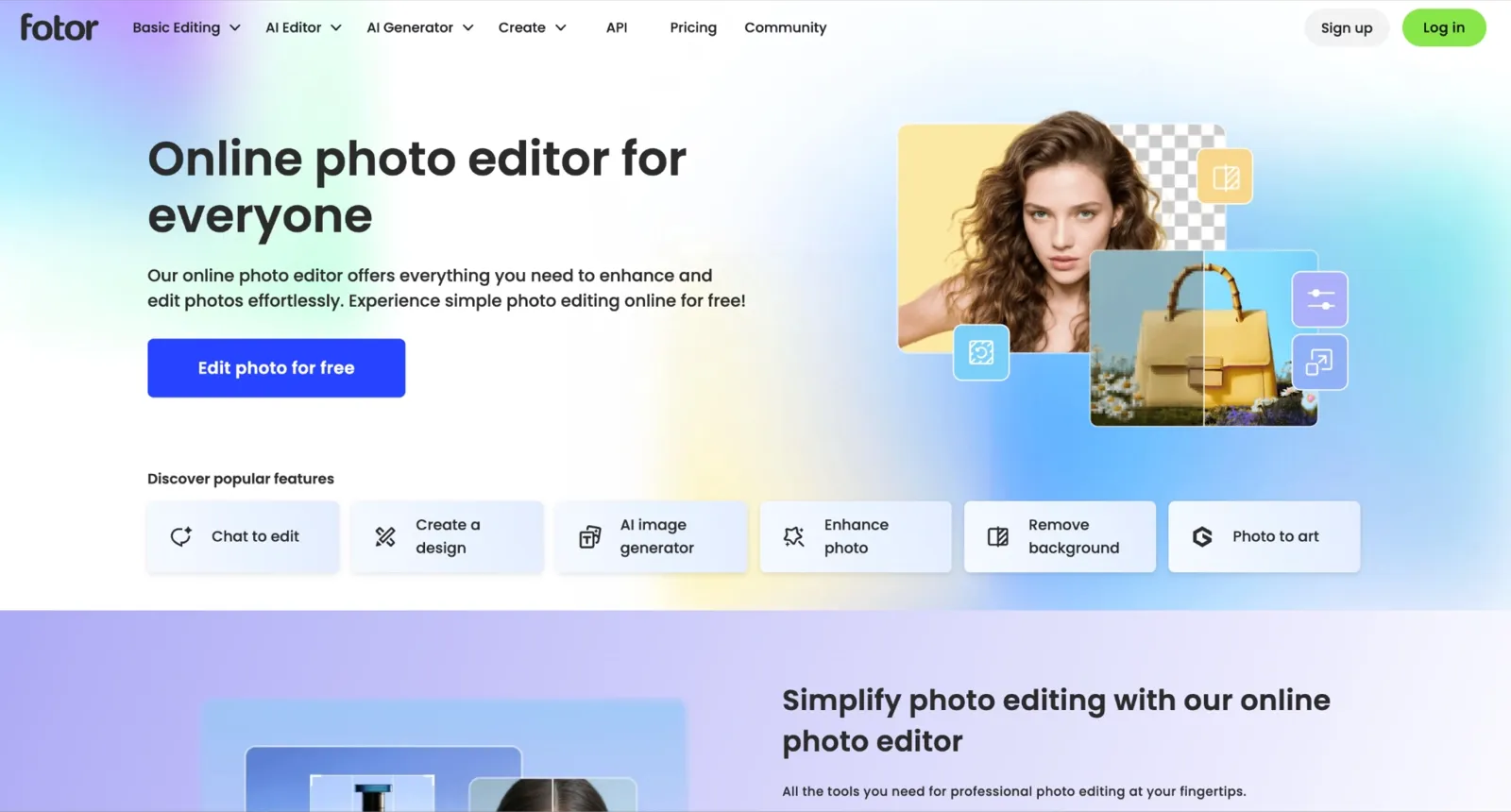
Fotor is a full photo editor first and a face-swapping tool second. What sets Fotor apart from pure face-swapping apps is its ecosystem: background remover, AI image generator, filters, batch editing, and face swap all live in one place. Face swap quality on clean portraits is good. It handles multiple faces in group photos and supports both body and face swaps. The free plan exports without watermarks for basic editing, but AI features, including face swap, operate on a credit or Pro basis.
Reface AI: Best for Meme Templates and Hairstyle Try-On
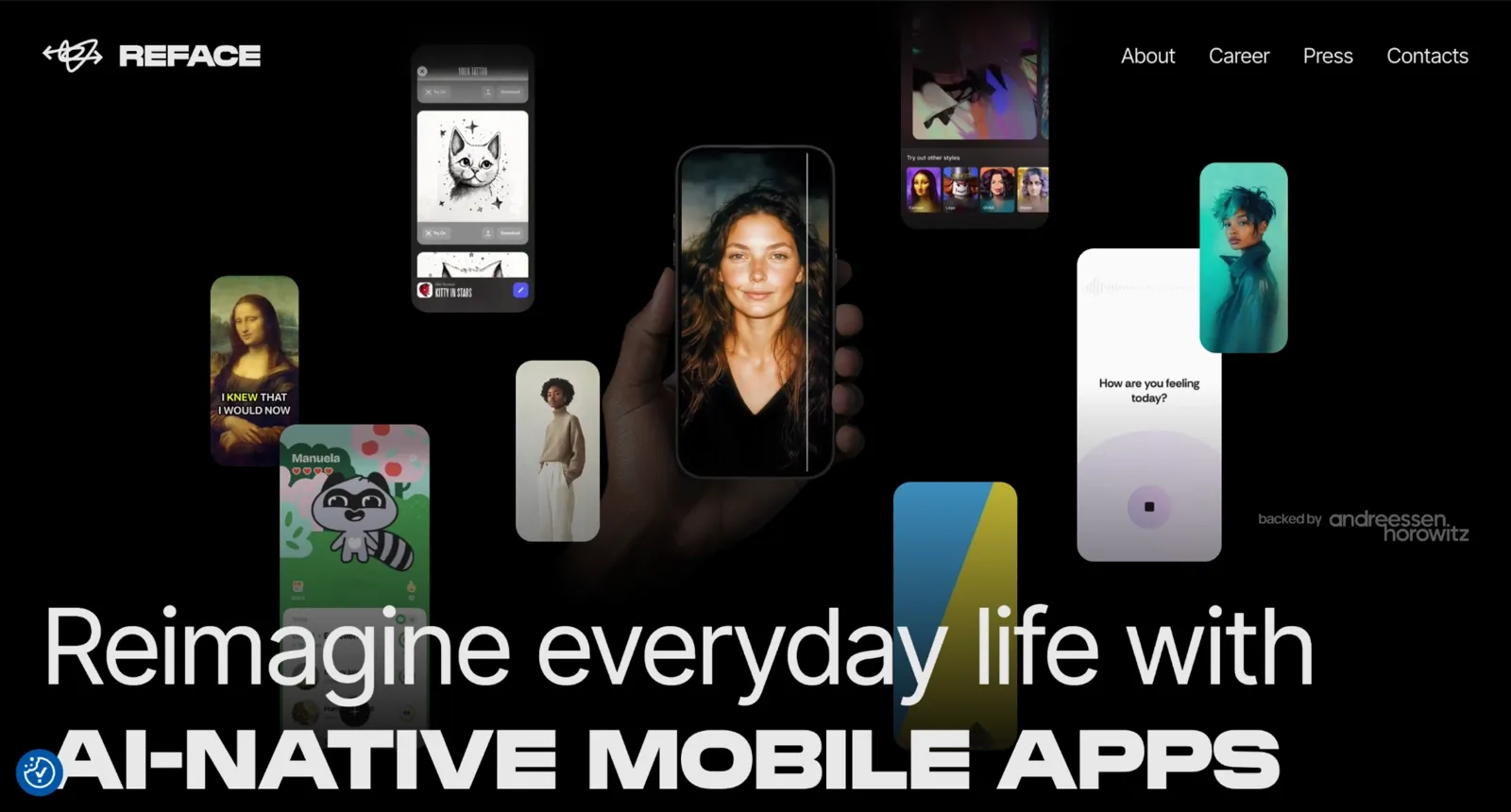
Reface earned its name on a very specific use case. You pick a clip from a library of trending scenes, drop in your selfie, and the app handles the rest. Some users open Reface less for meme videos and more for the hair preview. Try a bob, a fade, a copper rinse, then screenshot the one you like and bring it to your stylist. The facial mapping on templates runs quickly, and for most short clips, the result is share-ready.
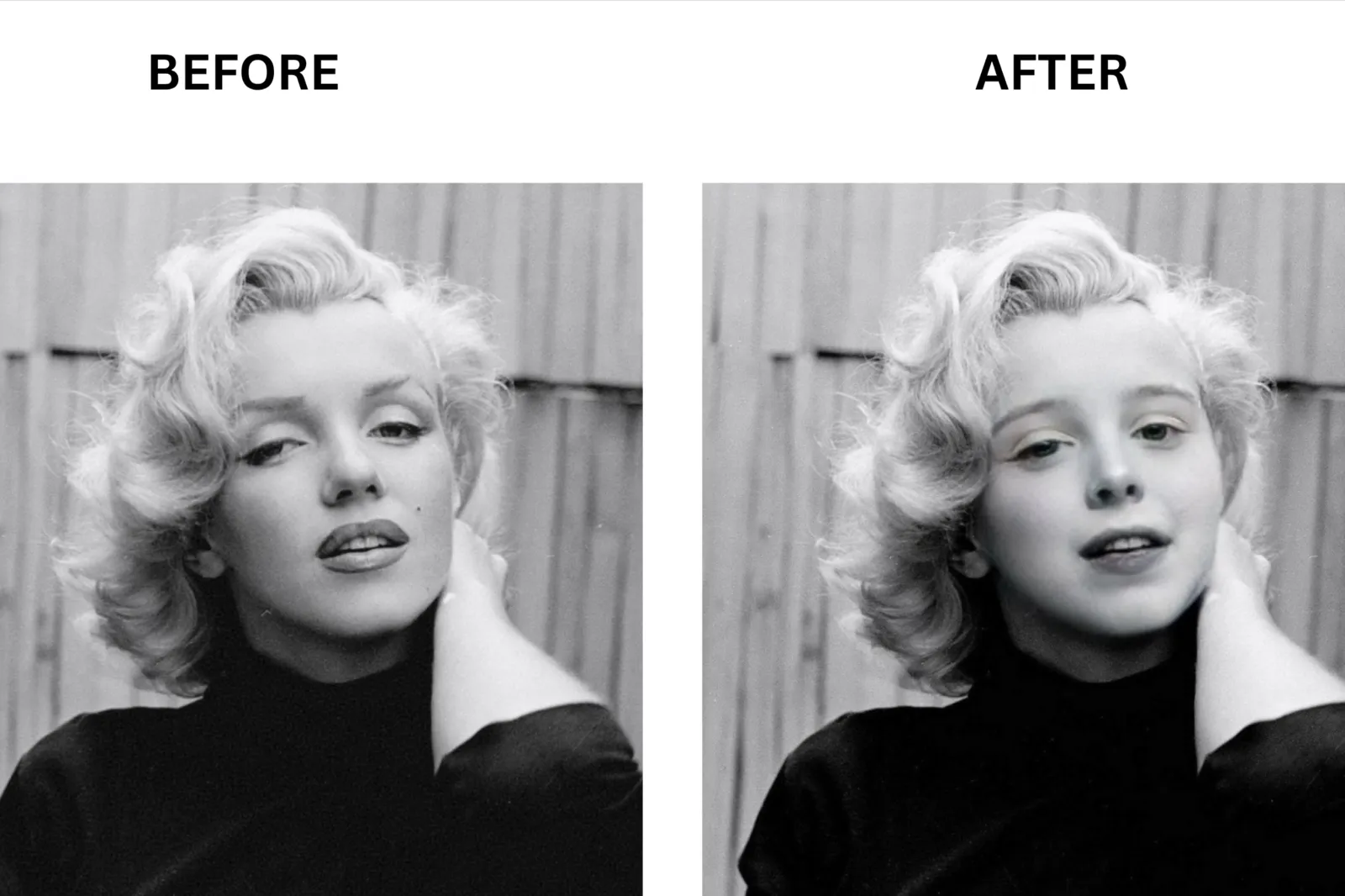
AKOOL: Best for Enterprise and Multi-Face Video Production

AKOOL is built differently from the other tools on this list. What sets AKOOL apart is its positioning: it is not a casual face swap app. The face swap quality is among the highest I tested. It handles challenging angles, fast movement, and group photos in video without the blending issues that show up in lighter tools. Output goes up to 4K on paid plans. Multi-face swap for group videos works without manual masking.
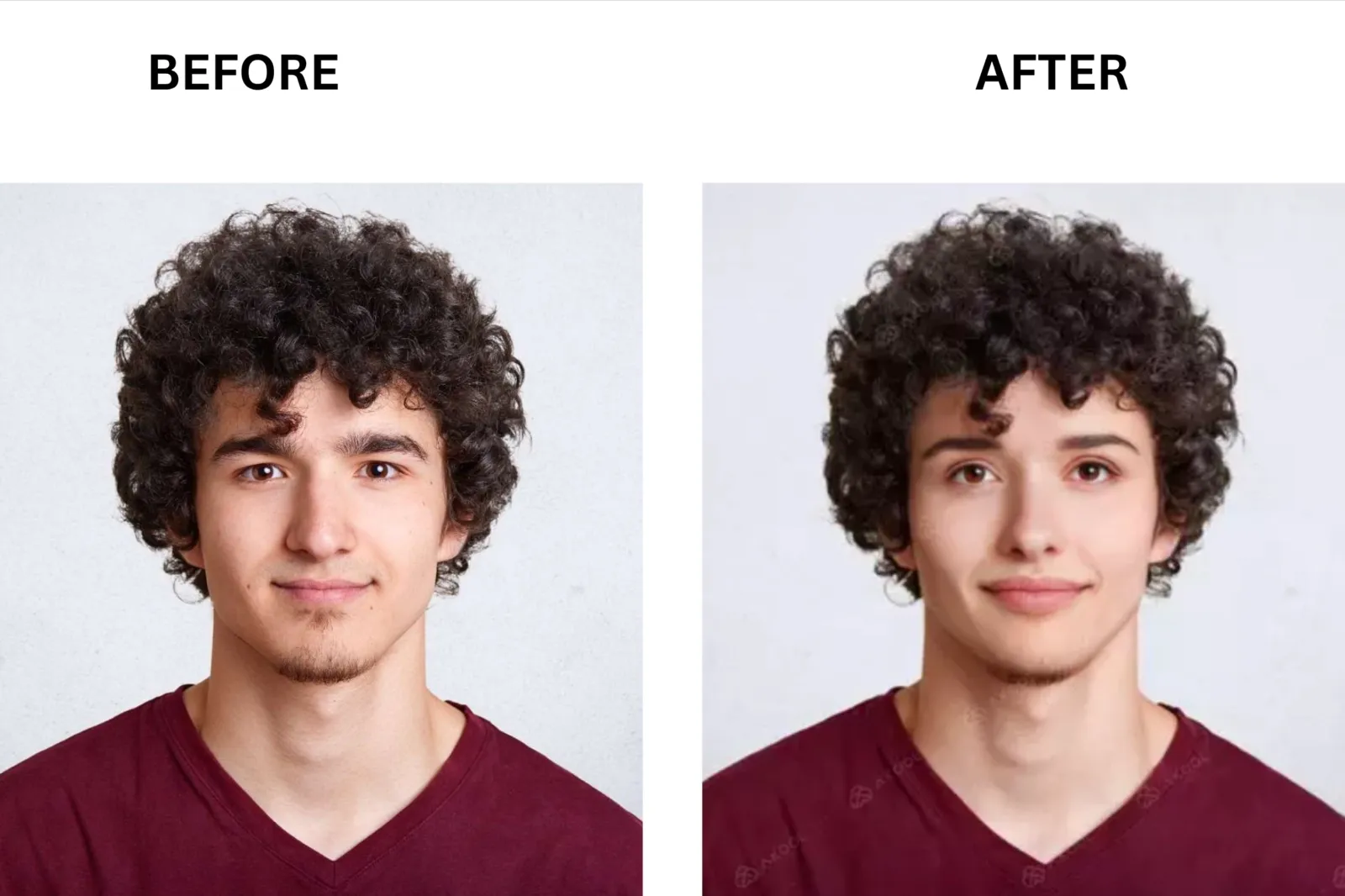
Snapchat: Best for Real-Time Live Face Swap with a Friend
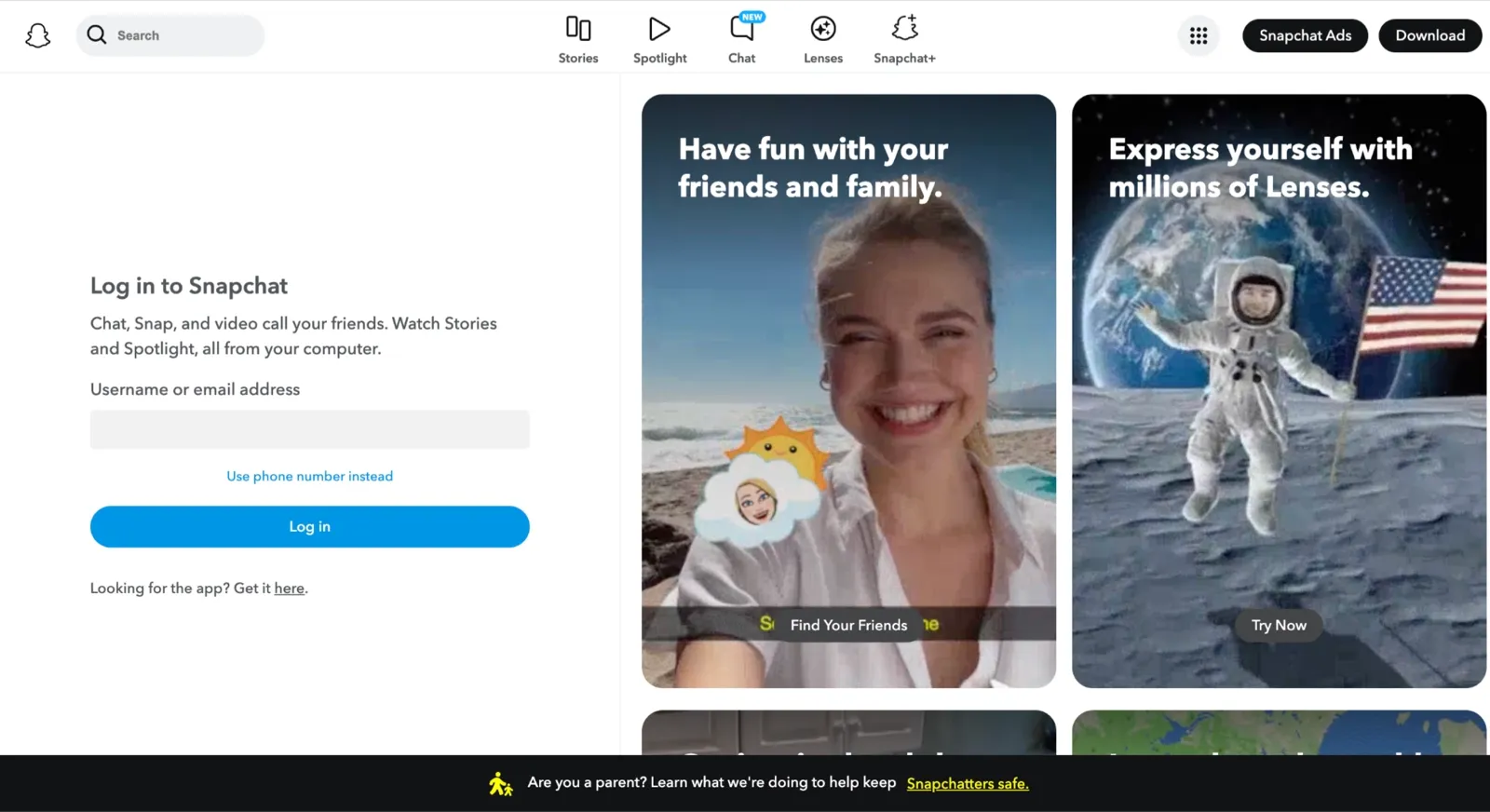
Real-time face swap is a different job than upload-and-wait. If you want to swap faces with a friend live at a party, Snapchat still owns this lane. The face swap lens works instantly: open the camera, point it at two faces, and the swap happens in real time with responsive tracking. The quality is an AR overlay, not a deep-learning swap, so it will not fool anyone in a still photo. What it delivers is immediate, entertaining, and completely free.
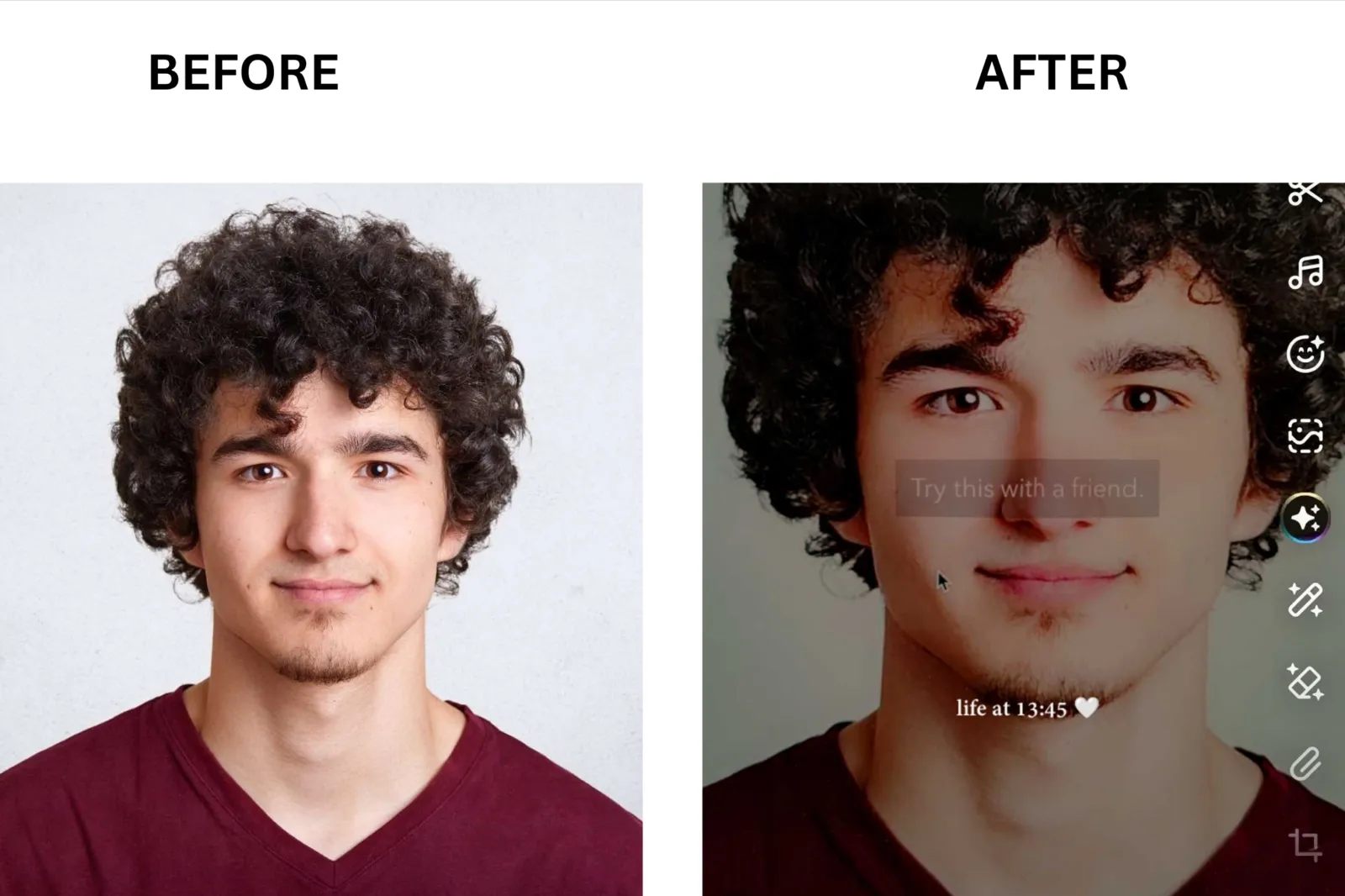
B612: Best All-in-One Selfie Camera with Built-In Face Swap
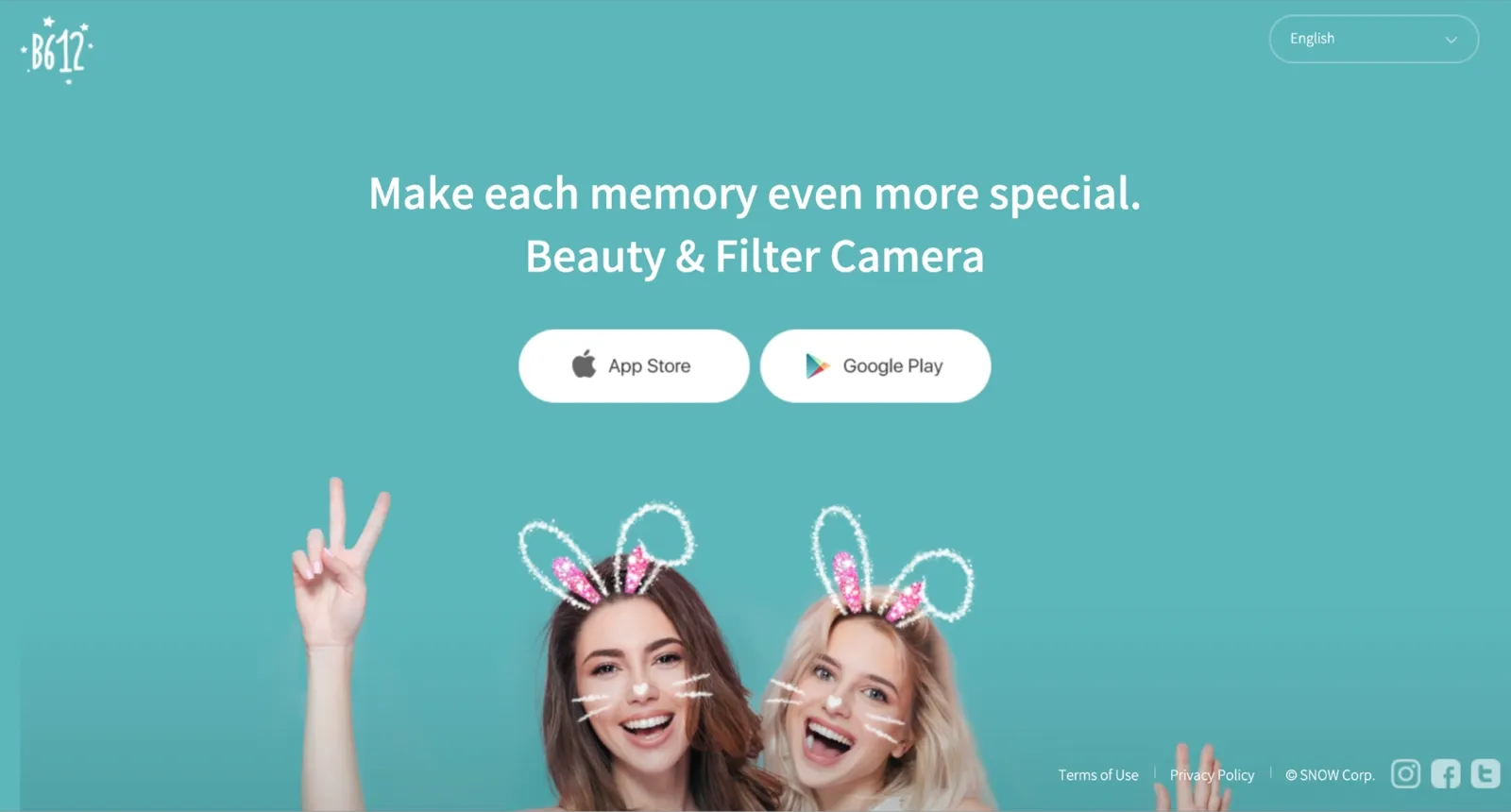
B612 is a camera app that happens to include face swap, not a face swap app that also has a camera. The face swap works in selfie mode and requires two faces in the frame, similar to Snapchat. The key differentiator is the beautification layer: B612 subtly smooths skin and adjusts lighting while the swap runs, keeping results polished for social posting.
Which Face Swap App Should You Pick?
Not every face swap app excels at the same task. I matched the top tools to specific use cases so you can choose faster.
Best overall: VidMage. If you need photo, video, GIF, multi-face, and Mac live swap under one free tier with no watermark, VidMage is where to start. It covers more use cases than any other tool on this list, and the free tier does not impose a credit cap or add a watermark to your output.
Best for video face swap: VidMage. If you saw a TikTok trend at lunch and want to post your version by dinner, you do not need a desktop deepfake setup. A tool with a clean video face swap workflow will get you 80% of the way there in under a minute. VidMage handles 1080p clips, multi-person scenes, and GIFs without forcing you to switch tools between formats.
Best for multi-face group photos: VidMage or AKOOL. If your photo has more than one face you want to swap, ask the question before you upload. Some apps swap one face at a time and force you to re-upload between rounds. That is fine for a meme, but a slog for a wedding group shot. VidMage handles multi-face video swapping in a single session.
Best free with no watermark or sign-up: FaceSwapper.ai. Most lists say a tool is free and bury the credit card three paragraphs in. The honest version: FaceSwapper.ai gives you unlimited photo swaps without account creation, watermark, or paywall after upload. The caveat is that video swap quality on complex scenes is weaker than that of paid tools. For photo-only swaps with zero friction, it is the cleanest free option tested.
Best for real-time live face swap: Snapchat or VidMage Mac Live Face Swap. Real-time face swap is a different job than upload-and-wait. If you want to swap faces with a friend live at a party, Snapchat still owns this lane. For a higher-quality live experience on desktop, VidMage Mac live face swap processes locally without uploads or lag.
Best for Mac power users: VidMage Mac. The Mac desktop app processes everything locally. Your images and videos never leave your machine. That matters when you repeatedly upload your own face across a batch of photos.
Best for hairstyle preview: Reface earned its name on this exact use case. You pick a clip from a library, drop in your selfie, and the app handles the rest. Some users open it less for the meme videos and more for the hair preview.
If You Are a Power User: DeepFaceLab, Visomaster, FaceFusion, ReActor
If you read forums and roll your eyes at every one-click app, you are probably already running ComfyUI. The tools above are built for browsers and mobile.
DeepFaceLab and Visomaster are desktop applications that require a dedicated GPU, local installation, and a real learning curve. FaceFusion is open source and runs on the command line. ReActor is a ComfyUI and Stable Diffusion node used by people who build custom generation pipelines. InstantID adds identity consistency across multiple output frames.
The setup is real, but so is the quality jump. These tools handle cases where one-click apps hit the uncanny valley ceiling: tricky hair occlusion, extreme side angles, expression transfer across long videos, and output resolutions that go well beyond what any web app offers.
If you are already in that world, none of the ten tools above will satisfy you. If you are not, starting there will cost you a weekend of setup before you generate a single result.
Tips for Better Face Swap Results
If your output looks plastic, the input is usually the problem. Here are six things I changed that made the biggest difference across all the tools I tested.
Use a clear front-facing source photo: Low-resolution or compressed selfies produce dead shark eyes and plastic-looking skin regardless of which tool you use. The AI has less information to work with and fills in the gaps badly.
Match the lighting between source and target: If your target image is lit from the left and your source photo is lit from the right, the swap will look off, even if the face shape is perfect. Shoot your source photo in similar lighting conditions.
Match head angle and expression: A smiling source face placed on a neutral target expression produces the uncanny valley result that most people complain about online. Neutral to neutral and smiling to smiling both work better than mixing.
**Avoid hair occlusion and extreme side angles: **When hair covers part of the face in the source photo, the AI has to guess at the edges. Extreme side profiles give the model less to work with. Use a clean, unobstructed front-facing photo as your source whenever possible.
**Re-shoot the source if the output still looks off: **If you have tried everything and the result still looks plastic or the eyes look dead, the source photo is almost certainly the problem. A fresh, well-lit selfie, specifically for the swap, will resolve most issues in a single attempt.
Best Face Swap App FAQ
Is there a truly free face swap app with no watermark and no sign-up?
Yes. FaceSwapper.ai offers unlimited photo swaps without watermark or account requirement. VidMage also provides 15 photo swaps and 20 seconds of video per day on the free tier without watermark. Both are among the most straightforward free options tested.
What is the best face swap app for video?
For video face swap quality and format flexibility, VidMage handles everything from short clips to multi-person scenes.
Can I face-swap multiple faces in one photo?
Yes. With VidMage, you can swap up to 4 faces in a single photo. Instead of replacing a single person and re-uploading the image repeatedly, VidMage lets you select multiple faces in a single image and process them together.
Is face swap legal?
Using face swap technology for personal entertainment, creative projects, and clearly labeled satire is generally legal. Creating and distributing non-consensual deepfake content of real people, using swapped faces to commit fraud, or producing explicit content with another person's likeness without consent is illegal in many jurisdictions. Always get consent before creating content featuring other people's faces.
How does Reface billing actually work?
The Reface app is free to download but heavily restricted without a paid plan. The weekly plan is a well-documented subscription scam among users: charges of $2.49 to $3.99 per week can add up to $150 to $200 annually and are difficult to cancel if not managed through your App Store or Google Play subscription settings.
What is the most realistic face swap app?
In photorealism testing, VidMage and AKOOL consistently produced the best expression transfer and skin texture blending. AKOOL edges ahead on complex video scenes with fast movement. For casual portrait swaps, both VidMage and FaceSwapper.ai deliver results that hold up to close-up scrutiny.
What is the best face swap app for TikTok?
FaceMagic is purpose-built for this. You pick a template from a library of trending clips, drop in your selfie, and you have a share-ready video in under a minute. If you saw a TikTok trend at lunch and want to post your version by dinner, FaceMagic gets you there without a desktop setup.
What is the best face swap app for Mac?
VidMage has a dedicated Mac desktop app that processes everything locally, meaning your images and videos never leave your machine. It supports photo, video, and live face swap natively on Apple Silicon.
The Bottom Line: Our Top Pick
For most people, VidMage is the strongest choice for realistic photo and video face swaps in 2026. It supports more formats than any other tool I tested, delivers natural-looking results across both single and multi-person swaps, and offers a genuinely free tier with no watermark. Mac users also get a local processing option that few competitors can match.
That said, different people need different things. FaceSwapper.ai is the right choice if you want unlimited free photo swaps with no account required. AKOOL is better suited for enterprise-scale video production. Reface works well for hairstyle previews and trending template content, while Snapchat and B612 remain the strongest options for real-time face swapping with friends.
Start with what matches your actual use case. And use a good source photo.