
![Best Face Swap AI Tools for Photos, Videos, and GIFs [2026]](/_next/image?url=%2Fblog-images%2Fmedium-best-face-swap-ai-2026-965e3699b4.webp&w=1920&q=75)

You saw a face swap on TikTok last night, and it looked real. Now you want to make one. That moment is exactly what this face swap list is built for.
Face swap AI in 2026 has moved fast. The gap between a good result and a bad one is no longer the technology but the tool you pick. If you choose the best face swap AI tool, you will get a clean, watermark-free face swap in under 60 seconds. If you choose the wrong one, then you spend an hour fixing a blurry, misaligned face that looks nothing like the source photo.
Swap quality, facial expression accuracy, side-profile handling, render speed, credit limits, and data privacy are the factors that separate a useful face-swap AI tool from a frustrating one. I ran each of the 10 tools below through the same tests to find out which one actually holds up.
Our Top Pick at a Glance
I tested each face swap AI tool across 50 source photos and 12 video clips over 3 weeks, and VidMage comes as the best overall face swap tool for 2026.
If you need a quick photo swap without login or a watermark, VidMage handles it within 10 seconds on the free tier. If you are cutting a birthday video where your brother’s face needs to hold up through an entire scene, the video face swap can track frame by frame.
Quick picks by use case:
Best for Video: VidMage (frame-by-frame accuracy, 4K output)
Best Free (no watermark, no sign-up): PixNova AI
Best for Mac and Privacy: VidMage Mac App (local processing)
Best for Power Users: Roop Unleashed (open-source, unlimited, full control)
How We Tested 10 Face Swap AI Tools
I tested 10 face swap AI tools over 3 weeks using the same 50 source photos and 12 video clips on a MacBook Pro M2 and a Windows desktop. Every tool processed the same inputs, including close-up portraits, side profiles, group photos, talking-head videos, fast-motion clips, and low-light footage. This way, it becomes easier for me to compare results under identical conditions.
Here are the 6 criteria on which I tested the face swap tools
**Realism and identity preservation: **A face swap should still look like the original person. I checked whether facial features, skin tone, age, and overall identity remained consistent after the swap. Tools lost points when faces looked overly smooth, distorted, or drifted toward a generic AI-generated appearance.
**Render speed: **I measured the time from upload to final export on a standard broadband connection. Speed matters when creating multiple versions or working with longer video clips. A great result is less useful if you have to wait several minutes for every render.
**Free-tier limits: **Many tools advertise themselves as free until you hit a watermark, credit cap, export restriction, or resolution limit. I tested what users can realistically create before needing a paid plan and noted where major limitations appeared.
**Coverage across formats: **Some tools only swap faces in photos, while others support videos, GIFs, batch processing, and multiple output formats. I tested every available format to see how versatile each platform was for real-world use.
**Side-profile and multi-face handling: **Front-facing selfies are the easiest case. I included three-quarter angles, full side profiles, group photos, and videos with head turns to see whether the tools could maintain facial alignment and correctly assign the face to each person throughout the clip.
**Privacy and data retention: **Face-swapping requires uploading personal photos, so privacy is a concern. I reviewed each vendor’s data retention and deletion policies, account requirements, and storage practices to understand how long uploaded content remains on company servers.
How to Choose a Face Swap AI Tool?
Most tools look the same in demo videos. They fall apart on your actual footage. Here is what to check before you commit.
**Swap quality and identity preservation: **A good swap keeps your source person looking like themselves. Eyes, jawline, and skin tone should transfer cleanly, not blur into an average face. Identity preservation breaks first on low-resolution sources and on complex scenes with shadows or motion blur. Run your actual source photo through the free tier before you judge any tool.
**Performance in complex scenes: **Flat, front-facing studio shots are easy for every tool here. The harder test is a busy scene: a moving subject, a group setting, or mixed lighting across frames. If a tool cannot maintain expression and lighting consistency over a 15-second clip, frame-by-frame output quality will drift visibly.
Side-profile and angled shots: Front-facing selfies are easy. The real test is a three-quarter angle or a side profile. Most tools warp the head or flip the orientation halfway through a clip when the angle exceeds 30 degrees. If your source photo isn't straight-on, test that shot before you upgrade.
**Multi-face handling: **Swapping one face in a clean photo is simple. Swapping three faces in a group shot, each with the correct source identity, is where tools separate. Good multi-face tools let you assign a separate source photo per person. Weak ones share a single reference across all detected faces and blend identities.
**Speed and free-tier limits: **Photo swaps under 10 seconds are the baseline. Anything longer is friction. On the free tier, check two things: credit count per day and the watermark policy. A 5-credit daily cap runs out in minutes. A watermark on every export makes the free tier useless for anything you plan to share.
Data privacy and retention: Every upload is a privacy decision. Check how long the tool keeps your files on its servers. Some are deleted within 2 hours. Others hold uploads for 48 hours or longer. If you are swapping a friend’s or colleague’s face, you are responsible for where that photo goes. Local-processing tools keep everything on your machine and skip the server entirely.
Comparison Table: Free Tier, Watermark, Speed, and Privacy
I compared the free plans, watermark policies, feature coverage, and privacy practices to see which face swap tools offer the best overall value.
| Tool | Free Tier | Watermark (Free) | Photo | Video | Multi-Face | Side-Profile Handling | Data Retention |
|---|---|---|---|---|---|---|---|
| VidMage | 15 photos, 1 video (20s), 2 GIFs daily | No | Yes | Yes | Yes | Pass | 2 hours (web); Local on Mac |
| Pixlr | No free credits | No | Yes | Yes (newer) | Yes | Partial | Delete after 30 days |
| RemixAI | Unlimited photo swaps | No | Yes | Paid plans | Per-face run | Partial | Deleted after use |
| Remaker AI | Free credits on sign-up | No | Yes | Paid feature | Yes | Partial | Delete image after 1 day |
| Roop Unleashed | 10 credits/month (100 frames), 512px | No | Yes | Yes (paid) | Yes | Pass | Cloud storage for 30 days |
| Akool | Free Basic plan (720p) | Yes (Basic) | Yes | Yes | Yes | Pass | Delete data within 90 days |
| PixNova AI | Free image tools; credits for video | Varies | Yes | Credits needed | Yes | Partial | Not stated |
| Magic Hour | 400 credits/month, 576px | No | Yes | Yes | Yes | Pass | Delete data after 1 day |
| Swapface | Free desktop app download | Varies by plan | Yes | Yes (real-time) | No | Partial | Local desktop processing |
| Pica AI | 4 credits/day | No | Yes | Yes | Up to 3 faces | Partial | 24 hours |
The 10 Best Face Swap AI Tools, Reviewed
Below is a detailed list of the best face-swap AI tools. I tested for 3 weeks and came up with key features, pros, cons, pricing, and how you can use them:
VidMage: Realistic Face Swap & Multi-Face Performance
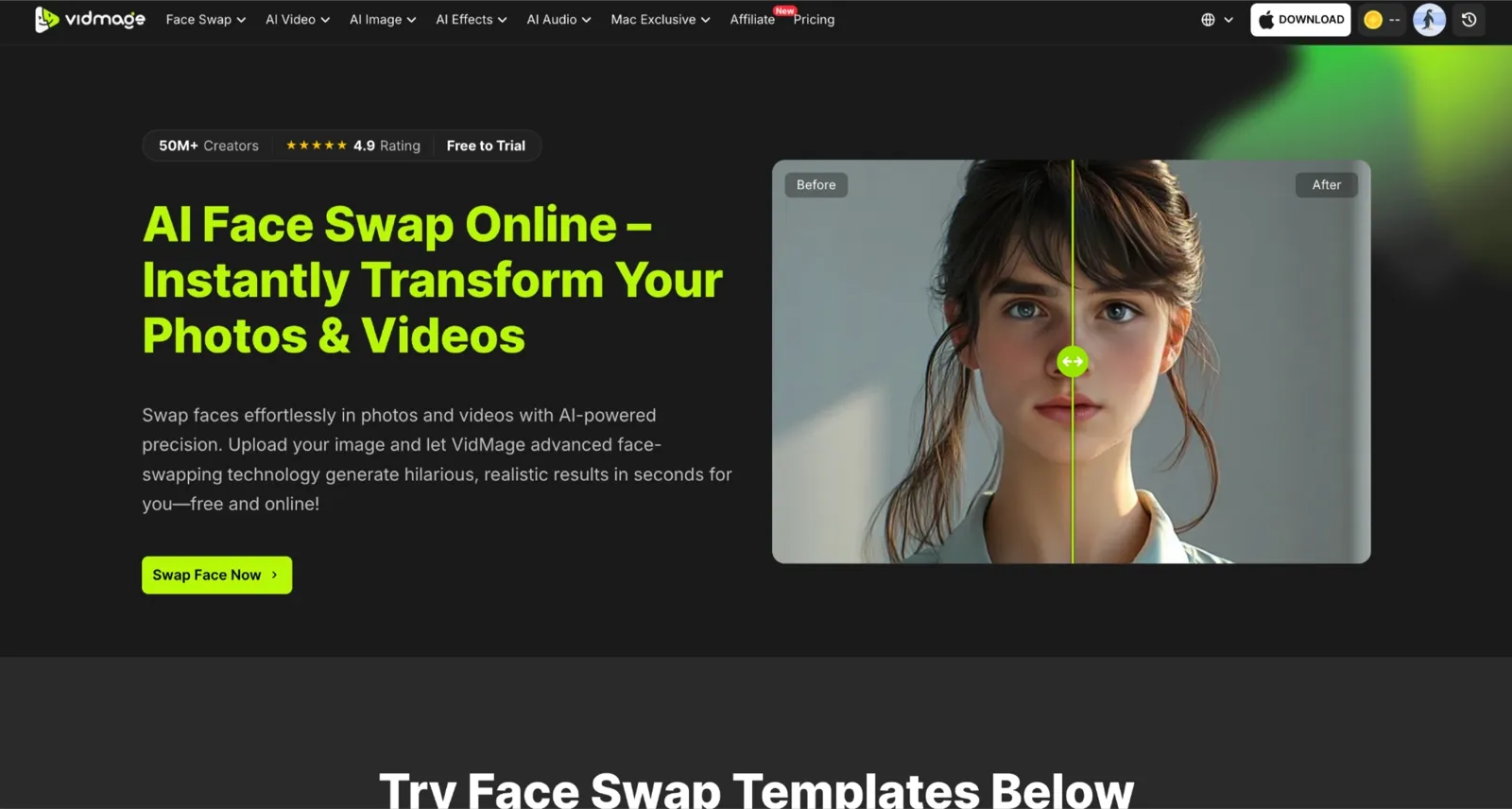
During testing, VidMage consistently delivered strong results for face swap video, especially in scenarios where facial motion and angle variation typically reduce quality. The tool maintained accurate expression mapping across frames, meaning smiles, eye movement, and subtle facial changes were preserved instead of being flattened or distorted.
It also performed well in multi face swap video scenarios, where multiple identities need to be tracked simultaneously. In group scenes, identity switching remained stable, and facial alignment stayed consistent even when subjects moved or partially turned away from the camera. This is particularly useful for social clips or group-based edits where other tools often introduce drift.
For GIF face swap use cases, VidMage preserved motion continuity without breaking facial structure between frames. The output remained stable even in shorter looping animations, which helps avoid the “warping” effect common in lighter tools.
Pixlr: Best for Photo Editing Workflows
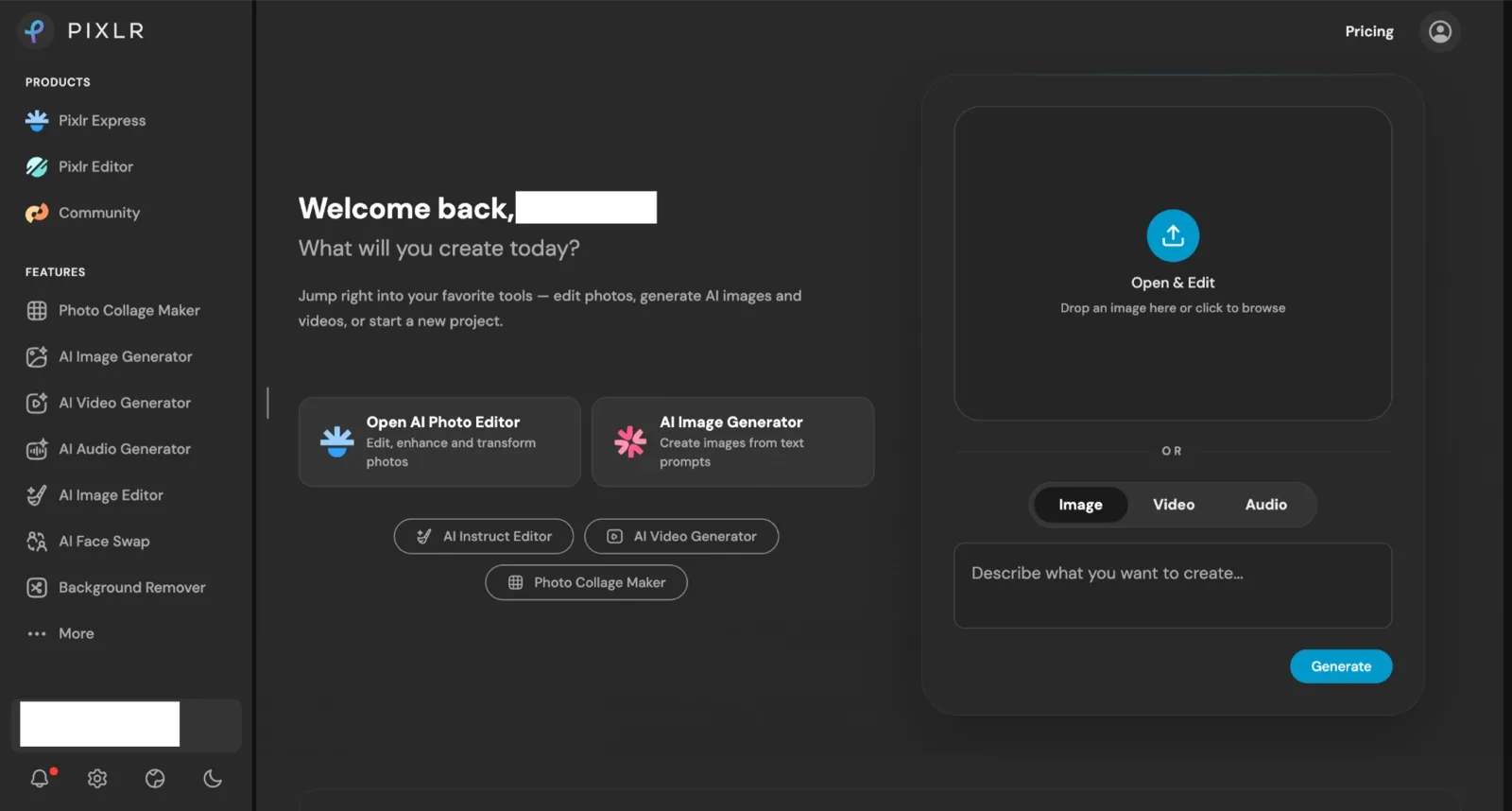
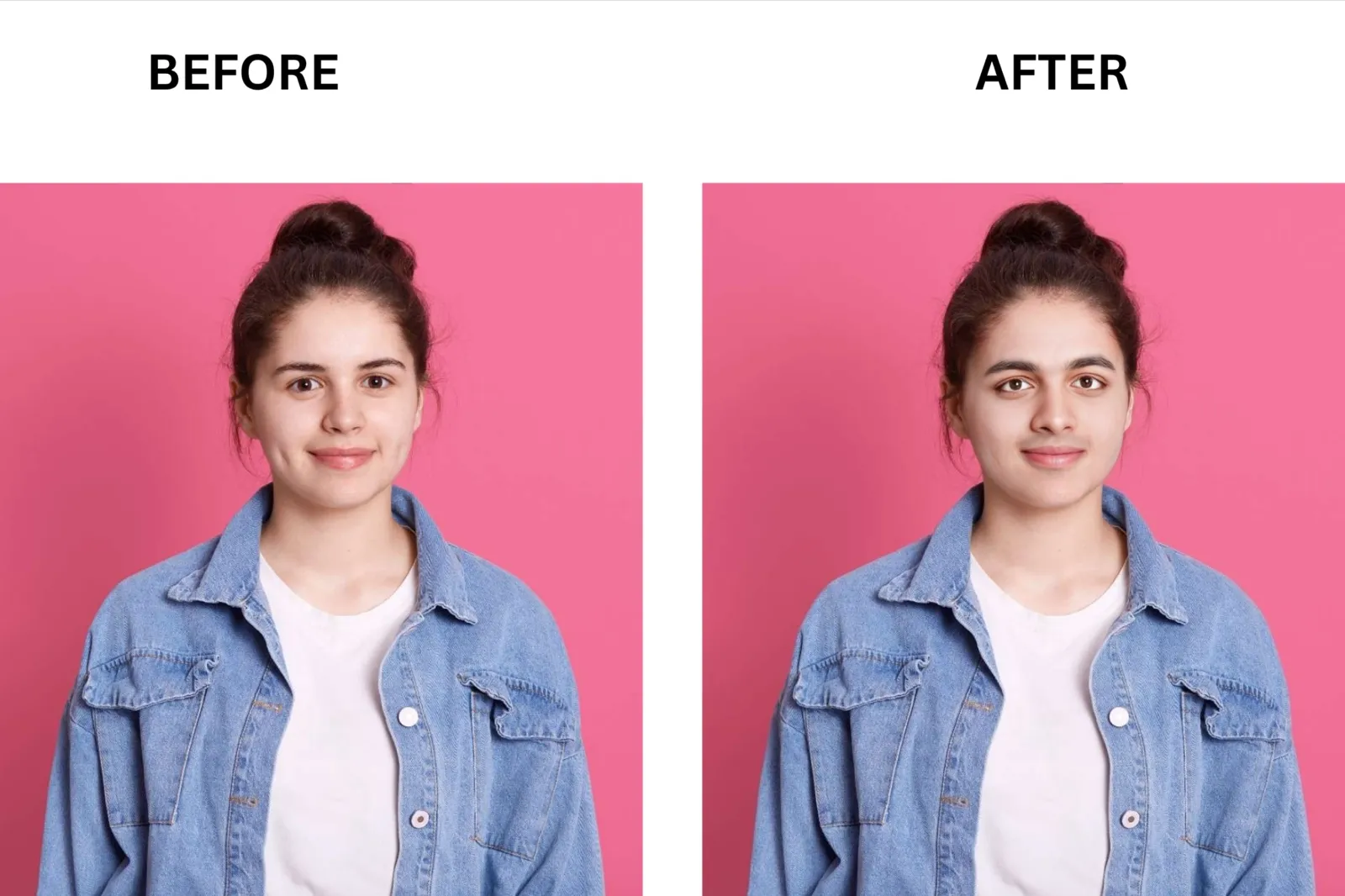
Pixlr treats face swapping as a feature within a full photo editor, not a standalone tool. Swap quality is good on front-facing, well-lit photos and completes in seconds without a sign-up. It handles side-profile and angled shots less accurately than dedicated tools, with visible edge misalignment on challenging angles. What makes Pixlr great for designers is what happens after the swap: a full editing suite with generative fill, manual masking, color curves, and up to 4x AI upscaling.
RemixAI: Best for Watermark-Free Photo Swaps at No Cost

RemixAI’s image face swap is completely free, with no credit limit or watermark, and requires no account to start. Swap quality on front-facing, well-lit photos is clean, with skin tone and lighting blending reasonably well. Facial expression accuracy is average, and side-profile shots show more edge inconsistency than the top picks. It takes 2 minutes in total to swap faces, and its video swap and multi-face options are available under separate tabs. What makes RemixAI stand out for casual users is simple: fully free photo swaps, watermark-free, in your browser, with no login.
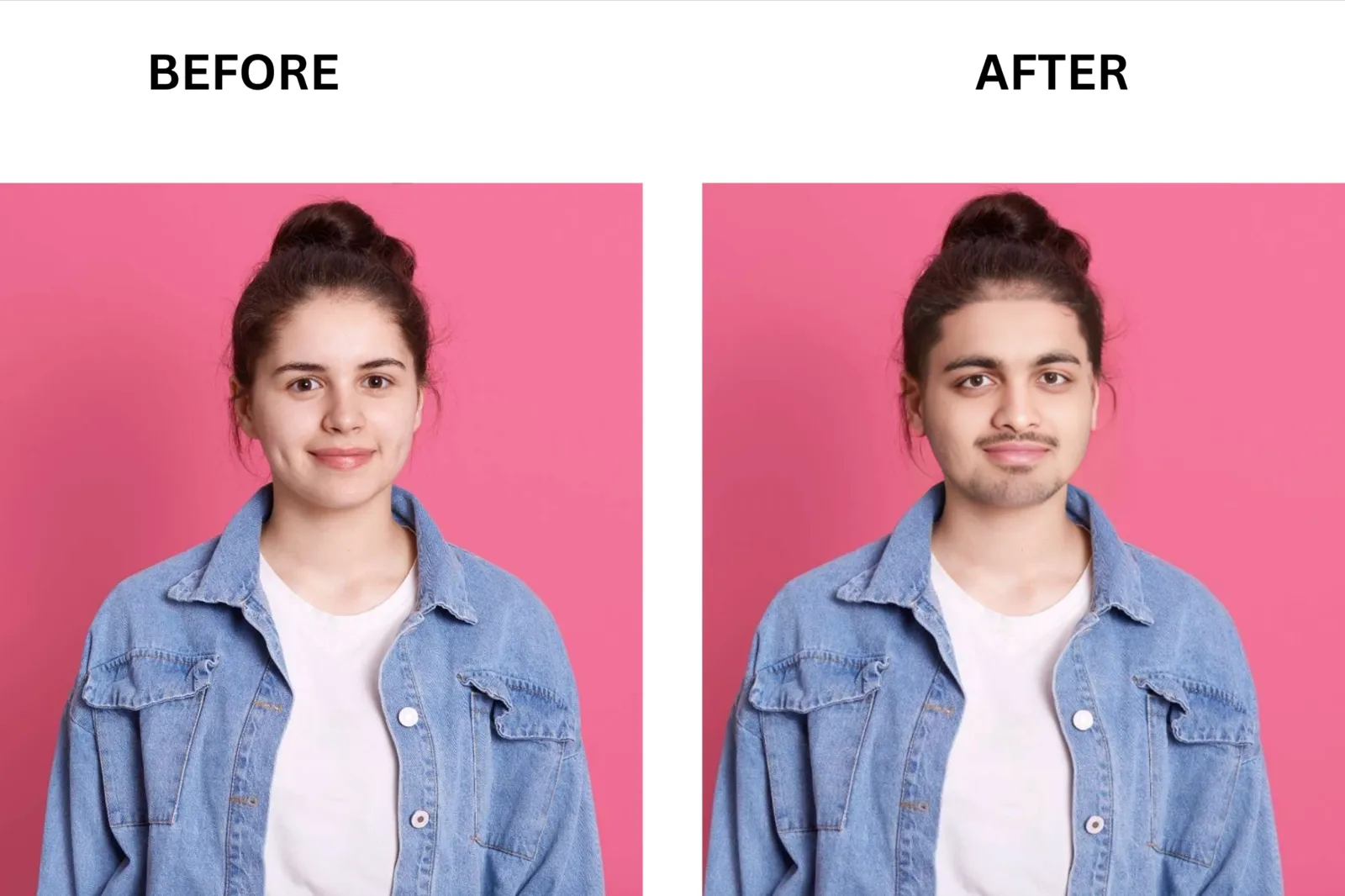
Remaker AI: Best for Credit-Based Flexibility
Remaker AI runs on a one-time credit purchase model with no recurring subscription. New users get 20 free credits on sign-up to try face swap before buying. Photo swap quality is solid on front-facing, well-lit images with good skin tone matching, and it swaps faces within 3-4 minutes. It weakens in extreme angles and low-light scenes, where edge blending becomes rough. Video face swap is available as a paid feature. What sets Remaker apart is the credit structure: credits never expire, and there are no monthly resets.
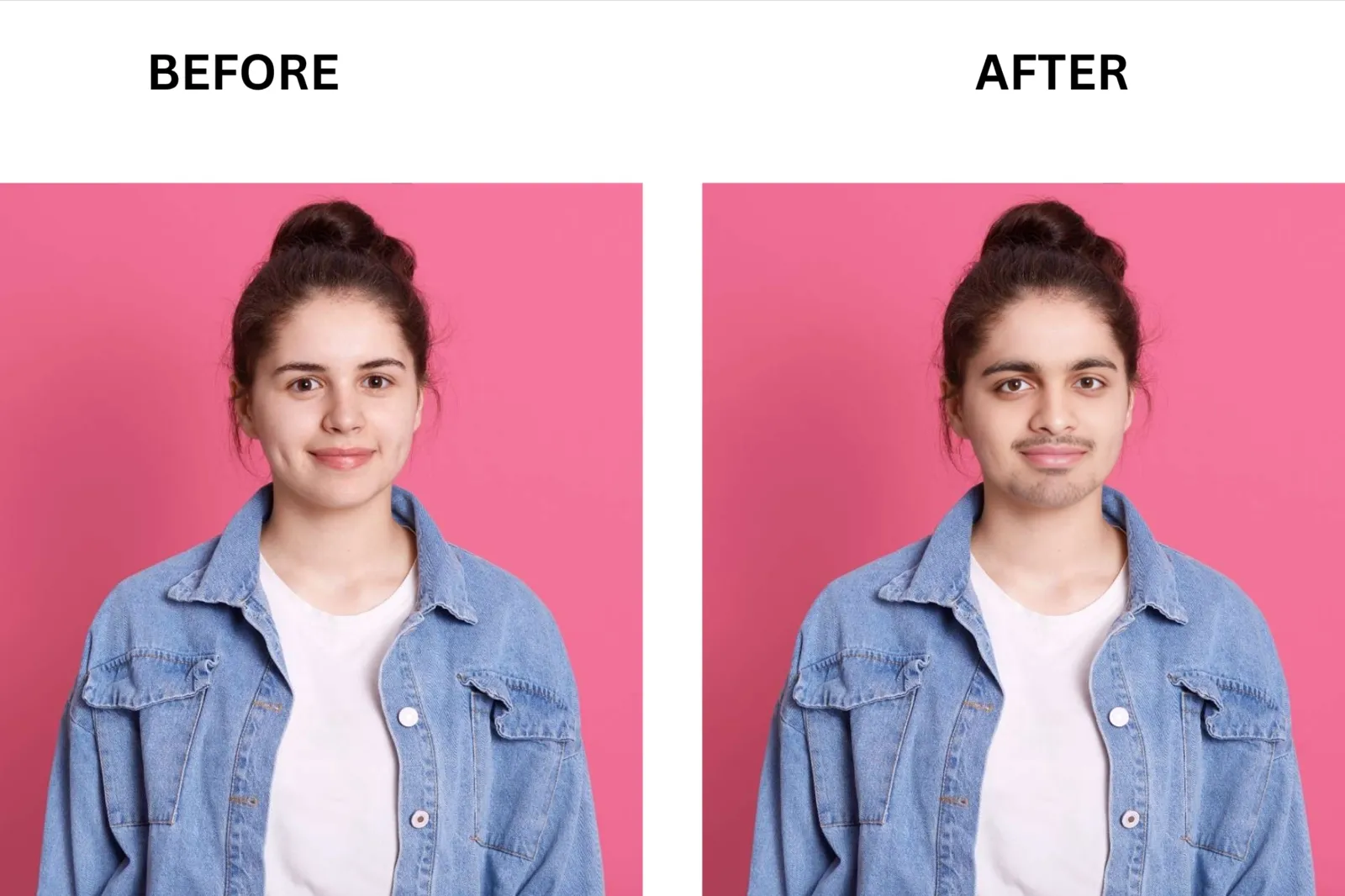
Roop Unleashed: Best for Online Face Swap with No Setup
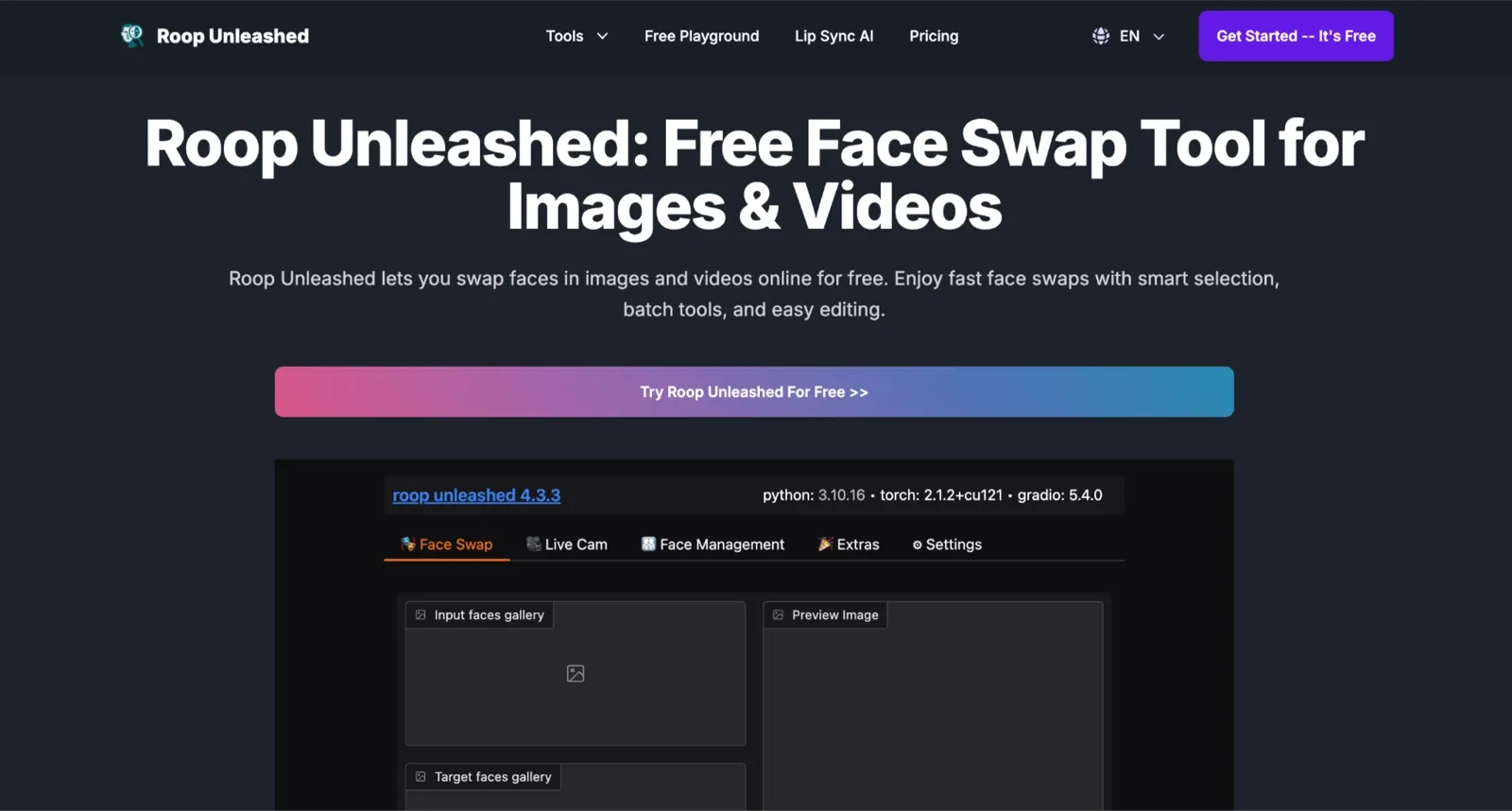
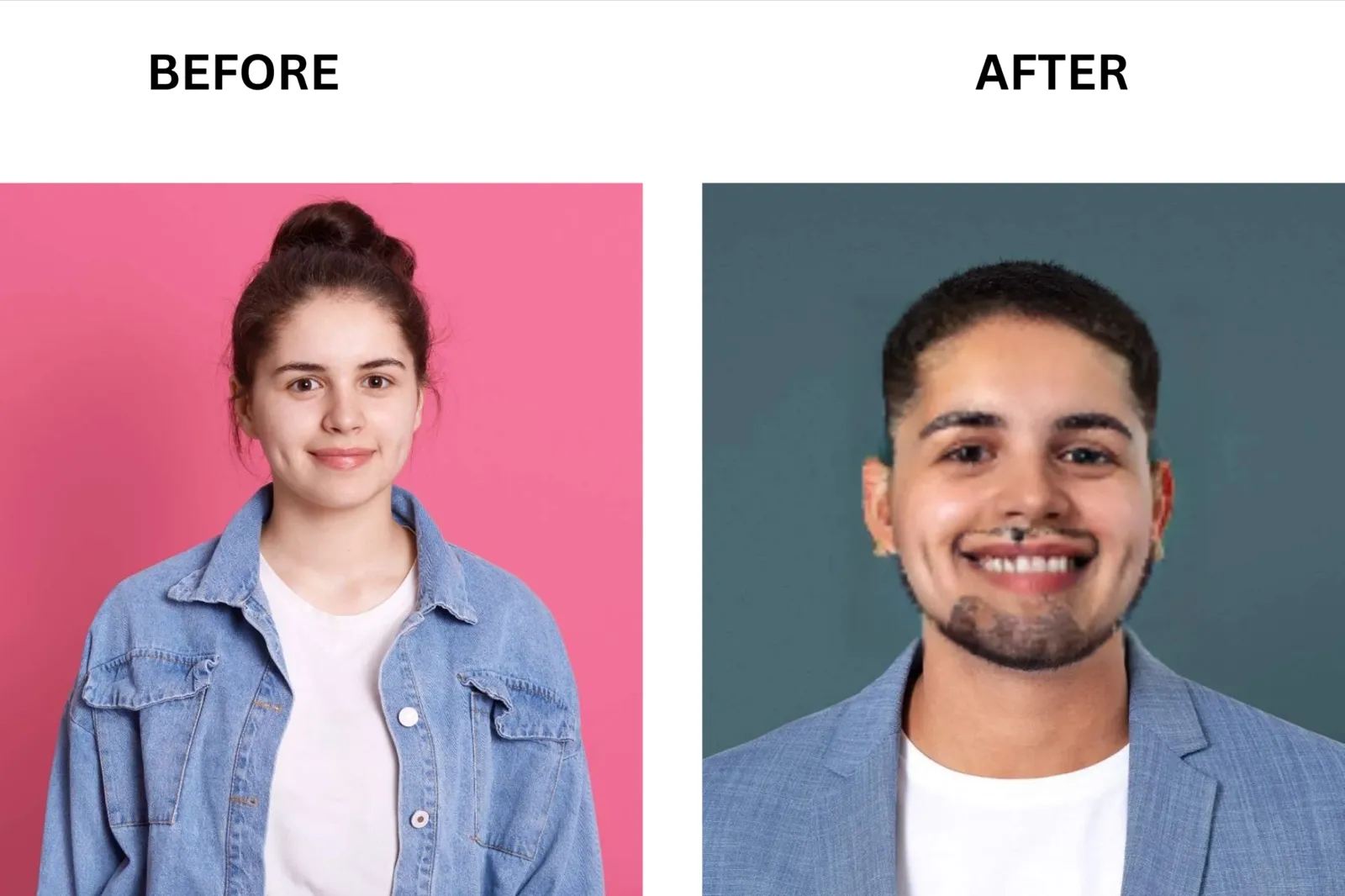
Roop Unleashed is a browser-based face-swapping tool for images and videos that runs online, with no installation required. Swap quality is not that strong. During my testing, it was confused between the source image and the target face, resulting in a very disappointing outcome. You can select which faces to swap by gender or individual selection. What sets Roop Unleashed apart is its face masking: text-prompt-based occluder masking removes partial obstructions around a face, resulting in cleaner output.
AKOOL: Best for Enterprise Video and API Integration

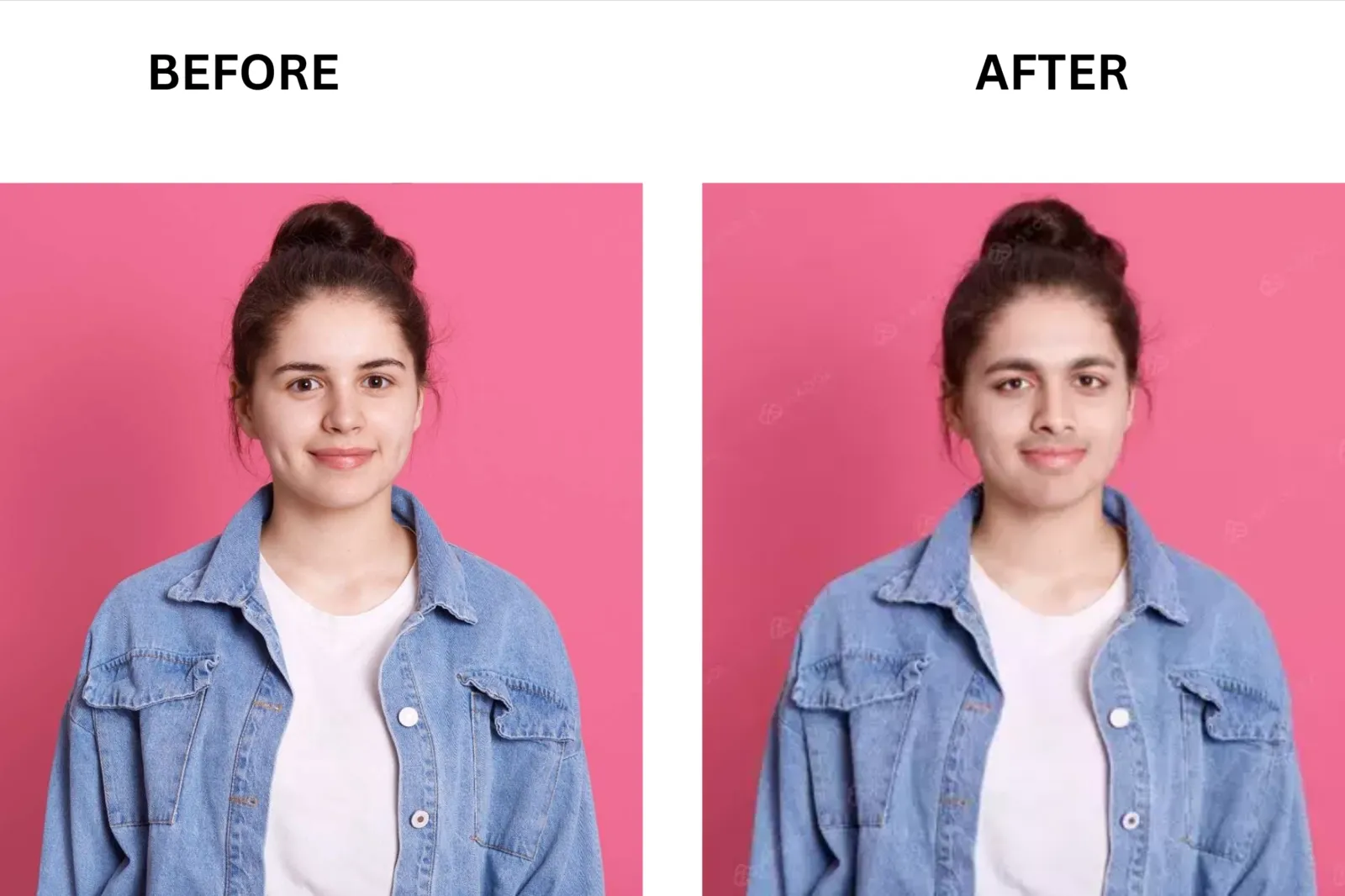
AKOOL is built for teams running face swap at scale. Swap quality is among the highest on video: diffusion-based neural blending preserves identity, expression, and lighting, matching them frame by frame across fast movements. It covers face swap, character swap, and head swap on a single platform, all with multi-face support and group detection. What sets AKOOL apart is its output resolution: paid plans go up to 8K, and the free Basic plan already delivers face-swapping results, though with a watermark and a 720p limit.
PixNova AI: Best All-in-One Free Platform
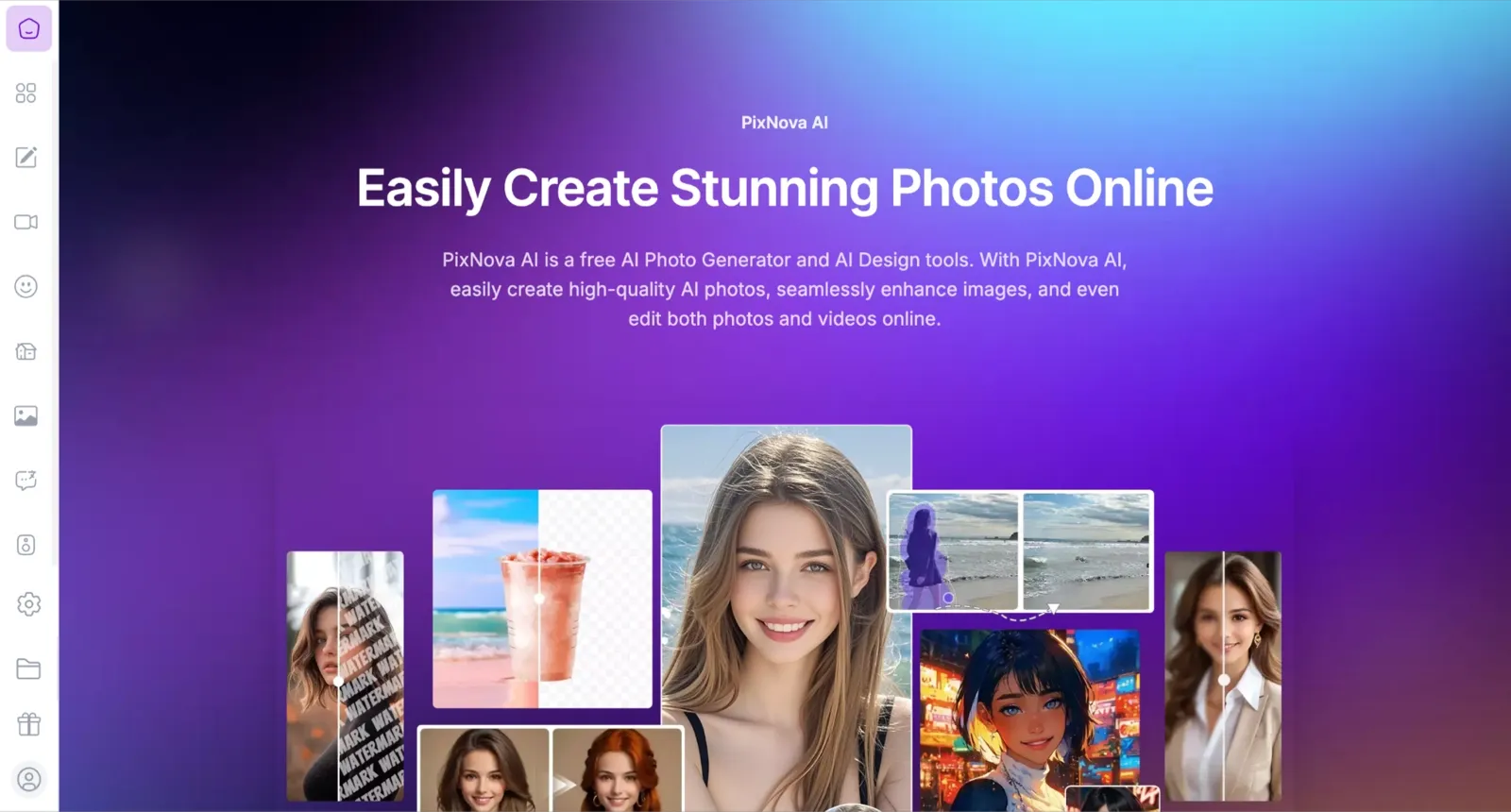
PixNova AI is a broad creative platform with face swap as one of many free tools. Swap quality on front-facing photos is clean, with solid skin tone blending. The face swap tool itself is listed under free AI tools, with unlimited image generation included on all paid credit tiers. Video face swap and video editing tools require credits. What makes PixNova useful for creators is the range: face swap, AI video generation, voice cloning, room design, and image editing all live in one account.
Magic Hour AI: Best for Video Realism and Rollover Credits
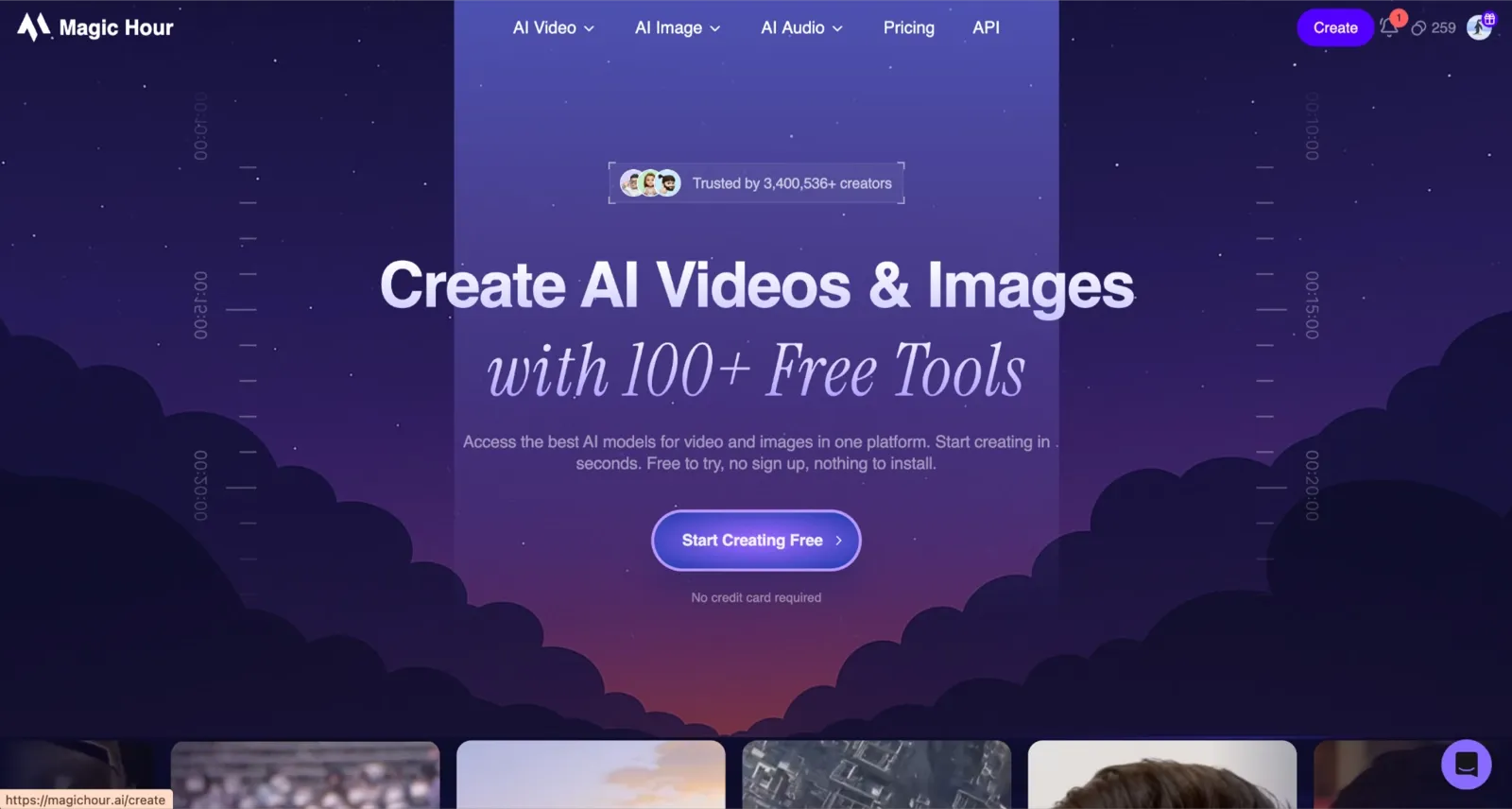
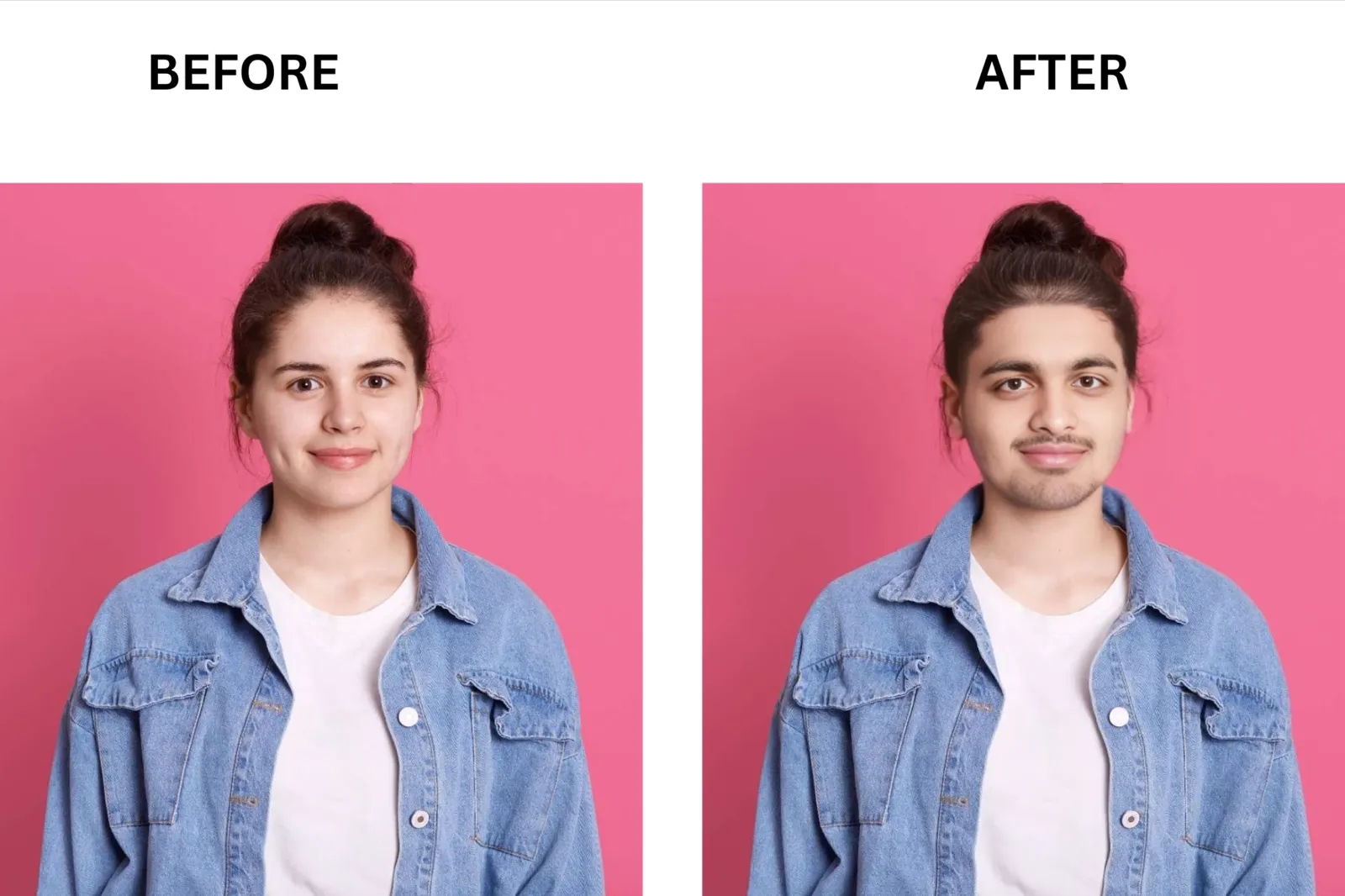
Magic Hour’s face swap is one of its strongest features. Swap quality on video is excellent: neural rendering preserves expression, skin tone, and motion tracking frame by frame. I tested it on footage with fast movement and lighting shifts, and identity held consistently without flickering. What makes Magic Hour stand out for video creators is its credit policy: credits roll over every month forever, credits are returned for generation errors or cancellations, and the free plan gives 400 credits with no credit card required.
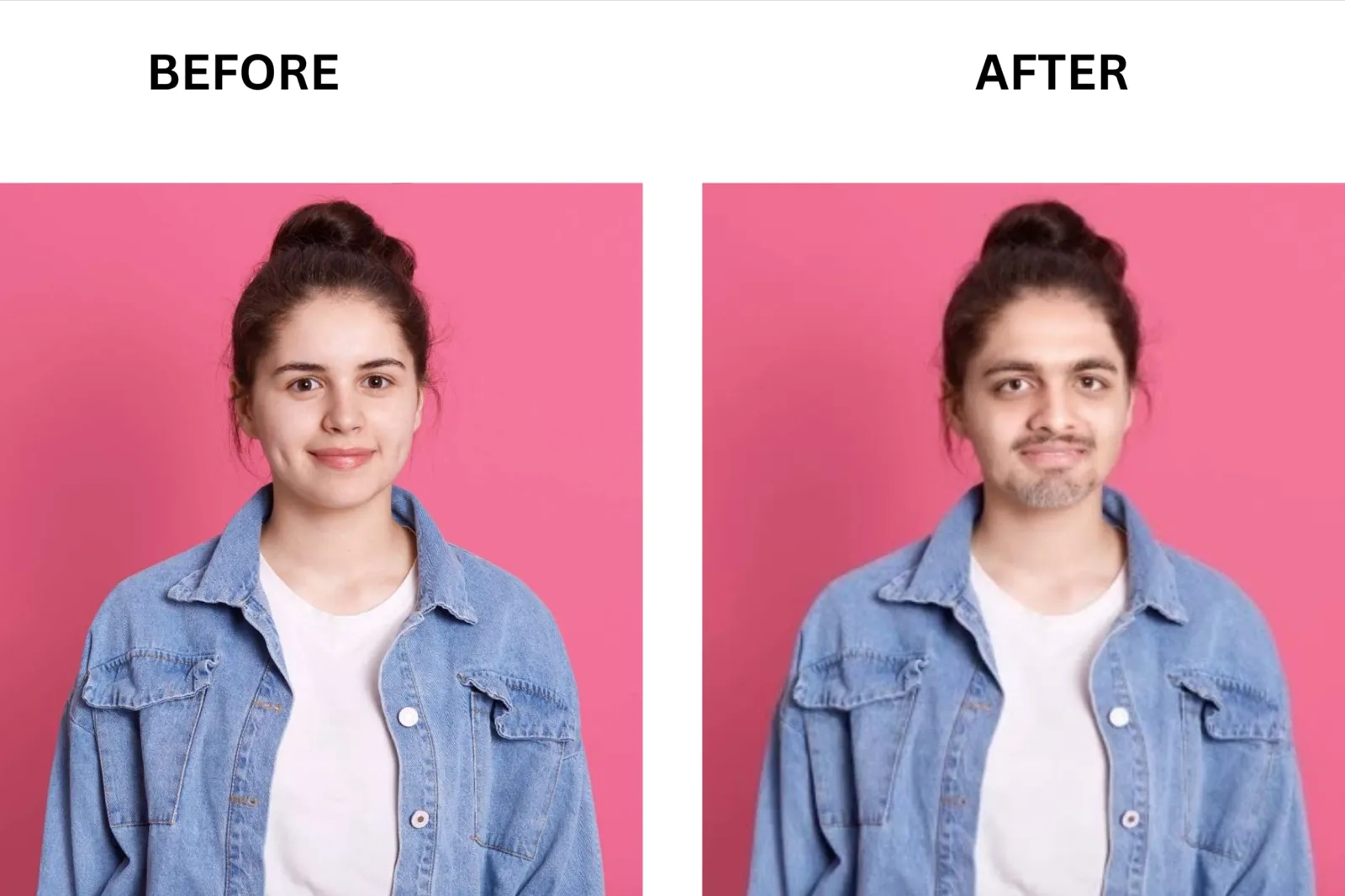
Swapface: Best for Real-Time Live Face Swap
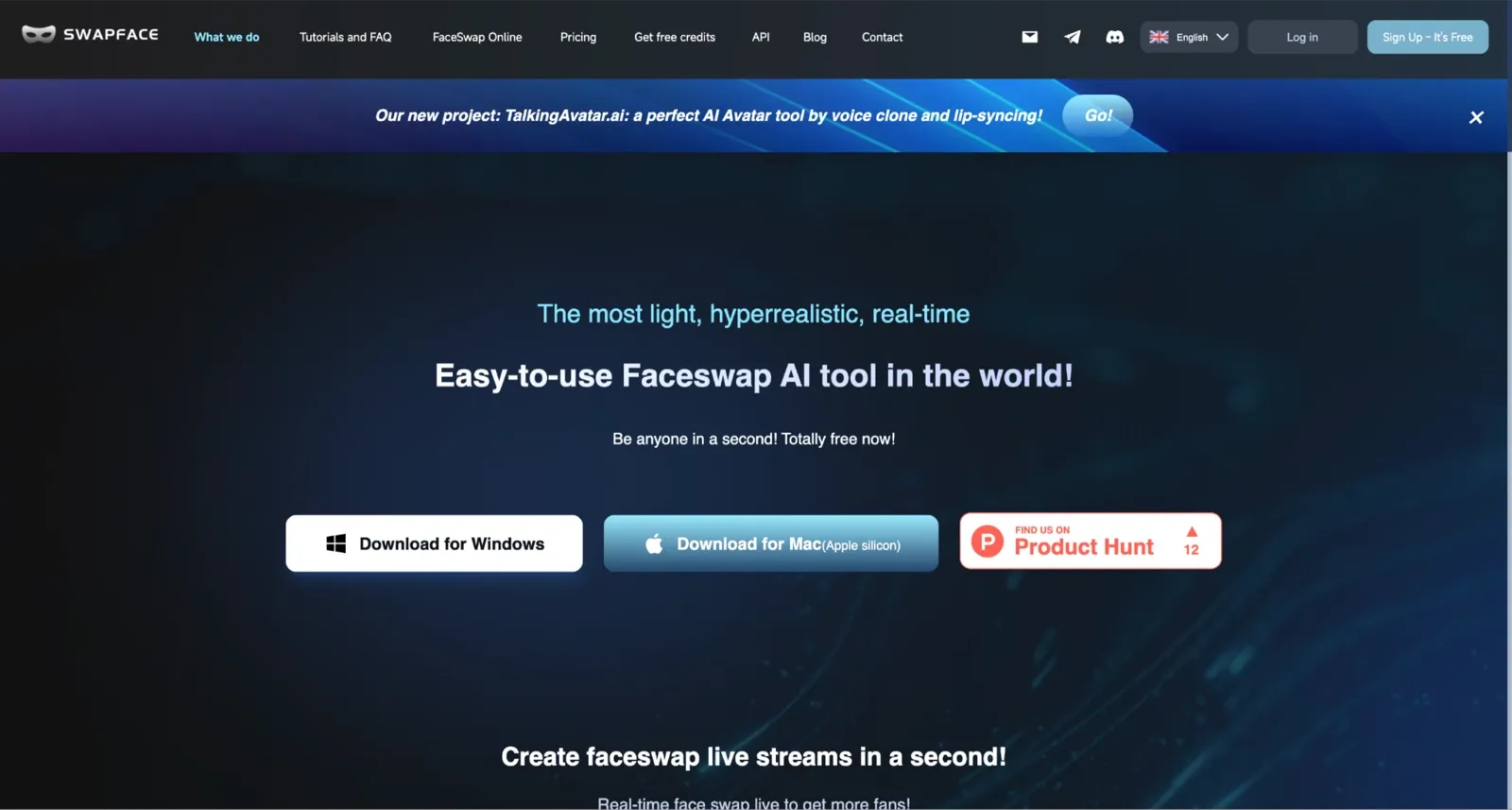
Swapface is a desktop app (Windows and Mac) built specifically for real-time face swap. It runs locally on your GPU, so all processing stays on your machine, and your face data never reaches a server. Swap quality on direct, front-facing angles is strong: identity and expression carry through in real time with no noticeable delay. The key differentiator here is the live output: Swapface acts as a virtual camera, so your swapped face appears live in Zoom, FaceTime, Teams, Twitch, TikTok, and OBS without any export or render step.
Pica AI: Best for Multi-Face Swap in Photos and Videos
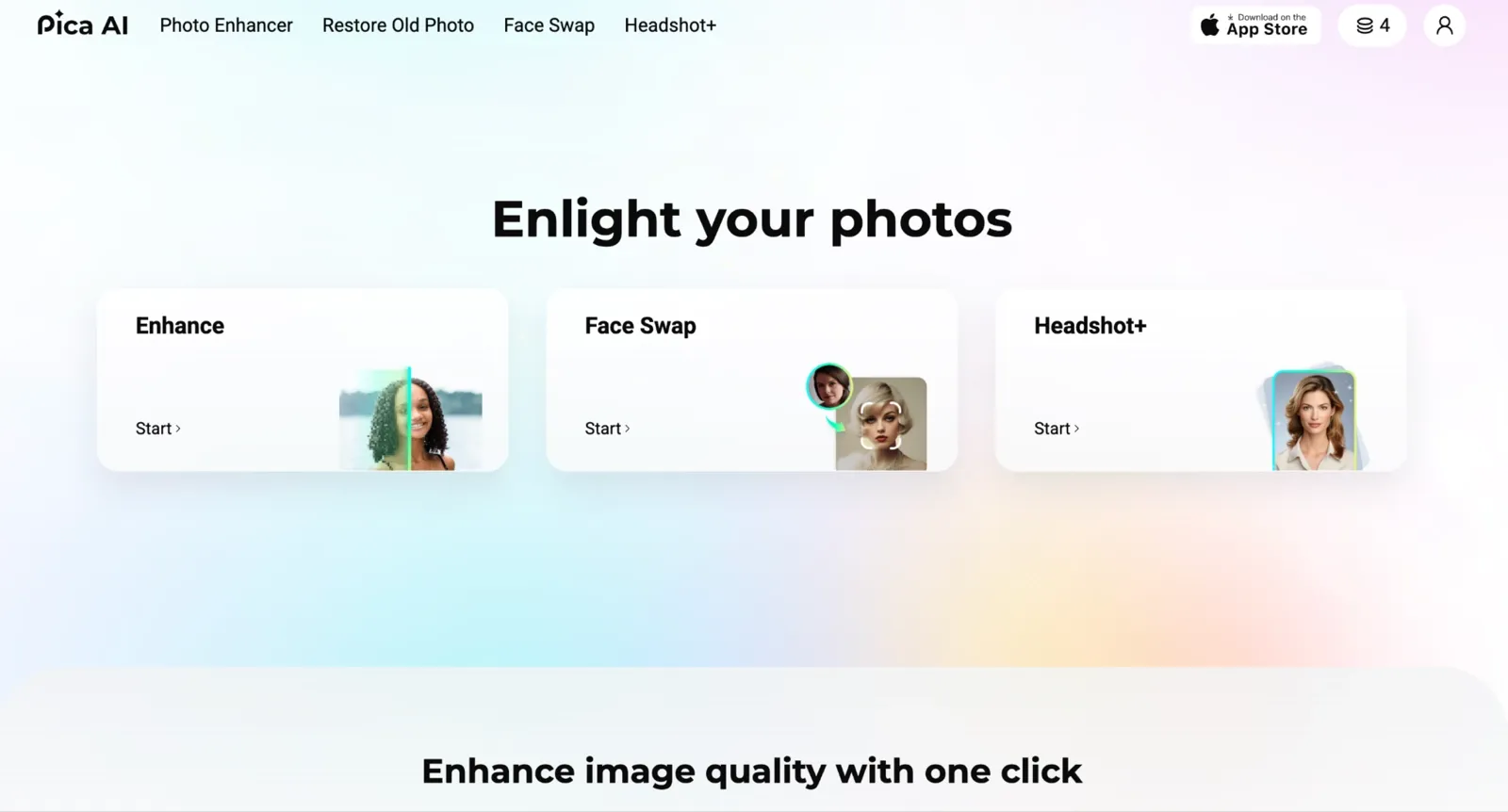
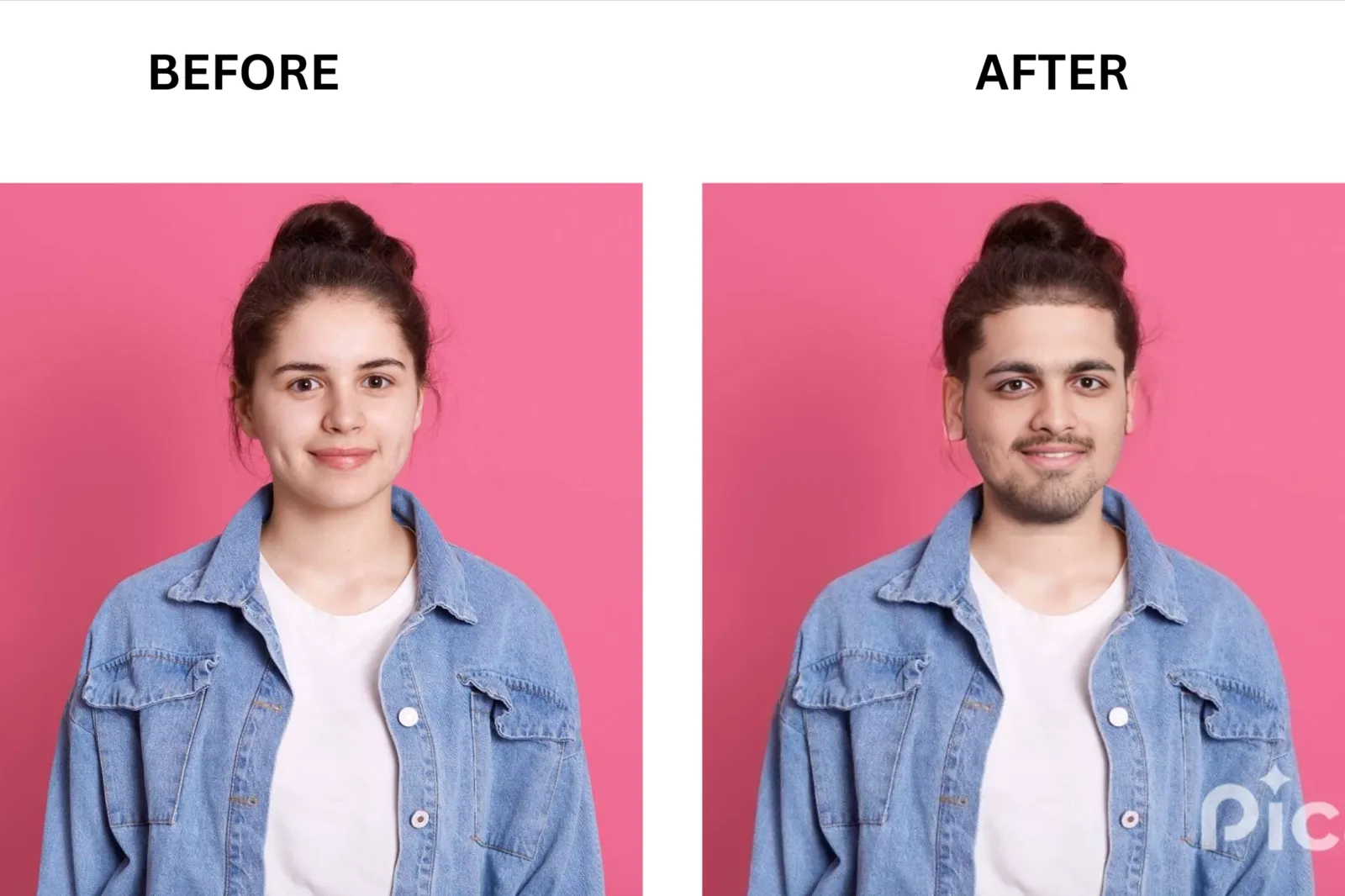
Pica AI offers face swapping for both photos and videos with a straightforward three-step process: upload the original, upload the face, and swap. Swap quality on front-facing photos is clean, with expressions preserved and blending that looks natural in standard lighting. It supports up to 3 faces per image or video, which covers most group photo use cases. What makes Pica AI useful is simplicity and scope: it handles photos, videos, GIFs (downloadable as MP4 or GIF), and multiple faces in one free tool without requiring an account to get started.
When Local Open-Source Beats a Hosted Tool
If you have GPU access and 30 or more minutes for setup, open-source tools deliver something no hosted platform can: total privacy, unlimited output length, and zero per-credit costs.
DeepFaceLab is the standard for professional-grade video deepfakes. It requires significant technical knowledge and dedicated hardware but produces the highest ceiling output quality of any tool in this category.
Wan Animate handles video animation and face-driven motion with open-source flexibility, making it useful for researchers and developers who need to build custom pipelines.
ReActor, a community fork built on InsightFace, is the easiest entry point for local face swap with strong multi-face support and no daily limits. It runs on GPU hardware and outputs without watermarks.
**The tradeoff is real: **these tools require Python, FFmpeg, and a compatible GPU. For a creator who occasionally swaps faces and values simplicity, a hosted tool is the right choice. For anyone processing long-form video at volume, or who needs complete data control, the local open-source route is worth the setup time.
5 Tips for Better Face Swap Results
A great face swap depends as much on your source images as the AI itself. Following a few simple best practices can dramatically improve realism, identity accuracy, and overall visual quality.
Match lighting and color temperature between your source photo and target video for a more natural blend.
Use a front-facing or slight three-quarter angle photo; extreme side profiles reduce accuracy.
For multi-face projects, use separate clear photos for each person instead of a group image.
Start with short clips (around 20–30 seconds) to check quality and avoid drift issues.
Test at least two tools on the same source image before upgrading to a paid plan.
Common mistakes to avoid:
Do not feed a low-resolution source photo. A blurry or compressed source produces a blurry swap regardless of how good the tool is.
Do not skip consent if you are using someone else’s face. Always get permission from any real person whose likeness you use.
FAQ
What is the best face swap AI tool in 2026?
For most users, VidMage is the best overall face swap AI in 2026. It supports photo, video, and GIF swaps, offers a generous free plan with no watermark, and delivers consistently strong identity preservation across different angles.
Is face swap AI safe to use?
Face swap AI can be safe if the platform has clear privacy policies and you use it responsibly. Choose tools with transparent data handling practices, and always obtain permission before using another person’s likeness.
Are face swap AI tools free?
Many face-swapping tools offer free plans, but the limits vary. VidMage stands out by providing free photo, video, and GIF swaps without watermarks, making it one of the most generous options for casual users.
How long do these tools keep my photos?
Retention policies differ significantly between platforms. Some delete uploads within hours, while others may keep files for days or longer. Always review a tool’s privacy policy before uploading personal or sensitive images.
Do I need consent to swap someone else’s face?
Yes. You should always obtain consent before using someone else’s face in AI-generated content. Many regions are introducing stricter regulations on deepfakes, and unauthorized use can raise both legal and ethical concerns.
Are NSFW or deepfake outputs allowed?
Most reputable face swap platforms prohibit non-consensual intimate imagery and harmful deepfakes. Creating deceptive or exploitative content often violates platform policies and may also breach applicable laws in certain jurisdictions.
The Bottom Line: Our Verdict Matrix
VidMage performs consistently well in face swap video scenarios where maintaining natural facial movement is important. Expression transfer remains stable across frames, so basic movements like blinking, smiling, and head turns are preserved without noticeable identity distortion. It also handles multi-face setups reliably, keeping each subject mapped correctly even in group motion. In gif face swap use cases, frame continuity stays intact, with fewer visual artifacts compared to lighter tools.
The Mac version adds local processing, which keeps rendering on-device instead of relying entirely on external servers. This may be relevant for users who prefer local workflows, but the main differentiator remains its focus on motion consistency and expression preservation in video-based swaps.
For users evaluating best face swap AI tools, VidMage is typically suited for scenarios where video realism, multi-face stability, and expression retention are more important than broader feature variety or experimentation.
You can test it on short clips first to evaluate how it performs with your own face swap video or multi face swap video needs before deciding whether it fits your workflow.