

As a brother or cousin, it is your core that you might want to put your sister’s face on the bride in a classic film clip for her wedding montage. Or, on Sunday morning, you want to surprise your dad with a 60th-birthday video featuring him starring in his favorite movie. That is the real test that matters: can the best AI video face-swapping tool make it look like a real moment rather than a meme?
I tested 11 AI video face swap tools in 2026. For each tool, I uploaded a 15-second 1080p clip with two faces and a 30-second clip with quick head turns. One tool got dropped for watermarking every free export without disclosure. Let's find out what worked and what did not.
How I Tested These AI Video Face Swap Tools?
I ran two test files across all 11 tools: a 15-second 1080p clip containing two faces and a 30-second clip with quick head turns to stress test face tracking. For the source photo, I used a single clear front-facing portrait taken in even lighting.
Each tool was scored against six criteria: realism of head turns, multi-face support, free-tier reality, output resolution, processing speed, and sign-up friction. VidMage processes the 15-second test clip in 15-20 seconds and a 3-minute video in roughly 2 minutes, which I used as my speed benchmark. During my testing, I rejected one tool from the original shortlist for adding a watermark on free exports while advertising itself as watermark-free.
Quick Comparison: 11 AI Video Face Swap Tools at a Glance
Not all AI video face swap tools are equal. Some prioritize realism, whereas others focus on speed, long-form videos, or mobile convenience. Here’s a quick side-by-side comparison of the top options.
| Tool | Best For | Free Tier Reality | Watermark on Free | Max Free Length | Max Resolution | Multi-Face | Processing time |
|---|---|---|---|---|---|---|---|
| VidMage | Best for realistic video face swap | 15 photo swaps + 20s video/day, no sign-up required | No | 15s/day | 4K (paid), 1080P (free) | Yes | 20 seconds 15s clip |
| Magic Hour | Best Free Web Tool | 400 credits (17s video face swap), no card required | No | 10s | 4K (Business plan), 576p on free | Yes | 15-20 seconds for 10 seconds video |
| DeepSwap | Best for Long Videos | PRO required | No free trial | 30 min (paid) | HD (paid) | Yes (up to 6 faces) | 10s/10s per minute of video |
| AKOOL | Best for Marketing Teams | Basic free; 720p, 30s video limit | Yes | 30s | 8K (Pro Max) | Yes | 1 minute on a 20s video |
| Vozo | Best for Lip-Sync Edits | 10 AI points free trial | Yes | 30 min/video | 4K | Limited | 60 sec per 1 min video |
| Reface (Unboring) | Best for TikTok Trend Jumps | Template library | N/A | Not disclosed | HD (paid) | No | 90–180 sec per 1 min video |
| FaceMagic | Best Mobile App | No free trial | Yes | 45 minutes on paid plans | Mobile quality | Yes | Few seconds |
| AI Face Swap | Best No Sign-Up Web Tool | 10 free credits at signup | No | Credit-limited | HD (VIP) | Yes | 60-80 seconds on 15 seconds video |
| YouCam Video | Best for Cosplay Previews | 5 free credits at signup | Depends on the plan | Credit-limited | Up to 4K | Yes | Standard |
| Mango AI | Best for Quick Photo to Video Swaps | 180 credits for free | Yes | 15s/day | Standard | Yes | 40-60 seconds per 15-second video |
| Supawork AI | Best for Bulk Template Workflows | 20 free coins | No | 60 seconds for free | Standard | Yes | 30 minutes without login and 2-3 minutes after login per 8-second video |
The 11 Best AI Video Face Swap Tools, Ranked
I tested the leading AI video face swap tools for realism, speed, free-tier value, video limits, and ease of use. These are the 11 that stood out.
VidMage: Best for Realistic Video Face Swap
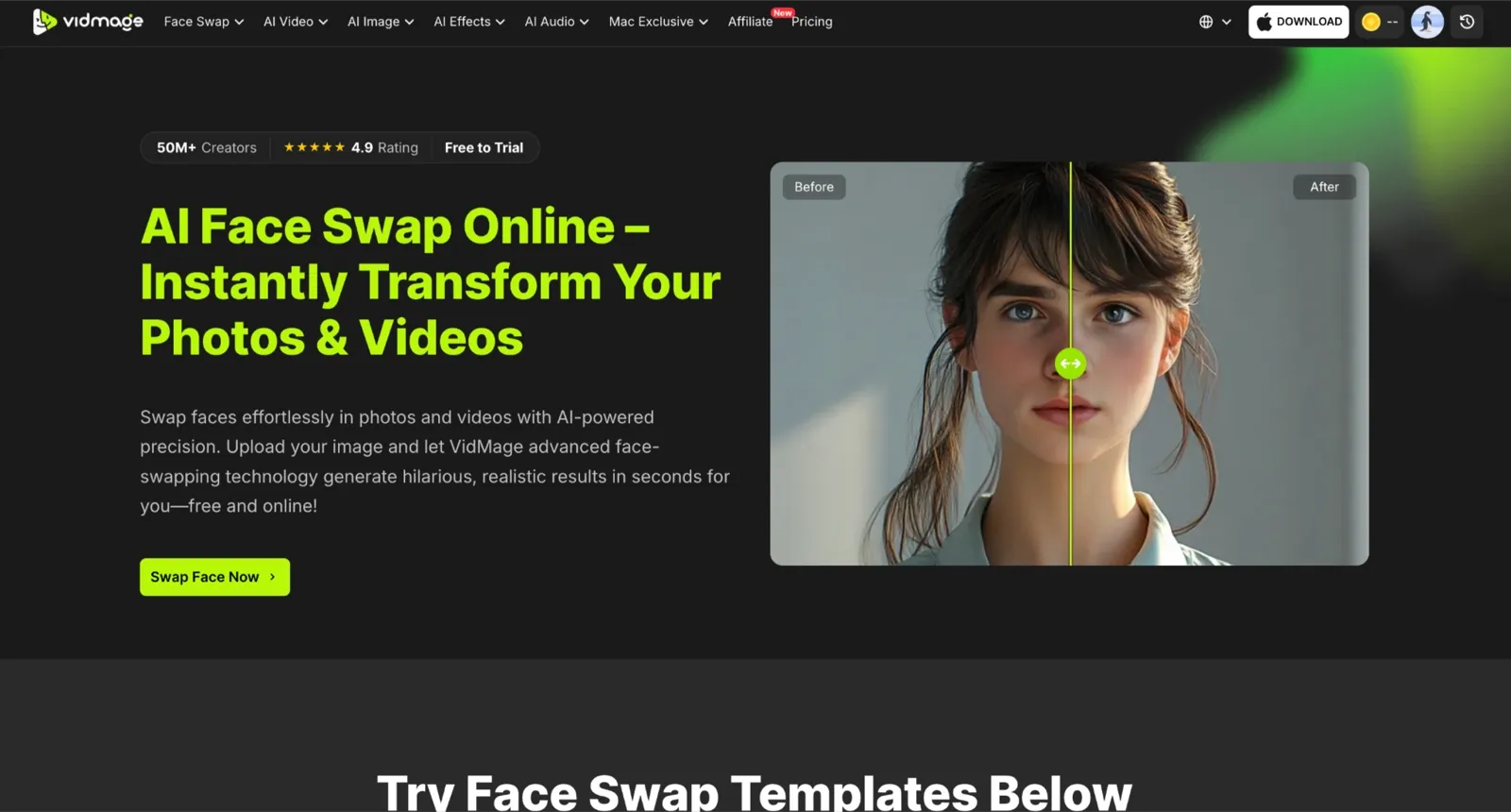
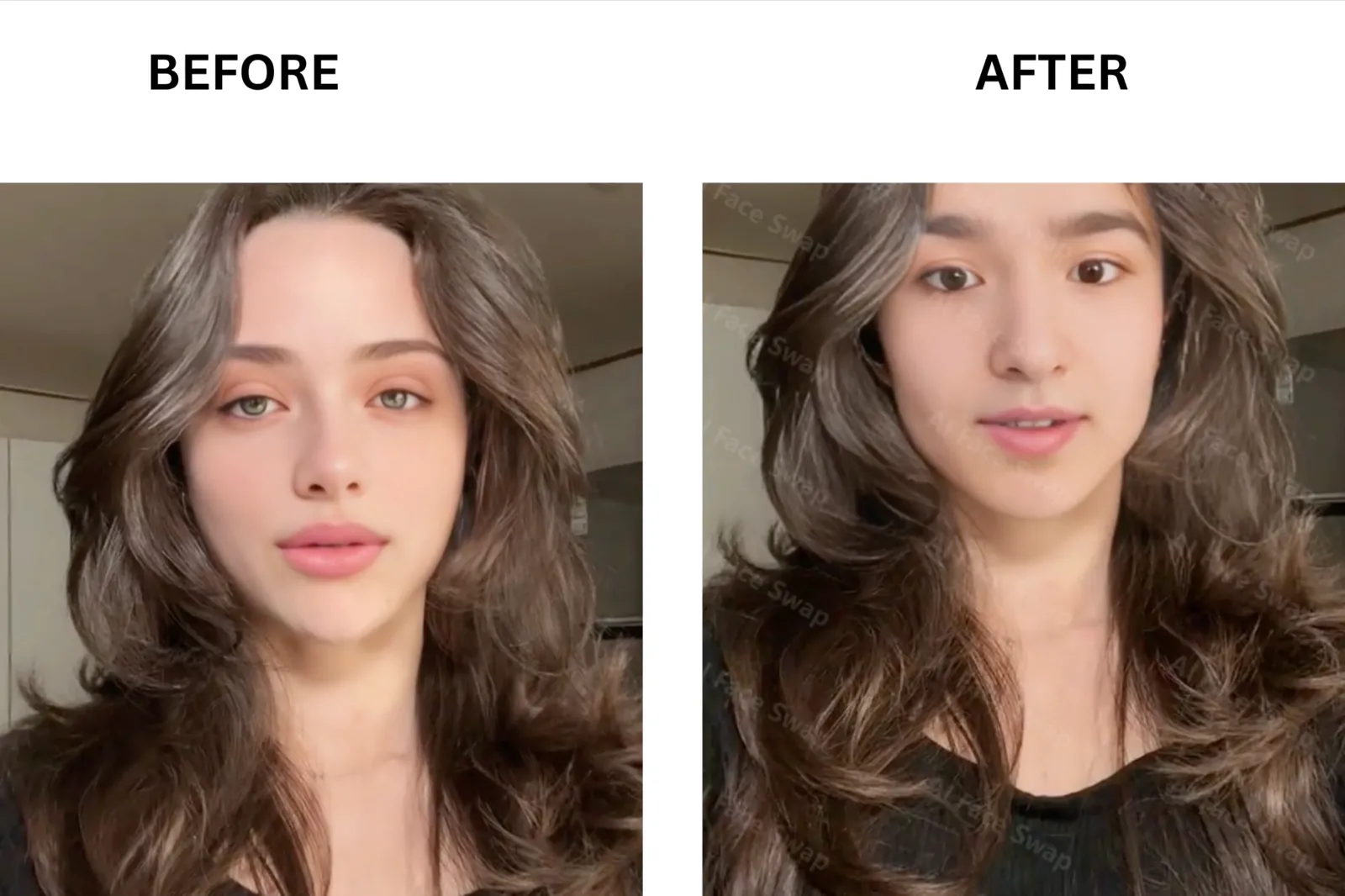
VidMage is my top pick for realistic video face swap results in 2026. I tested a 15-second 1080p clip with two people, and the identities stayed consistent throughout the video without ghosting or facial drift. Expression retention was particularly strong, with smiles, blinks, and head movements carrying through naturally instead of looking pasted on. The tool also handled multi face video swaps better than most competitors I tried. Processing took roughly one minute for my test clip. Beyond standard video face swap projects, the Mac app also includes live face swap features and local processing for privacy-sensitive work. Free users can test the tool without creating an account and export without a watermark.
Magic Hour: Best Free Web Tool
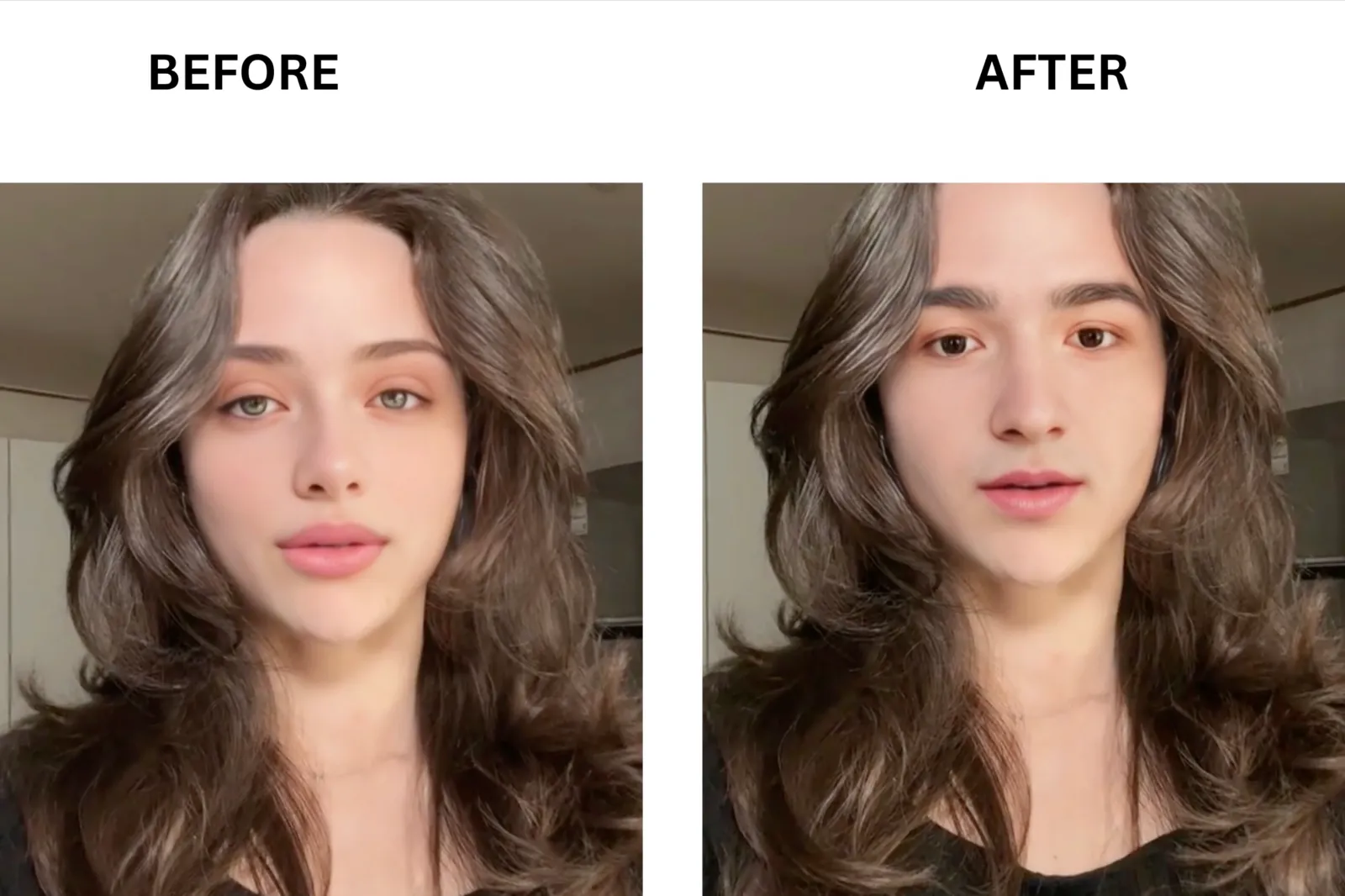
Magic Hour is the most-cited free web tool in this category, and after testing it, the reputation holds up. The key differentiator is a genuinely usable free tier: 400 credits at sign-up with no credit card required, enough for roughly 17 seconds of video face swap. Swap quality on my 15-second test clip was clean, with good skin-tone matching under even lighting. In the head-turn clip, results degraded slightly during fast side profiles, similar to most cloud tools. Face swap exports on the free tier are watermark-free, which is rare in this price bracket.
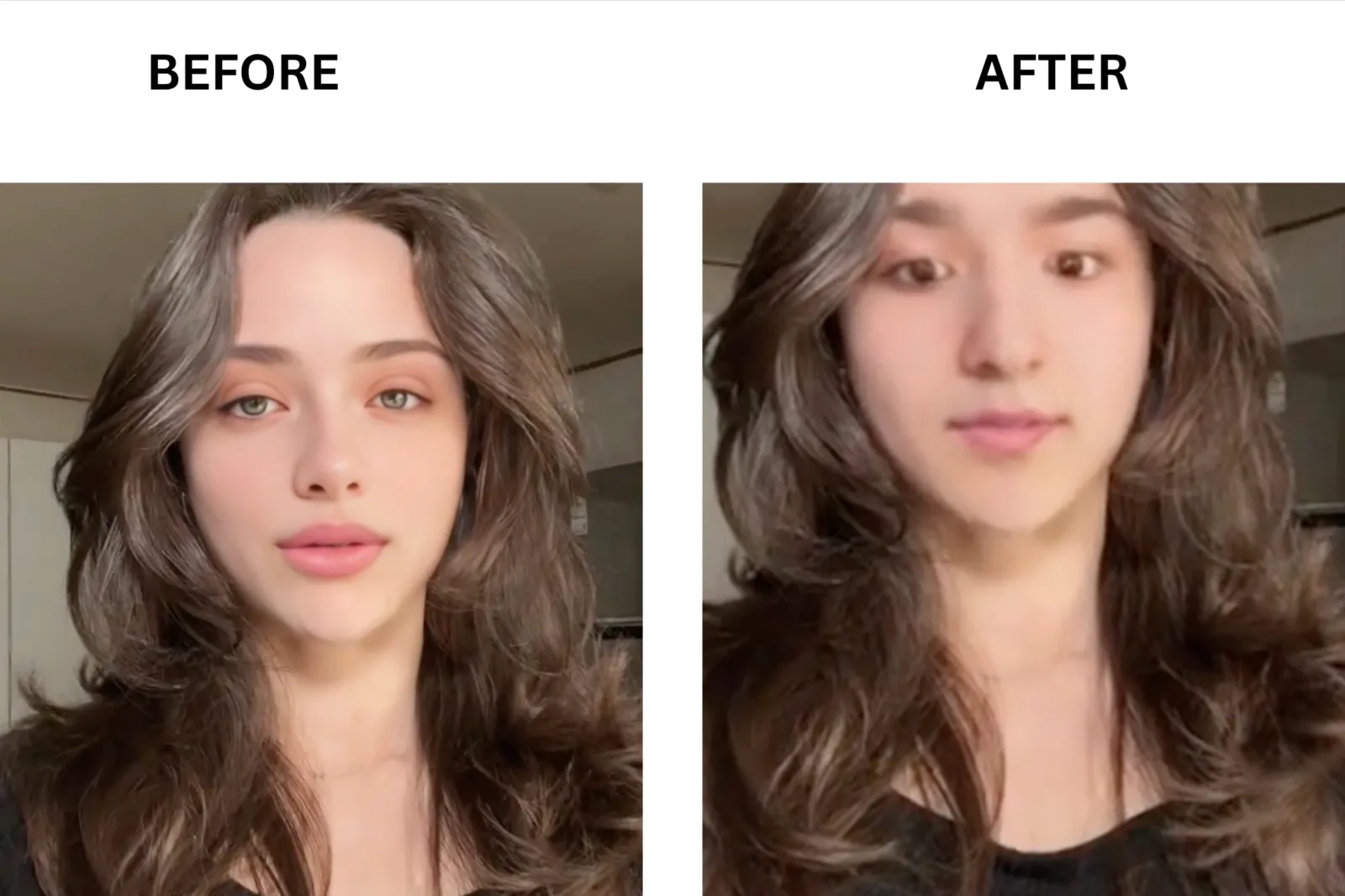
DeepSwap: Best for Long Videos
DeepSwap handles videos up to 30 minutes long on its paid plan, longer than any other tool I tested. The key differentiator is the 30-minute video cap, which makes it the practical choice for documentary-style clips, event footage, or long-form content where frame-by-frame consistency matters. The swap quality in my 15-second clip was sharp, with natural-looking skin blending. On the head-turn test, the face held better than several tools at this price point.
AKOOL: Best for Marketing Teams
AKOOL is built for teams producing commercial content at scale. What sets AKOOL apart is the breadth of the platform: face swap sits alongside video translation, lip sync, streaming avatars, and AI video generation under one account. Swap quality on my test was clean at 4K on the Pro plan. On the free Basic plan, resolution is capped at 720p, and a watermark is applied, limiting free-tier testing. Face tracking on the head-turn clip was reliable for standard movements.
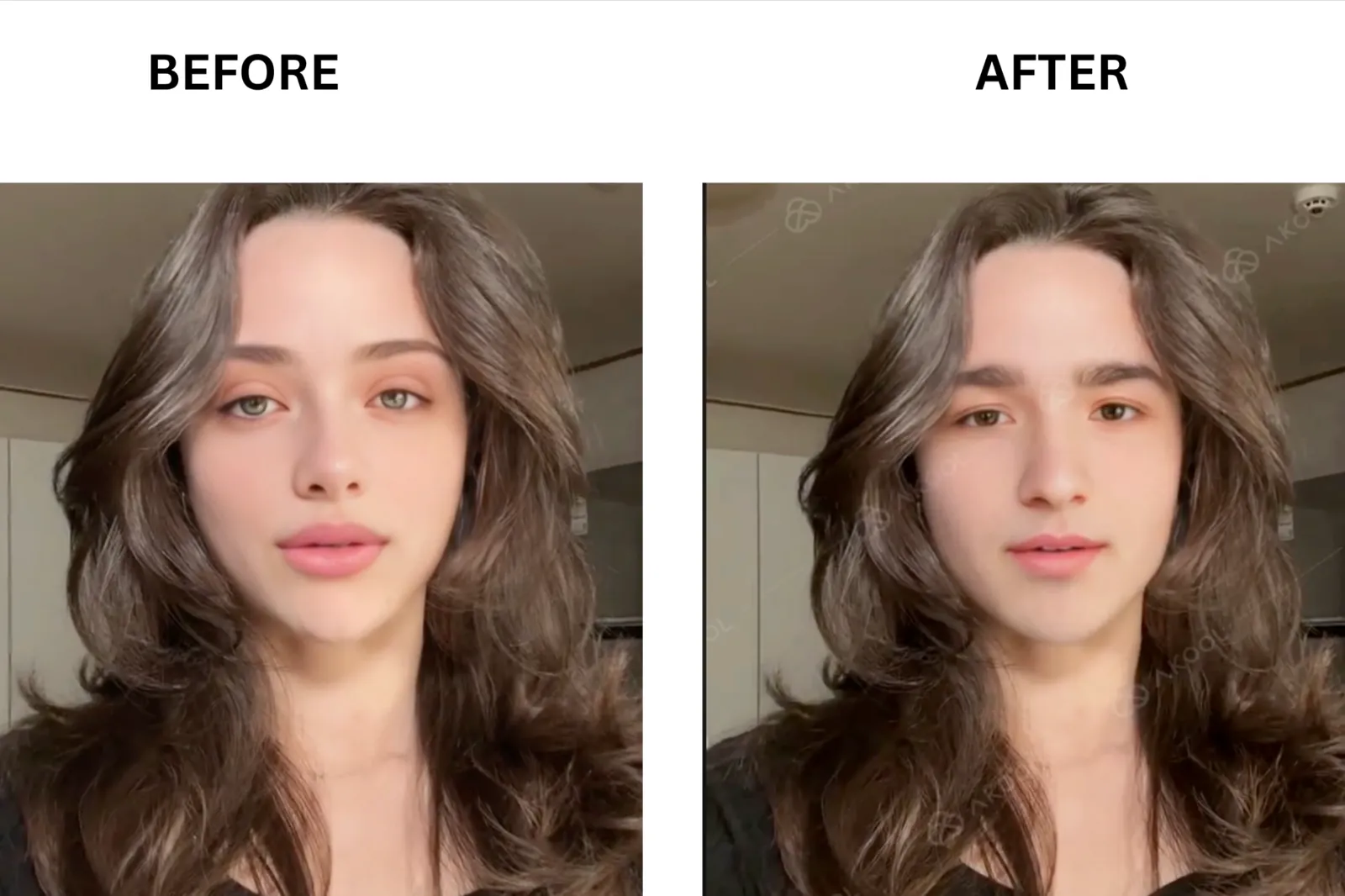
Vozo: Best for Lip-Sync Edits
Vozo’s core strength is not face swap alone; it is face swap combined with best-in-class lip sync. The key differentiator is the ability to re-dub a video and sync the lip movements to new audio in the same workflow, which is exactly what you need if you are localizing a product ad or correcting a line in a filmed interview without a reshoot. Swap quality on my test clip was solid for straightforward shots. The free trial gives you 20 AI points, roughly 2 minutes of lip-sync content.
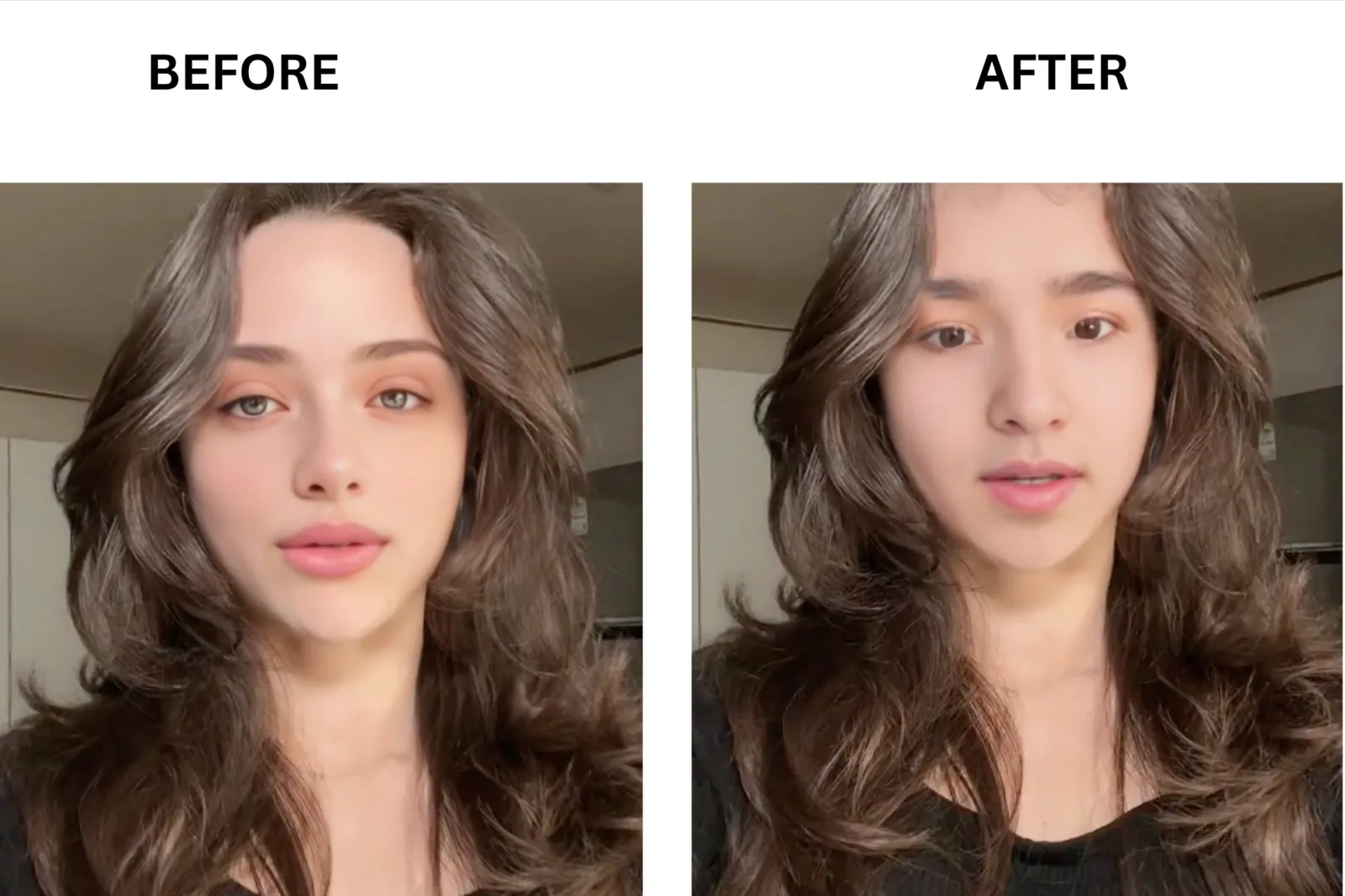
Reface (Unboring): Best for TikTok Trend Jumps
If you are trying to ride a TikTok trend that will be cold in 24 hours, Reface is a tool that exports a clean vertical clip in under a minute. What sets Reface apart is the template depth and the speed. I processed a photo swap in under 10 seconds on the catalog templates. The trade-off is that custom video uploads are slower, and the free plan does not disclose a transparent credit or time quota upfront.
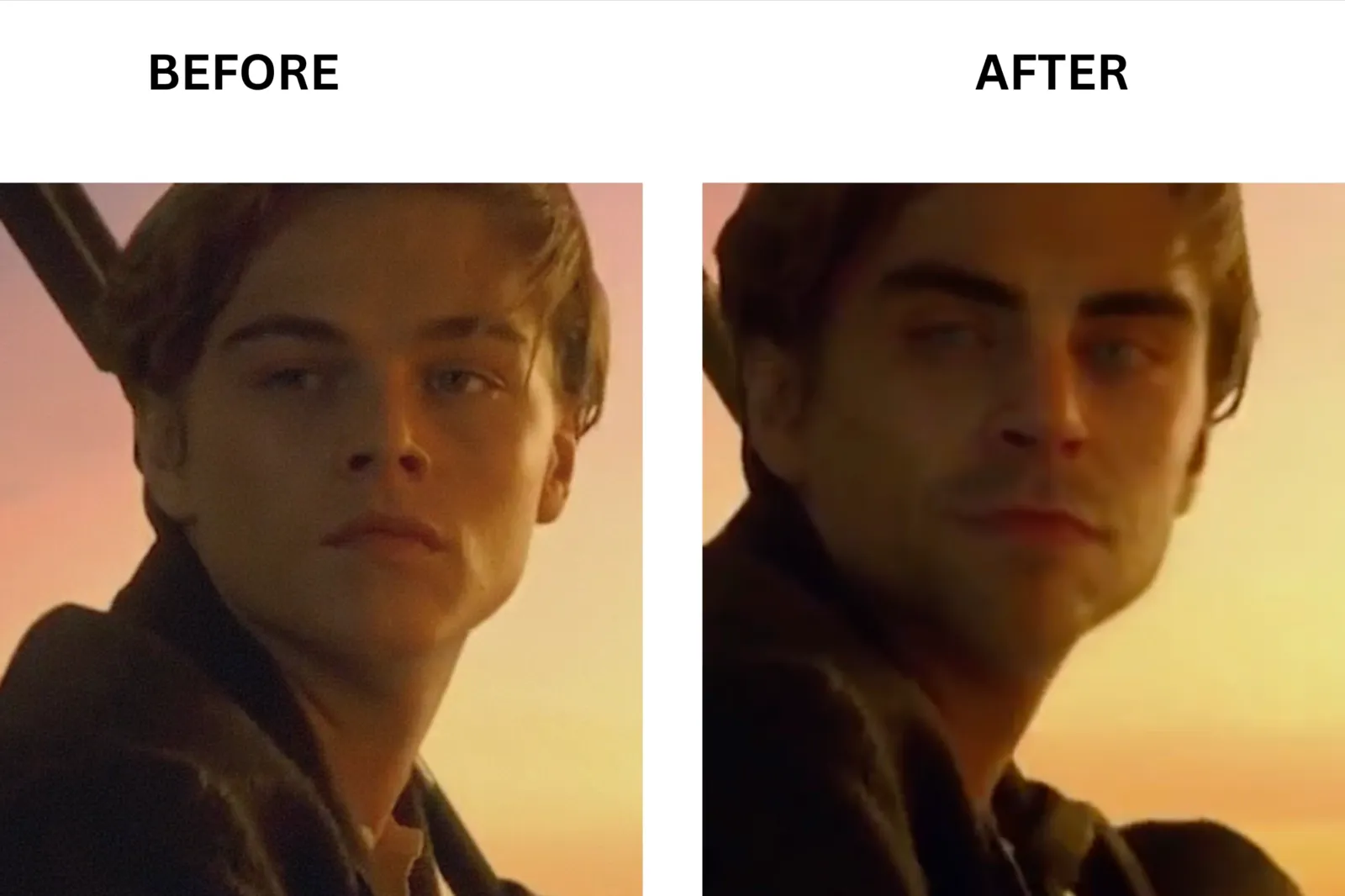
FaceMagic: Best Mobile App
FaceMagic is one of the strongest mobile-first options for video face swap. What makes FaceMagic great for mobile creators is the combination of deep neural network processing, a large in-app template library, and a workflow that takes under 30 seconds from upload to share. Multi-face support is available: you can swap multiple faces in a single clip in just a few seconds. The free tier covers template-based swaps, but premium-quality custom video uploads require a paid subscription or coins.
AI Face Swap: Best No Sign-up Web Tool
AI Face Swap earns this slot because it does not require an account to start. New users receive 10 free credits on registration, and each credit covers one photo swap or one second of video. For the group chat use case, you do not need 4K. You need to upload a reaction clip, swap a face in under 30 seconds, and drop the result into iMessage or Discord without logging in first. That is exactly what this tool is designed for. Credit-based pricing with no expiry means purchases carry over indefinitely.
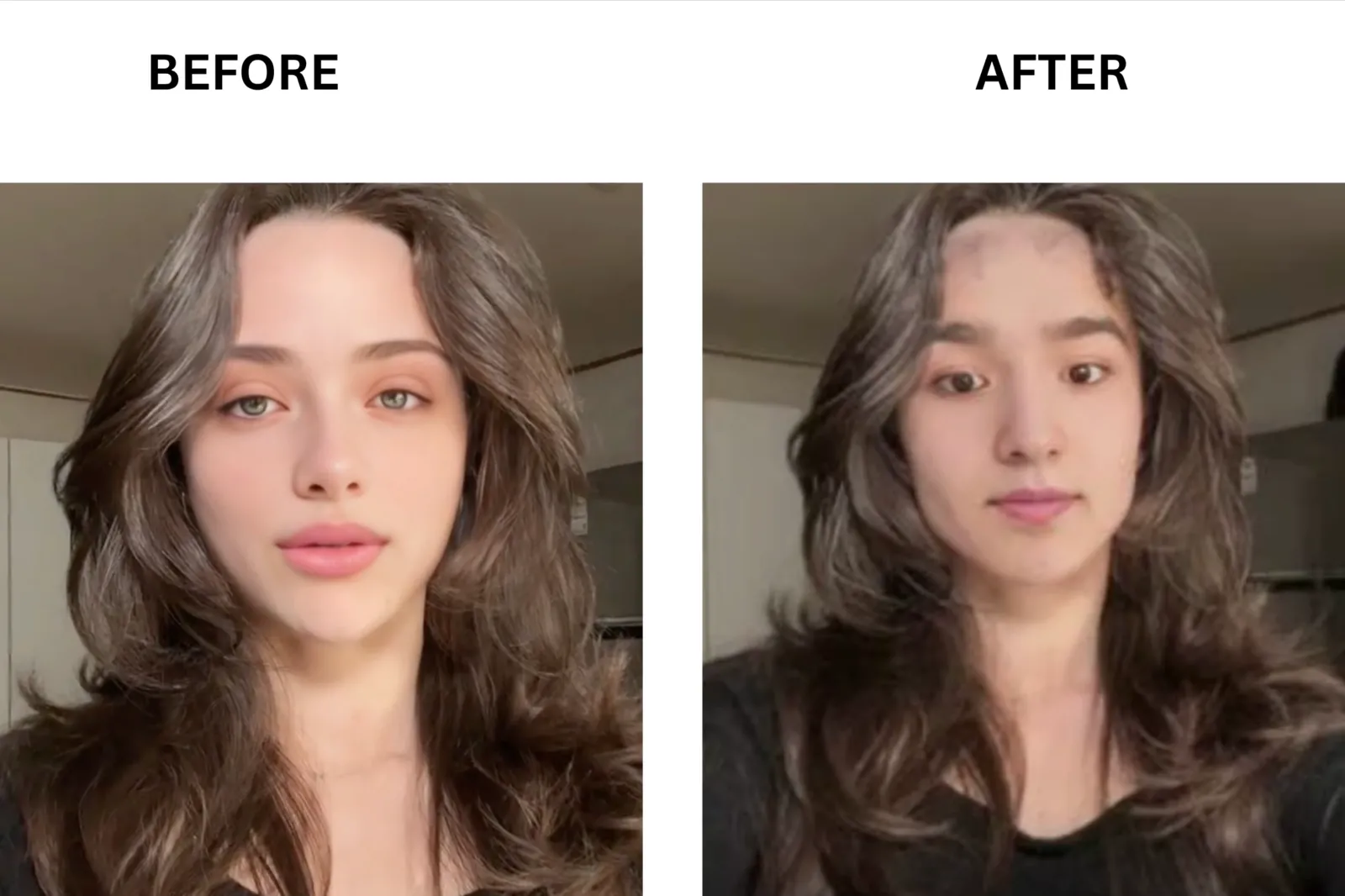
YouCam Video Face Swap: Best for Cosplay Previews

You can test how a Sailor Moon or Joker look reads in motion before you commit to the wig, the contacts, and the convention pass. YouCam Video Face Swap, from Perfect Corp, leans into this use case with a polished mobile interface and strong AR-powered face detection. What sets YouCam apart in this lane is the skin-tone matching and expression consistency on well-lit footage, which translates well to cosplay reference clips shot against a simple background.
Mango AI: Best for Quick Photo to Video Swaps
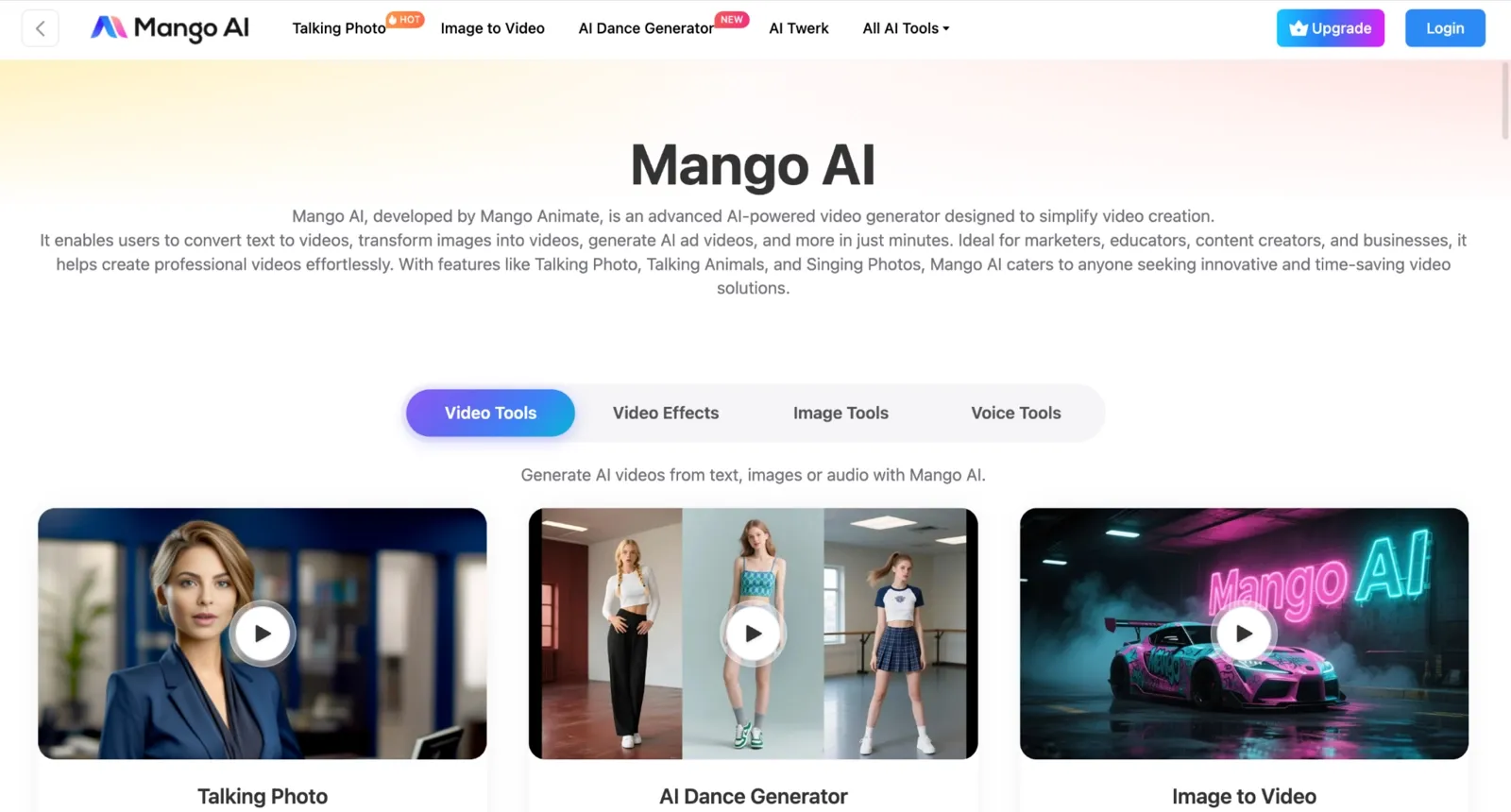
Mango AI is part of the broader Mango Animate platform. What stands out for photo-to-video face swaps is the variety of AI tools that sit alongside the face swap feature: talking photo, lip sync, face dance, and multiple face swap videos are all available within the same account. The free tier gives you 3 video face swaps per day, up to 15 seconds each, with a watermark, and 30MB per video. Paid plans remove the watermark and extend the video length to 90 seconds.
Supawork AI: Best for Bulk Template Workflows
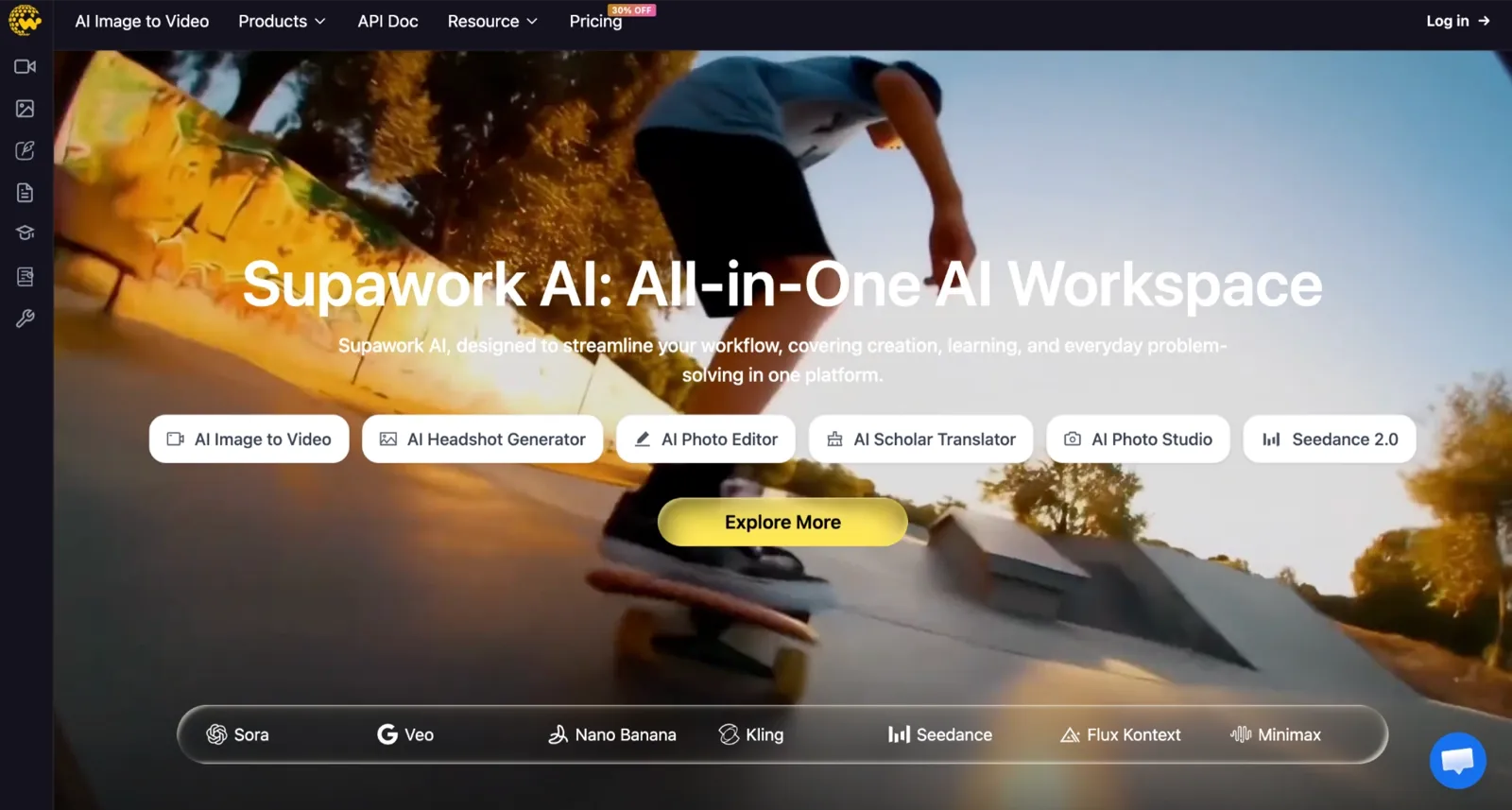
Supawork AI takes a pure pay-as-you-go approach with no monthly subscription required. The key differentiator is the coin-based system that never expires, which works well for teams or individuals with irregular usage patterns rather than steady monthly output. Supawork AI covers video face swap, long video face swap, image face swap, and GIF face swap, all under one account alongside AI writing and resume tools.
How to Choose by Use Case?
After testing these tools across different scenarios, I found that the best choice depends less on overall quality and more on what you’re actually trying to create. A tool that’s perfect for a TikTok trend may be a poor fit for a multi-face video, live stream, or commercial project. Here’s which tool I would pick for each use case.
TikTok trend jump: You need to export a vertical clip in under a minute before the moment passes. Reface has a catalog of trending templates that process photo swaps in under 10 seconds. Pick the template, upload your photo, and post.
Multi-face video: If your target clip has two or three people and you need each face replaced separately, use a tool with explicit multi-face tagging. Multi-face video swap handles this cleanly, letting you assign a different source face to each detected person in the clip.
**Live stream or VTuber: **If you are swapping in real time on a Twitch stream or as a VTuber, you need a tool that runs without freezing your encoder. The live face swap on Mac runs locally on M1 or newer chips with no cloud round-trip time, keeping latency low enough for broadcast.
4K commercial content: For client-facing or broadcast output, check the resolution ceiling before uploading. VidMage and AKOOL both support 4K on paid plans. Magic Hour’s Business plan also reaches 4K.
Batch processing: If you are running face swaps across a set of photos or short clips, a tool with bulk upload capability saves significant time. The batch face-swap workflow is built for this, and AI Face Swap also supports batch processing of up to 50 images.
No sign-up, one-off swap: AI Face Swap gives you 10 credits at registration with no credit card required. That is enough for a photo swap or 10 seconds of video without any account setup.
Privacy-first or local processing: If you are working with sensitive footage and do not want to upload to a cloud server, the face swap on Mac processes everything locally. Footage stays on your device.
**Viral meme or group chat clip: **For a quick reaction clip dropped into iMessage or Discord, you do not need 4K. You need a fast turnaround and no watermark. AI Face Swap and Magic Hour both deliver watermark-free exports on their free tiers without requiring a subscription.
Tips for Better Video Face Swaps
After dozens of test swaps, I found that source image quality and setup choices matter just as much as the face swap tool itself.
Use a sharp, well-lit, front-facing source photo. Blurry or angled images give the model less detail and can lead to visible artifacts during movement.
If your video includes multiple people, assign each face separately. This helps prevent incorrect swaps and ensures every subject is handled properly.
Try to match the lighting in your source photo to the target video. Similar lighting creates a more natural-looking result.
Start with the highest-resolution source image you can. Better image quality improves face tracking, expression matching, and overall realism.
Before uploading a long clip, check how the tool charges credits. Testing a 10–15 second sample first can save time and credits if the quality isn't where you want it.
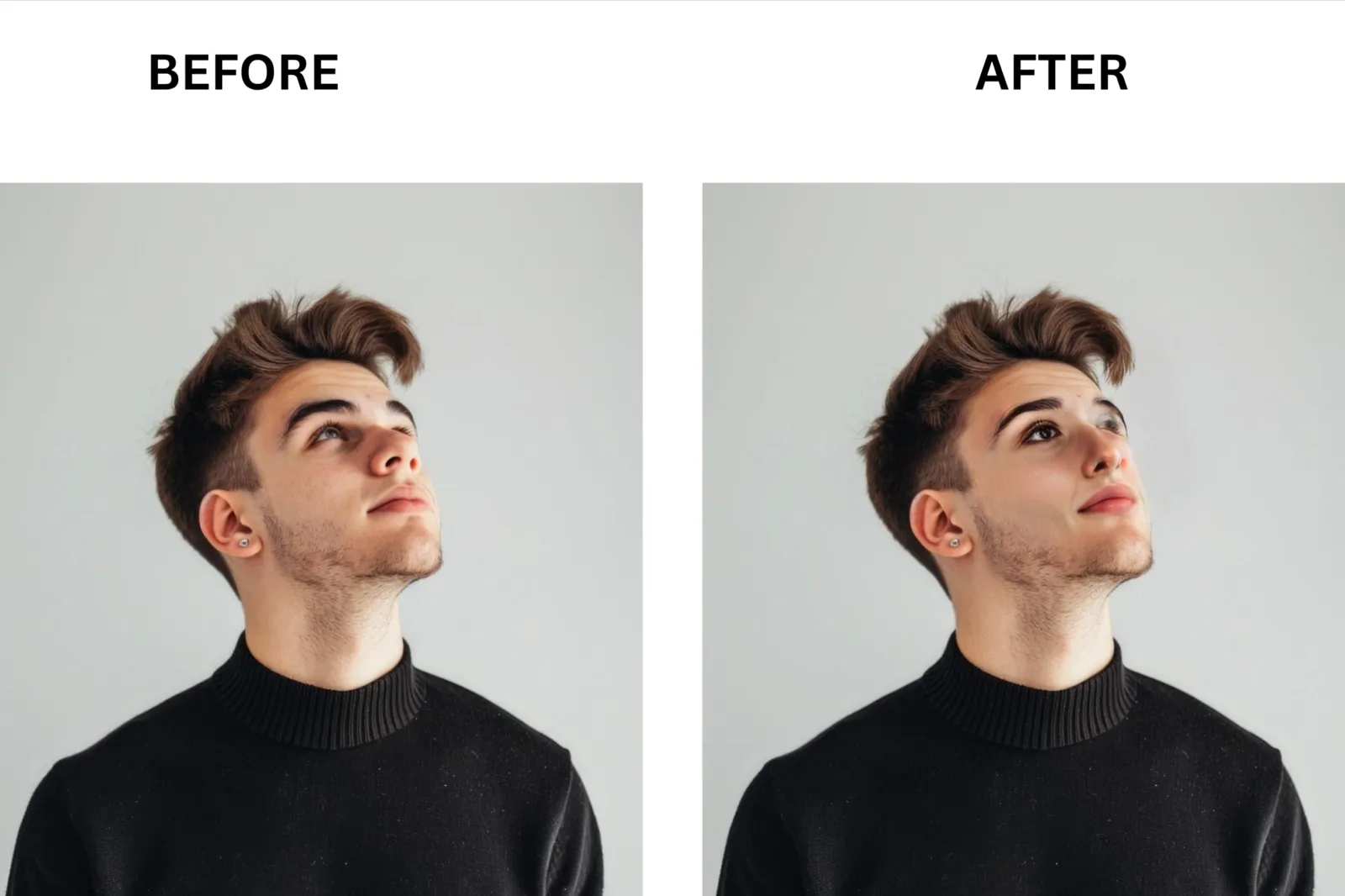
FAQ
What is the best AI video face swap tool?
VidMage is my top overall pick for 2026. It combines no-watermark output on the free tier, 4K export on paid plans, multi-face video support, and a Mac version that processes locally. For teams and marketers, AKOOL covers more use cases in one platform. For quick, no-sign-up use, AI Face Swap gets you started with 10 free credits and no account required.
Are AI video face swap tools safe and legal?
The tools themselves are legal to use for personal, entertainment, and commercial content when you have consent from everyone whose likeness appears. In May 2025, the TAKE IT DOWN Act made non-consensual intimate deepfakes a federal crime in the US, enforceable as of May 19, 2026. EU AI Act Article 50 requires disclosure labeling on synthetic media in many contexts.
Can I face-swap multiple people in one video?
Yes, but you need a tool that supports per-face tagging. Multi-face video swap lets you assign a different source face to each detected person in a clip. Tools that support only single-face swaps will either skip additional faces or incorrectly apply a single source to all detected subjects.
Which tool gives the longest free video?
DeepSwap supports videos up to 30 minutes on its paid PRO plan, the longest of any tool I tested. On free tiers, limits are much tighter: Magic Hour allows roughly 17 seconds of video face swap on its free 400-credit allotment, and VidMage gives 20 seconds per day with no watermark.
Are there AI video face swap tools without a sign-up?
VidMage offers a no-registration free trial that lets you test before creating an account. AI Face Swap provides 10 free credits after sign-up with no credit card required.
Why does the face flip on quick head turns?
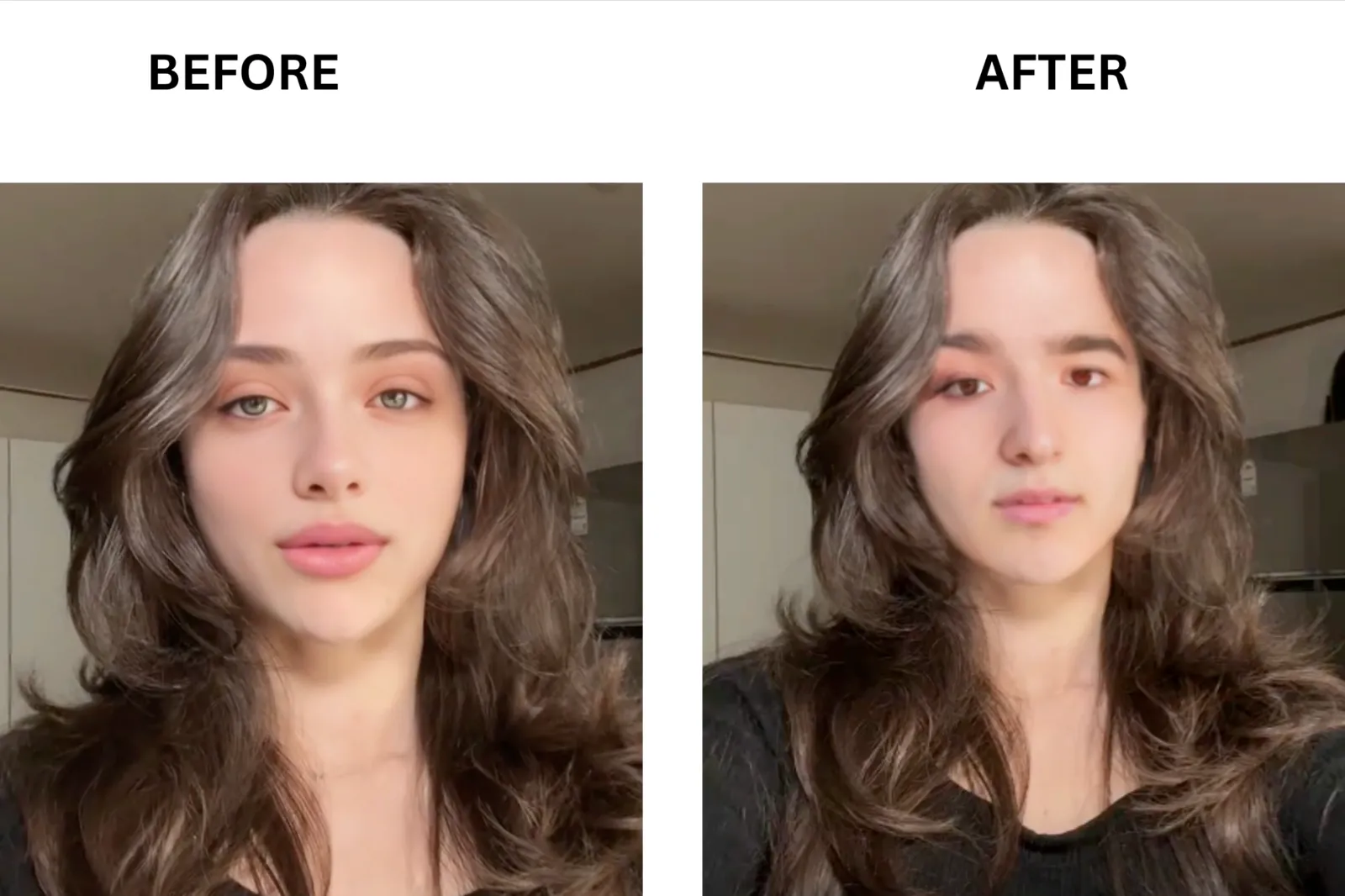
Face flipping on fast head turns is almost always a source photo problem. When the model has limited data about how the face looks from different angles, it struggles to maintain consistent tracking during rapid movement. Choosing a higher-resolution, front-facing source photo reduces this significantly.
The Bottom Line: My Top Pick
VidMage is my top overall pick for AI video face swap because it consistently delivers realistic results on moving footage, preserves facial expressions well, and handles multi face video swaps better than most of the tools I tested. The combination of stable identity tracking, 4K export, live face swap capabilities, and local processing on Mac makes it particularly appealing for creators who care about output quality rather than simply generating a quick novelty clip.
For more specific needs, Magic Hour is the strongest free web option if you want a broader creative toolkit. AI Face Swap is a good choice for a one-off swap without a subscription, DeepSwap remains the best option for very long videos, and Reface is still the fastest route to making a trend-driven social clip. Pick 2-3 AI video face swap tools, test them on the same source video and decide which tool offers best.